
- Age rating4+
- CategoryGraphics & Design
- DeveloperP&D Capital OU
- LanguagesEnglish
- Size119.8 MB
Links to the official App Store page
Download.org hosts no file of Holo.Draw Lite. The button opens its official App Store page, published by P&D Capital OU. Listing last checked on Nov 17, 2026.
Screenshots






About
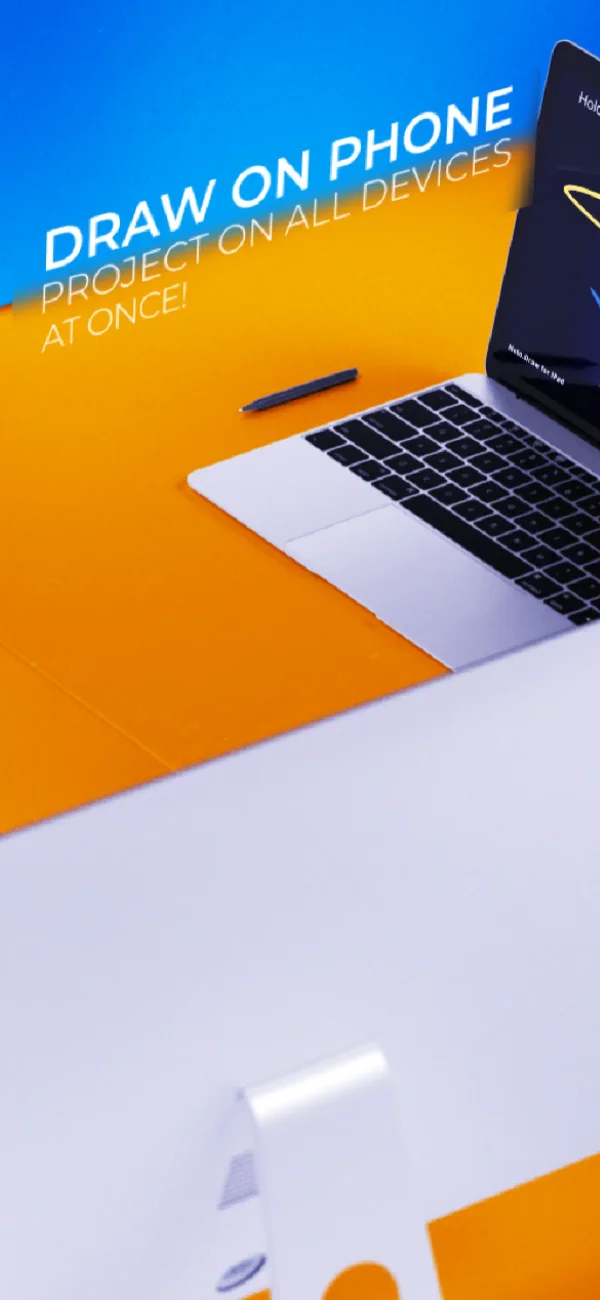
Transform your Mac or PC screen into a canvas, and let Holo.Draw on the iPhone or iPad be its mirror. Utilize it to draw attention to any aspect displayed on the screen by annotating, highlighting, and painting, whether with your fingertips or the precision of the Apple Pencil. Communicate seamlessly, bringing your ideas to vibrant life.
Whether you're a developer, analyst, tech writer, artist, educator, presenter or content creator – Holo.Draw elevates your work experience to the next level.
Imagine presenting a complex business strategy in a Zoom call. Start Holo.Draw, share your screen and start annotating and highlighting valuable facts on your laptop screen, making presentations dynamic and engaging.
Collaborate Anywhere: Adaptable for home offices or collaboration across continents, Holo.Draw fits your needs.
Picture app developers having a crucial call in Teams. Actively discuss a part of the codebase causing a bug. One developer connects Holo.Draw, illustrating ideas and solutions visually for more effective discussions.
Interactive Learning: Revolutionize teaching with interactive tools. Share screens, annotate presentations, and create engaging lessons.
Create a dynamic classroom experience by connecting your laptop to a projector and activating Holo.Draw. Explain topics with additional highlighting and annotations directly on top of slides for an interactive and enjoyable learning experience.
Effortless Connectivity: Seamlessly link your iPhone or iPad to Mac or PC for a world of collaborative possibilities.
Versatile Compatibility: Compatible with both PC and Mac, ensuring flexibility in your collaborative endeavors.
Remote Control at Your Fingertips: Connect your iPhone or iPad to any Mac or PC, perfect for presentations, remote video playback, or switching between applications.
Customizable Settings: Tailor your creative process with customizable settings for brush, annotations, and more. Your creative journey, your way.
User-Friendly Interface: Designed with Apple Pencil in mind, the intuitive interface ensures a smooth and responsive experience.
Experience the Future of Collaboration – Get Holo.Draw Now!
What’s new
Version 2024.6.21 · Jun 27, 2024
– UI adapted to work on mobile devices
App privacy
What P&D Capital OU declares on the App Store about how this app handles data.
-
Data not collected
The developer does not collect any data from this app.
Privacy practices may vary, for example with the features you use or your age.
Information
- Seller
- P&D Capital OU
- Category
- Graphics & Design
- Version
- 2024.6.21
- Updated
- Jun 27, 2024
- Released
- Jan 31, 2024
- Size
- 119.8 MB
- Requires
- iOS 12.0 or later
- Age rating
- 4+
- Price
- Free
- Languages
- English
- Copyright
- © 2023 P&D Capital OU
You might also like
-
 VirtualTablet: BluetoothPen Tablet & Mouse for your PC
-
 Motion Graphics Linearity MoveAnimation Design, Video Maker
-
 ZBrush - 3D Model MakerDesign, sculpt, blend & create
-
 MediBang Paletta:Drawing AppSketching, Drawing, Painting
-
 3D Modeling: Blender ShapeyardSketch, sculpt, 3d print, art
-
 Artstudio Pro: Draw, PaintDrawing, Painting, Sketching
-
 Sketchar: AR Drawing AppTrace, sketch & learn to draw
-
 Infinite PainterPainting, drawing, & sketching
-
 Prisma3D - Animation, ModelingPrisma 3D Animation App
-
 Affinity Publisher 2 for iPadPage layout design, publishing