VirtualTablet: Bluetooth
Pen Tablet & Mouse for your PC
Designed for iPhone, iPad, iPod touch
Free · In-app purchases
- Age rating4+
- CategoryGraphics & Design
- DeveloperEunjin Joo
- LanguagesEnglish+ 15 more
- Size68.7 MB
Links to the official App Store page
Download.org hosts no file of VirtualTablet: Bluetooth. The button opens its official App Store page, published by Eunjin Joo. Listing last checked on Nov 24, 2026.
Screenshots
About
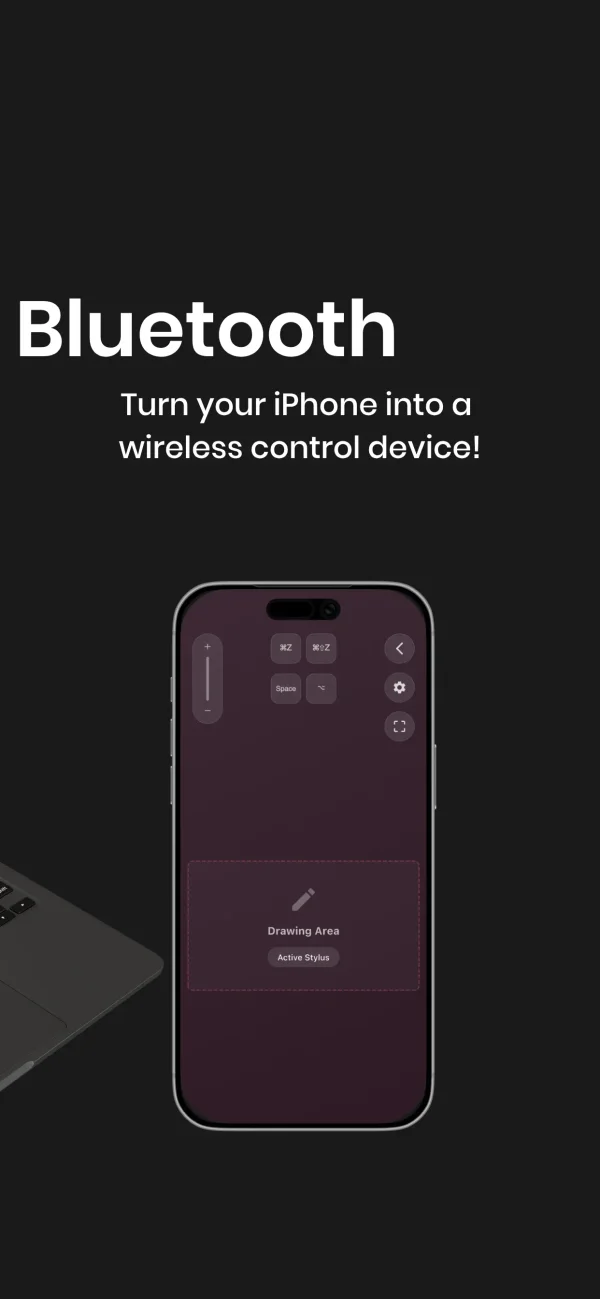
Turn your iPad or iPhone into a wireless pen tablet for your computer!
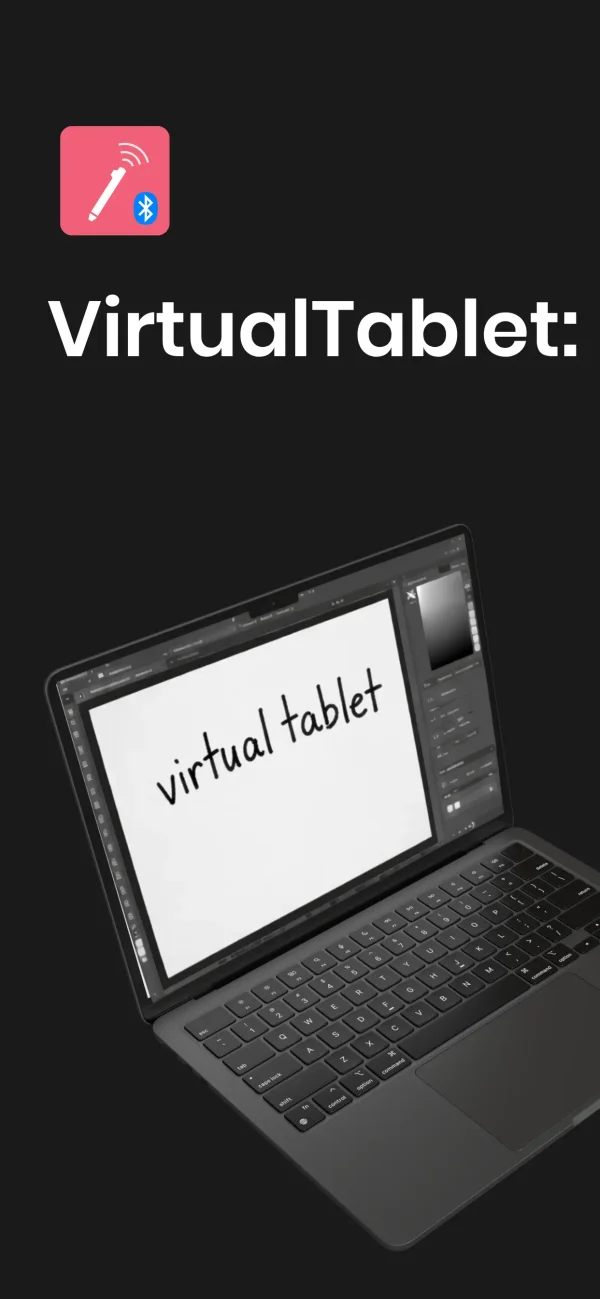
Draw, write, and control your PC with Apple Pencil—just like a professional graphic tablet.
VirtualTablet lets you use your iOS device as a high-precision input tablet for desktop apps. It’s perfect for digital artists, osu players, and anyone who needs accurate cursor control without buying expensive hardware.
WHAT YOU CAN DO
• Draw directly into desktop creative apps
• Control your computer cursor with Apple Pencil or touch
• Annotate PDFs, slides, and documents for teaching or presentations
• Play rhythm games like osu with precise, low-latency input
-------
CHOOSE YOUR SETUP: SCREEN MAPPING OR MOUSE MODE
VirtualTablet lets you decide how your cursor moves on your device.
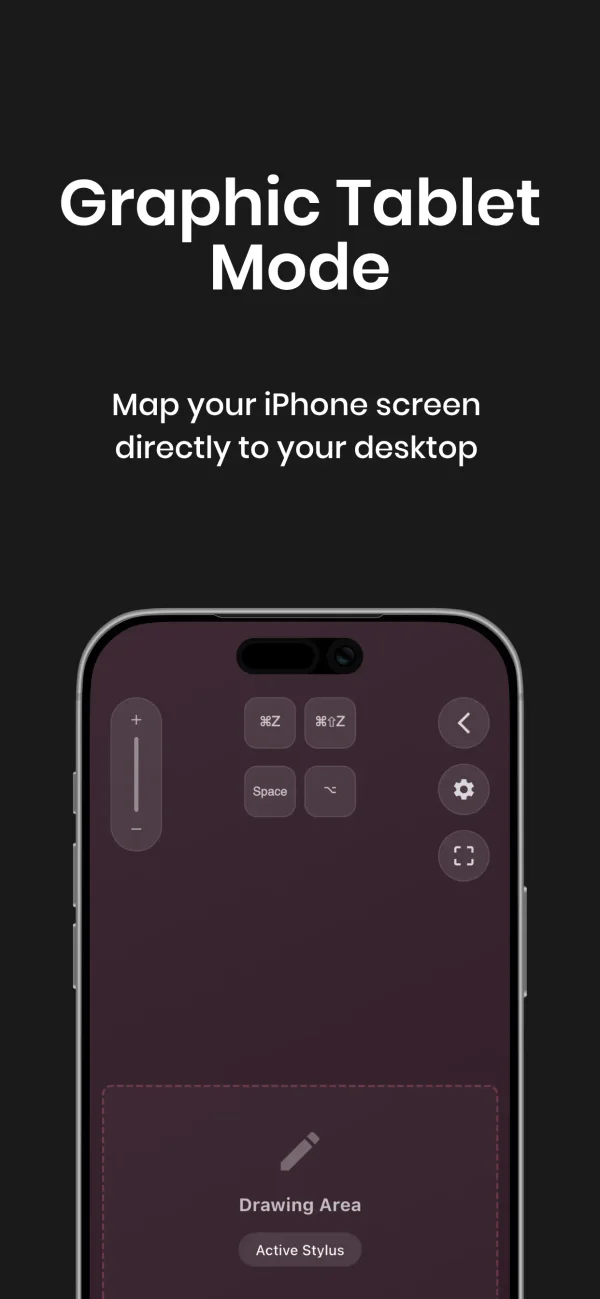
• Screen Mapping (Absolute Positioning)
Your iPad maps directly to your computer display, similar to a traditional pen tablet. Ideal for artists and osu players.
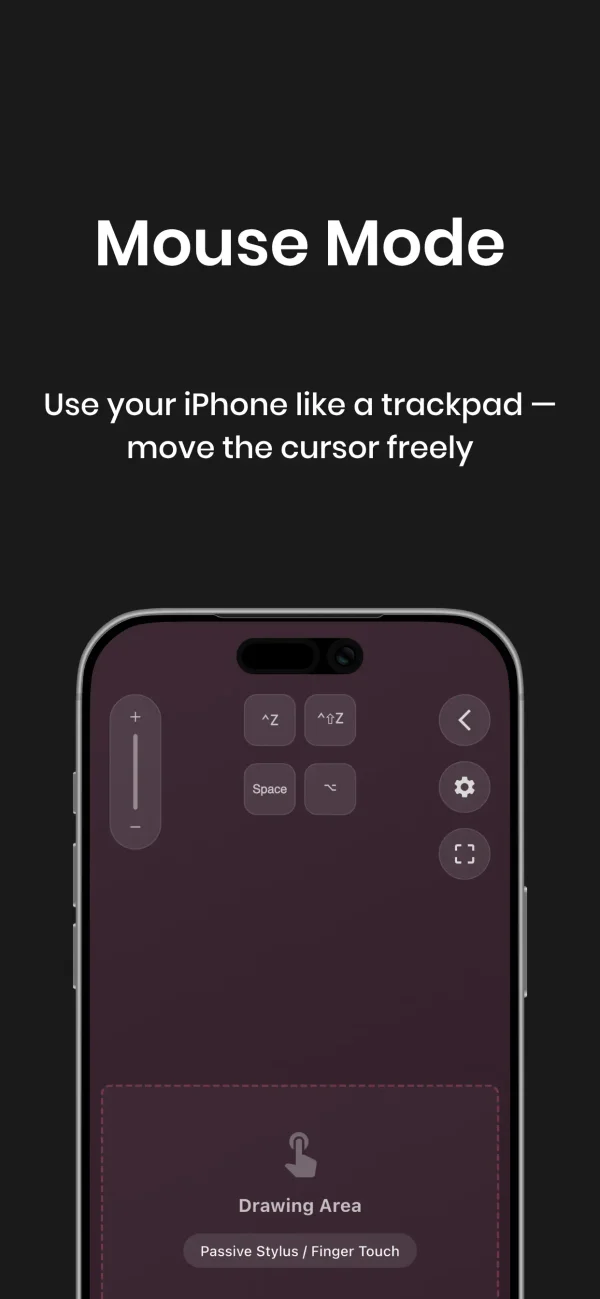
• Mouse Mode (Relative Positioning)
Use your iPad like a large trackpad. Cursor movement follows your hand regardless of position.
-------
APPLE PENCIL SUPPORT
• Pressure and tilt sensitivity
• Double-tap gesture support
• Hover cursor control on supported Apple Pencil models
Finger or passive stylus input is supported with basic functionality.
-------
WORKS WITH YOUR FAVORITE APPS
Compatible with popular desktop software such as Photoshop, Affinity, Krita, Clip Studio, Illustrator, and more.
-------
GETTING STARTED WITH VIRTUALTABLET
• Download VirtualTablet on your iPhone or iPad
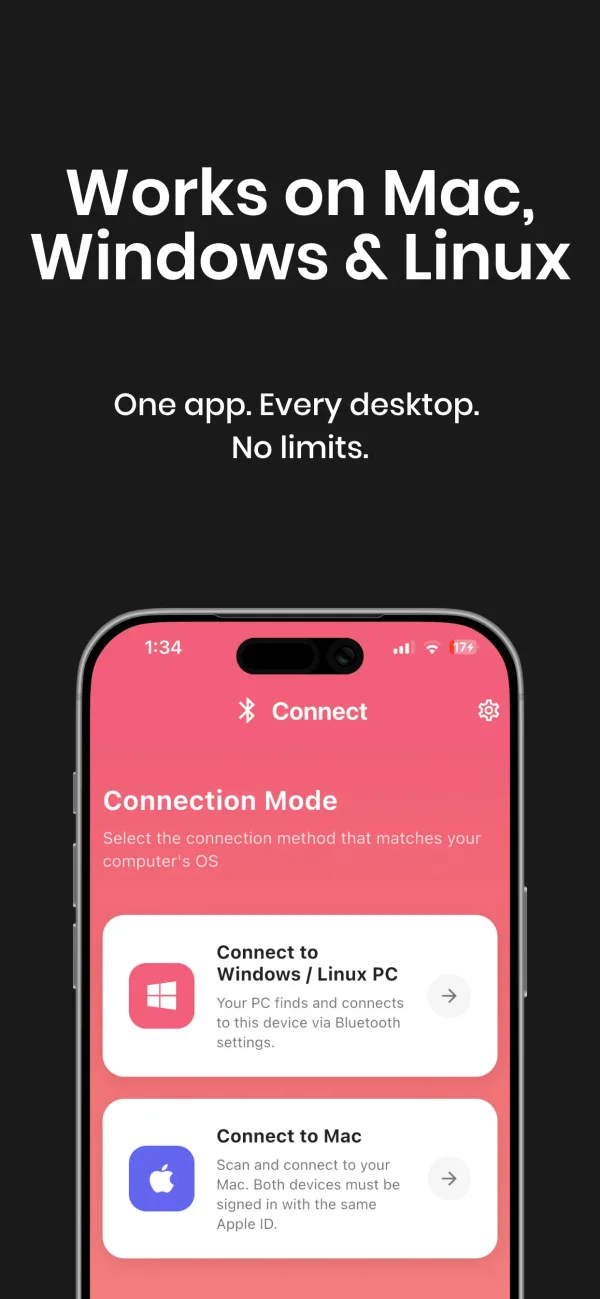
• On macOS, download the companion agent from https://www.sunnysidesoft.com/virtualtablet-bluetooth/download
• No extra agent required for Windows and Linux.
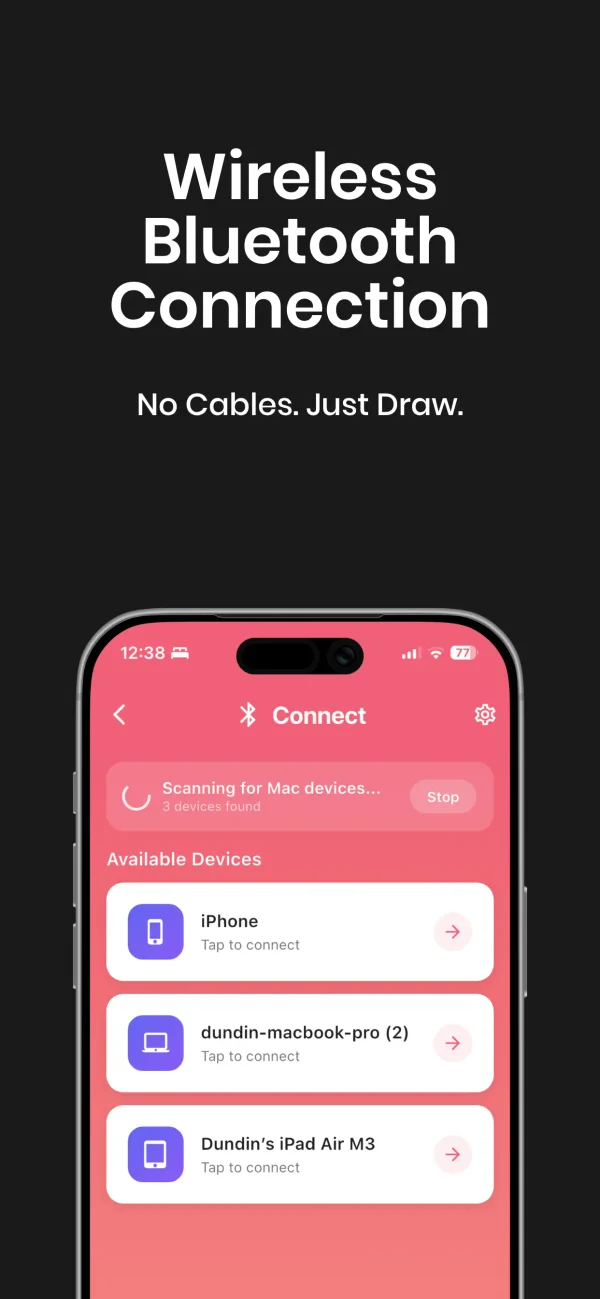
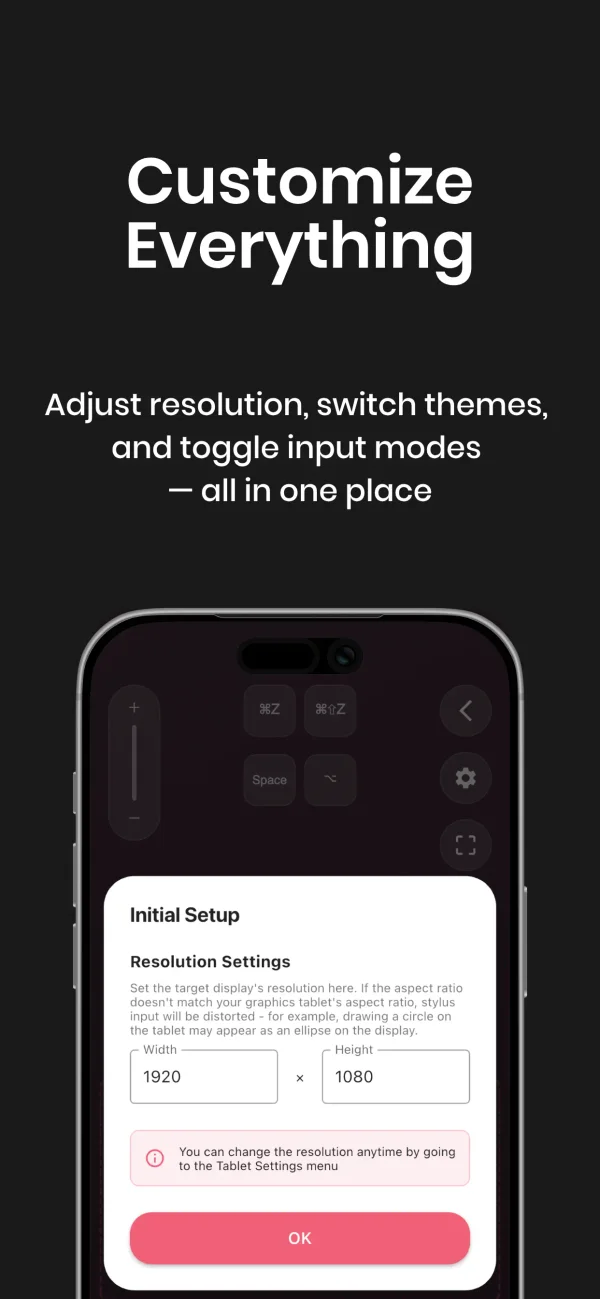
• Launch the app and follow the on-screen instructions
• Connect your device via Bluetooth
• Use Apple Pencil or touch to control your computer
Need help? Visit our website or contact support from the app.
https://www.sunnysidesoft.com/support/
-------
Stop paying for expensive drawing tablets.
Use the device you already own—download VirtualTablet and start creating.
HELP
• Support page: https://www.sunnysidesoft.com/support/
• Email us: support@sunnysidesoft.com
• Terms of Use (EULA): https://www.apple.com/legal/internet-services/itunes/dev/stdeula/
What’s new
Version 1.17.4 · Nov 22, 2026
Bug fixes and performance improvement
App privacy
What Eunjin Joo declares on the App Store about how this app handles data.
-
Data used to track you
May be used to track you across apps and websites owned by other companies.
- Identifiers
- Usage data
-
Data linked to you
May be collected and linked to your identity.
- User content
- Identifiers
- Usage data
-
Data not linked to you
May be collected but is not linked to your identity.
- Diagnostics
Privacy practices may vary, for example with the features you use or your age.
Information
- Seller
- Eunjin Joo
- Category
- Graphics & Design
- Version
- 1.17.4
- Updated
- Nov 22, 2026
- Released
- Mar 24, 2026
- Size
- 68.7 MB
- Requires
- iOS 15.6 or later
- Age rating
- 4+
- Price
- Free
- In-app purchases
- Yes
- Languages
- English, French, German, Indonesian, Italian, Japanese, Korean, Polish, Portuguese, Russian, Simplified Chinese, Spanish + 4 more
- Copyright
- © 2026 Sunnysidesoft
You might also like
-
 Holo.Pen Lite: Virtual TabletDraw PC Art from Tablet
-
 PadPad: Drawing TabletPen tablet for your computer
-
 Holo.Draw LiteDraw on PC from Mobile
-
 ImageLab: AI Anime GeneratorLocal Art, Photo & Images
-
 Wafer - 3D Texture PaintStylized Texturing
-
 Procreate Brushes · BrushKit6,870+ brushes, weekly updates
-
 Stampory: Stamp Your DaysTurn life into stamps
-
 Flip Animation: 2D Draw a ClipFlipAnim Maker Frame Animate
-
 3D Modeling: Design & Sculpt3D Model Maker, Sketch, Print
-
 Doodraw: Animated DrawingWiggle art & doodle GIF maker