
- Age rating17+
- CategoryUtilities
- DeveloperPeter Vogels
- LanguagesEnglish+ 2 more
- Size61.3 MB
Links to the official App Store page
Download.org hosts no file of HomeWatch. The button opens its official App Store page, published by Peter Vogels. Listing last checked on Nov 14, 2026.
Screenshots



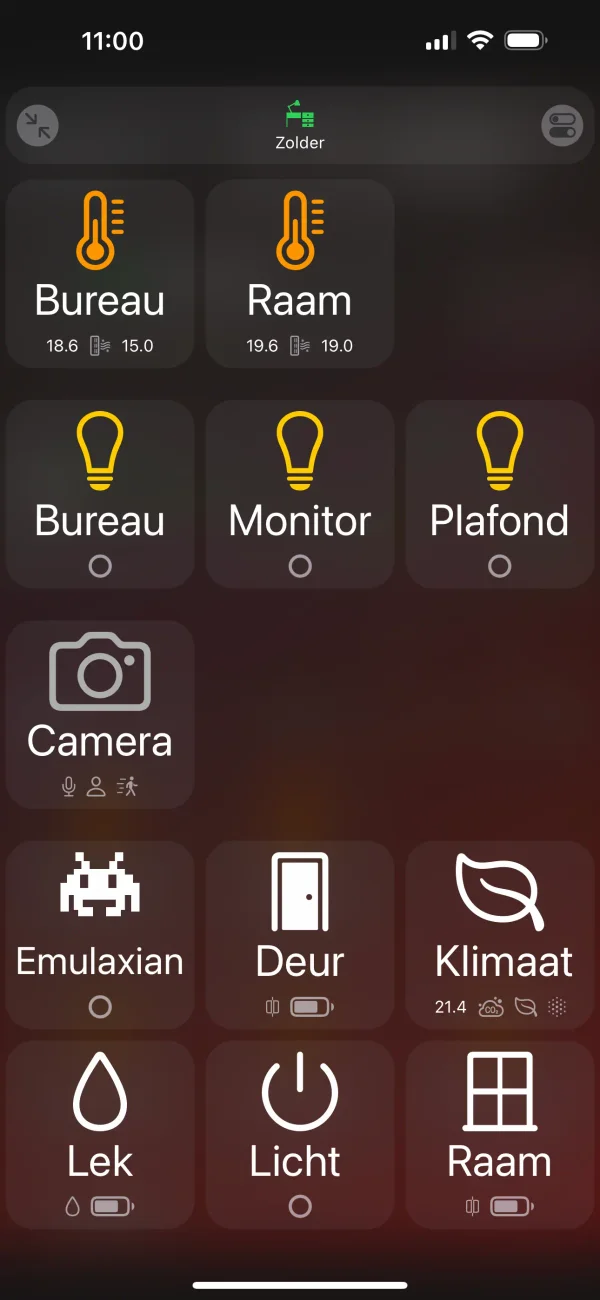

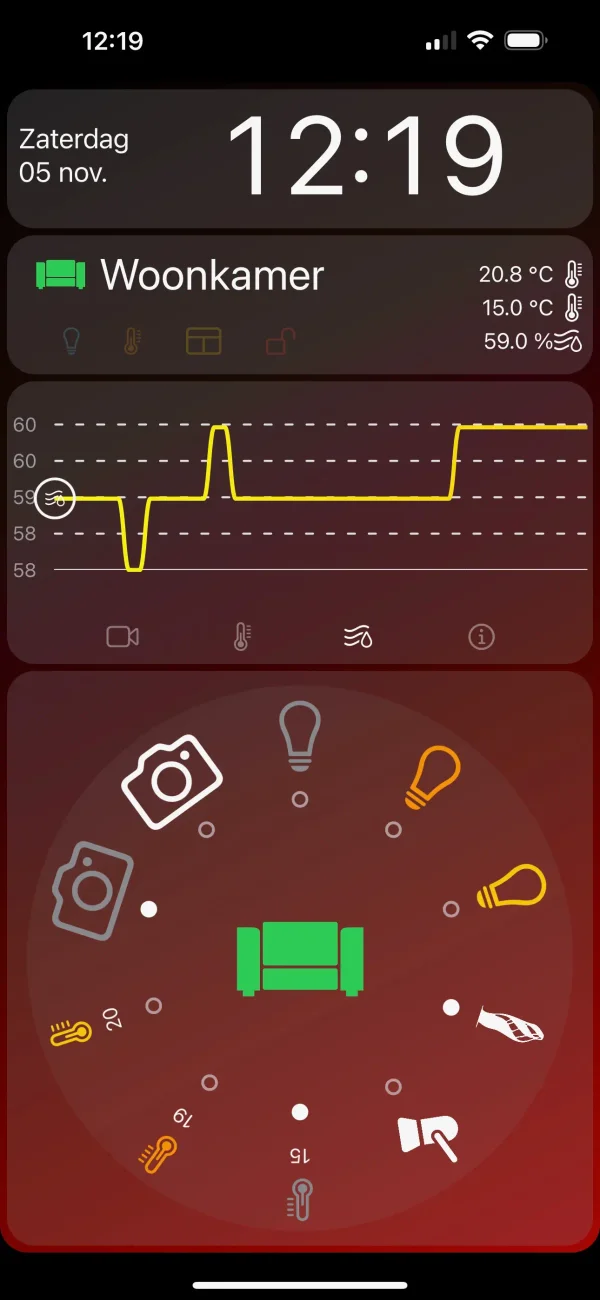
About
I made an app for my Apple Watch to see a glanceable status of our home and to control our HomeKit devices. It worked so well on the watch, that I expanded it to a dashboard app for all our Apple devices. I have now added a configuration interface to make it compatible with any HomeKit enabled home setup. I hope some of you will find it useful.
HOME VIEW
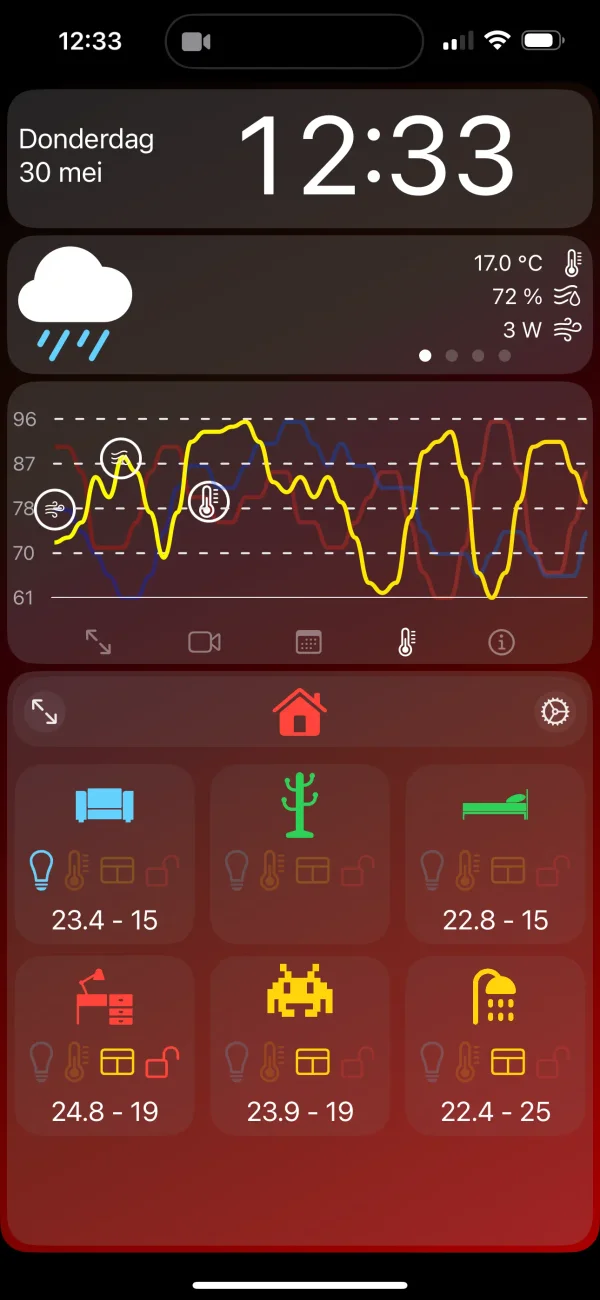
The circle / grid with icons on the home view shows a color coded status of the rooms of the home: red when a door is open, yellow when a window is open, orange when the heating is on, cyan when lights are on and green when nothing is on.
On the iPhone, iPad, tvOS and Mac the app also shows the time, date, cameras, feeds, events, reminders, a website and weather information. When there is rain, it will show a rain graph.
ROOM VIEWS
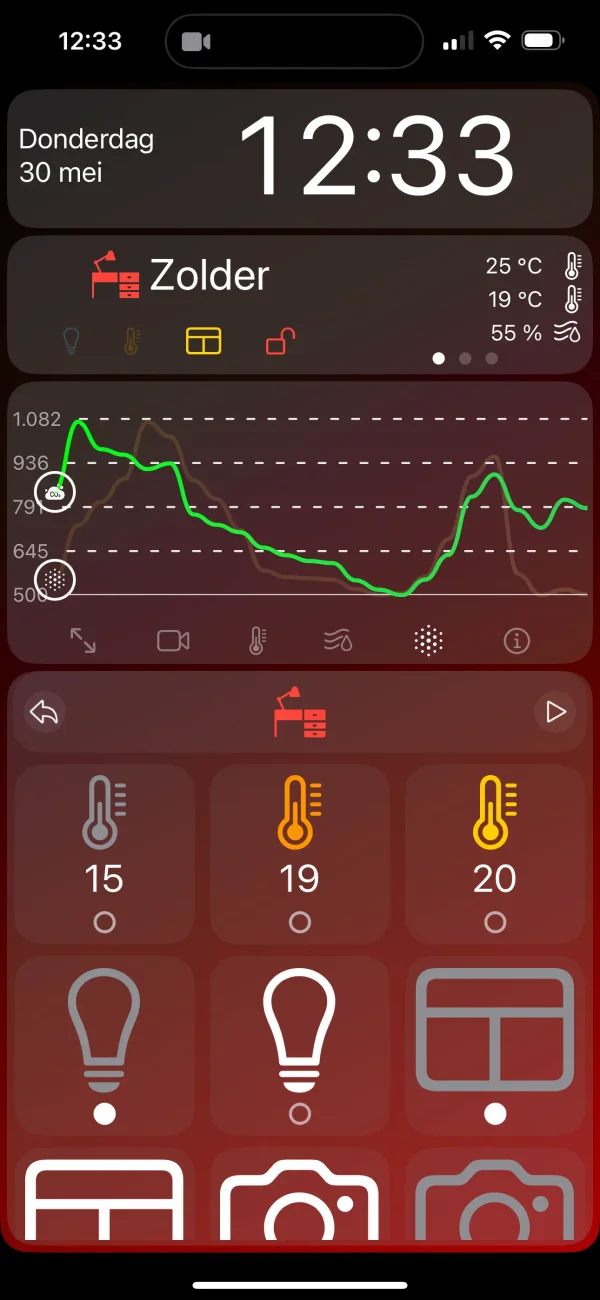
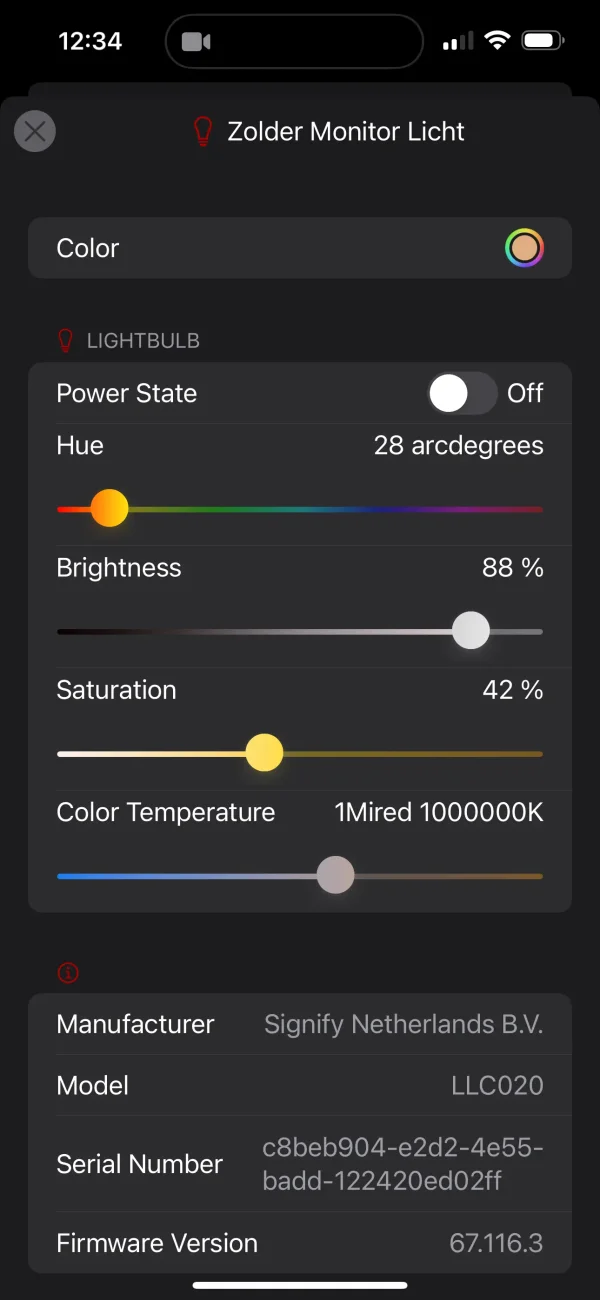
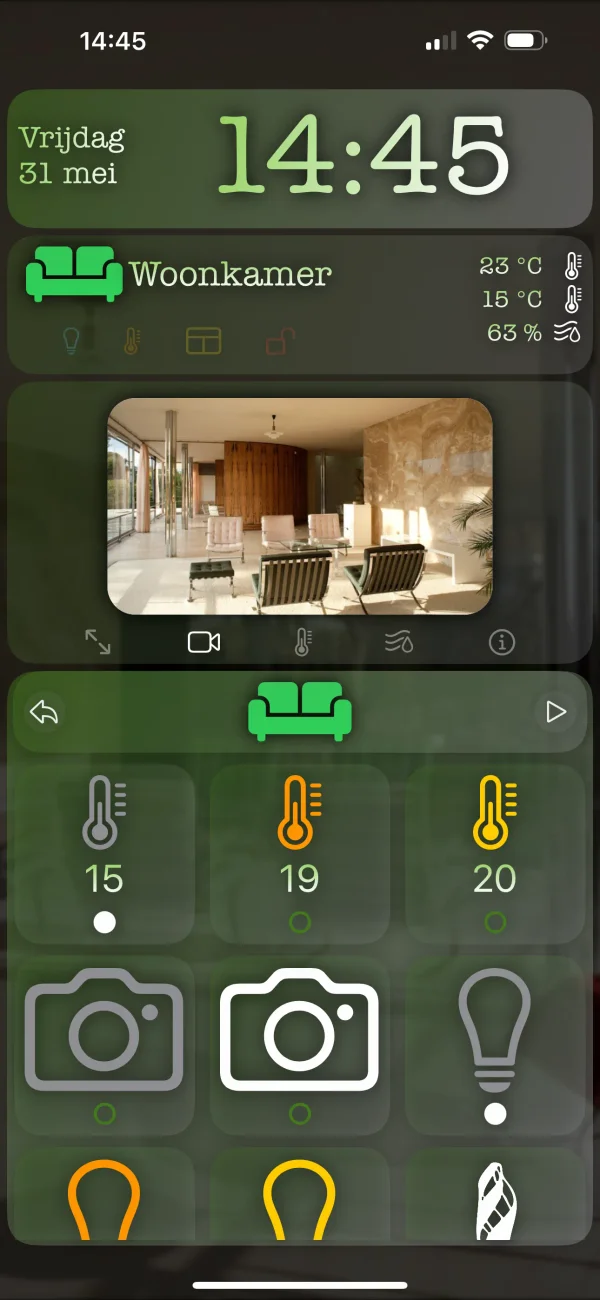
When a room is selected, the circle layout will show the scenes you can control in that room. The grid layout also shows the devices that can be controlled in that room. Additionally the room view has an information section. To the right it can show any characteristics from your devices. Below is a detail view that can show a camera view, a website, a temperature, humidity and climate history graphs.
WIDGETS
Fully customisable lock-screen and home-screen widgets. Tap / Clicking a widget item to go directly to a room view, execute a scene or launch any url-scheme. Customisable complications on the Watch can have actions to go directly to a room view and execute any scene.
MENU BAR ITEMS
On the Mac any HomeKit characteristic can be added to the menu bar and is kept up to date.
CUSTOMISATION
The interface can be fully customised. The user can add their own background images and icons from the photo library. Customise gradient overlays, icons, fonts, colours and more. Make it your own…
What’s new
Version 1.17 · Oct 6, 2026
1.17
- Added support for iPhone Duo, including a customizable Favorites sidebar.
- Favorites Detail Views now provide quick access to homes, rooms, scenes, accessories and links on iPhone, iPad, Mac and Apple TV.
- JSON Detail Views can now include optional action buttons that send GET requests to specified URL’s.
- Various improvements and bug fixes.
App privacy
What Peter Vogels declares on the App Store about how this app handles data.
-
Data not collected
The developer does not collect any data from this app.
Privacy practices may vary, for example with the features you use or your age.
Information
- Seller
- Peter Vogels
- Category
- Utilities
- Version
- 1.17
- Updated
- Oct 6, 2026
- Released
- May 27, 2022
- Size
- 61.3 MB
- Requires
- iOS 15.6 or later
- Age rating
- 17+
- Price
- Free
- Languages
- English, Dutch, German
- Copyright
- © Peter Vogels
You might also like
-
 Dashboard: Smart Home & RTSPWall panel for Apple Home
-
 CCTV ViewerGet your CCTV on your device
-
 File Explorer & Playerstream video & music from Mac
-
 Aaron: Virtual Camera & ViewerCreate & pair your IP cam grid
-
 IP Camera Viewer: Cam HeroONVIF & RTSP CCTV, PTZ & NVR
-
 uPnP MateUtilities
-
 Varys for PlexMonitor your Plex Media Server
-
 Remote Buddy Mobile 2Remote/mouse/keyboard for Mac
-
 UniCam: IP Camera ViewerAI Alerts, CCTV, Baby Monitor
-
 Clean Links: URL CleanerStrip trackers · QR scanner