
- 対象年齢17+
- カテゴリユーティリティ
- 開発元Peter Vogels
- 言語英語ほか2言語
- サイズ61.3 MB
App Storeの公式ページにリンクしています
Download.orgはHomeWatchのファイルを一切ホストしていません。ボタンを押すと、Peter Vogelsが公開しているApp Storeのアプリページが開きます。ページの最終確認:2026/11/14。
スクリーンショット





概要
開発元はこのテキストをお使いの言語で提供していません。
I made an app for my Apple Watch to see a glanceable status of our home and to control our HomeKit devices. It worked so well on the watch, that I expanded it to a dashboard app for all our Apple devices. I have now added a configuration interface to make it compatible with any HomeKit enabled home setup. I hope some of you will find it useful.
HOME VIEW
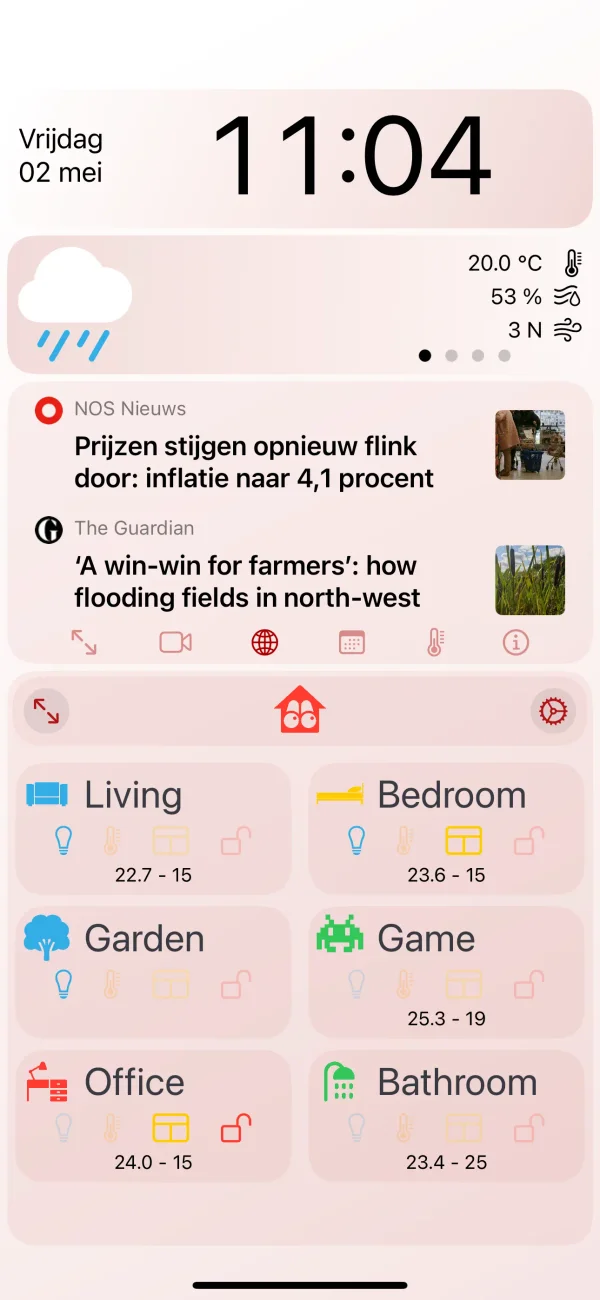
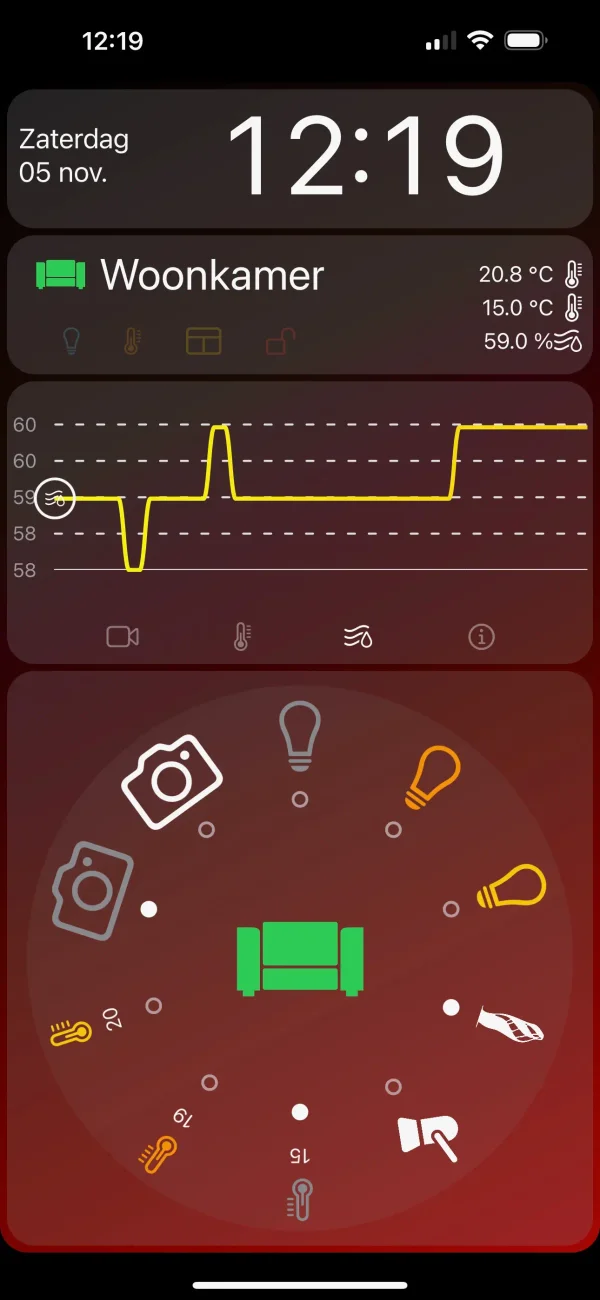
The circle / grid with icons on the home view shows a color coded status of the rooms of the home: red when a door is open, yellow when a window is open, orange when the heating is on, cyan when lights are on and green when nothing is on.
On the iPhone, iPad, tvOS and Mac the app also shows the time, date, cameras, feeds, events, reminders, a website and weather information. When there is rain, it will show a rain graph.
ROOM VIEWS
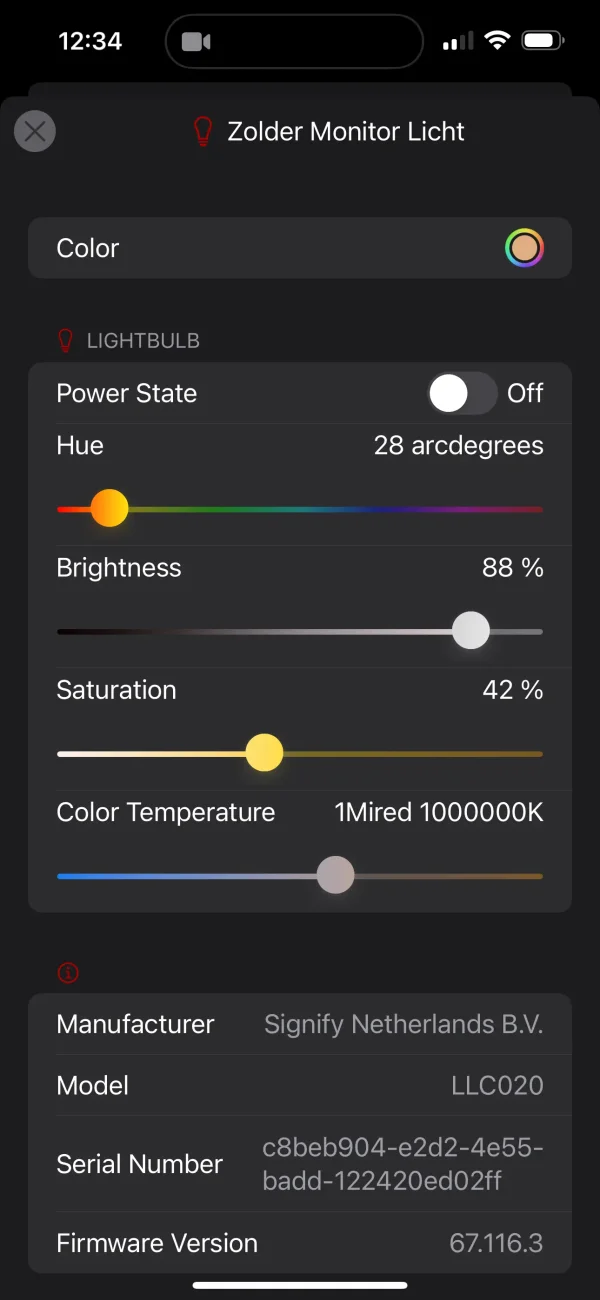
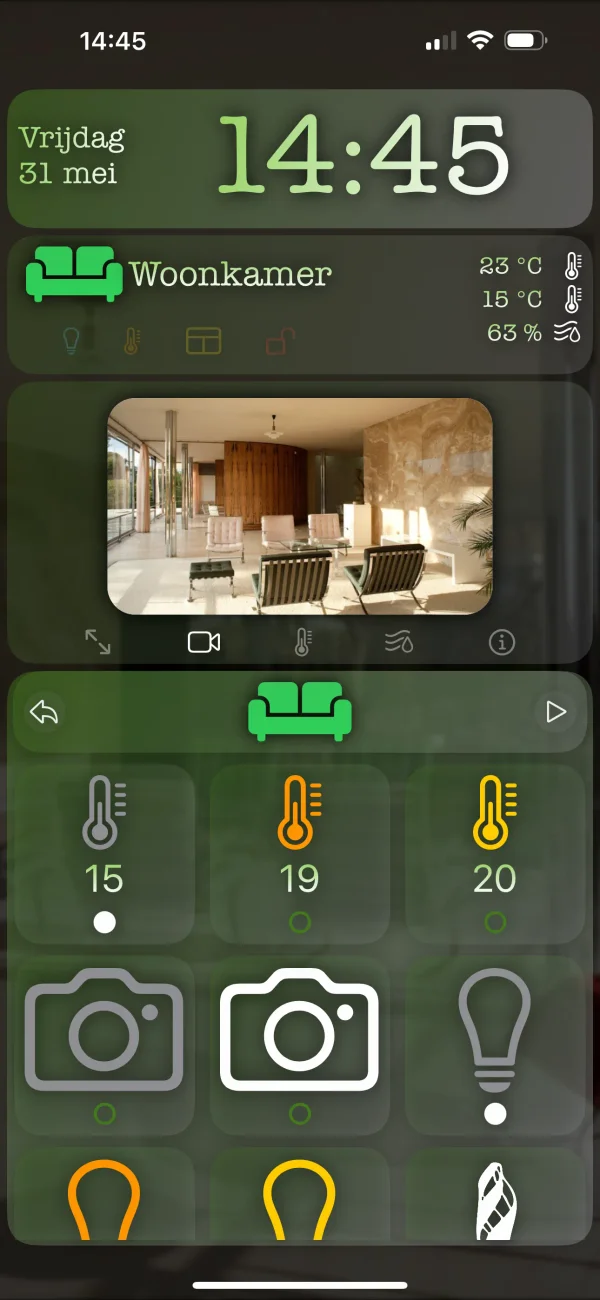
When a room is selected, the circle layout will show the scenes you can control in that room. The grid layout also shows the devices that can be controlled in that room. Additionally the room view has an information section. To the right it can show any characteristics from your devices. Below is a detail view that can show a camera view, a website, a temperature, humidity and climate history graphs.
WIDGETS
Fully customisable lock-screen and home-screen widgets. Tap / Clicking a widget item to go directly to a room view, execute a scene or launch any url-scheme. Customisable complications on the Watch can have actions to go directly to a room view and execute any scene.
MENU BAR ITEMS
On the Mac any HomeKit characteristic can be added to the menu bar and is kept up to date.
CUSTOMISATION
The interface can be fully customised. The user can add their own background images and icons from the photo library. Customise gradient overlays, icons, fonts, colours and more. Make it your own…
新機能
バージョン 1.17 · 2026/10/6
1.17
- Added support for iPhone Duo, including a customizable Favorites sidebar.
- Favorites Detail Views now provide quick access to homes, rooms, scenes, accessories and links on iPhone, iPad, Mac and Apple TV.
- JSON Detail Views can now include optional action buttons that send GET requests to specified URL’s.
- Various improvements and bug fixes.
アプリのプライバシー
このアプリのデータの取り扱いについて、Peter VogelsがApp Storeで申告している内容です。
-
データの収集なし
開発元はこのアプリからデータを収集しません。
プライバシーの取り扱いは、ご利用の機能やお客様の年齢などに応じて異なる場合があります。
情報
- 販売元
- Peter Vogels
- カテゴリ
- ユーティリティ
- バージョン
- 1.17
- 更新日
- 2026/10/6
- リリース
- 2022/5/27
- サイズ
- 61.3 MB
- 必要条件
- iOS 15.6以降
- 対象年齢
- 17+
- 価格
- 無料
- 言語
- 英語, オランダ語, ドイツ語
- 著作権
- © Peter Vogels
こちらもおすすめ
-
 Dashboard: Smart Home & RTSPApple Home用の壁掛けパネル
-
 CCTV Viewerユーティリティ
-
 File Explorer & Playerユーティリティ
-
 Aaron Home SecuritySurveillance Camera System
-
 IP Camera Viewer: Cam Heroユーティリティ
-
 uPnP Mateユーティリティ
-
 Varys for Plexユーティリティ
-
 Remote Buddy Mobile 2ユーティリティ
-
 UniCam:IPカメラビューアAI通知・防犯カメラ・ベビーモニター
-
 Clean Links: QRコードリーダーリンククリーナー·トラッキング除去·短縮URL·詐欺対策