
- Age rating4+
- CategoryUtilities
- DeveloperHopToDesk
- LanguagesEnglish
- Size55.9 MB
Links to the official App Store page
Download.org hosts no file of HopToDesk. The button opens its official App Store page, published by HopToDesk. Listing last checked on Nov 17, 2026.
Screenshots



About
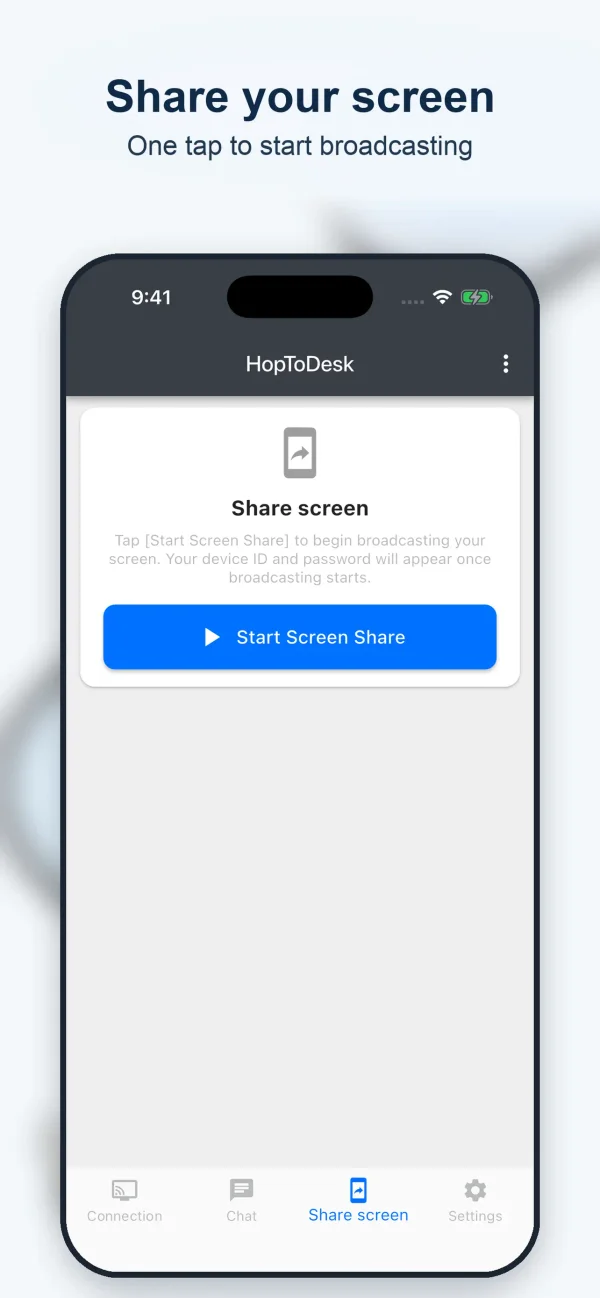
Introducing HopToDesk, your free and secure remote control app for seamless access to your computer from anywhere in the world. Stay connected to your files and applications or provide remote assistance with reliable end-to-end encryption, all from the comfort of your iPhone or iPad device.
A perfect tool for working from home, IT support, and managing remote systems for any purpose.
HopToDesk is free for personal and business use.
Quick Start
1. Install and launch HopToDesk on both systems you wish to connect.
2. Enter the ID of the remote desktop that you wish to connect to.
3. Allow the connection or enter the password to start the remote session.
Highlights include:
+ Screen Share
+ Remote Control
+ Wake-On-LAN
+ 2FA Security
+ Low Latency
What’s new
Version 1.46.70 · Oct 17, 2026
Phones and tablets now follow your account's network, including the EU-only network, and release it when unlinked. The network setting shows whether the built-in or your account network is in use. A managed network address is used from the first start. Update checks work on account-managed networks. Support for a network secret on private networks. Connection fixes.
App privacy
What HopToDesk declares on the App Store about how this app handles data.
-
Data not collected
The developer does not collect any data from this app.
Privacy practices may vary, for example with the features you use or your age.
Information
- Seller
- Begonia Holdings, LLC
- Category
- Utilities
- Version
- 1.46.70
- Updated
- Oct 17, 2026
- Released
- Aug 23, 2022
- Size
- 55.9 MB
- Requires
- iOS 13.0 or later
- Age rating
- 4+
- Price
- Free
- Languages
- English
- Copyright
- © Begonia Holdings
You might also like
-
 AnyViewer Remote DesktopFreeware to control pc safely
-
 AirDroid Remote SupportUtilities
-
 RustDesk Remote DesktopRemote access and control
-
 Screen and Camera SharingUtilities
-
 Remote Desktop ManagerRemote Connection Management
-
 Alpemix Remote Desktop ControlUtilities
-
 MikroTik Back To HomeMikroTik VPN
-
 AirMirror - Remote SupportUtilities
-
 Screens 5: VNC Remote DesktopFast & Secure Computer Access
-
 ProxMobo – Proxmox VE & PBSNative Proxmox VE / PBS Client