
HopToDesk
Remote access and control
Dirancang untuk iPhone, iPad, iPod touch
Gratis
- Batasan usia4+
- KategoriKegunaan
- PengembangHopToDesk
- BahasaInggris
- Ukuran57,0 MB
Tertaut ke halaman resmi App Store
Download.org tidak menyimpan file HopToDesk apa pun. Tombol ini membuka halaman aplikasi di App Store, tempat HopToDesk menerbitkannya. Halaman terakhir diperiksa pada 26/11/2026.
Tangkapan layar


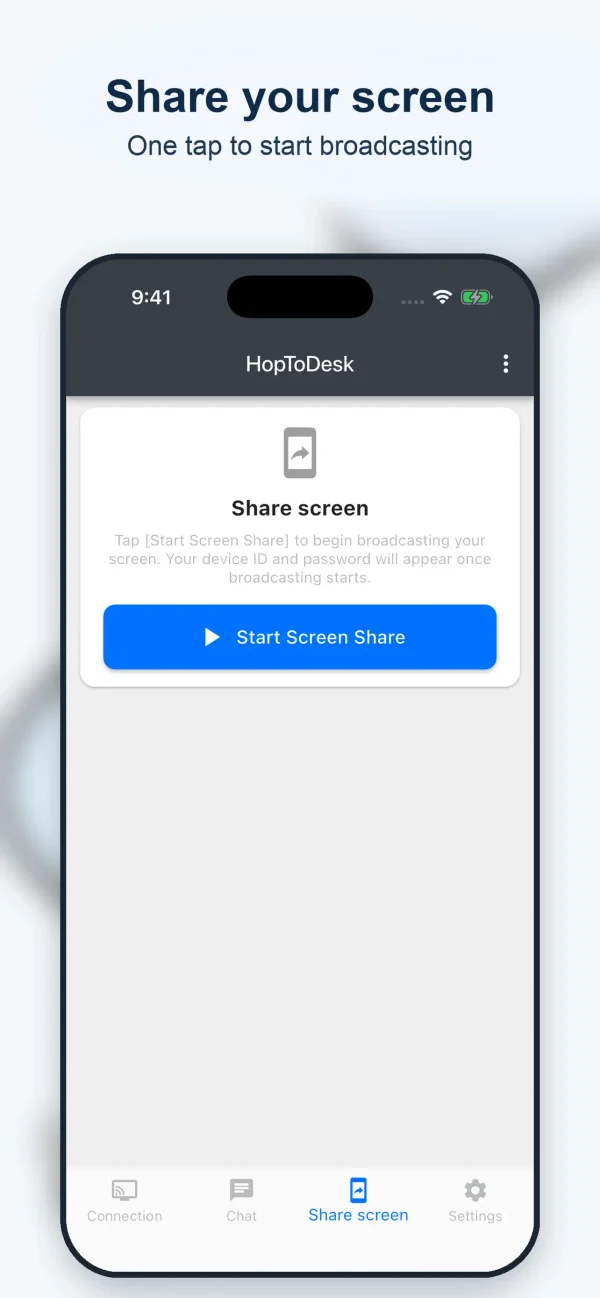

Tentang
Pengembang belum menyediakan teks ini dalam bahasa Anda.
Introducing HopToDesk, your free and secure remote control app for seamless access to your computer from anywhere in the world. Stay connected to your files and applications or provide remote assistance with reliable end-to-end encryption, all from the comfort of your iPhone or iPad device.
A perfect tool for working from home, IT support, and managing remote systems for any purpose.
HopToDesk is free for personal and business use.
Quick Start
1. Install and launch HopToDesk on both systems you wish to connect.
2. Enter the ID of the remote desktop that you wish to connect to.
3. Allow the connection or enter the password to start the remote session.
Highlights include:
+ Screen Share
+ Remote Control
+ Wake-On-LAN
+ 2FA Security
+ Low Latency
Yang baru
Versi 1.46.90 · 25/11/2026
Bug fixes and improvements.
Privasi aplikasi
Yang dinyatakan HopToDesk di App Store tentang cara aplikasi ini menangani data.
-
Data tidak dikumpulkan
Pengembang tidak mengumpulkan data apa pun dari aplikasi ini.
Praktik privasi dapat bervariasi, misalnya berdasarkan fitur yang Anda gunakan atau usia Anda.
Informasi
- Penjual
- Begonia Holdings, LLC
- Kategori
- Kegunaan
- Versi
- 1.46.90
- Diperbarui
- 25/11/2026
- Dirilis
- 23/8/2022
- Ukuran
- 57,0 MB
- Memerlukan
- iOS 15.0 atau yang lebih baru
- Batasan usia
- 4+
- Harga
- Gratis
- Bahasa
- Inggris
- Hak cipta
- © Begonia Holdings
Mungkin Anda juga suka
-
 AnyViewer Remote DesktopKegunaan
-
 AirDroid Remote SupportKegunaan
-
 RustDesk Remote DesktopKegunaan
-
 Screen and Camera SharingKegunaan
-
 Remote Desktop ManagerKegunaan
-
 Alpemix Remote Desktop ControlKegunaan
-
 MikroTik Back To HomeKegunaan
-
 AirMirror - Remote SupportKegunaan
-
 Screens 5: VNC Remote DesktopKegunaan
-
 ProxMobo – Proxmox VE & PBSKegunaan