- Age rating4+
- CategoryUtilities
- Developerhuajun xia
- LanguagesSimplified Chinese+ 2 more
- Size12.3 MB
Links to the official App Store page
Download.org hosts no file of HostBox. The button opens its official App Store page, published by huajun xia. Listing last checked on Nov 12, 2026.
Screenshots
About
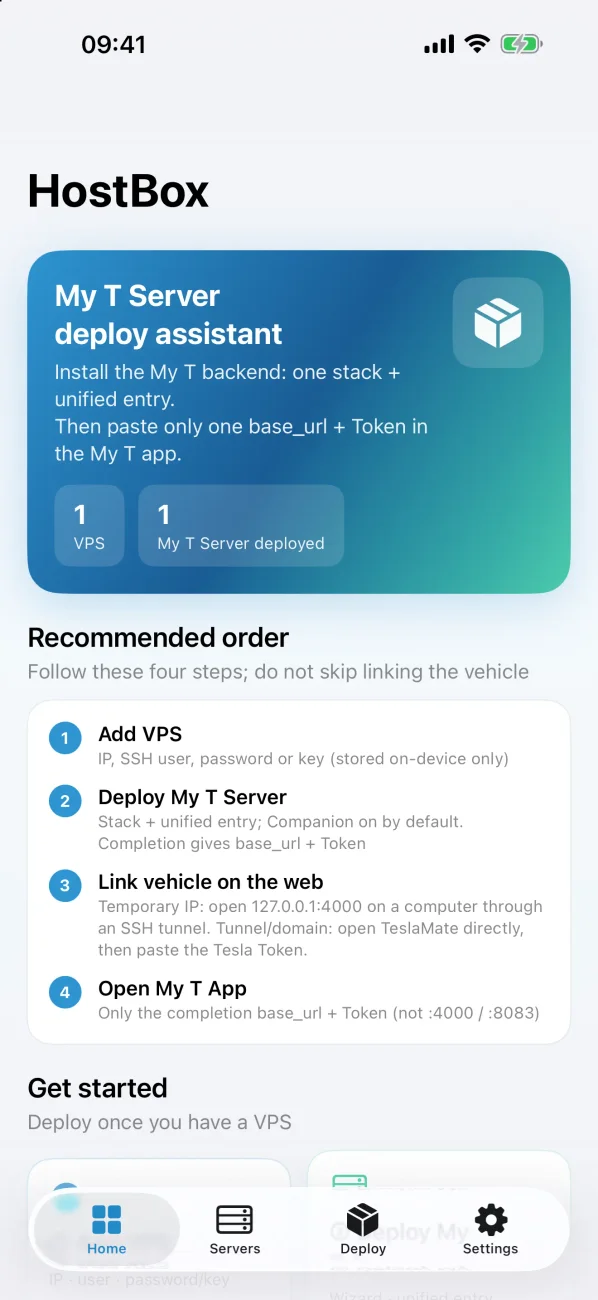
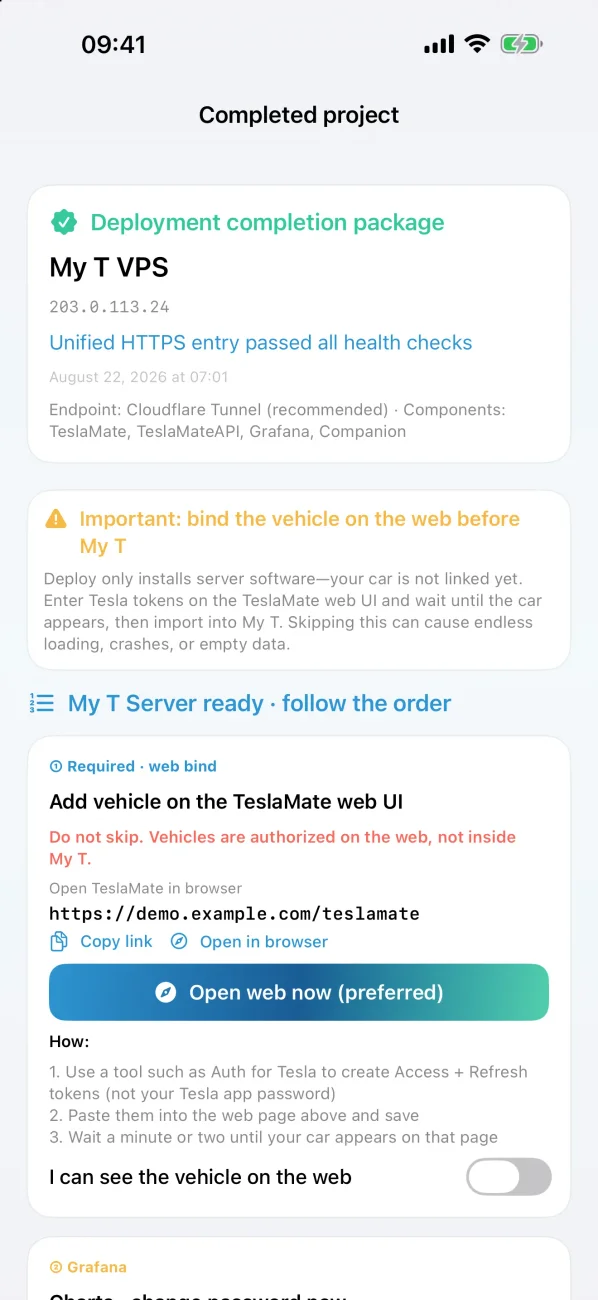
HostBox is the deploy-layer iOS app for My T (not a Docker terminal inside My T).
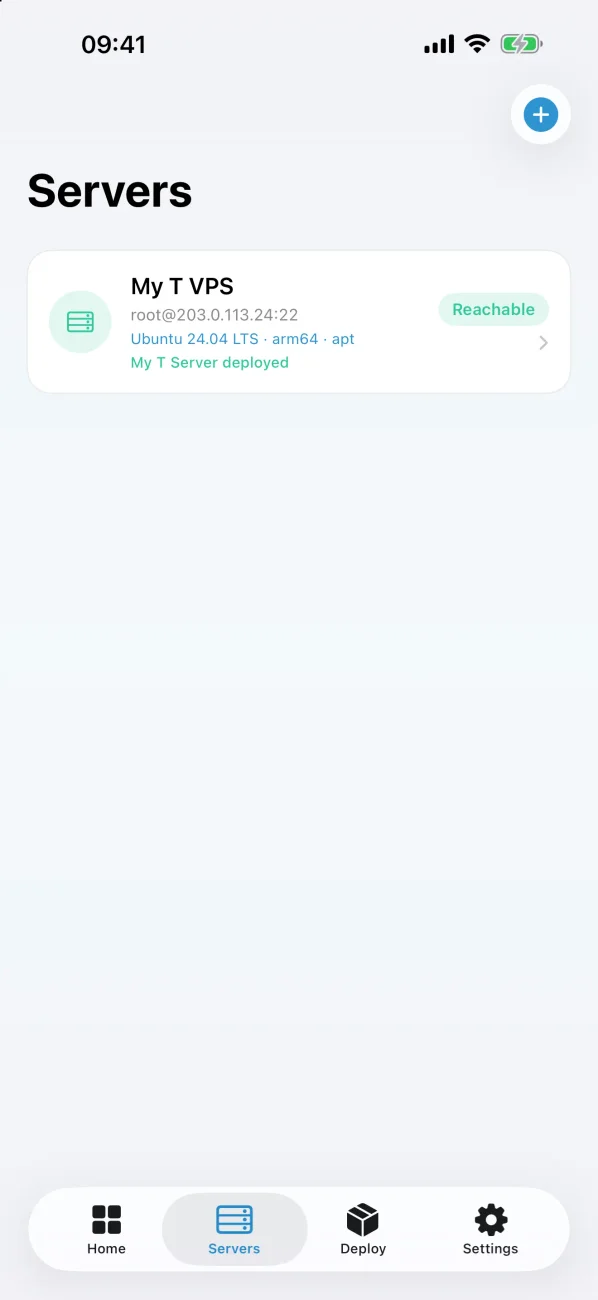
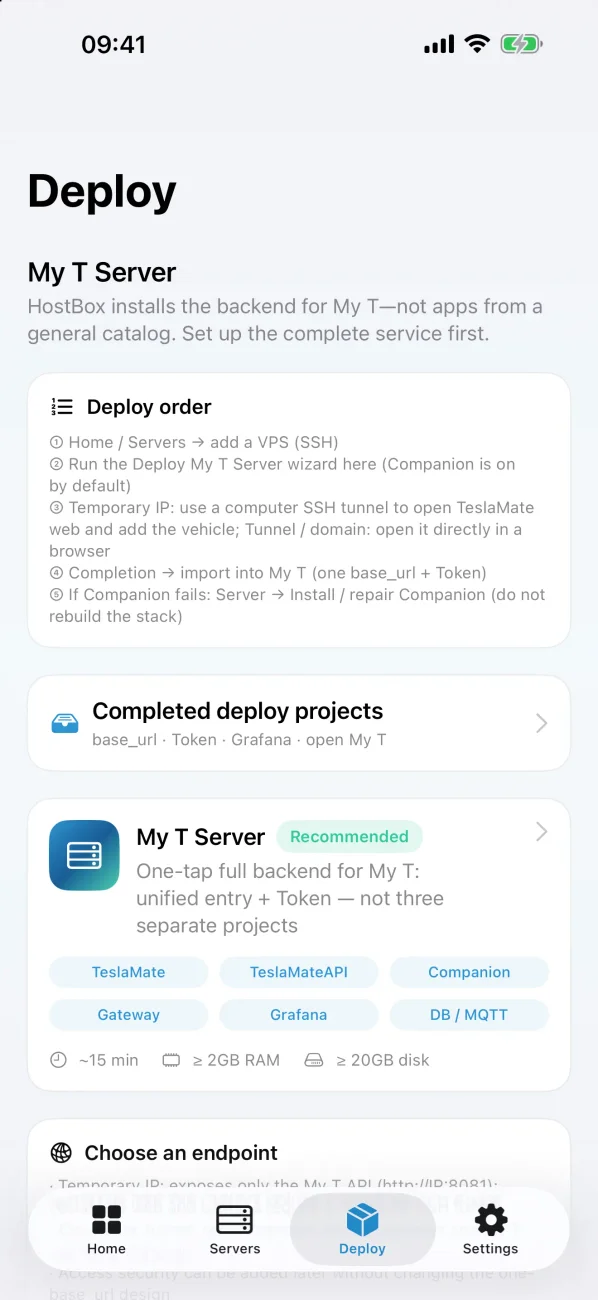
SSH into your own VPS from iPhone and install My T Server:
• TeslaMate + TeslaMateAPI
• Optional My T Companion
• Optional temporary public IP or Cloudflare Tunnel
• Unified entry, step-by-step progress, and health checks
• SSH command console and maintenance tools for your own server
Temporary-IP mode publishes only the Bearer-protected My T API. TeslaMate web and Grafana remain private on the VPS, so first-time vehicle authorization and dashboards require an SSH tunnel from a computer. With Cloudflare Tunnel/domain mode, those pages can open directly in a phone browser.
When finished, open My T from the completion screen. The URL contains no secret; a five-minute local connection package supplies the full setup. My T tests it and asks whether to overwrite an existing connection or save another name.
Passwords, private keys, Tokens, and Cloudflare secrets stay in on-device Keychain. Optional iCloud backup contains non-secret connection metadata only and requires credentials and SSH host trust to be established again after restore. Remote commands run on your server.
You need your own VPS and (optionally) a Cloudflare account. You still authorize the vehicle in the TeslaMate web UI.
What’s new
Version 3.06 · Oct 29, 2026
Adds optional iCloud Keychain sync for VPS passwords, SSH private keys and passphrases. Preserves matching local credentials when restoring backups and improves guidance while synced credentials are pending. When changing phones, enable sync and create a new backup on the old phone, then enable sync and restore on the new phone.
App privacy
What huajun xia declares on the App Store about how this app handles data.
-
Data not collected
The developer does not collect any data from this app.
Privacy practices may vary, for example with the features you use or your age.
Information
- Seller
- huajun xia
- Category
- Utilities
- Version
- 3.06
- Updated
- Oct 29, 2026
- Released
- Aug 27, 2026
- Size
- 12.3 MB
- Requires
- iOS 17.0 or later
- Age rating
- 4+
- Languages
- Simplified Chinese, Traditional Chinese, English
- Copyright
- © 2026 MatchHar
You might also like
-
 WebHubUtilities
-
 快捷水印-隐形水印与批量处理工具Utilities
-
 StaticBao - Website HostingDeploy static sites with ease
-
 ImageSeal: Invisible WatermarkBatch Protect & Verify Photos
-
 Nova Calc: History CalculatorEdit Numbers, Reuse Results
-
 肠道日记Utilities
-
 EV BatteryManAIEV Battery Health & Prediction
-
 AI语音转文字Utilities
-
 Nummeric: Calculator & SolverGraphing, 214 tools, no ads
-
 快捷APIUtilities