Hours Tracker Pro: Work & Pay
Timesheet, Overtime & Mileage
Designed for iPhone, iPad
Free · In-app purchases
- Age rating4+
- CategoryBusiness
- DeveloperWaldemar Data
- LanguagesEnglish+ 5 more
- Size13.2 MB
Links to the official App Store page
Download.org hosts no file of Hours Tracker Pro: Work & Pay. The button opens its official App Store page, published by Waldemar Data. Listing last checked on Nov 18, 2026.
Screenshots
About
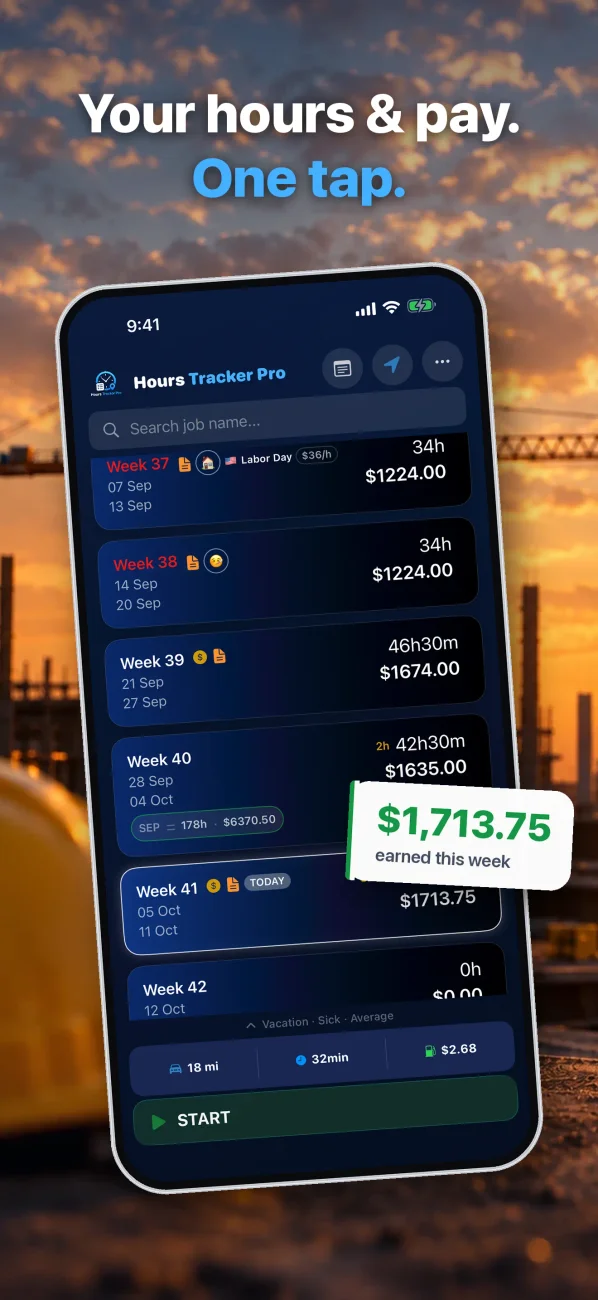
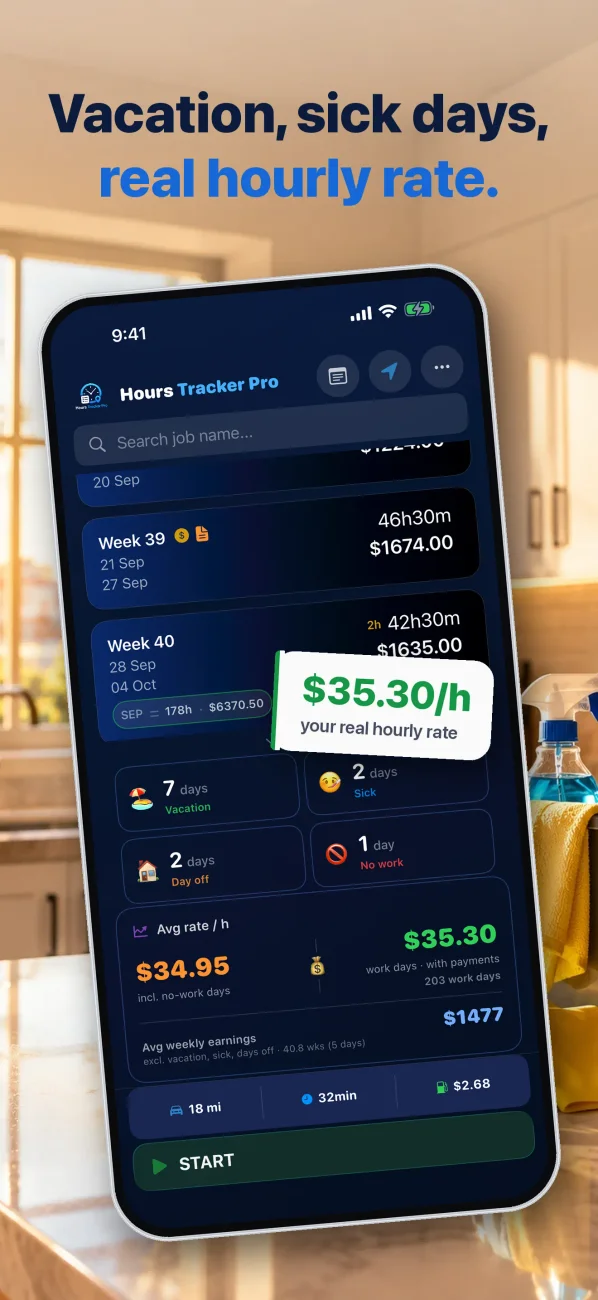
Know every hour and every dollar. Hours Tracker Pro is a simple work hours log and pay calculator for people paid by the hour – construction, cleaning, painting, restaurants, warehouses, drivers and anyone who works shifts.
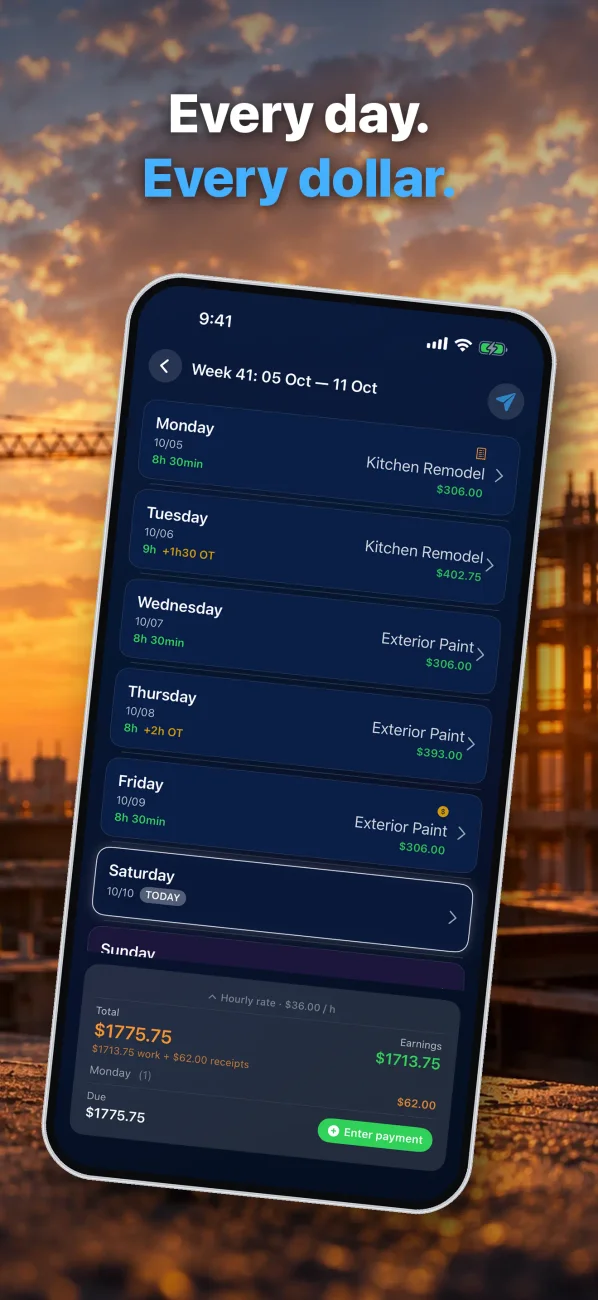
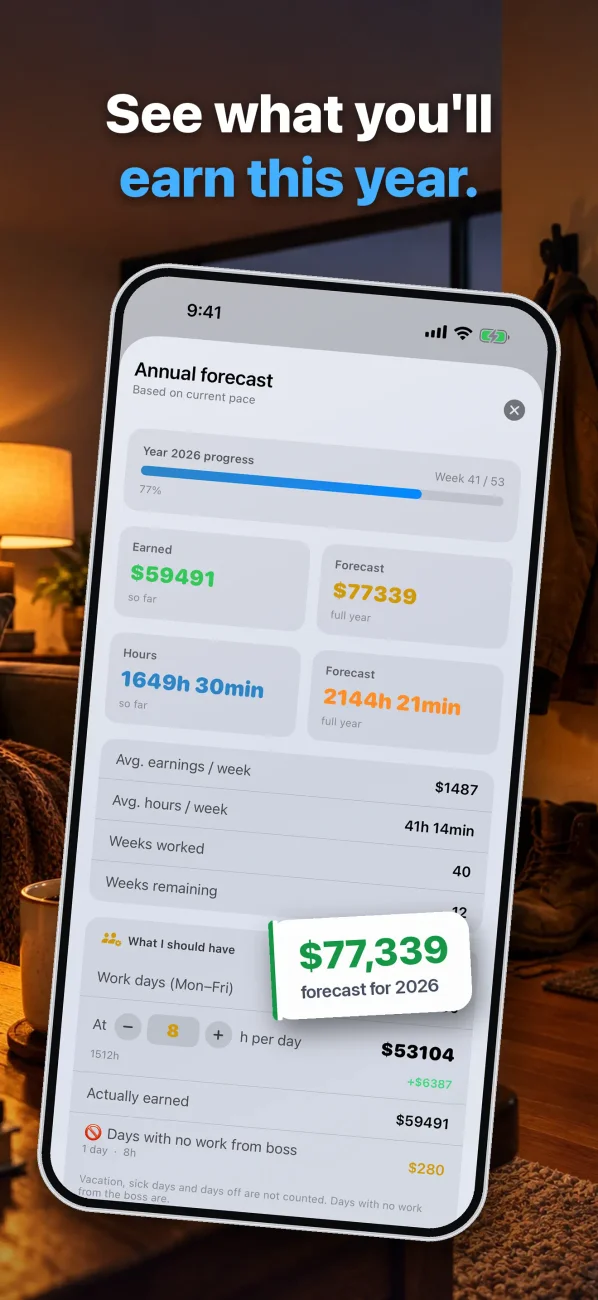
Tap a day, enter From/To, and the app does the math: hours, overtime, Saturday and Sunday rates, weekly, monthly and yearly earnings.
WHY PEOPLE USE IT
• Hours and pay in one tap – no spreadsheets, no paper timesheets
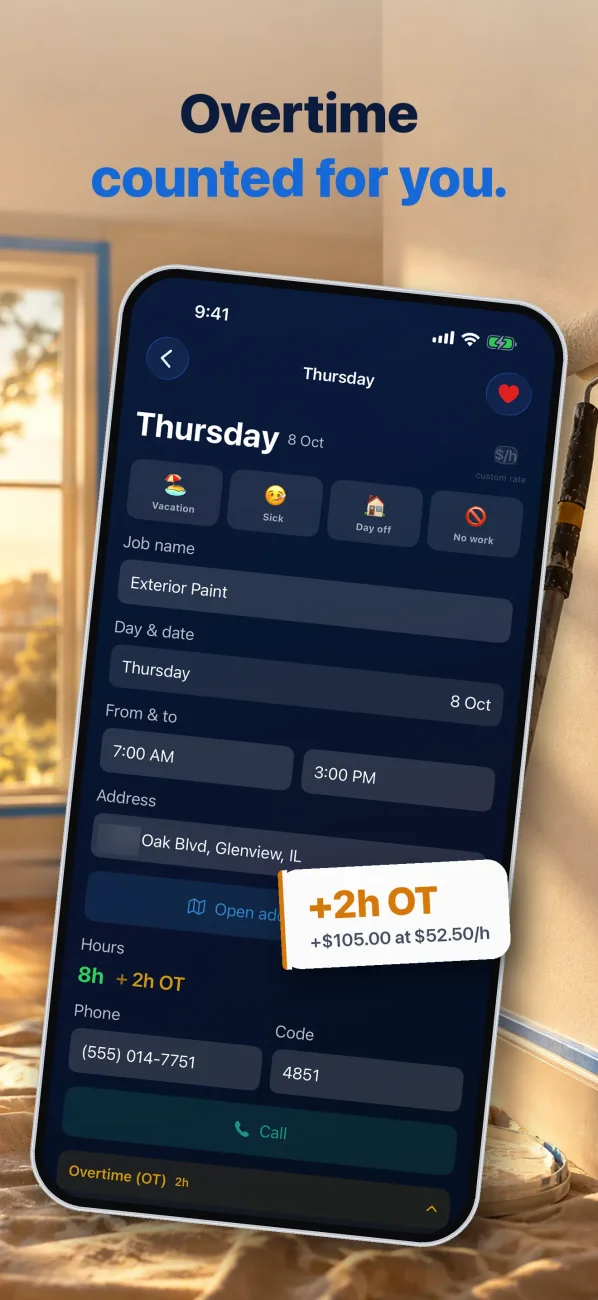
• Overtime counted automatically after your weekly limit, with its own OT rate
• Different rates for Saturday, Sunday or from a chosen week (pay raise)
• Unpaid break taken off every day automatically (e.g. 8 AM – 4 PM minus 30 min = 7h 30)
• Vacation, sick day, day off and no-work days, each counted the right way
• Start/Stop button with optional rounding to 5, 10 or 15 minutes
SEND YOUR HOURS TO THE BOSS
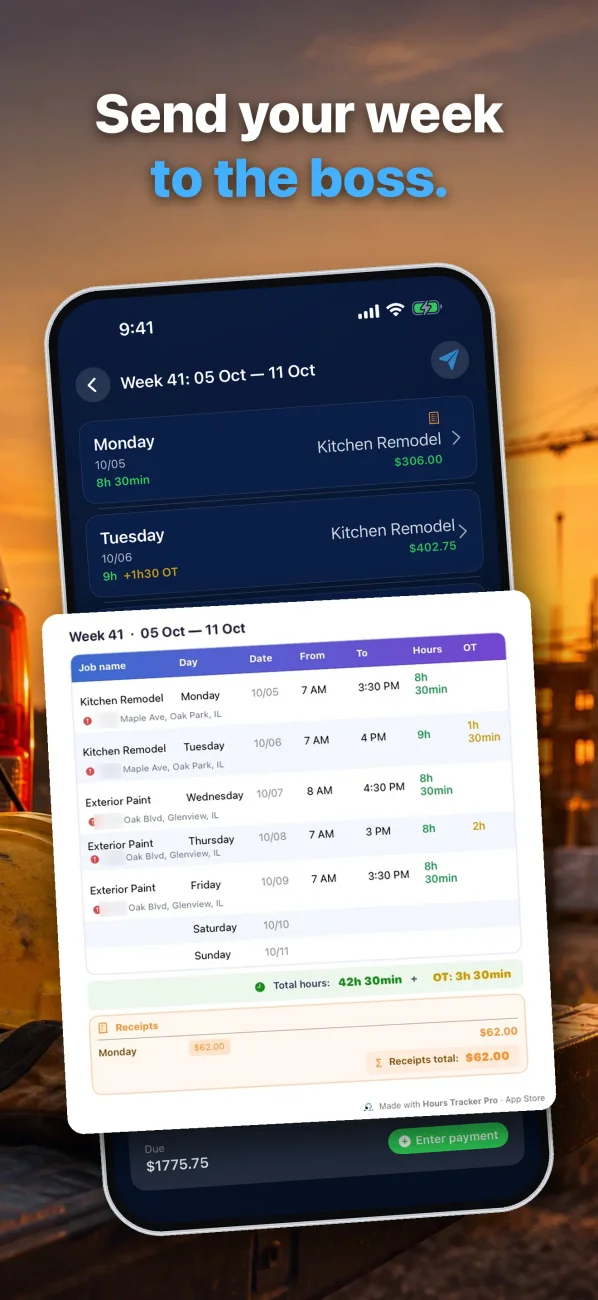
• Report for 1 week, 2 weeks or a month – ready to send by text or email
• Pick just the days you need, or search a job name to get a report for one employer
SEVERAL JOBS
• Work two jobs? Keep each one separate: its own hours, hourly rate, pay and unpaid break
• Simple layout (one screen per week) or Full layout with all the details
COMMUTE AND MILEAGE
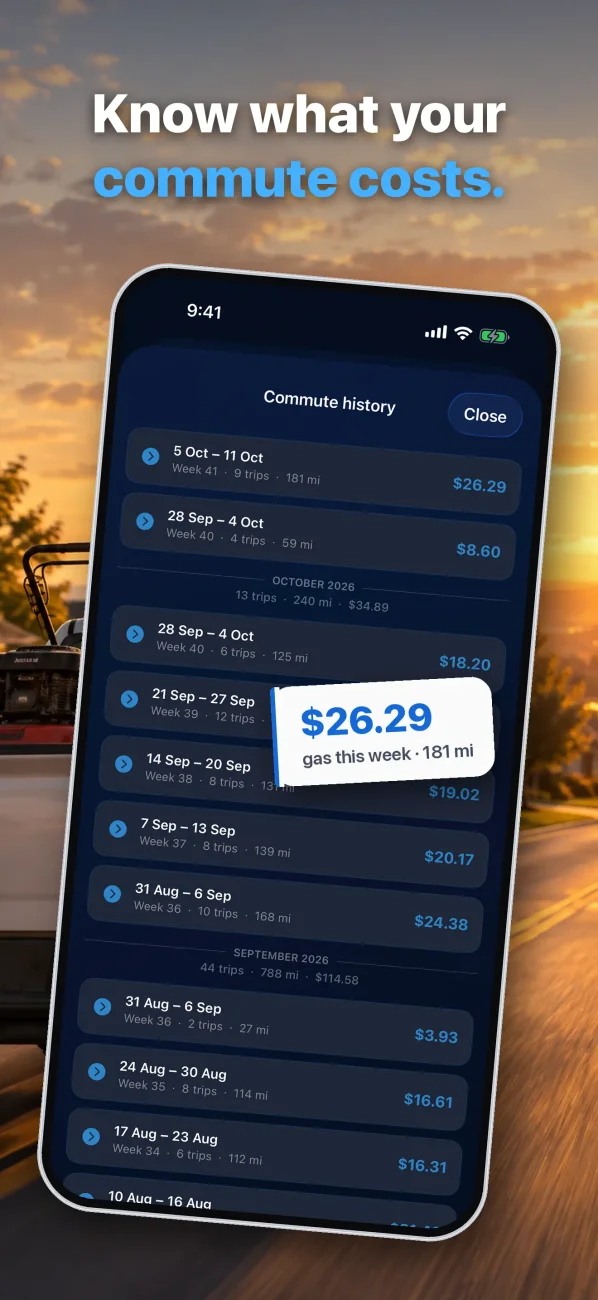
• GPS commute tracking: real drive time, miles and fuel cost of each trip
• Works with Apple Maps, Google Maps and Waze
• CarPlay widget: tap Go to work or Go home on your car screen
ALWAYS AT HAND
• Home Screen widgets with this week's hours and earnings
• Siri and Shortcuts: "Go to work", "Go home", "Enter hours"
• Daily reminder so you never forget to log your hours
• Weekly pay check: compare what you were paid with what you earned
• Notes with reminders, 40-hour week stats, vacation and sick day stats
• Apple Watch / Health: steps, calories and heart rate on your workdays
PRIVATE BY DESIGN
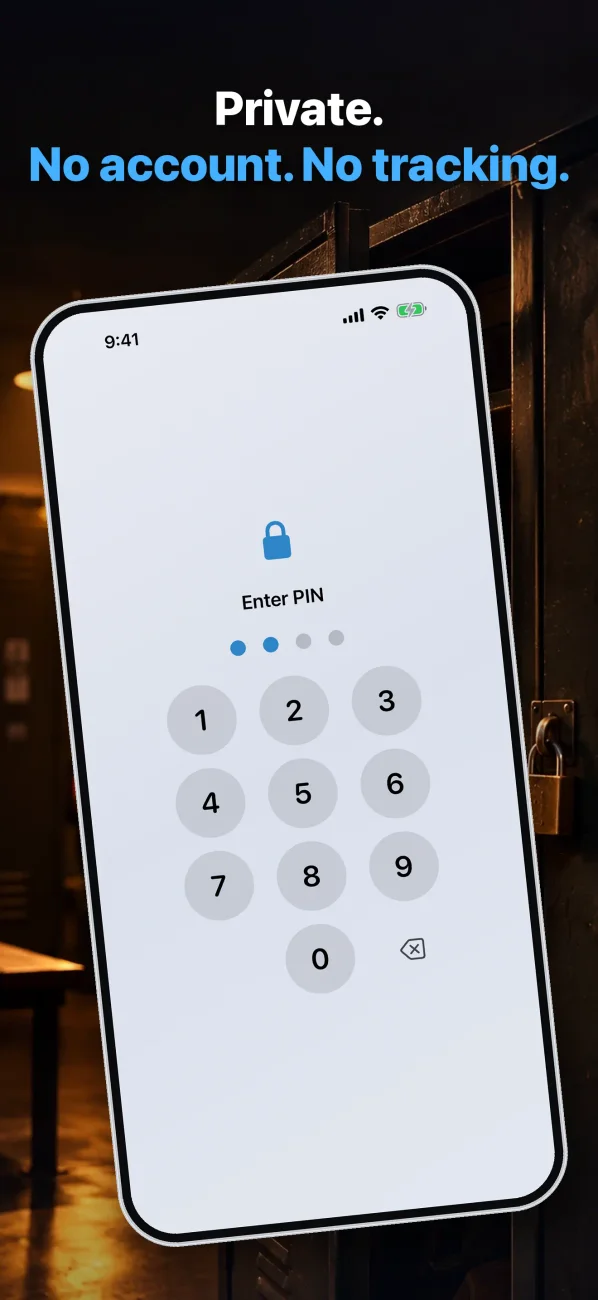
• No account, no sign-up – your data stays on your iPhone
• Face ID / PIN lock
• Automatic iCloud backup plus export and import of all your data
• 6 languages: English, Español, Polski, Italiano, Français, Deutsch
• Light and dark color themes
FREE AND PRO
Logging and viewing your hours is free. Pro unlocks overtime and special rates, reports, widgets, several jobs, GPS commutes and CarPlay, weekly pay check, notes, statistics and more. Every new user gets a 14-day free trial of all Pro features. After the trial, Pro is a monthly or yearly subscription that renews automatically unless cancelled at least 24 hours before the end of the period. Manage or cancel it in your Apple ID settings.
Terms of Use: https://www.apple.com/legal/internet-services/itunes/dev/stdeula/
Questions or ideas? Write to us from the app – we read every message.
What’s new
Version 1.9 · Oct 23, 2026
• Several jobs: keep a separate job for each employer – its own hours, rate and pay (Pro from the 2nd job).
• Simple or Full layout, remembered for each job.
• Unpaid break: set 30 min (or any time) once and it is taken off every workday. Settings → Unpaid break.
• GPS commute tracking (Pro): tap Go to work, Go home or an address – the app measures real drive time, distance and fuel cost.
• CarPlay (Pro): Go to work / Go home on your car screen – the trip is measured without touching your phone.
• Weekly pay check (Pro): enter what you were paid and see if you got overpaid or underpaid.
• Notes with reminders and 40-hour weeks (Pro).
• New widget look – light and dark.
• Fixes and improvements.
App privacy
What Waldemar Data declares on the App Store about how this app handles data.
-
Data not collected
The developer does not collect any data from this app.
Privacy practices may vary, for example with the features you use or your age.
Information
- Seller
- Waldemar Data
- Category
- Business
- Version
- 1.9
- Updated
- Oct 23, 2026
- Released
- Apr 21, 2026
- Size
- 13.2 MB
- Requires
- iOS 26.4 or later
- Age rating
- 4+
- Price
- Free
- In-app purchases
- Yes
- Languages
- English, French, German, Italian, Polish, Spanish
- Copyright
- © 2026 WorkHours Studio
You might also like
-
 Diviso: Split Bills & TripsGroup expenses, settled fairly
-
 ScanMate-PDFProductivity
-
 DupeDetective Receipt ScannerReceipt Scanner & Dupe Finder
-
 PasteVault : Copy SmarterClipboard History & Snippets
-
 HIKE.SH - Hike and Trail LogLog Every Hike & Summit
-
 Playground For LMRun AI Models On Your Device
-
 Prompt StockCopy AI prompts instantly
-
 SubTally ProTrack Cancel Recurring Payment
-
 UnTask - One at a timeMinimalist TODO app.
-
 Texty Copy: Fields & OCRCapture fields, not just text