
Hours Tracker: Shift Schedule
Work Calendar & Overtime Log
Designed for iPhone, iPad
Free · In-app purchases
- Age rating4+
- CategoryProductivity
- DeveloperKimbert Bartiquel
- LanguagesEnglish+ 43 more
- Size42.5 MB
Links to the official App Store page
Download.org hosts no file of Hours Tracker: Shift Schedule. The button opens its official App Store page, published by Kimbert Bartiquel. Listing last checked on Nov 16, 2026.
Screenshots
About
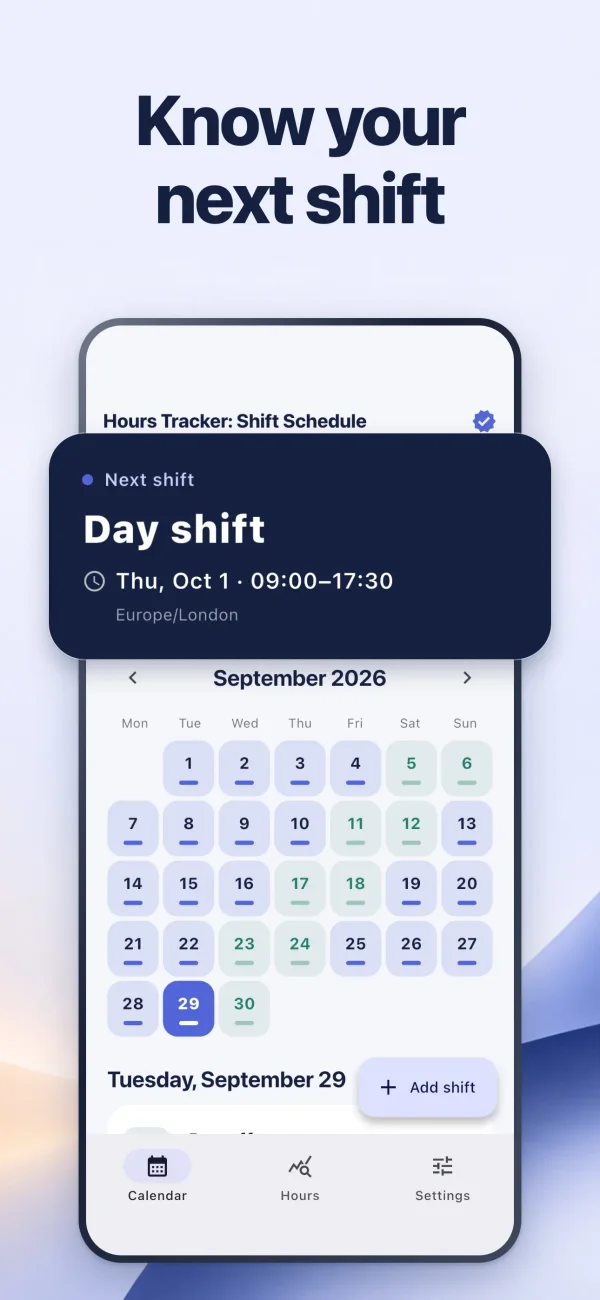
Know your next shift. Make room for life.
Your work calendar and hours tracker, together.
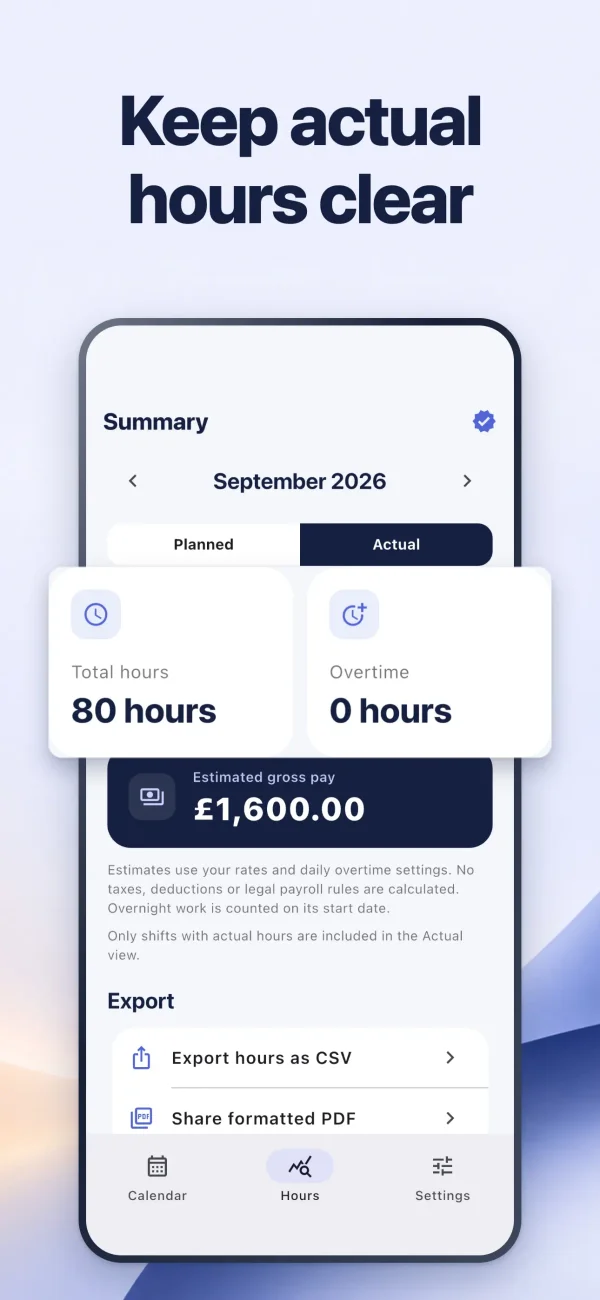
See the plan. Keep the hours you actually worked.
Late finishes. Changing shifts. A day off you want to keep. Bring your schedule into one clear calendar, then record what really happened. Spend less time piecing together your workweek and more time planning around it.
• See when you’re free — Add day shifts, night shifts, leave and days off. Give each shift a color, notes and an unpaid break.
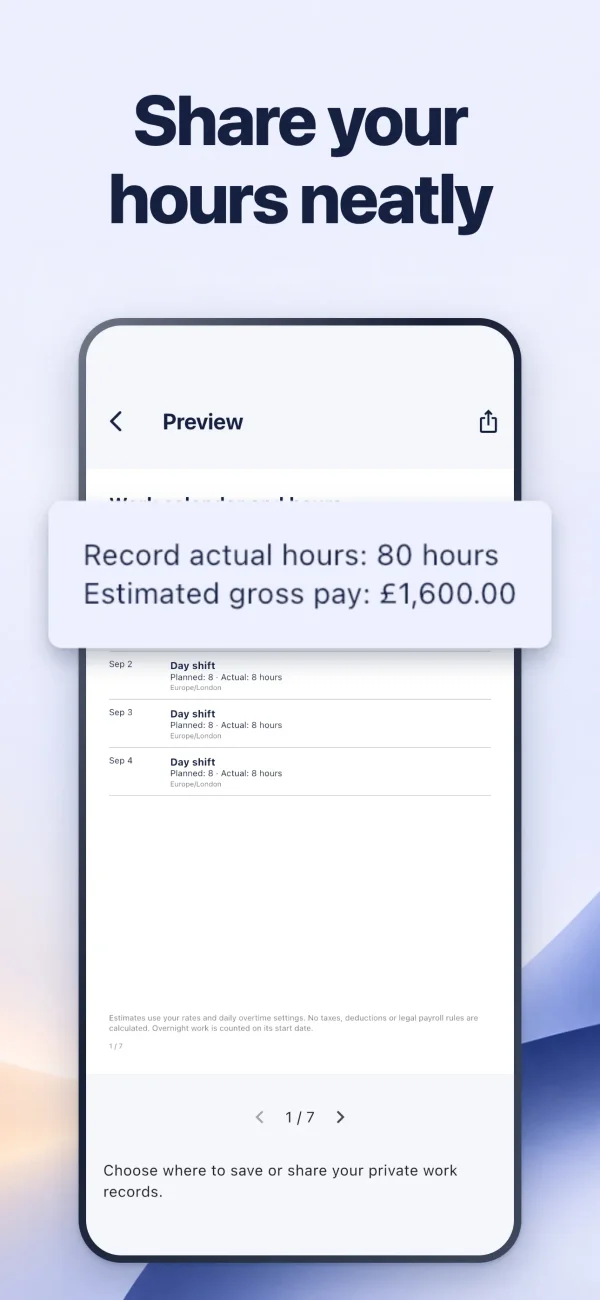
• Keep your hours straight — Keep your planned schedule separate from the hours you actually worked. Compare monthly totals and export your records as CSV.
• Get a timely nudge — Set an optional local reminder for 30 minutes before a shift, and see upcoming shifts in a Home Screen widget.
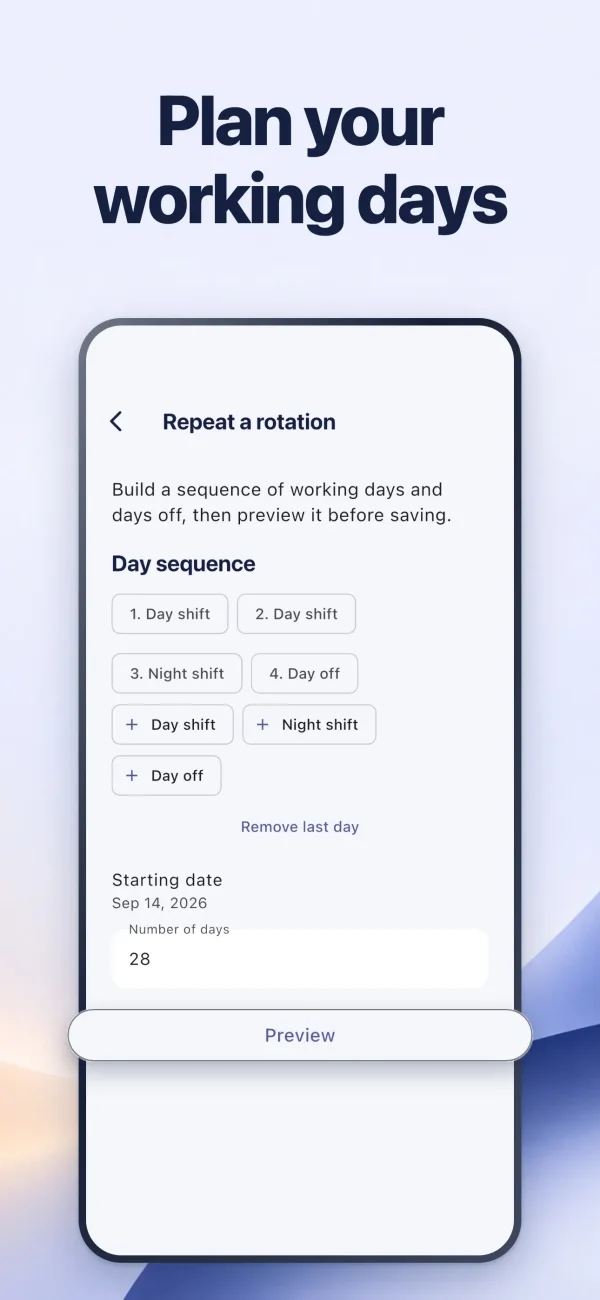
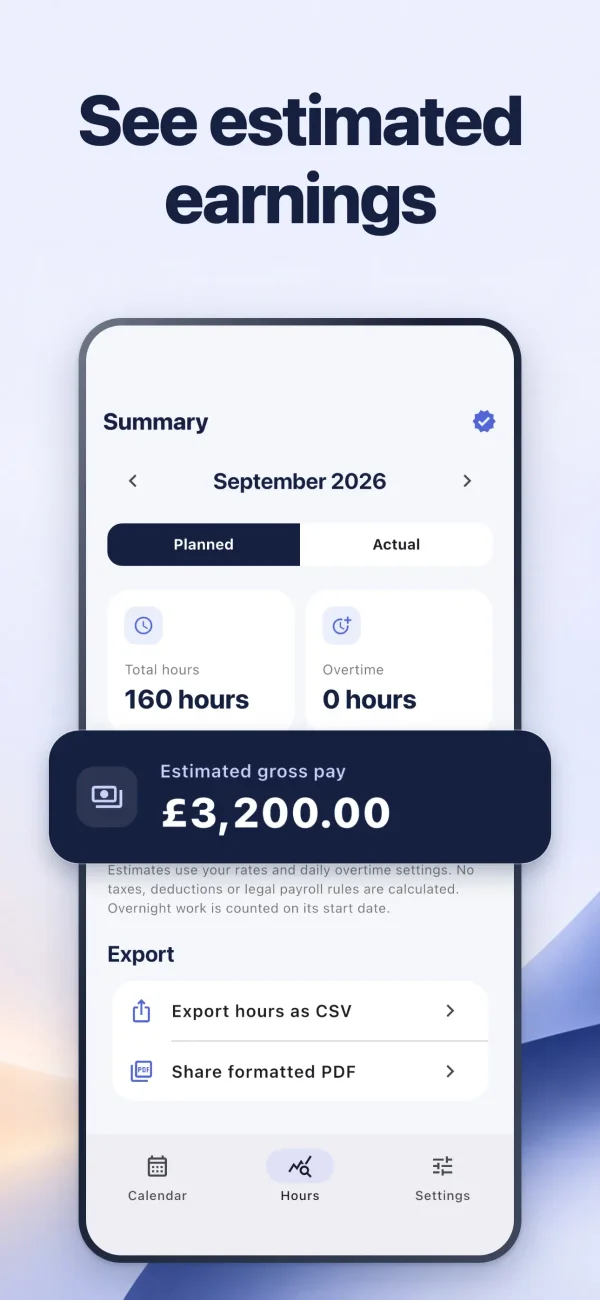
• Make repeat planning easier with Pro — Build custom rotations, preview the sequence and adjust individual shifts when plans change. Estimate gross earnings using your hourly rates and daily overtime settings. Preview and share formatted PDF reports.
• Keep your records close — No account is needed to plan shifts. Calendar records are stored on your device.
Download Hours Tracker: Shift Schedule and add your next shift. Give the rest of your week some breathing room.
Pay figures are estimates. The app does not calculate taxes, deductions or legal payroll entitlements. Overnight work is counted on its start date. This is a personal planner, not an employer or team scheduling service.
SUBSCRIPTION
Unlock full access with a Monthly subscription or a one-time Lifetime purchase. Free trials are available to eligible users on the Monthly plan.
Without a free trial: Payment is charged to your Apple Account at purchase confirmation.
Payment is charged to your Apple Account when the free trial ends. Cancel at least 24 hours before the trial ends to avoid charges.
Subscriptions renew automatically unless cancelled at least 24 hours before the current period ends. Manage or cancel in your Apple Account settings.
Lifetime Pro: One-time purchase. There is no automatic renewal. Restore your purchase using the same Apple Account.
The price is shown before purchase.
Terms of Use: https://shiftplanner-kimbytes.web.app/terms.html
Privacy: https://shiftplanner-kimbytes.web.app/privacy.html
Support: https://shiftplanner-kimbytes.web.app/support.html
What’s new
Version 1.0.2 · Oct 1, 2026
Updated the US English app name to “Hours Tracker: Shift Schedule”.
App privacy
What Kimbert Bartiquel declares on the App Store about how this app handles data.
-
Data linked to you
May be collected and linked to your identity.
- Purchases
- Identifiers
- Usage data
Privacy practices may vary, for example with the features you use or your age.
Information
- Seller
- Kimbert Bartiquel
- Category
- Productivity
- Version
- 1.0.2
- Updated
- Oct 1, 2026
- Released
- Sep 18, 2026
- Size
- 42.5 MB
- Requires
- iOS 17.0 or later
- Age rating
- 4+
- Price
- Free
- In-app purchases
- Yes
- Languages
- English, Arabic, Bengali, Catalan, Croatian, Czech, Danish, Dutch, Finnish, French, German, Greek + 32 more
- Copyright
- © 2026 Kimbert Bartiquel
You might also like
-
 My Work Shift Planner: RotaHours Tracker & Pay Calendar
-
 Shift & Overtime TrackerWork calendar & pay calculator
-
 ShiftLine: Work Shift CalendarRotation Roster Hours Pay
-
 Work hours tracker - CloqTrack Hourly Pay & Timesheets
-
 Schichtklar: Shift PlannerWork Hours, Overtime & Pay
-
 Shift Calendar: Work SchedulesNurse Rota & Rotation Planner
-
 Turno: Shift Rota PlannerWork Calendar, Hours & Pay
-
 Shift Planner: Calendar & PayWork Roster, Alarm & Overtime
-
 Shift Calendar – Shift CycleWork schedule, hours & pay
-
 TacTick: Shifts Work CalendarWork Schedule & Shift Planner