Hours Tracker – Timesheet
Simple Work Log & Time Sheet
Designed for iPhone, iPad
Free · In-app purchases
- Age rating4+
- CategoryProductivity
- DeveloperMichael Riehl
- LanguagesEnglish+ 8 more
- Size23.8 MB
Links to the official App Store page
Download.org hosts no file of Hours Tracker – Timesheet. The button opens its official App Store page, published by Michael Riehl. Listing last checked on Nov 15, 2026.
Screenshots

About
Simple. Fast. Clear.
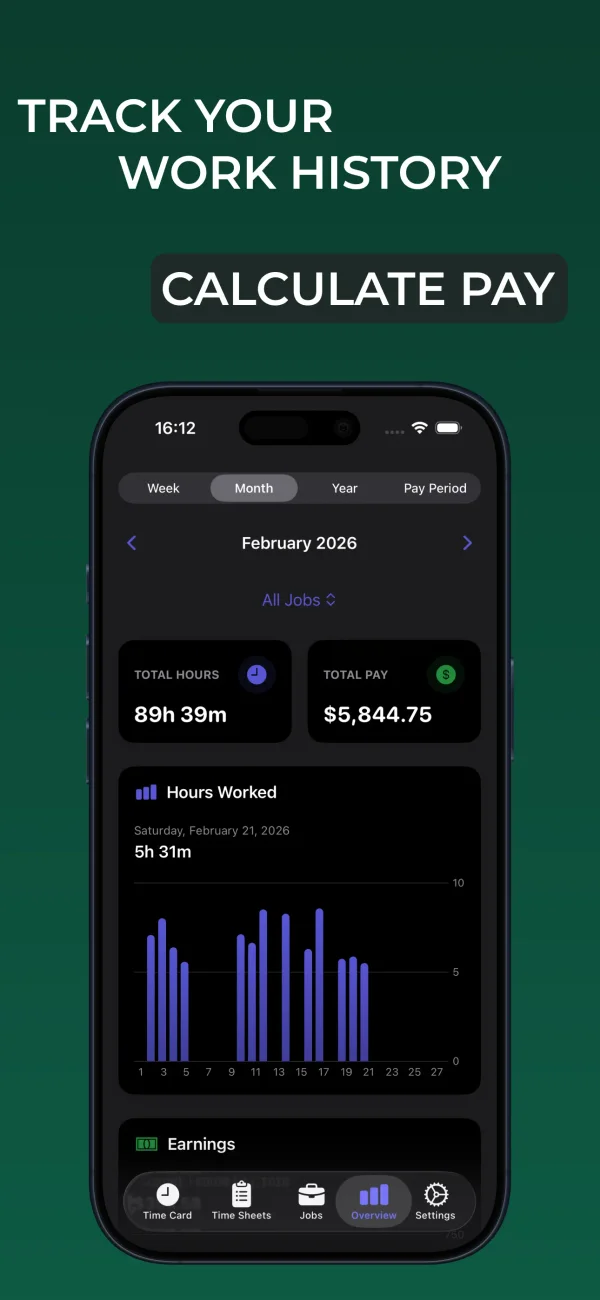
Track your work hours, estimated earnings, and mileage in seconds. Hours Tracker helps hourly workers and freelancers keep a clear record of every workday.
RECORD YOUR WORK
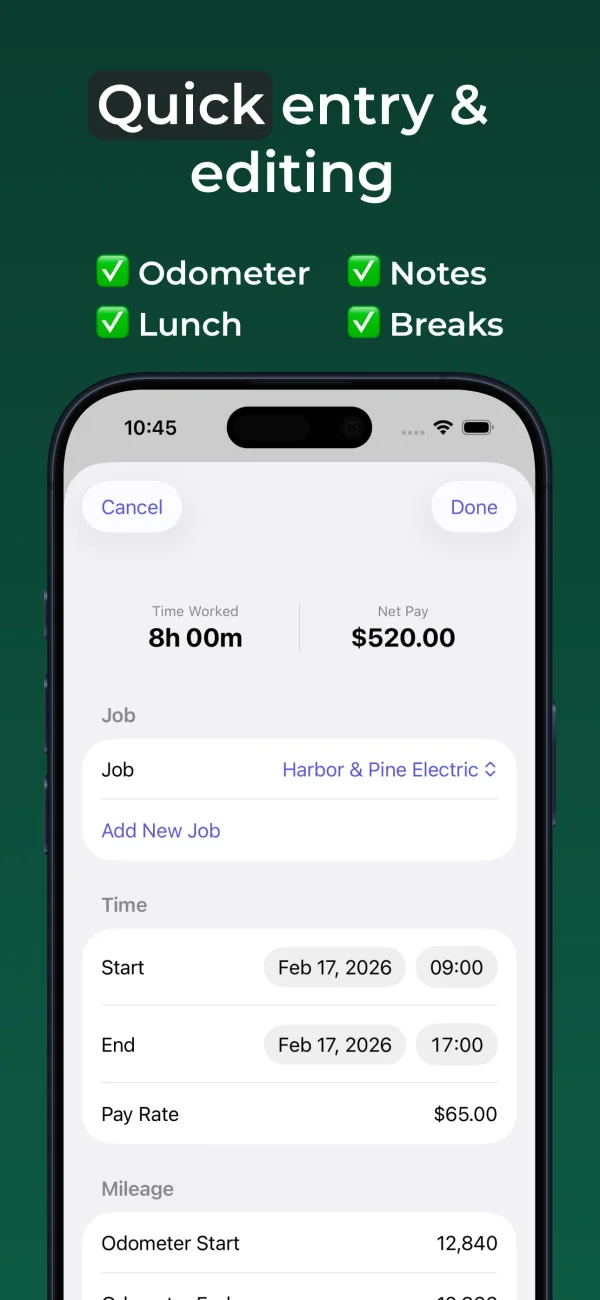
• Log each shift with a start time and end time, including past shifts.
• Save shifts, breaks, lunches, and notes.
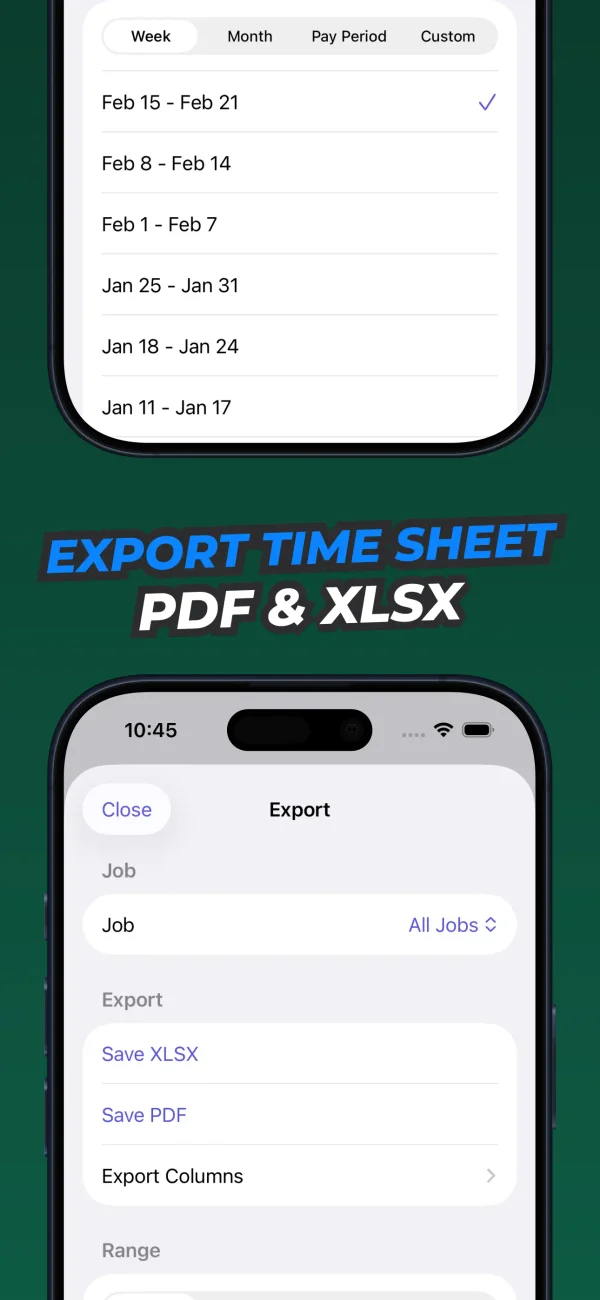
• Review hours and estimated pay by week, month, or pay period.
• Record the distance you travel for each job.
REPORTS YOU CAN CHECK AND SHARE
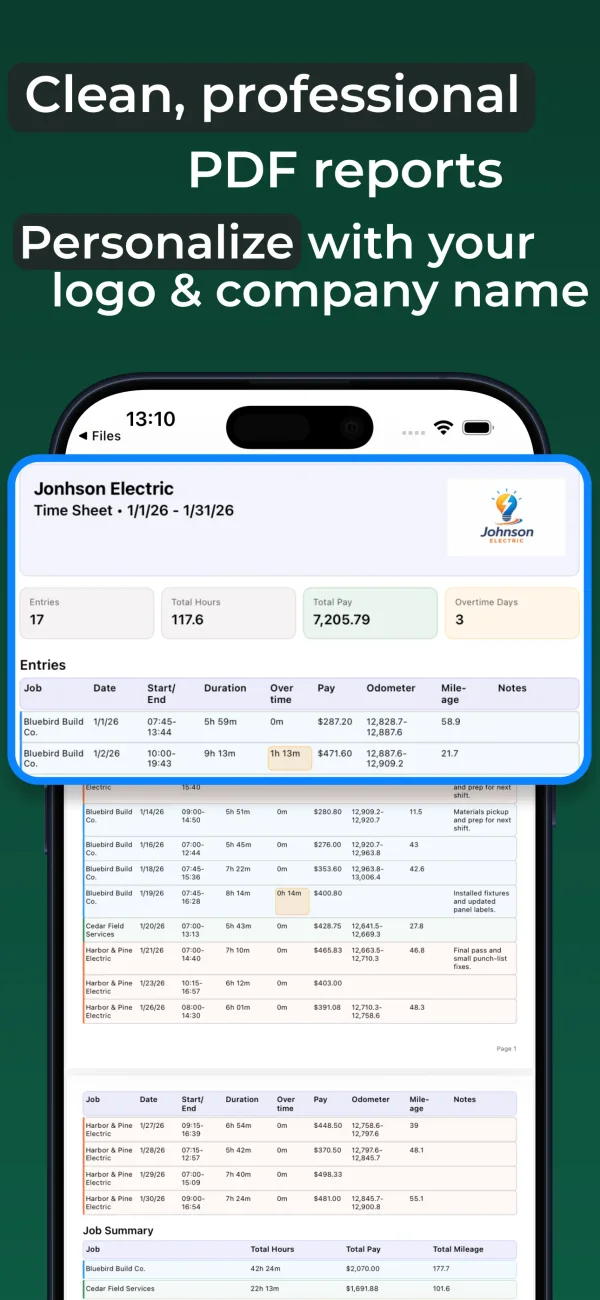
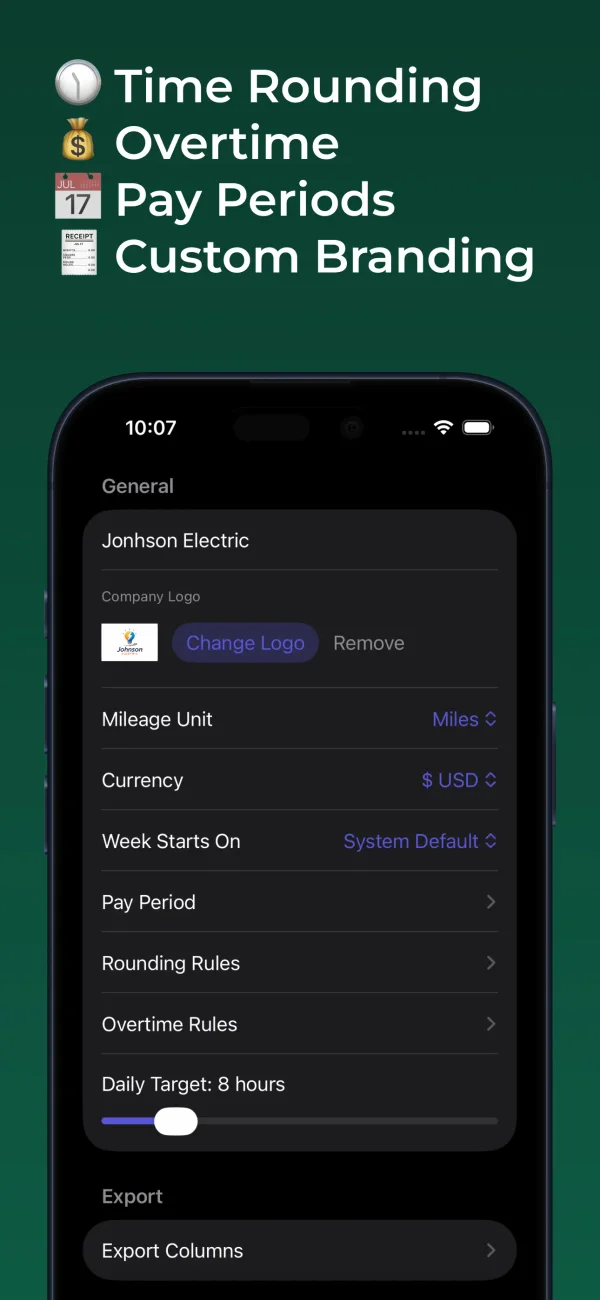
Create PDF timesheets. With Pro, export editable XLSX reports, choose your columns, add your company name, and include your logo in PDF reports.
START FREE
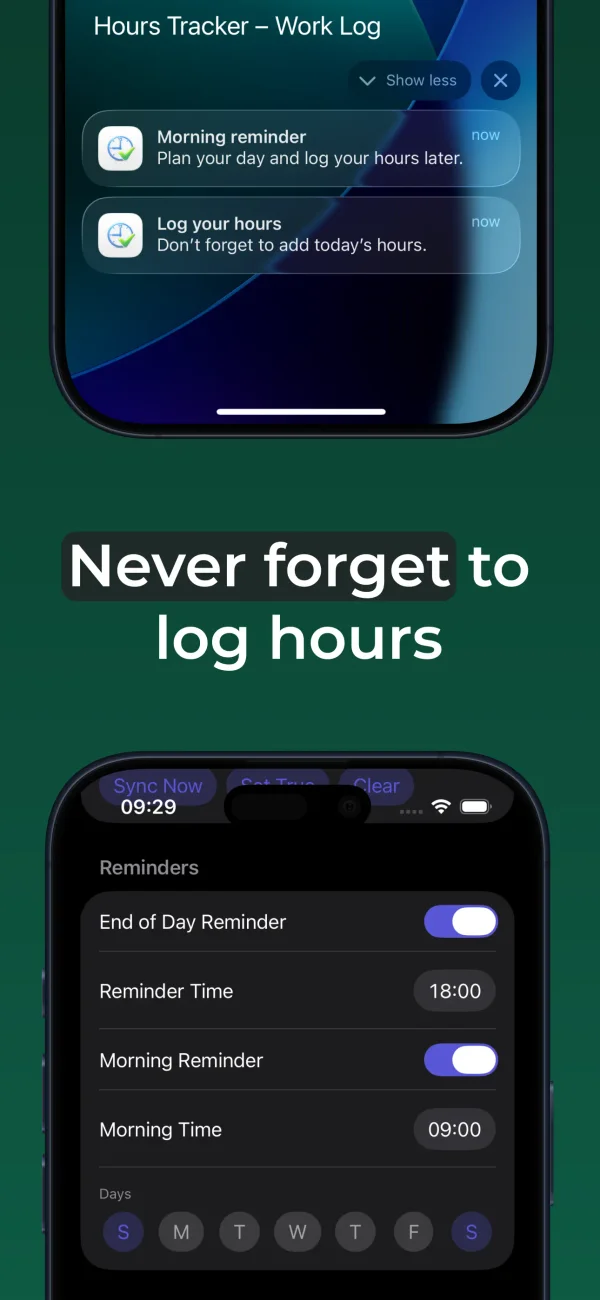
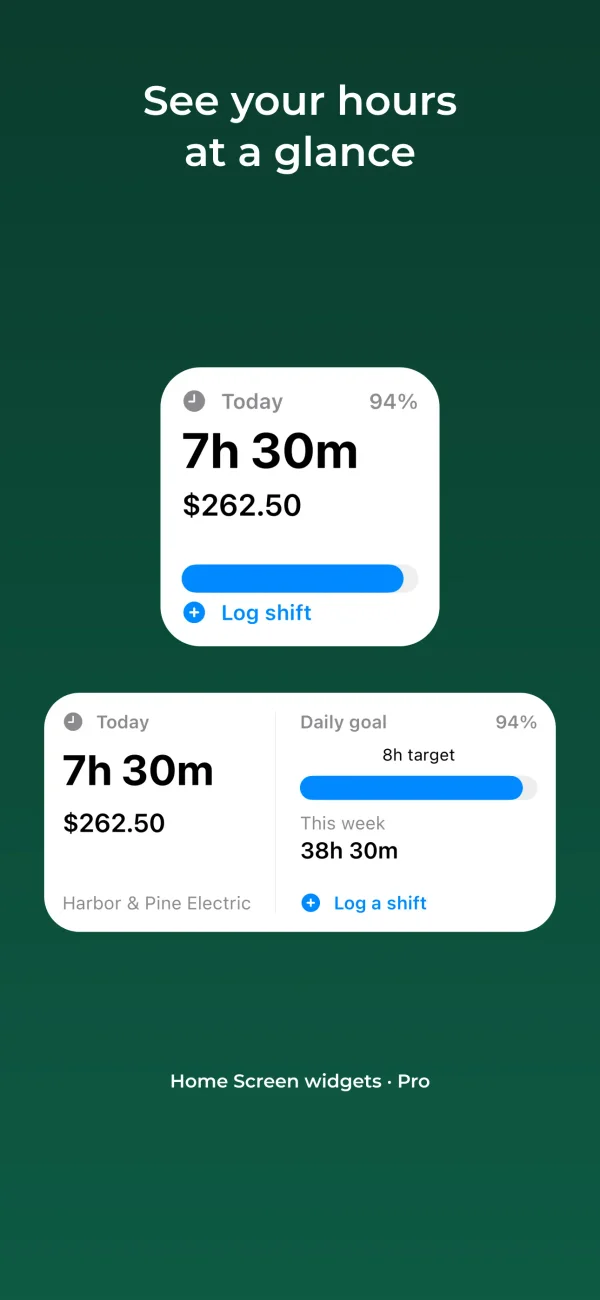
Track one job and export PDF reports for free. Pro adds unlimited jobs, overtime and rounding tools, XLSX reports, reminders, and widgets. Lifetime Pro is a one-time purchase with no recurring charge.
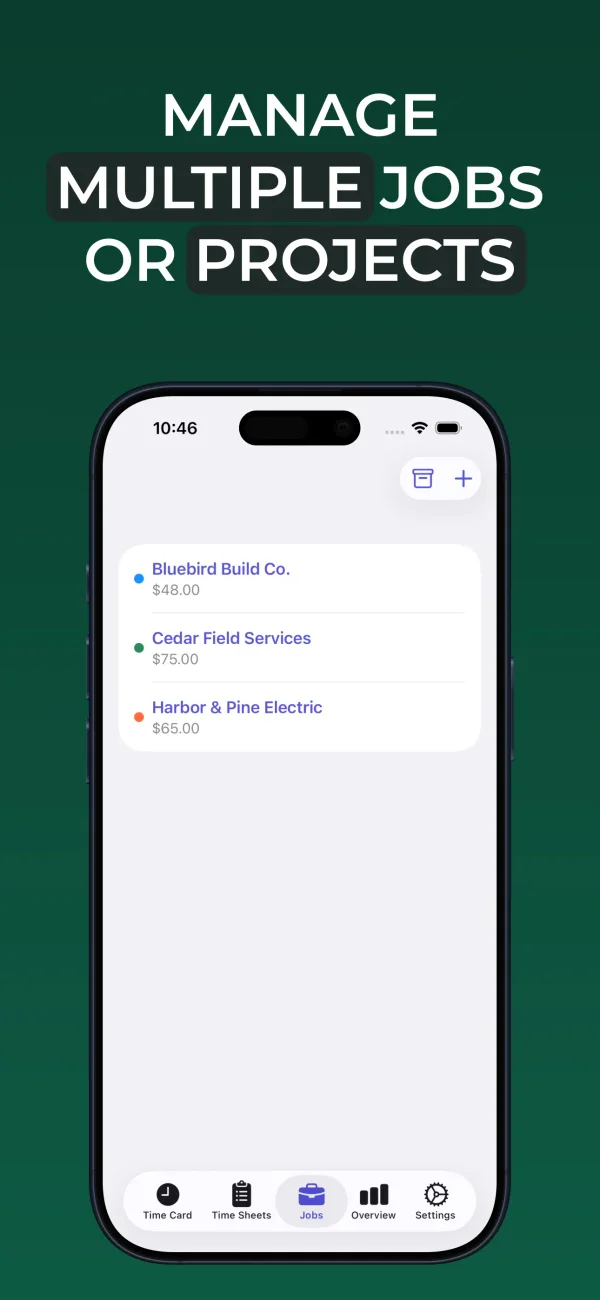
KEEP EVERY JOB SEPARATE
Set an hourly rate for each job and review its hours and earnings without mixing them together. Choose your currency, pay period, and week start.
YOUR RECORDS, WITH YOU
Records stay on your device, with iCloud sync when available and enabled. No account is required to use the app.
Pay amounts are estimates based on your records and settings. Check them before using them for billing or payroll. Buying lifetime access does not cancel an existing subscription; manage it in Apple Subscriptions.
Terms of Use: https://www.apple.com/legal/internet-services/itunes/dev/stdeula/
What’s new
Version 2.1.0 · Nov 1, 2026
• Record vacation and sick leave, including paid, unpaid, and partial days.
• Pro: Set annual leave allowances per job and see booked and remaining hours.
• Paid leave appears separately from worked hours in summaries and reports.
• Pro widgets now show worked days and pay-period earnings. Choose a job for each widget.
• Clearer widget previews and worked-day highlights in Clear and Tinted mode.
• Confirm future-dated shifts before saving. Future entries no longer inflate widget totals.
App privacy
What Michael Riehl declares on the App Store about how this app handles data.
-
Data not linked to you
May be collected but is not linked to your identity.
- Purchases
- Usage data
Privacy practices may vary, for example with the features you use or your age.
Information
- Seller
- Michael Riehl
- Category
- Productivity
- Version
- 2.1.0
- Updated
- Nov 1, 2026
- Released
- Jan 29, 2026
- Size
- 23.8 MB
- Requires
- iOS 18.0 or later
- Age rating
- 4+
- Price
- Free
- In-app purchases
- Yes
- Languages
- English, German, Japanese, Polish, Portuguese, Spanish, Thai, Traditional Chinese, Turkish
- Copyright
- © 2025 Michael Riehl
You might also like
-
 Time Log: Work Hour TrackerWFH & office time calculator
-
 Punch time clock : HourlyTrack your work hours
-
 Meu Ponto - RegistroProductivity
-
 Time Tracker: Time CalculatorHours Tracker & Work Log
-
 Registro PontoProductivity
-
 Timesheet: Work Hours & PayShift tracker & pay calculator
-
 WorkTracker: Shift & PayShift calendar & pay counter
-
 ShiftProCalendarShift Schedule, Nurse Roster
-
 Work hours tracker - CloqTrack Hourly Pay & Timesheets
-
 Work Hours Tracker: HourlyTimesheet & Hours Calculator