HouseCurve
Simple audio system tuning
Designed for iPhone, iPad
Free · In-app purchases
- Age rating4+
- CategoryUtilities
- DeveloperGreg Wilding
- LanguagesEnglish
- Size10.7 MB
Links to the official App Store page
Download.org hosts no file of HouseCurve. The button opens its official App Store page, published by Greg Wilding. Listing last checked on Nov 25, 2026.
Screenshots

About
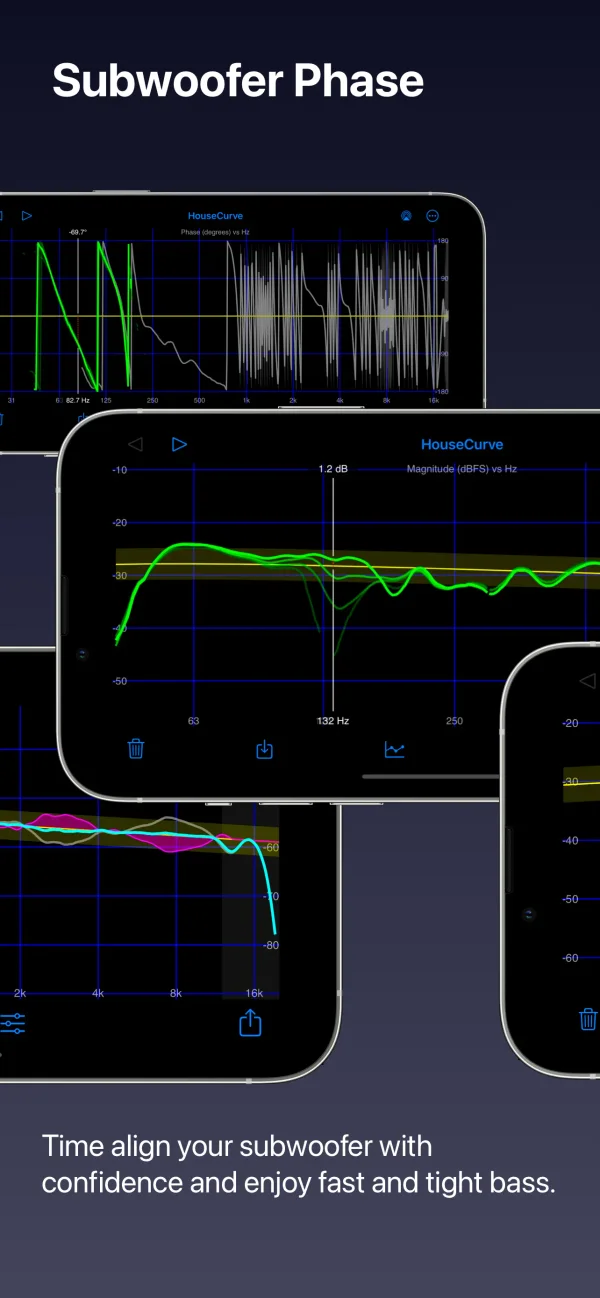
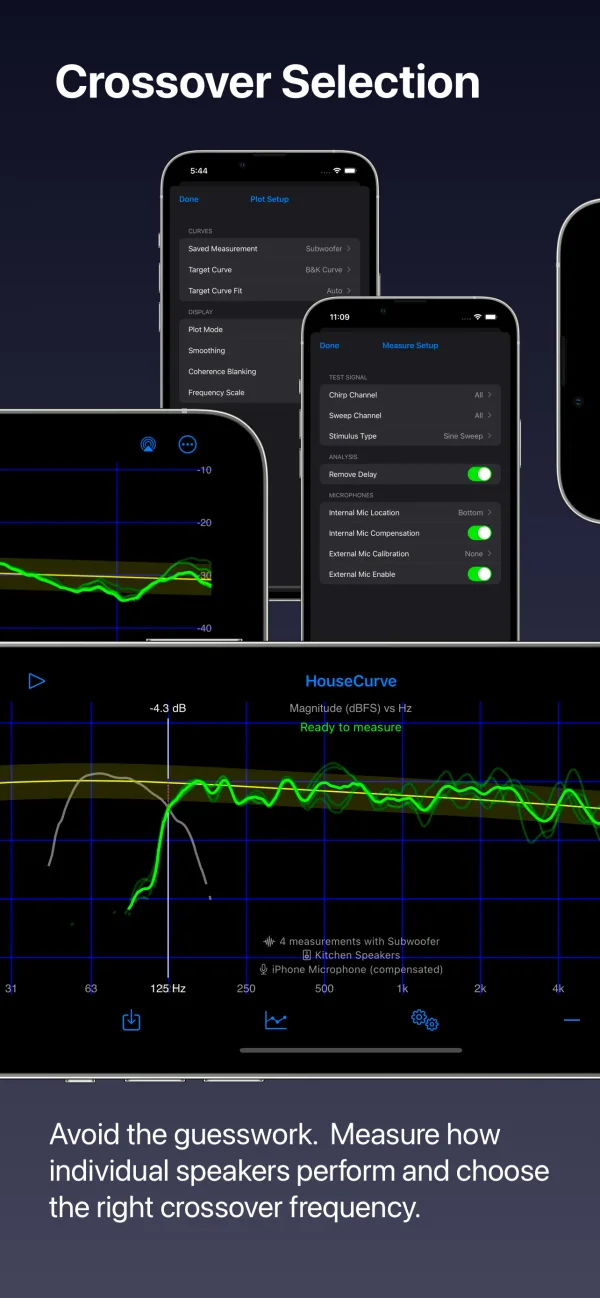
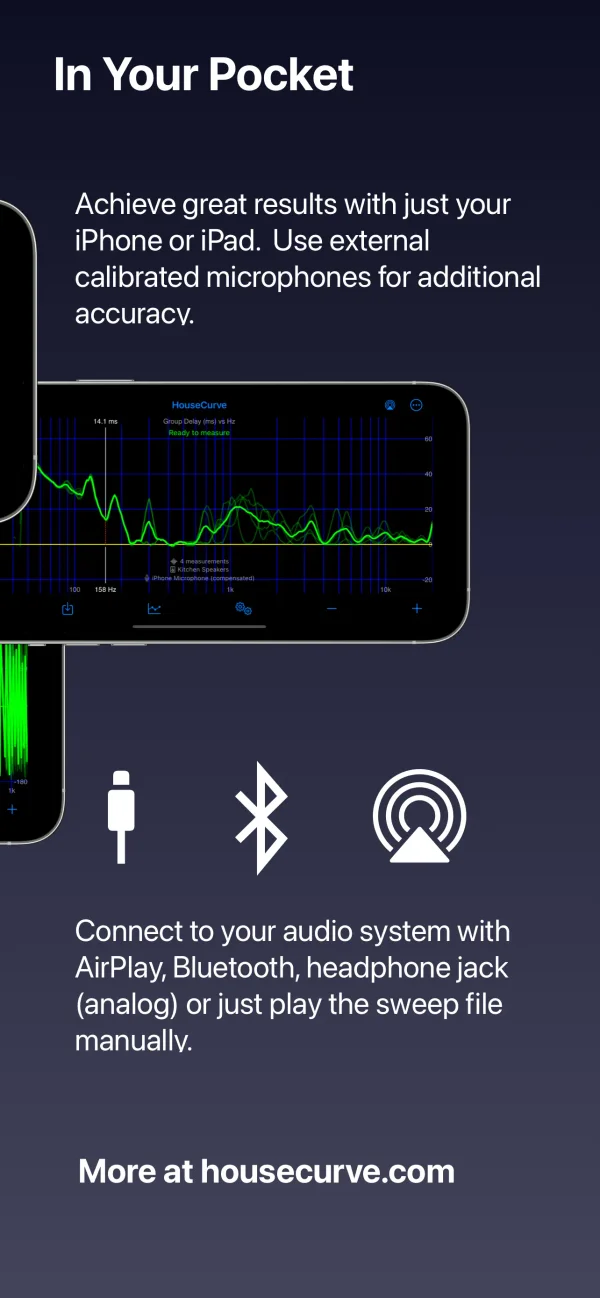
HouseCurve is a multi-tool for audio systems. Use it for room correction, adjusting equalizers, setting subwoofer phase, choosing crossovers, room treatments and more.
Features:
* Sine sweep and real time pink noise measurements
* Sweep measurements can be averaged as they are collected
* Alternatively, use real time tool to collect moving mic measurements (MMM)
* Display magnitude, phase, group delay, impulse, envelope time curve (ETC) and step responses
* Create and edit target curves
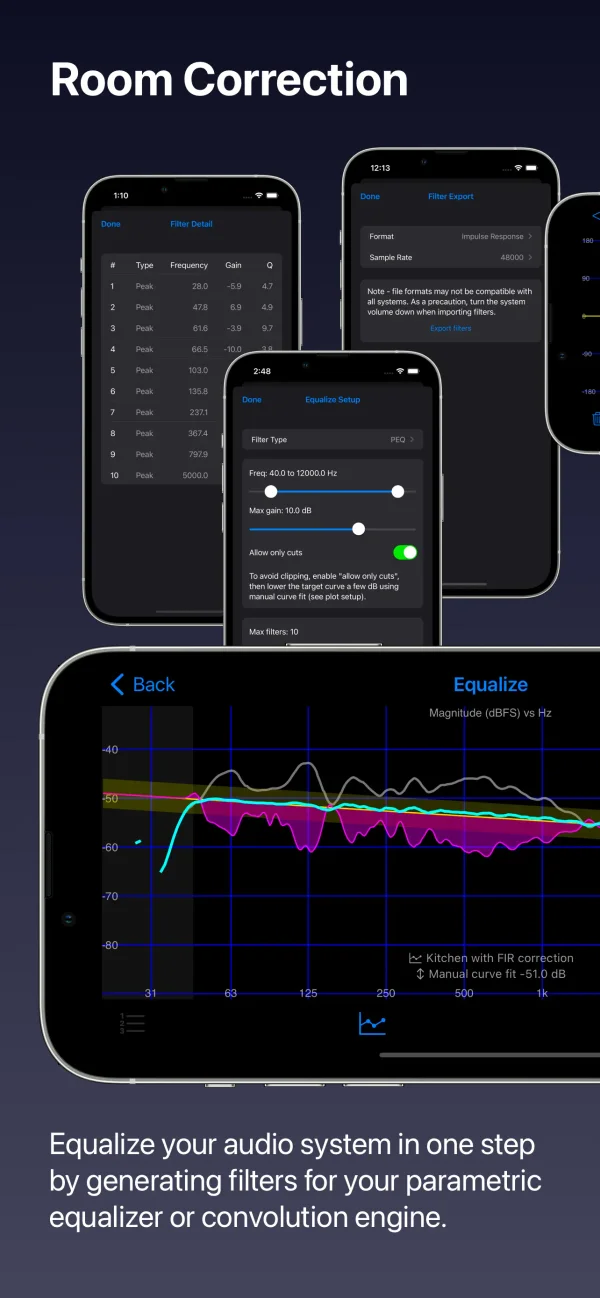
* Generate room correction filters (PEQ or FIR)
* Filters compatible with a variety of systems including Roon, Volumio, CamillaDSP, EqualizerAPO, miniDSP and Crestron DM NAX
* Use with built-in or external calibrated microphones
* Connect with AirPlay, Bluetooth, headphone jack (analog) or use external stimulus
HouseCurve measures in-room frequency response by listening to your audio system play a sine sweep. Measurements are displayed on top of a target curve, making it easy to see where adjustment is needed. Multiple measurements can be averaged to fully capture how the system sounds in the listening area. With small changes and repeat measurements, you can manually tune your system to the target curve. If your audio system has a parametric equalizer or convolution engine, HouseCurve can automatically generate filter settings to match the target curve.
HouseCurve can help with home and car audio system tuning, from system equalization and room correction to subwoofer time alignment and speaker placement. Visit housecurve.com for more information.
HouseCurve will produce acceptable results with the built in iPhone/iPad microphone. Using calibrated external microphones will provide higher accuracy.
The free version of HouseCurve can measure your audio system and display a magnitude plot (aka "frequency response"). Additional features, such as room correction filter generation, advanced measurement tools and target curve editing can be obtained via in-app purchases.
What’s new
Version 6.2.0 · Nov 24, 2026
What's new
* User can view impulse, envelope time curve (ETC) and step plots for use in room treatments and drive time alignment (a decay plot is coming soon... it just didn't make the cut for this release). See HouseCurve documentation for more information: https://housecurve.com/docs/usage/plot_types.
* Plot page control buttons replaced with a selection modal.
Bugs
* Fixed issue where manual fit slider was slow to respond to user input
App privacy
What Greg Wilding declares on the App Store about how this app handles data.
-
Data not linked to you
May be collected but is not linked to your identity.
- Usage data
Privacy practices may vary, for example with the features you use or your age.
Information
- Seller
- Greg Wilding
- Category
- Utilities
- Version
- 6.2.0
- Updated
- Nov 24, 2026
- Released
- Jul 13, 2019
- Size
- 10.7 MB
- Requires
- iOS 18.6 or later
- Age rating
- 4+
- Price
- Free
- In-app purchases
- Yes
- Languages
- English
- Copyright
- © 2025 Greg Wilding
You might also like
-
 CarSweep: Car Audio & Room EQStereo & speaker calibration
-
 Frequency AnalyzerSound Decibel Meter, Spectroid
-
 Decibel : dB sound level meterAudio noise Spectrum Analyzer
-
 Decibel X:dB Sound Level MeterFrequency Spectrum Analyzer
-
 Decibel Meter · Sound AnalyzerNoise Level & Frequency, SPL
-
 ChronoLog • Watch AccuracyTimegrapher & Collection Log
-
 Sound Meter (SPL meter)Noise & decibel meter, SPL
-
 NetSpot WiFi AnalyzerWiFi Heat Map & Speed Test
-
 Screens 5: VNC Remote DesktopFast & Secure Computer Access
-
 amscanamcoustics room scanner