
NetSpot WiFi Analyzer
WiFi Heat Map & Speed Test
Designed for iPhone, iPad, iPod touch
Free · In-app purchases
- Age rating4+
- CategoryUtilities
- DeveloperEtwok Inc
- LanguagesEnglish+ 7 more
- Size51.2 MB
Links to the official App Store page
Download.org hosts no file of NetSpot WiFi Analyzer. The button opens its official App Store page, published by Etwok Inc. Listing last checked on Nov 16, 2026.
Screenshots

About
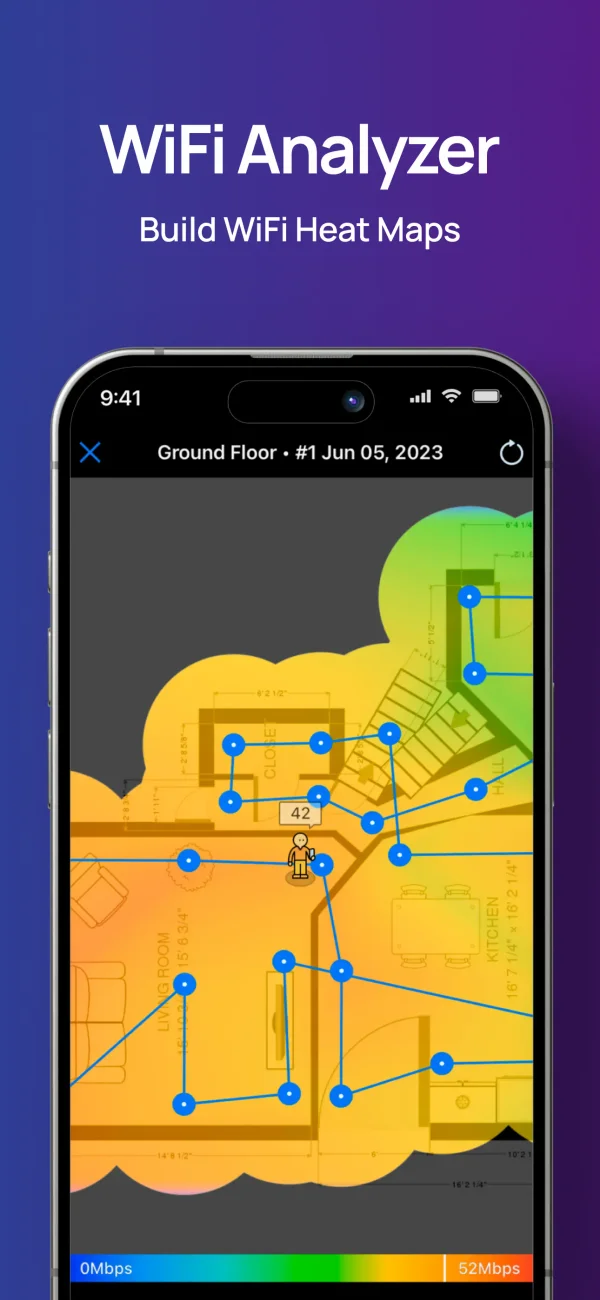
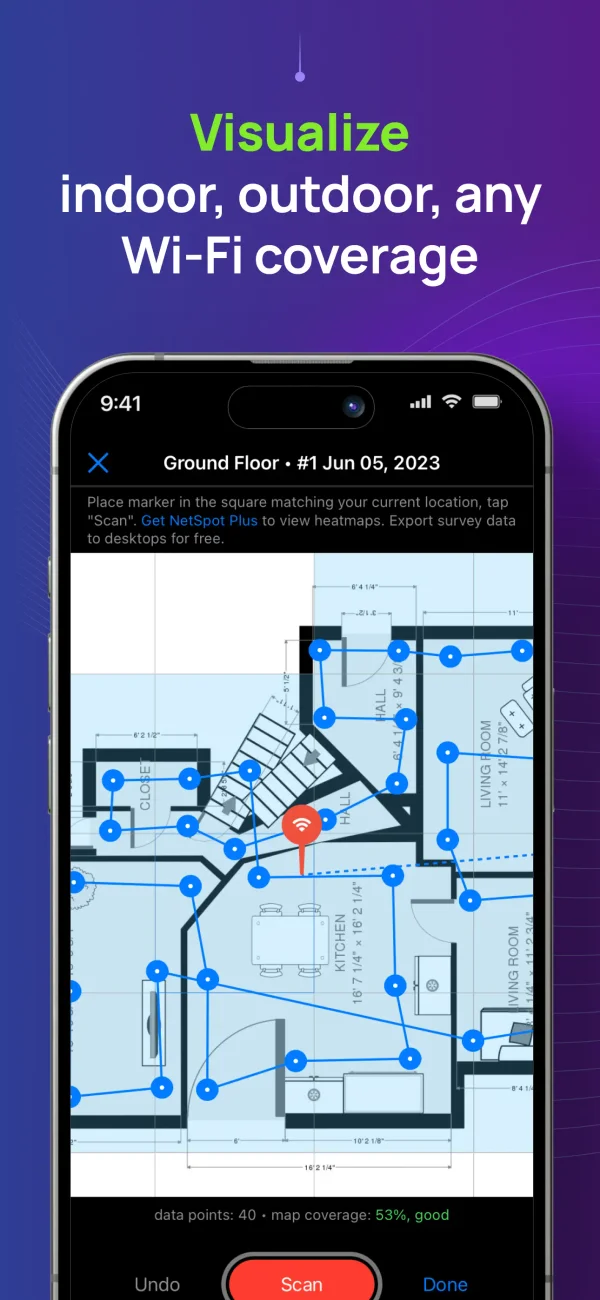
NetSpot 3 delivers powerful WiFi site surveys with internet speed, ping tests and device discovery to iPhone and iPad users. Build realistic WiFi heatmaps right on your iPhone or iPad in minutes, without additional expensive hardware! Analyze and troubleshoot your wireless networks with color-coded interactive heatmaps, very simple to create and interpret.
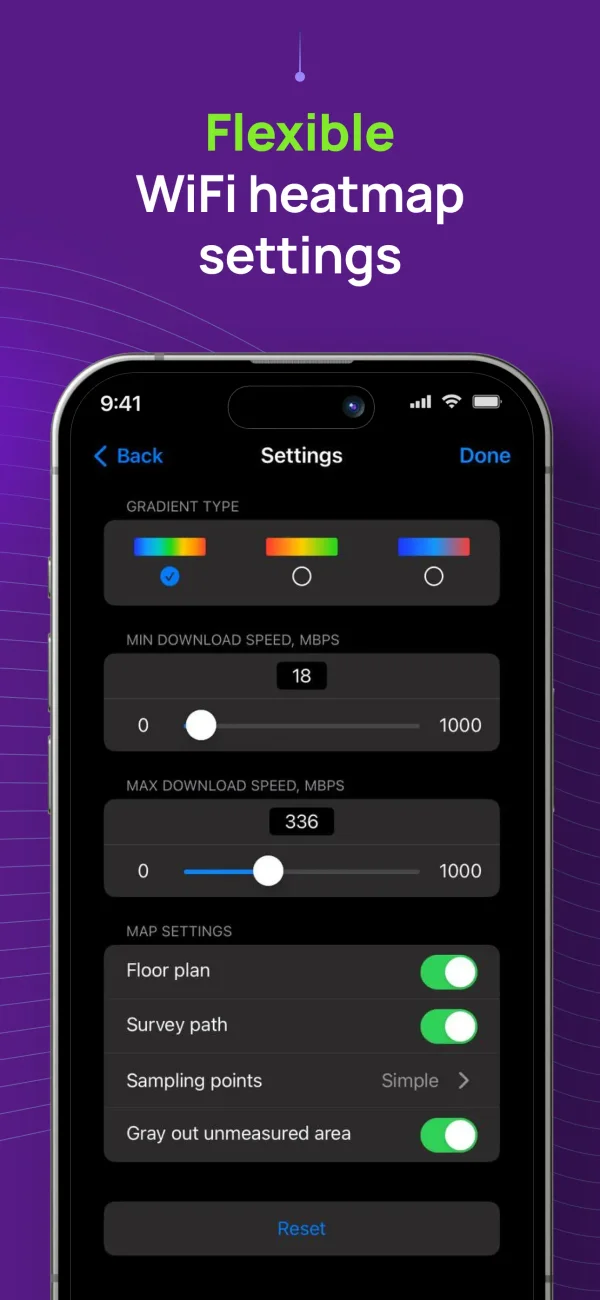
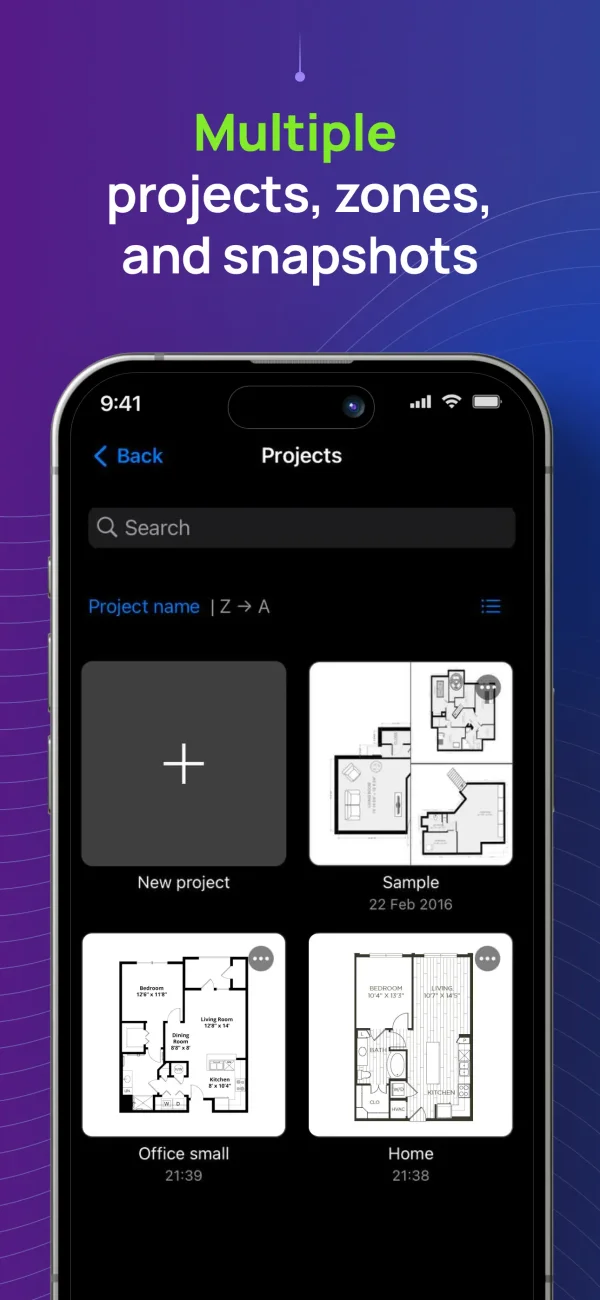
NetSpot, famous for its versatile network tools with millions of business and home users across all platforms, is the only WiFi scanner app with heatmap visualizations on the App Store. Effortlessly manage your Wi-Fi survey projects by organizing them into multiple zones and snapshots for each surveyed area. Flexible configuration settings let you customize the look and feel of your WiFi map and choose the desired gradient to properly highlight areas with high WiFi speed and stable connection, as well as the areas with low WiFi signal that may need improvements.
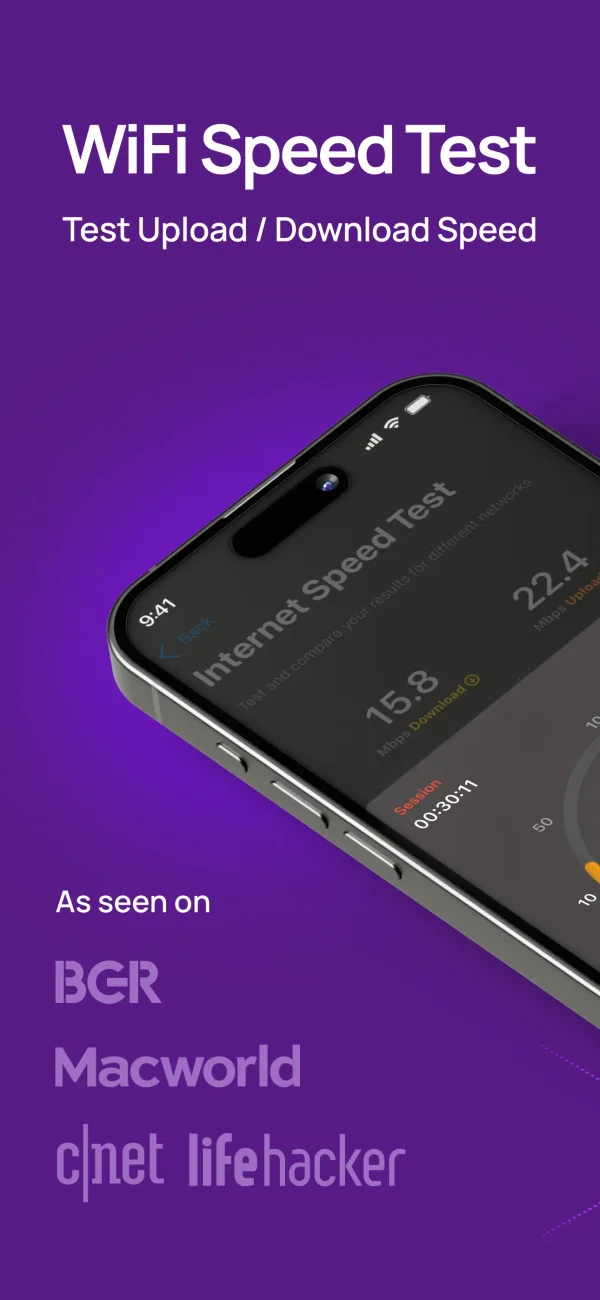
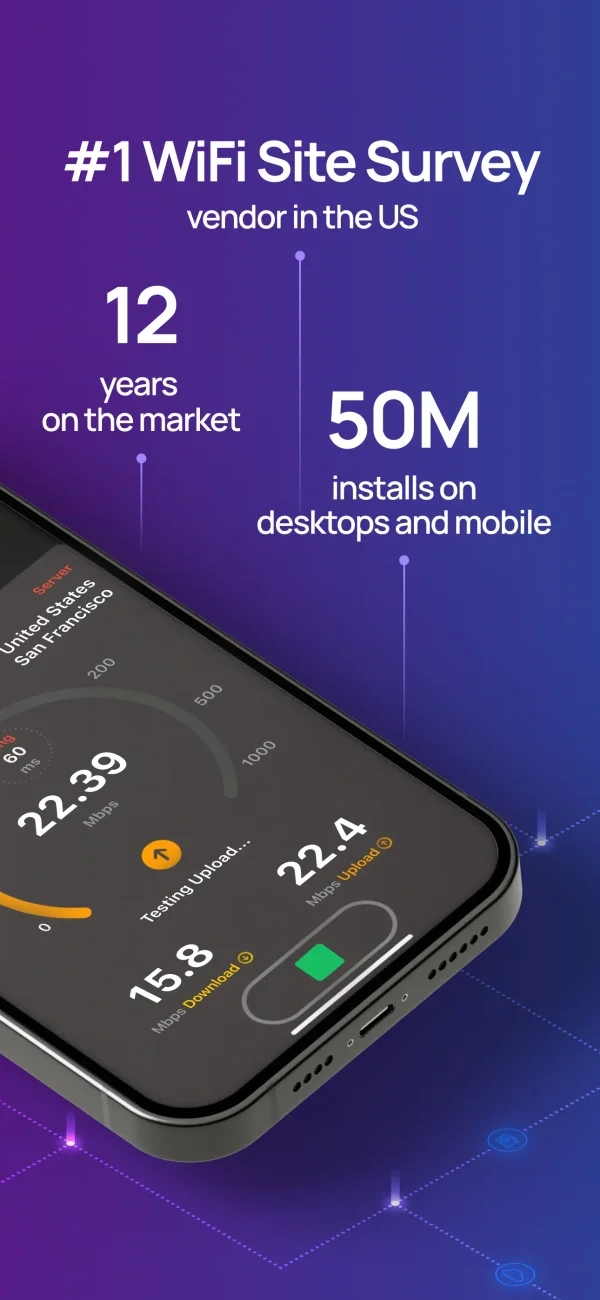
NetSpot’s WiFi speedtest is a great one-tap solution to verify and track performance of your wireless setups over time.
NetSpot also offers Ping Tests. A ping test is a great way to check network connectivity for any underlying network issues and measure the latency. High latency may indicate slow or laggy internet, which affects gaming or video calls quality.
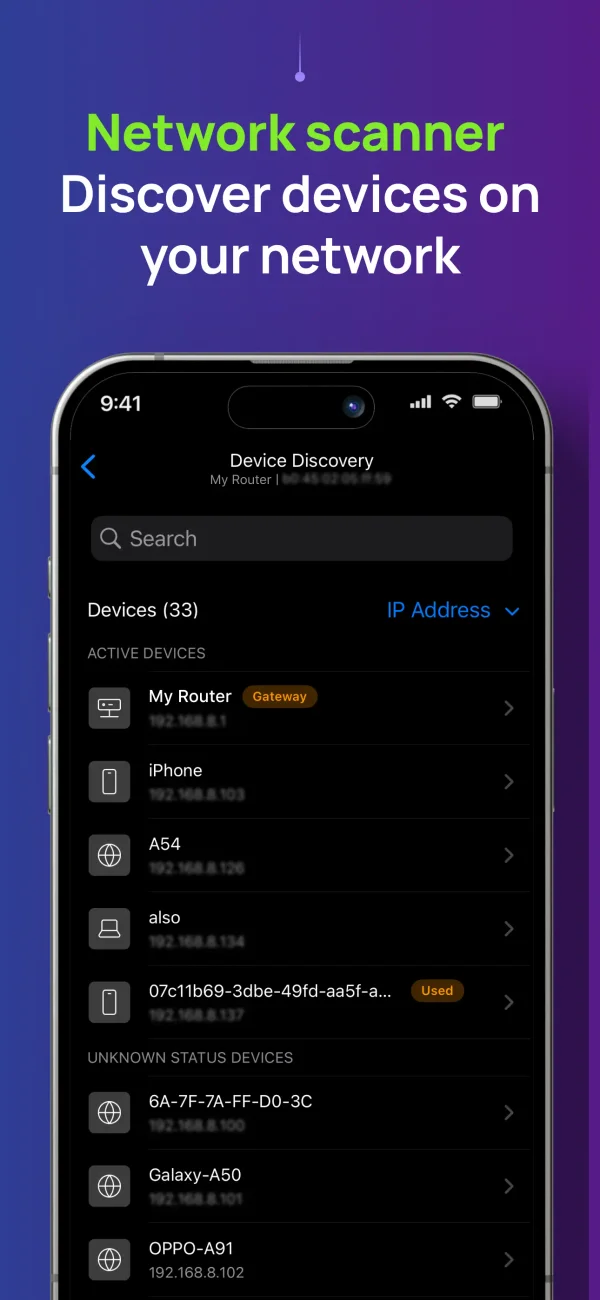
NetSpot offers a handy Device Discovery mode, which basically turns the app into a network scanner collecting information on all devices connected to your network. It depends on devices, which information can be collected, but in general you can see such data as MAC address, IP address, device names, software and firmware versions, a class of device (e.g. smartphone, smart device or a laptop.), etc.
The free version of NetSpot for iOS lets you use Device Discovery mode, as well as test the ping and Internet speed. WiFi Survey mode with heatmaps is available in NetSpot Plus - a one-time in-app purchase.
USE NETSPOT AS...
* WiFi analyzer - diagnose your wireless network connection speed and latency
* WiFi scanner - collect and visualize your WiFi data
* Speed tester - check your internet, WiFi or mobile download and upload speed, record historical results
* WiFi mapper - conduct active WiFi site surveys for connected networks
* Ping tester - verify your WiFi or mobile connection latency to major or custom websites
* Network scanner – find and collect information about devices currently connected to your wireless network
* WiFi troubleshooting app
NetSpot WiFi heat mapper is fast, accurate and extremely simple. It helps you see the true coverage of your WiFi like never before, regardless of your mesh or no-mesh configuration, security settings, interfering networks or other factors. Every time you use NetSpot internet speed meter for WiFi site surveys, it delivers reliable interactive heatmaps that are easy to analyze.
NETSPOT IS INCREDIBLY HELPFUL FOR...
* WiFi network setup verification
* WiFi signal, speed and ping test
* Creating WiFi heat map to detect areas of weak signal (part of NetSpot Plus)
* Find out who is on your Wi-Fi
* Extending WiFi coverage and more
What’s new
Version 3.1.6 · Sep 27, 2025
Fixed several interface bugs to enhance your user experience.
App privacy
What Etwok Inc declares on the App Store about how this app handles data.
-
Data not linked to you
May be collected but is not linked to your identity.
- Usage data
Privacy practices may vary, for example with the features you use or your age.
Information
- Seller
- Etwok Inc
- Category
- Utilities
- Version
- 3.1.6
- Updated
- Sep 27, 2025
- Released
- May 4, 2020
- Size
- 51.2 MB
- Requires
- iOS 15.5 or later
- Age rating
- 4+
- Price
- Free
- In-app purchases
- Yes
- Languages
- English, French, German, Italian, Japanese, Portuguese, Russian, Spanish
- Copyright
- © Etwok Inc., USA
You might also like
-
 Ubiquiti WiFimanUtilities
-
 Network Analyzer: WiFi ScanLAN scanner, ping, DNS & whois
-
 Wifi Signal Strength AnalyzerSignal Strength -Speed Test
-
 Internet QualityWiFi & Network AR Analyzer
-
 Ping - network utilityTest host reachability
-
 nOversight - WiFi AnalyzerSee Wi-Fi as your phone does
-
 TP-Link OmadaUtilities
-
 iNetTools - Ping,DNS,Port ScanBest Network Diagnosis App
-
 Opensignal Speed Test Ad Free5G 4G & WiFi Signal Speed Test
-
 Wi-Fi ToolkitUtilities