
HTML Slide AI
Create Slides Freely with HTML
Designed for iPhone, iPad, iPod touch
- Age rating4+
- CategoryProductivity
- DeveloperYUKI TANAIKE
- LanguagesRussian+ 46 more
- Size61.8 MB
Links to the official App Store page
Download.org hosts no file of HTML Slide AI. The button opens its official App Store page, published by YUKI TANAIKE. Listing last checked on Nov 12, 2026.
Screenshots

About
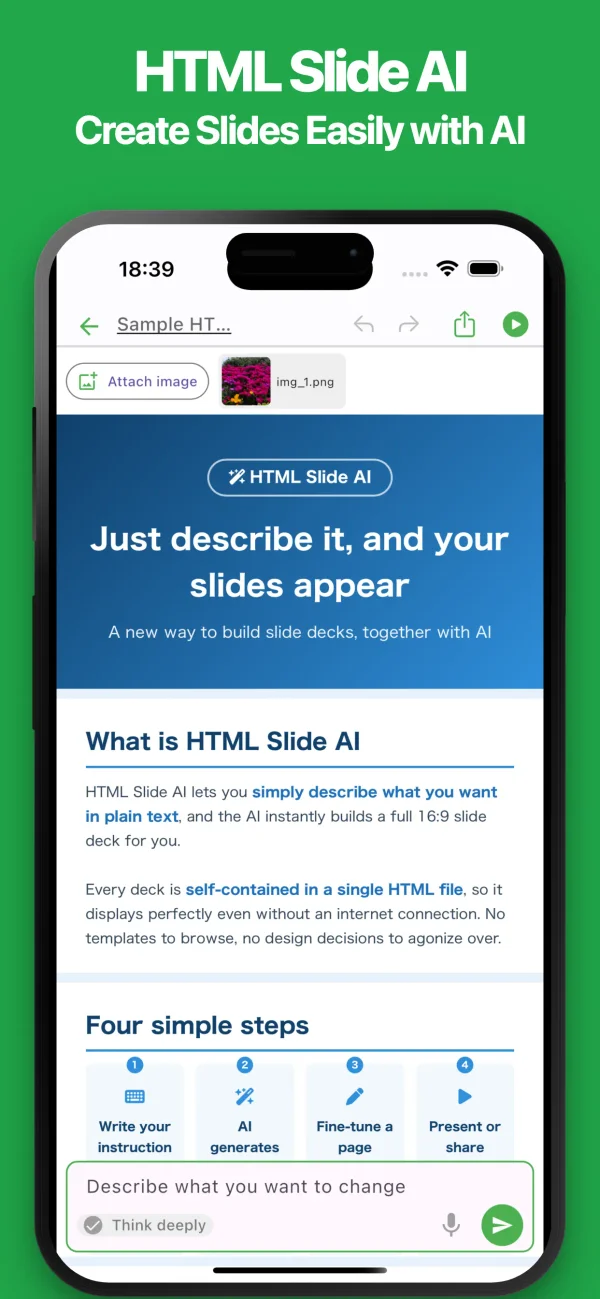
Create HTML Slides with AI—Just Describe What You Need
HTML Slide AI creates HTML-based presentations from plain-language instructions. Simply describe the content you want, and AI organizes the structure, titles, text, and design.
Use it for proposals, product or service introductions, sales presentations, internal reports, classes and lectures, seminars, project updates, research summaries, and portfolios.
Main Features
- Create with AI: Enter your topic and requirements, and AI builds the presentation.
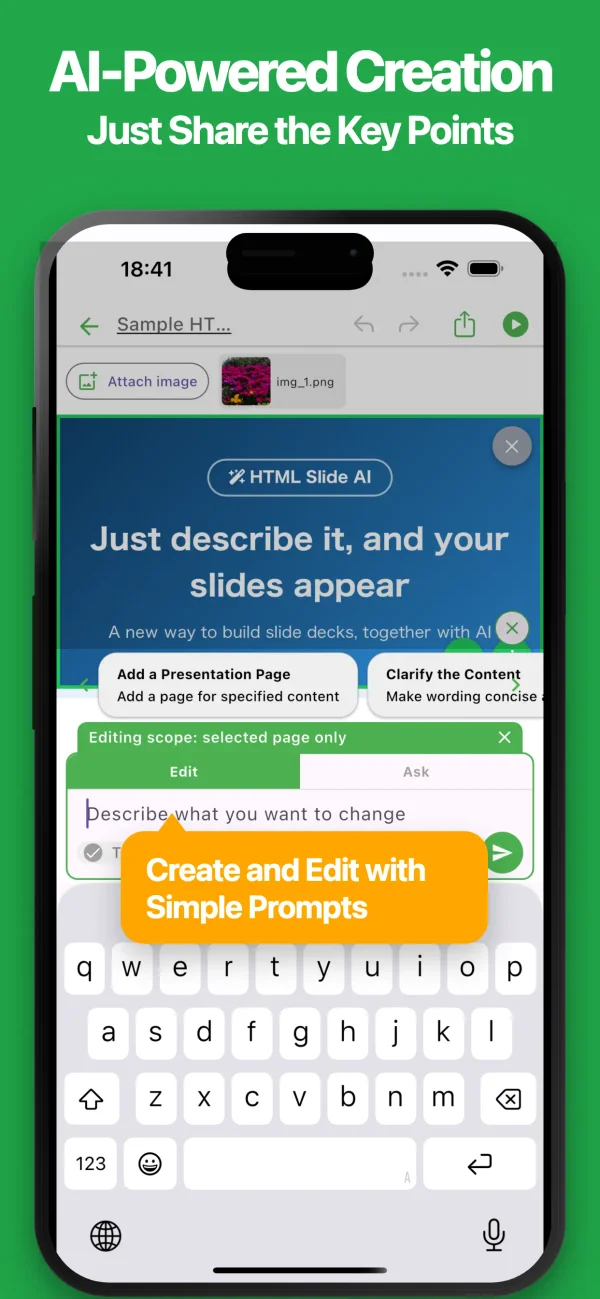
- Edit with AI: Change text, structure, colors, and layout with additional instructions.
- Edit Individual Slides: Modify only the selected slide without affecting the rest of the presentation.
- AI Improvement Suggestions: Review presentation flow, text density, readability, terminology, content that could be visualized, conclusions and next steps, and wording or typing errors.
- Flexible HTML Design: Use text, images, tables, charts, and card-style layouts.
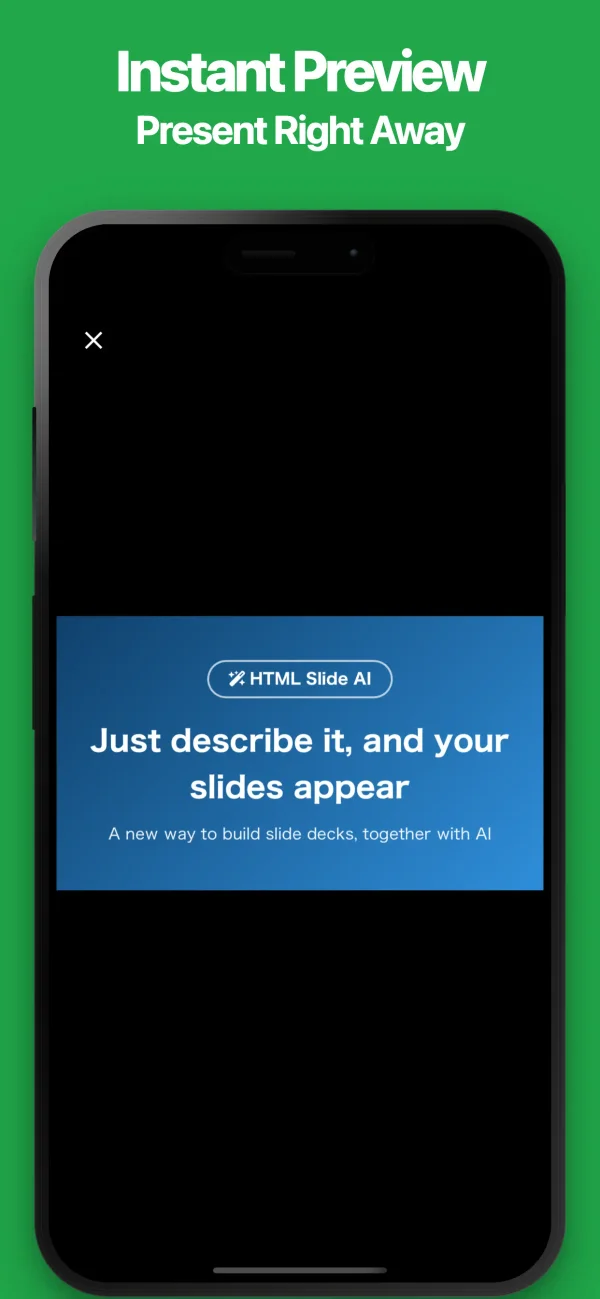
- Instant Preview: Check content and design as you work.
- Present Directly in the App: Display your completed slides without leaving the app.
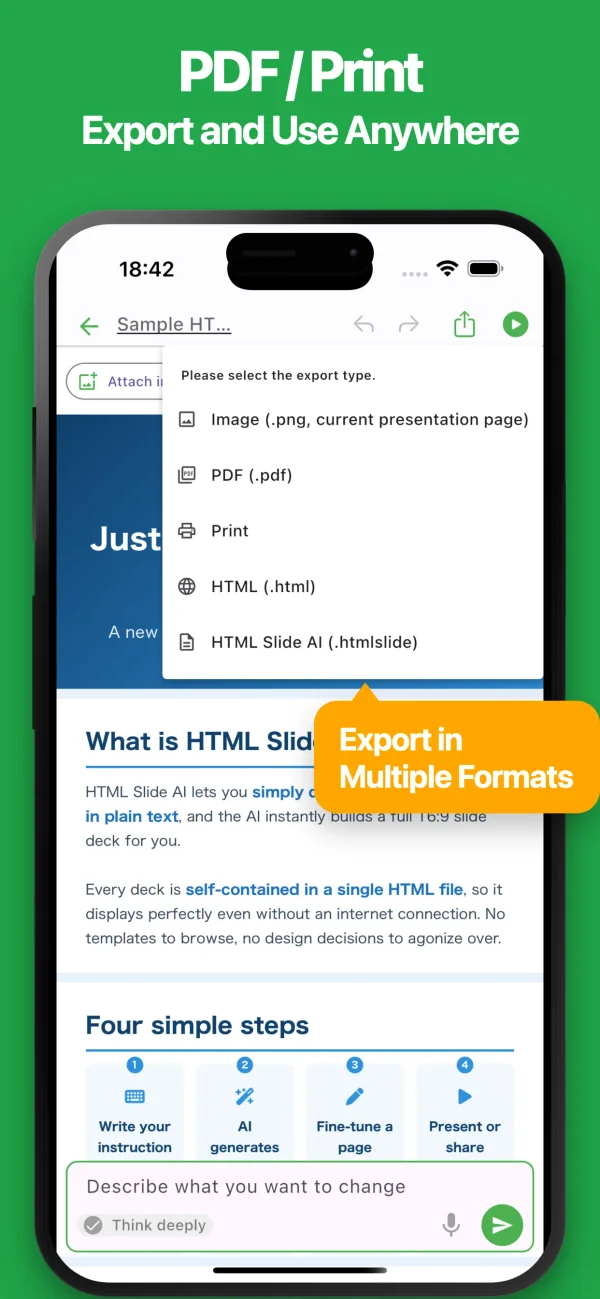
- Export: Save as PDF, save slides as images, print, or save in the app's native format for later editing.
- Dark Theme: Comfortable to use in low-light environments.
Example instructions:
- “Create a presentation introducing a new service.”
- “Create an eight-slide proposal for improving internal operations.”
- “Use a calm blue color scheme.”
- “Add a pricing table to this slide.”
No advanced design or HTML knowledge is required. Describe your idea and quickly turn it into a flexible presentation with the expressive power of HTML.
What’s new
Version 1.2.0 · Nov 6, 2026
• Added support for macOS.
• You can now link your purchase to an account and carry it over to another device or to the Mac version.
• You can now share via a URL.
• Made several usability improvements.
App privacy
What YUKI TANAIKE declares on the App Store about how this app handles data.
-
Data not collected
The developer does not collect any data from this app.
Privacy practices may vary, for example with the features you use or your age.
Information
- Seller
- YUKI TANAIKE
- Category
- Productivity
- Version
- 1.2.0
- Updated
- Nov 6, 2026
- Released
- Aug 13, 2026
- Size
- 61.8 MB
- Requires
- iOS 15.6 or later
- Age rating
- 4+
- Languages
- Russian, Bengali, Bulgarian, Gujarati, Hindi, Kazakh, Oriya, Slovenian, Urdu, Vietnamese, English, Arabic + 35 more
- Copyright
- © 2022 - 2026 Yuki Tanaike
You might also like
-
 Script SageProductivity
-
 DoneLine: AI Todo List PlannerTask Manager, Projects & Gantt
-
 MemoTree - Notes OrganizerOrganize Notes in Folders
-
 Wayve: Goal & Deadline TrackerKnow if you'll hit your goal
-
 OnePage PPT: AI Slide MakerPresentation & Infographic
-
 Nested NotesOrganize Ideas
-
 Deckora: AI Presentation MakerAI Presentation Maker
-
 ROJA: Task Board PlannerKanban, reminders, mind map
-
 Shoulder: Screen to AIHelps with anything you share
-
 Minds: Mind Map, Notes & IdeasVoice & photo. Sort your ideas