Deckora: AI Presentation Maker
AI Presentation Maker
Designed for iPhone
In-app purchases
- Age rating17+
- CategoryProductivity
- DeveloperMihnea Sandu
- LanguagesEnglish
- Size26.8 MB
Links to the official App Store page
Download.org hosts no file of Deckora: AI Presentation Maker. The button opens its official App Store page, published by Mihnea Sandu. Listing last checked on Nov 12, 2026.
Screenshots


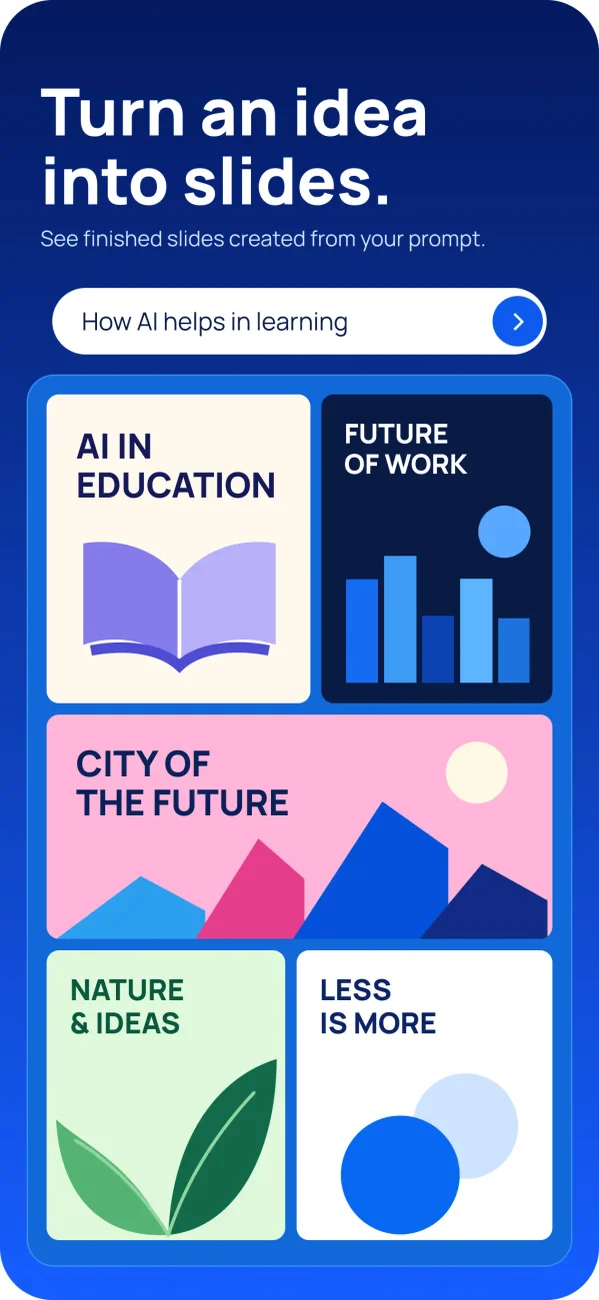
About
Create Presentations with AI
Turn ideas, topics, and documents into ready-to-use presentations. Describe what your presentation should be about or upload a PDF or DOCX — AI will help create the structure, text, and design in one workflow.
From Idea to Presentation
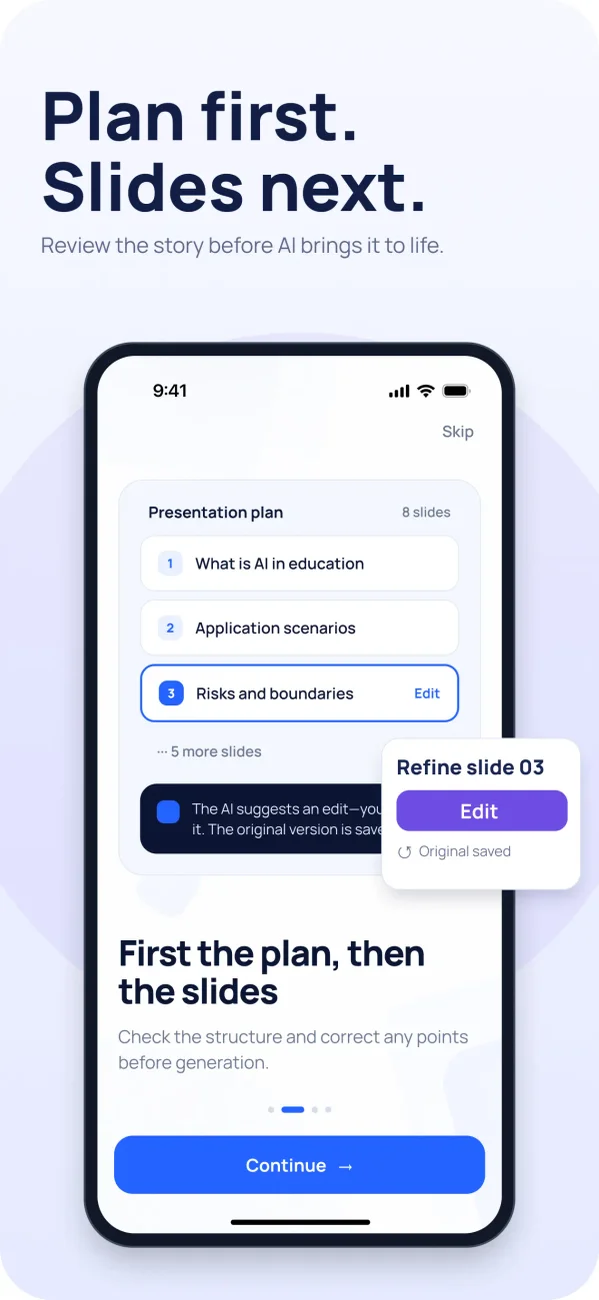
Describe your topic and add your main requirements. AI will create a presentation outline, suggest content, and organize information across your slides.
Plan First, Then Create
Review the structure before generating your presentation. Check the outline, edit individual points, and make sure the content fits your needs.
Create Presentations in Different Styles
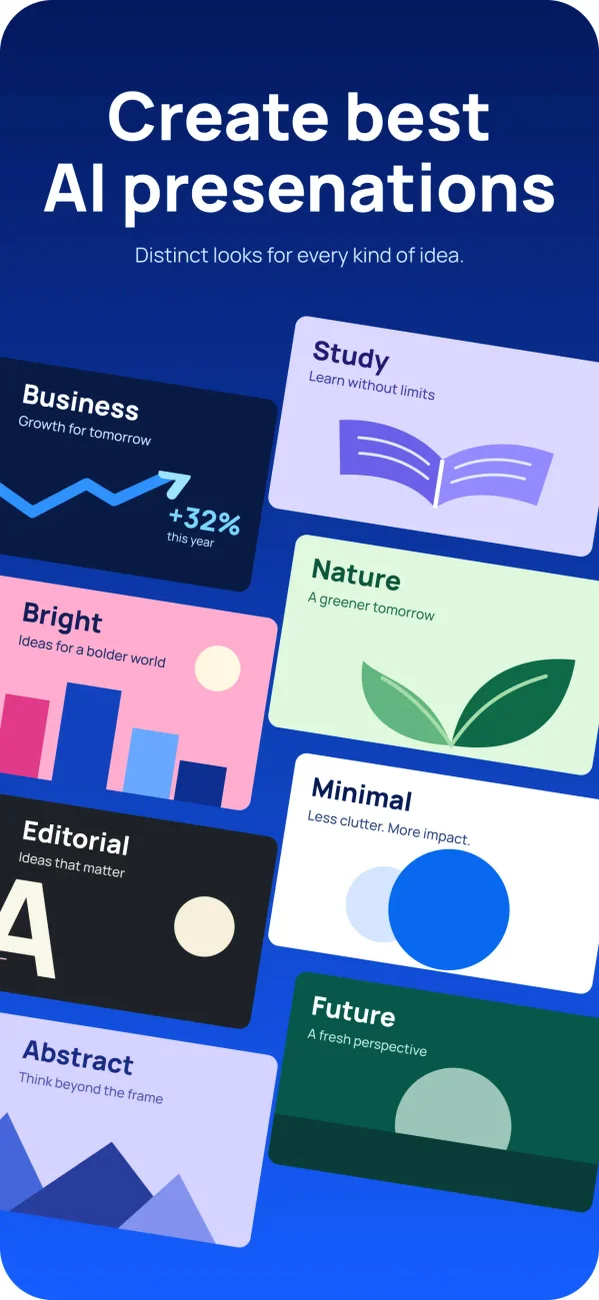
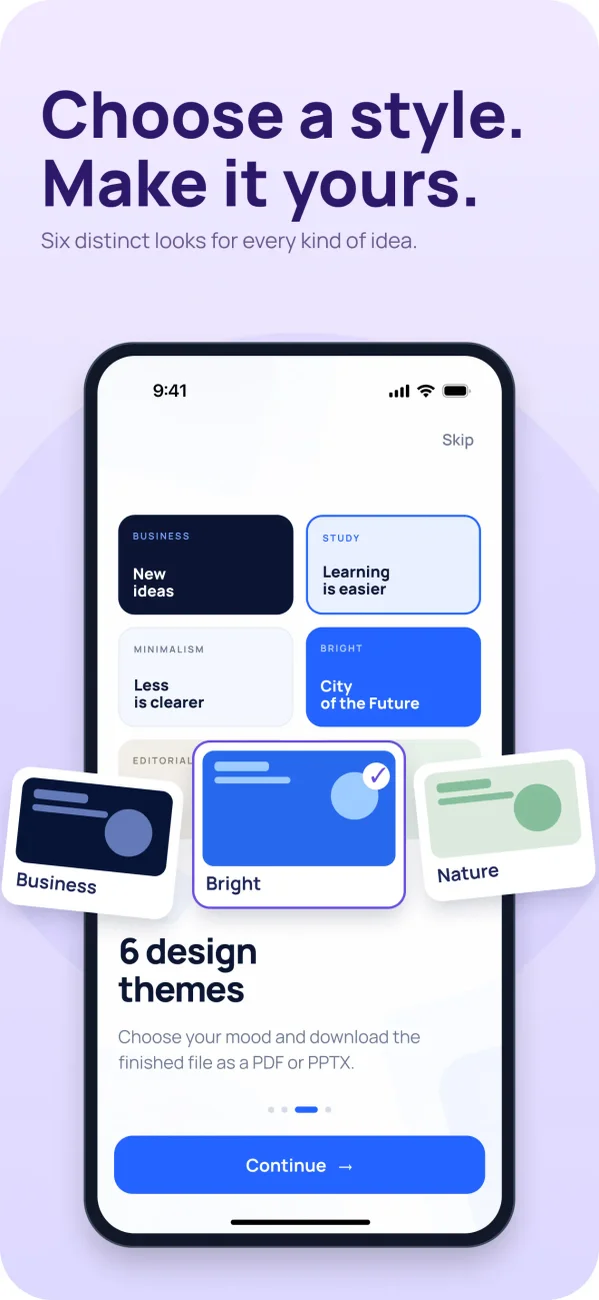
Choose the right look from several ready-made themes. Experiment with different visual styles and create presentations for different purposes.
Work with Documents
Upload a PDF or DOCX and use its content as the foundation for your presentation. AI will help turn your existing materials into structured slides.
Get Your Finished File
Download your presentation as a PDF or PPTX. Save the finished file to your device and continue working with it wherever you need.
Share Your Presentation
Create a link to your finished presentation and send it to others. Open and share your presentation on any device.
Presentations Without the Extra Work
From the first idea to the finished file, everything you need to create a presentation is in one place.
Idea. Plan. Slides. Finished Presentation.
Subscription Information
Subscription Payment: Subscription payments will be charged to your iTunes account upon confirmation of purchase and at the beginning of each subsequent renewal period. The subscription automatically renews unless canceled.
Subscription Cancellation: You can cancel your subscription in your iTunes settings at least 24 hours before the end of the current subscription period. Cancellation will take effect on the day after the last day of the current subscription period, and you will be downgraded to the free version of the service.
Privacy Policy: https://docs.google.com/document/d/1cJcuuoinmF7Km7DyMP-PP2bJvSmu_Nnrr5jvy73cFwg/edit?usp=sharing
Terms and Conditions: https://docs.google.com/document/d/1V9Tkjqm6cgzu6kWm2Rf1zqP1wjfJQGGkMSpy16iariI/edit?tab=t.0
What’s new
Version 1.2 · Oct 13, 2026
- fixed bugs
- improved performance
App privacy
What Mihnea Sandu declares on the App Store about how this app handles data.
-
Data used to track you
May be used to track you across apps and websites owned by other companies.
- Identifiers
- Usage data
- Diagnostics
-
Data not linked to you
May be collected but is not linked to your identity.
- Identifiers
- Usage data
- Diagnostics
Privacy practices may vary, for example with the features you use or your age.
Information
- Seller
- Mihnea Sandu
- Category
- Productivity
- Version
- 1.2
- Updated
- Oct 13, 2026
- Released
- Oct 6, 2026
- Size
- 26.8 MB
- Requires
- iOS 18.0 or later
- Age rating
- 17+
- In-app purchases
- Yes
- Languages
- English
- Copyright
- © own