HTML Web Preview: JS CSS JSON
Your web projects, on the go
Designed for iPhone, iPad
Free
- Age rating4+
- CategoryDeveloper Tools
- DeveloperDo Yun Kim
- LanguagesEnglish+ 14 more
- Size8.2 MB
Links to the official App Store page
Download.org hosts no file of HTML Web Preview: JS CSS JSON. The button opens its official App Store page, published by Do Yun Kim. Listing last checked on Nov 12, 2026.
Screenshots
About
Open your web projects on iPhone and iPad.
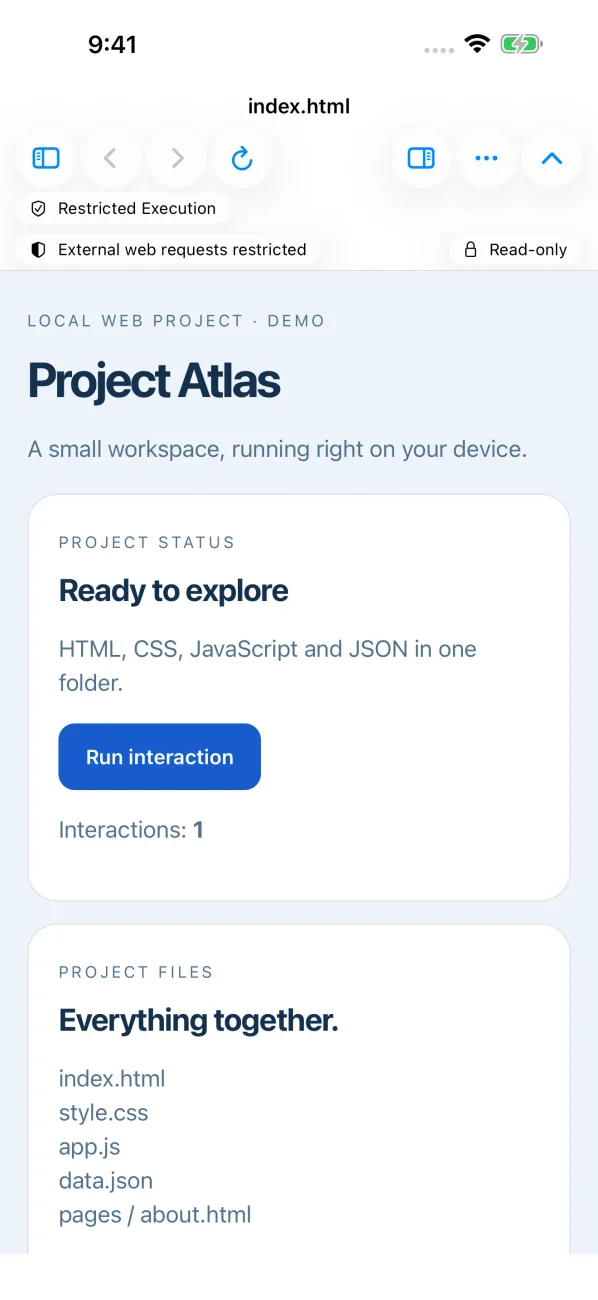
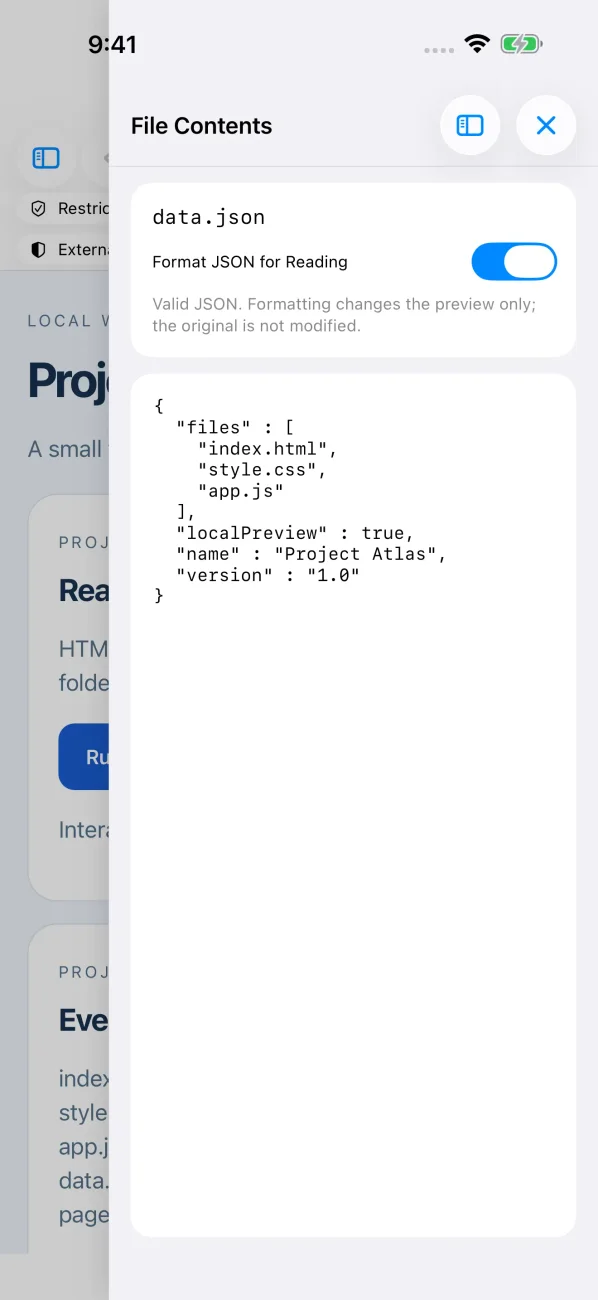
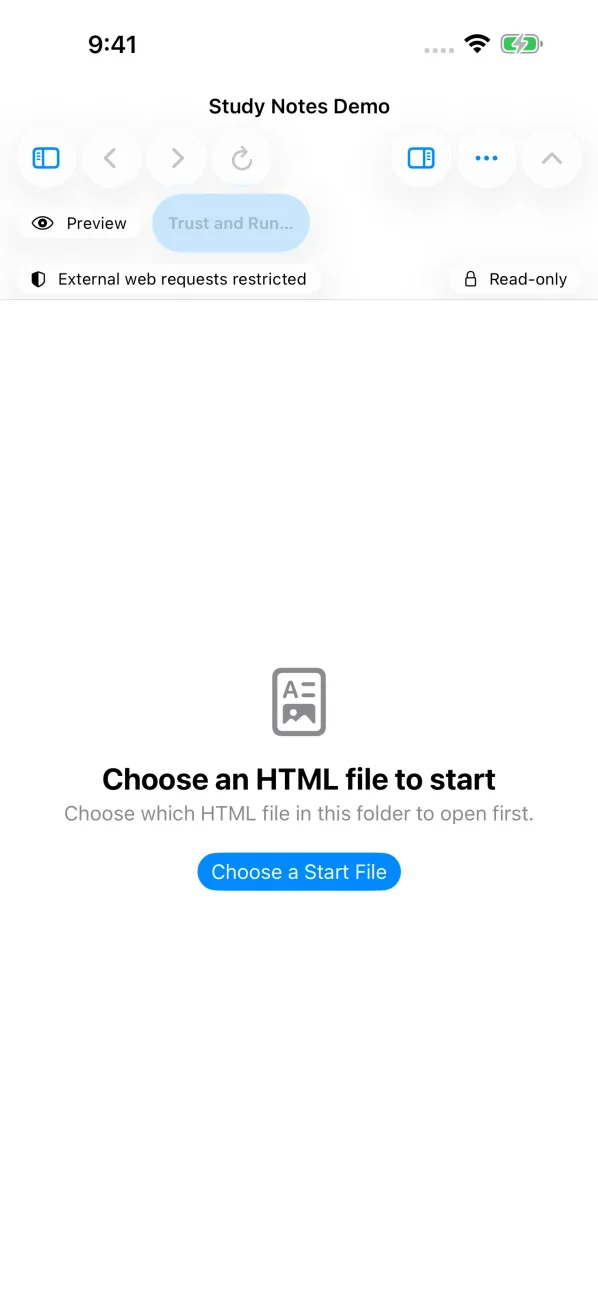
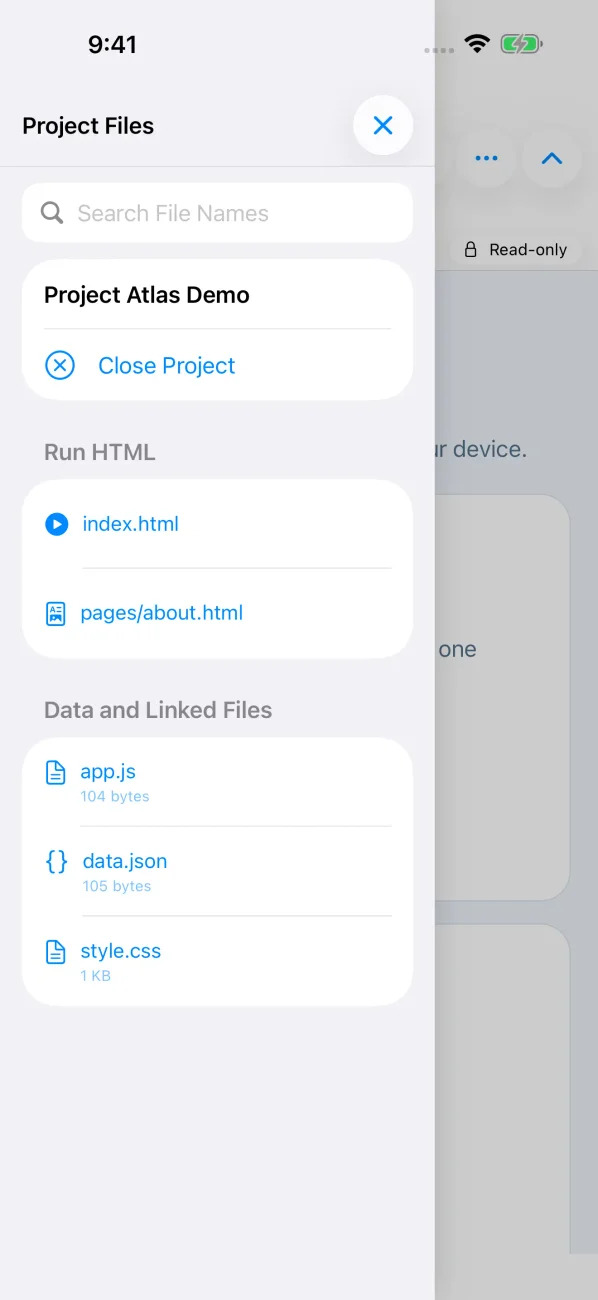
HTML Web Preview opens a folder of HTML and its related files, with JSON and source available alongside the page. Explore your own study materials, web documents, small tools and prototypes on your device.
• Open a project folder: keep HTML, CSS, JavaScript, images and JSON together with their file structure intact.
• Keep your originals: the app does not modify selected files or folders. Switch between formatted JSON and original text, and refresh after editing files in another app.
• Preview before running: folders open with page JavaScript disabled. Review the contents and run only projects you trust. A separately confirmed compatibility mode is available for some web features.
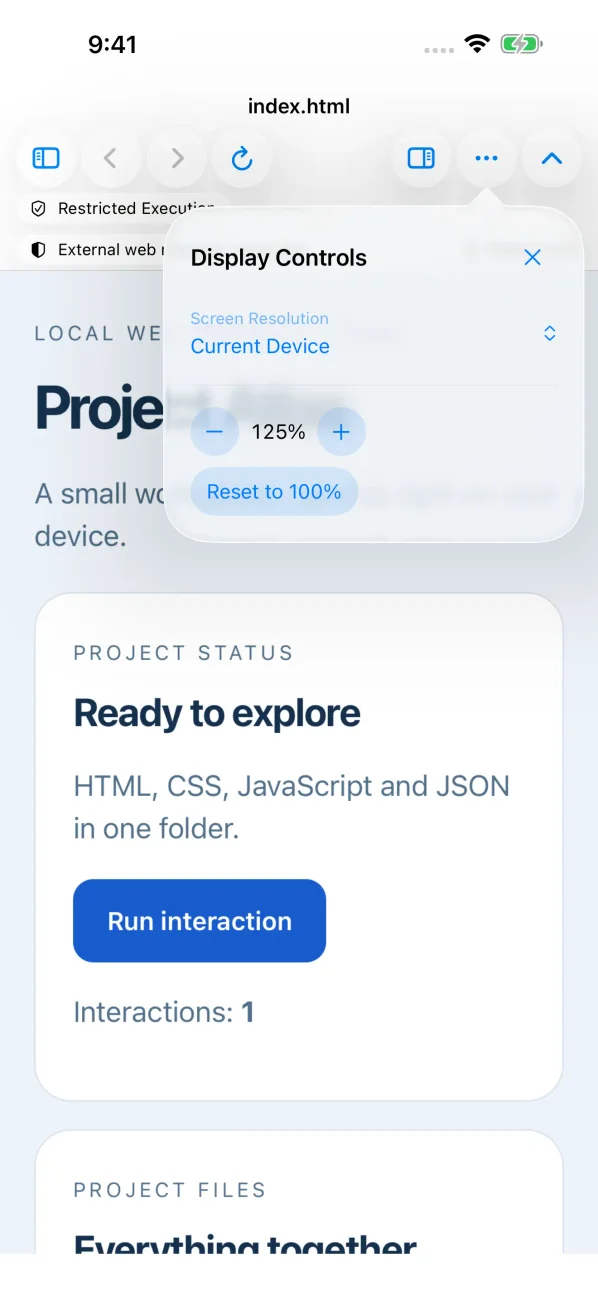
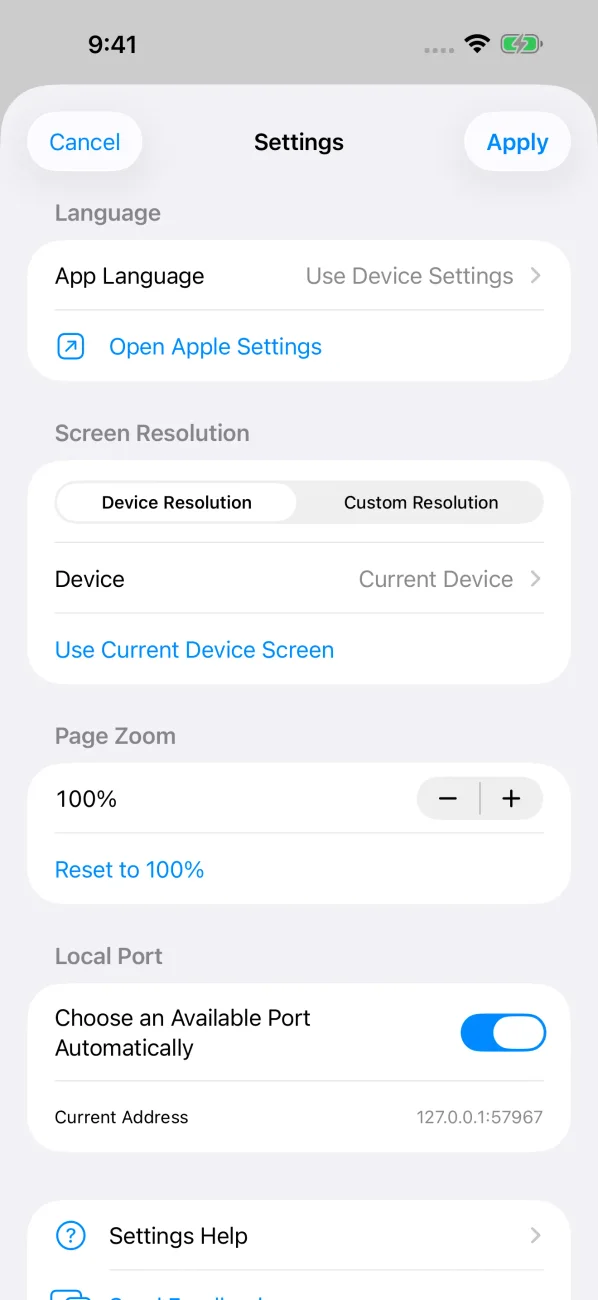
• Adjust the view: collapse the controls, use the current device screen, or select a fixed or custom resolution. Zoom the page as in a browser to adjust text and element sizes, line wrapping and layout. Resolution settings do not reproduce every feature of a device.
• Inspect errors: distinguish missing files from page errors and check the project activity log.
Before you begin
Projects can work offline when all required files are stored on your device and no external services are needed. Cloud downloads, external web resources and ads may require internet access.
ZIP extraction, file editing, server-side programs such as Python, PHP or Node.js, project builds and download management are not supported. Open the finished web output folder for projects that need a build step.
Page inputs and runtime state are not permanently saved and may reset when a project closes or restarts. Read-only access does not block every form of external communication. Run only trusted projects without sensitive files.
The version 1.3 interface supports 15 languages: Korean, English, Japanese, Simplified and Traditional Chinese, German, French, Spanish, Brazilian Portuguese, Arabic, Uzbek, Vietnamese, Thai, Hebrew and Serbian (Latin script). Your documents and code remain in their original language.
What’s new
Version 1.3 · Oct 5, 2026
- Support for Arabic, Uzbek (Latin), Vietnamese, Thai, Hebrew, and Serbian (Latin).
- Improved page zoom.
- Improvements to language and display settings and help
App privacy
What Do Yun Kim declares on the App Store about how this app handles data.
-
Data linked to you
May be collected and linked to your identity.
- Location
- Contact info
- User content
- Identifiers
- Usage data
-
Data not linked to you
May be collected but is not linked to your identity.
- Diagnostics
Privacy practices may vary, for example with the features you use or your age.
Information
- Seller
- Do Yun Kim
- Category
- Developer Tools
- Version
- 1.3
- Updated
- Oct 5, 2026
- Released
- Sep 17, 2026
- Size
- 8.2 MB
- Requires
- iOS 17.0 or later
- Age rating
- 4+
- Price
- Free
- Languages
- English, Arabic, French, German, Hebrew, Japanese, Korean, Portuguese, Serbian, Simplified Chinese, Spanish, Thai + 3 more
- Copyright
- © 2026 Kim Do Yun
You might also like
-
 CodeMate: Code Editor & ViewerSSH Terminal, JSON & Markdown
-
 Localhost Web Server & HTMLWiFi File Transfer & Preview
-
 HTML & Markdown ViewerOpen AI-generated HTML files
-
 HTML Editor + ViewerAll-in-One HTML Tool
-
 HTML Runner: Live PreviewRun HTML,CSS,JS Projects
-
 JSON Brace: Viewer & FormatterPretty-print & explore data
-
 GlassCode - Code EditorYour pocket code editor & IDE
-
 HTML LaunchLaunch Your Vibe-Coded Apps
-
 HTML Editor - Build WebsitesHTML, CSS & JavaScript Code
-
 CodePad!Fast code viewer & editor