
- Age rating12+
- CategoryDeveloper Tools
- Developer凯祺 王
- LanguagesEnglish
- Size11.6 MB
Links to the official App Store page
Download.org hosts no file of HTTP Debugger+. The button opens its official App Store page, published by 凯祺 王. Listing last checked on Nov 12, 2026.
Screenshots
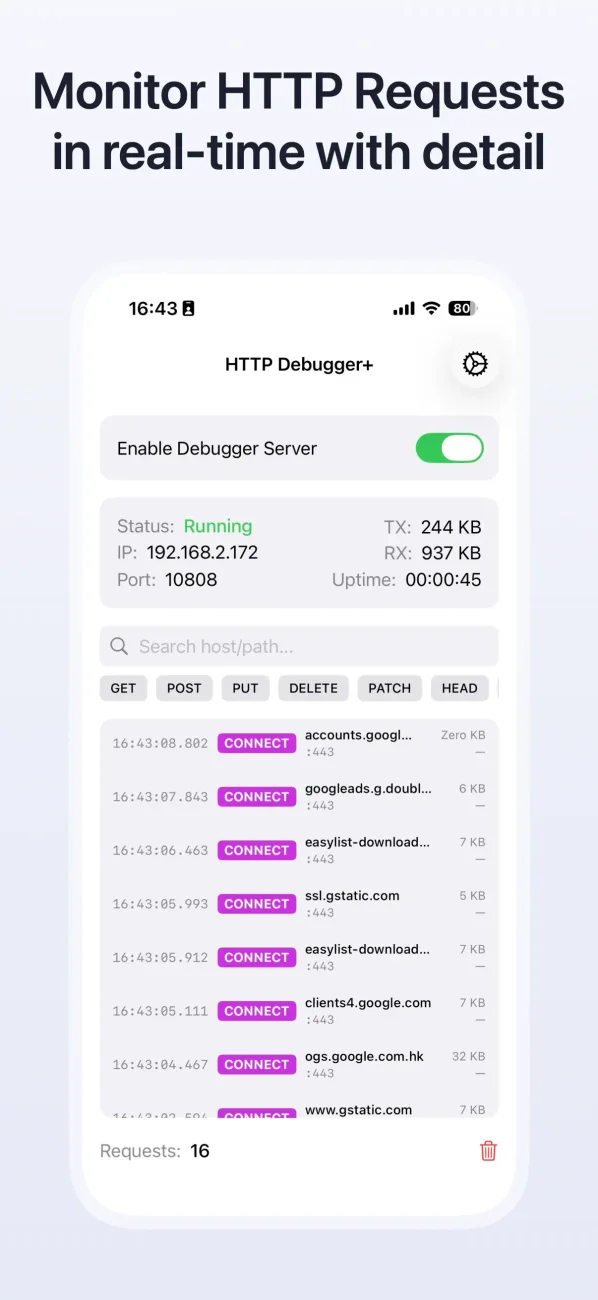
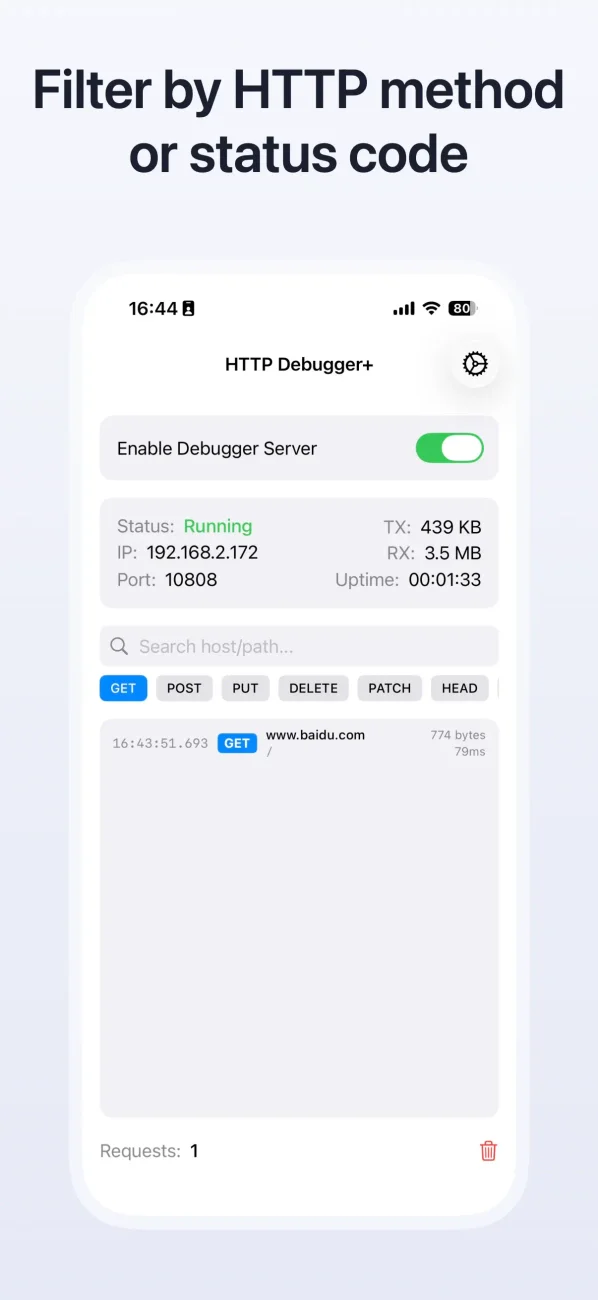
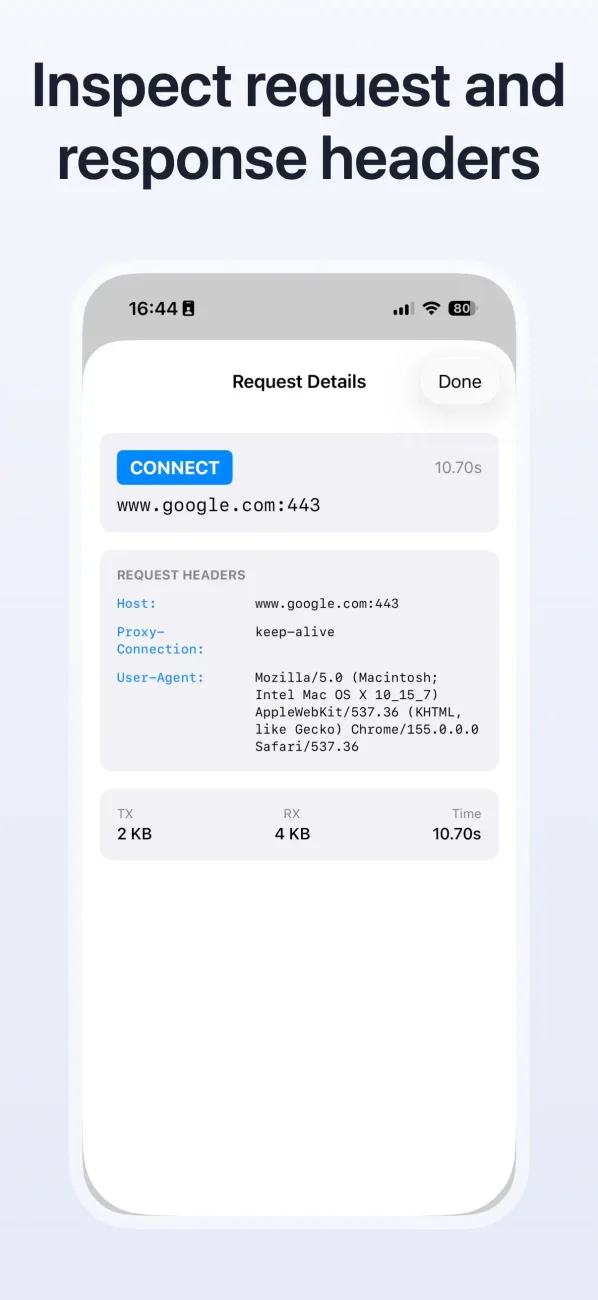
About
HTTP Debugger+ is a professional HTTP traffic inspector designed for developers and QA engineers.
Features:
• Monitor all HTTP/HTTPS requests from apps on your device
• Inspect request and response headers in detail
• View status codes and response times
• Real-time TX/RX byte counting
• Filter by HTTP method or status code
• Search by host or URL path
How it works:
1. Start the debug server on your iOS device
2. Configure your computer's proxy settings to point to this device
3. All HTTP traffic will be routed through HTTP Debugger for inspection
Perfect for:
• Debugging API calls from development tools
• Inspecting HTTP headers during development
• Testing proxy configurations
• Monitoring network requests
Note: This is a developer debugging tool. No VPN or traffic forwarding service is provided.
What’s new
Version 1.2.3 · Oct 25, 2026
1. Optimize for iPhone Duo
App privacy
What 凯祺 王 declares on the App Store about how this app handles data.
-
Data not collected
The developer does not collect any data from this app.
Privacy practices may vary, for example with the features you use or your age.
Information
- Seller
- 凯祺 王
- Category
- Developer Tools
- Version
- 1.2.3
- Updated
- Oct 25, 2026
- Released
- May 2, 2026
- Size
- 11.6 MB
- Requires
- iOS 16.0 or later
- Age rating
- 12+
- Price
- $1.99
- Languages
- English
- Copyright
- © 2026 Kaiqi Wang
You might also like
-
 iDepth NDIStream LiDAR depth via NDI
-
 PyodiosOffline Python notebook & REPL
-
 LogCat Analyzer: Debug ToolkitAdvanced Debugging Analysis
-
 Forge Database ManagerNative Database Manager
-
 Diffs Agent ClientCompanion for Atrium desktop
-
 Nice SSHAll Your Hosts in One Place
-
 Regex PlaygroundTest, Learn & Master in Regex
-
 Pull requests ManagerPull Request Command Center
-
 CoduxRemote terminal workspace
-
 Swift IDE : SwiftPad CompilerCode Editor & Swift Playground