- Age rating4+
- CategoryDeveloper Tools
- DeveloperJames Balamuta
- LanguagesEnglish
- Size40.9 MB
Links to the official App Store page
Download.org hosts no file of Pyodios. The button opens its official App Store page, published by James Balamuta. Listing last checked on Nov 15, 2026.
Screenshots
About
Run Python on your iPhone or iPad, with nothing sent to a server.
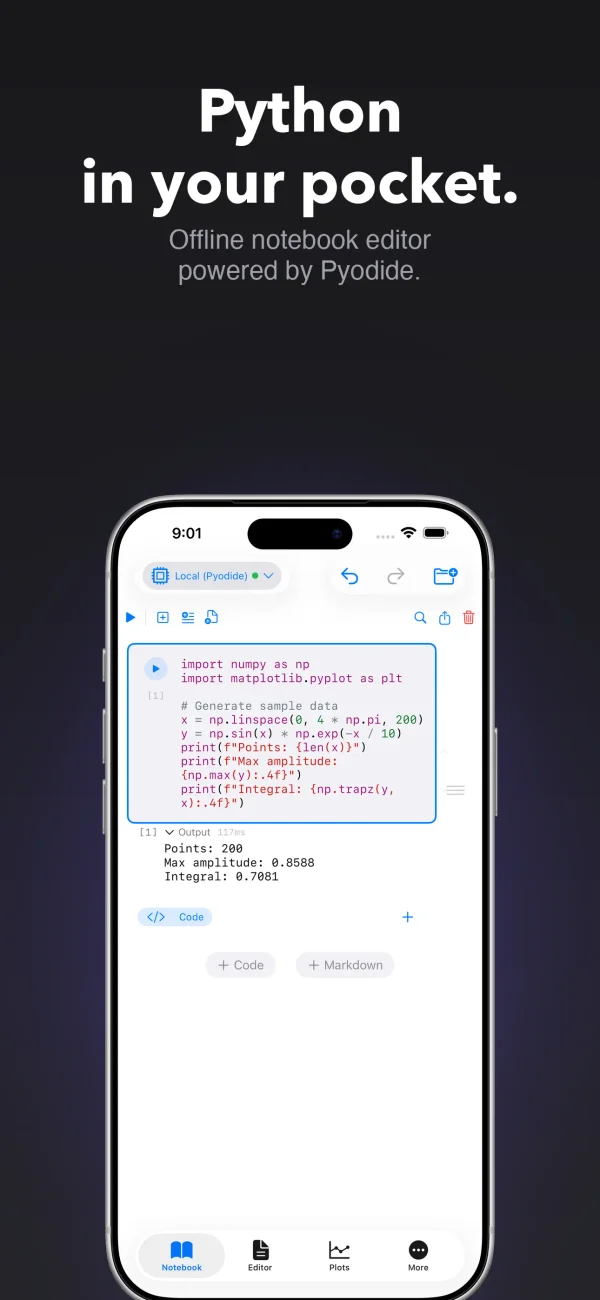
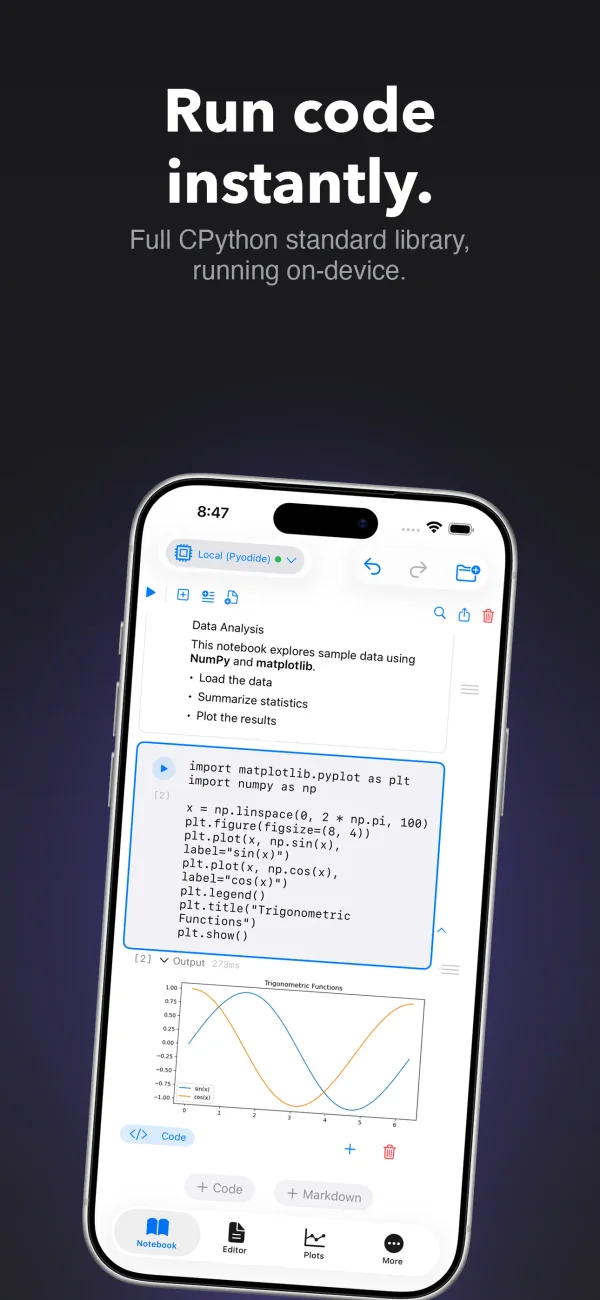
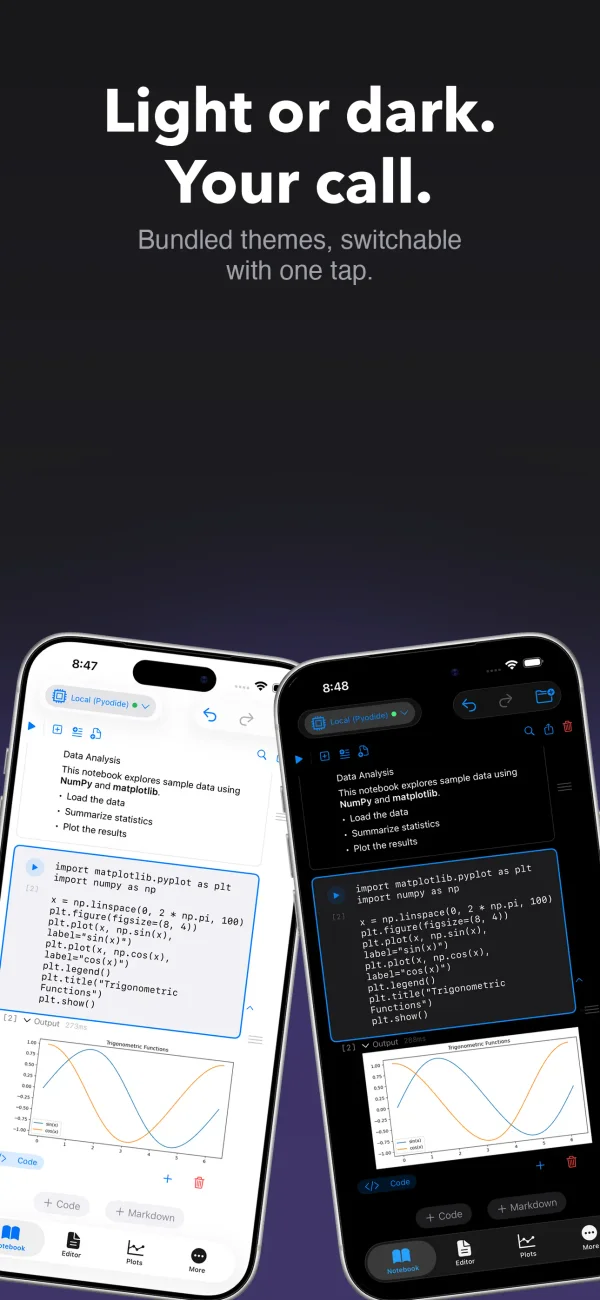
Pyodios gives you a nearly real Python workspace: Jupyter notebooks, a script editor, an interactive REPL, plots, package management, and a variable inspector, all running on-device. NumPy and matplotlib come pre-loaded. Install pandas, scikit-learn, Plotly, and hundreds of other WebAssembly compliant packages from PyPI with a tap.
Feature highlights:
- Jupyter-compatible .ipynb notebooks with code and markdown cells
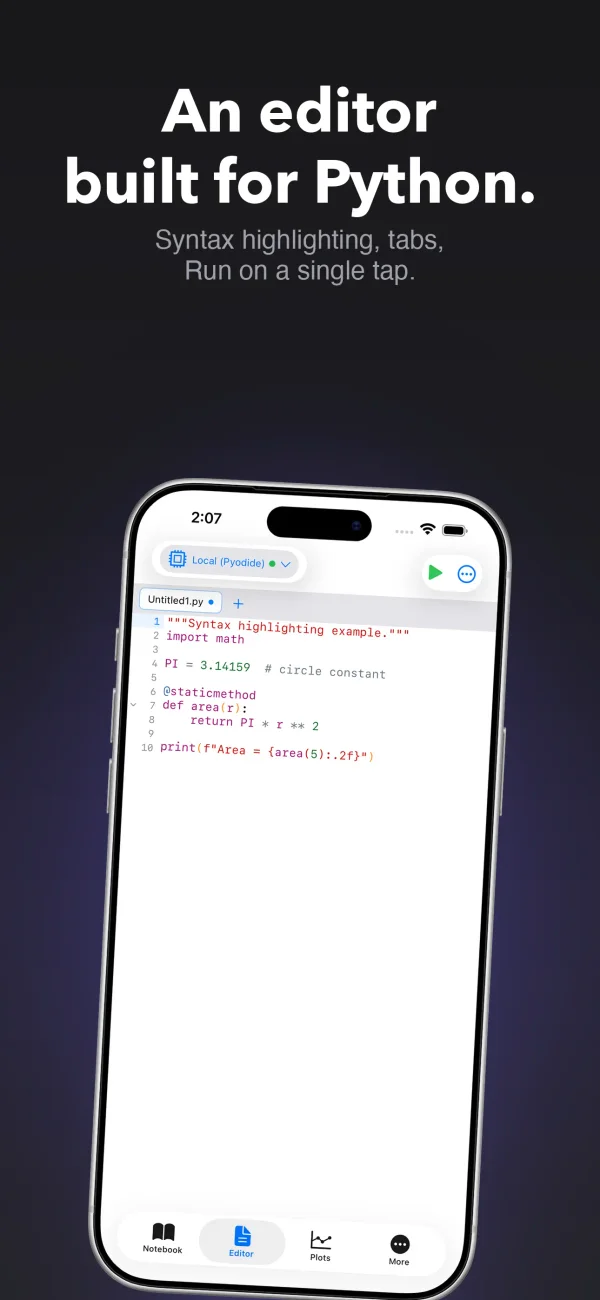
- Python script editor with syntax highlighting, folding, and snippets
- REPL with history, search, and code completion
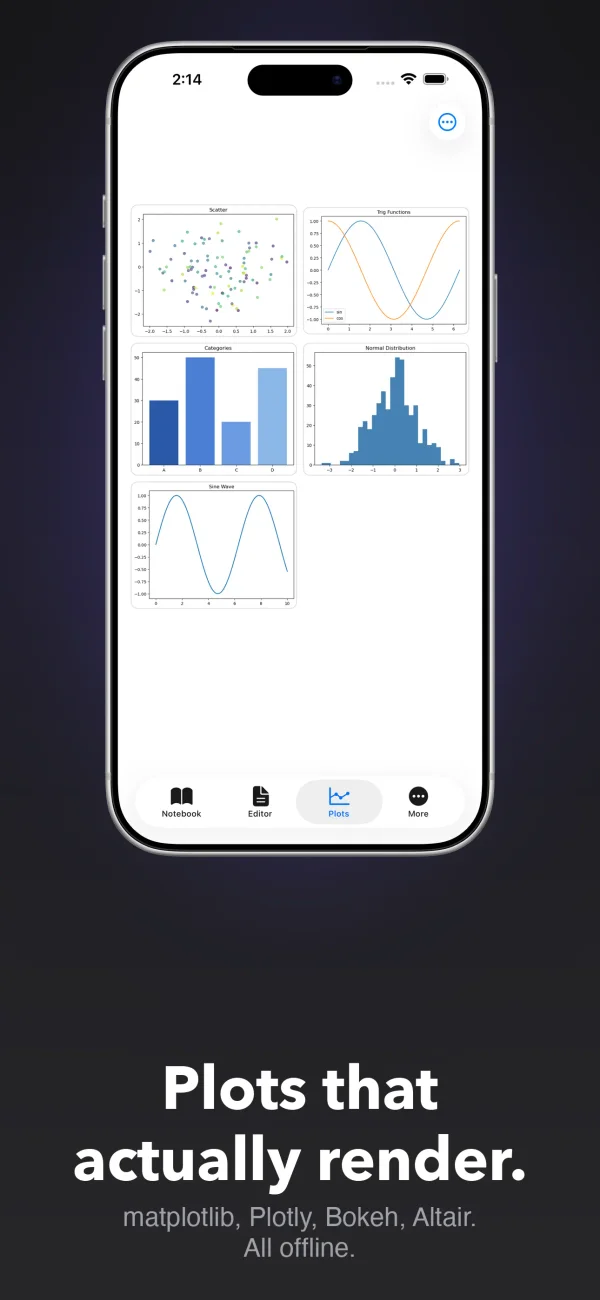
- Static matplotlib plots and interactive Plotly, Bokeh, and Altair charts
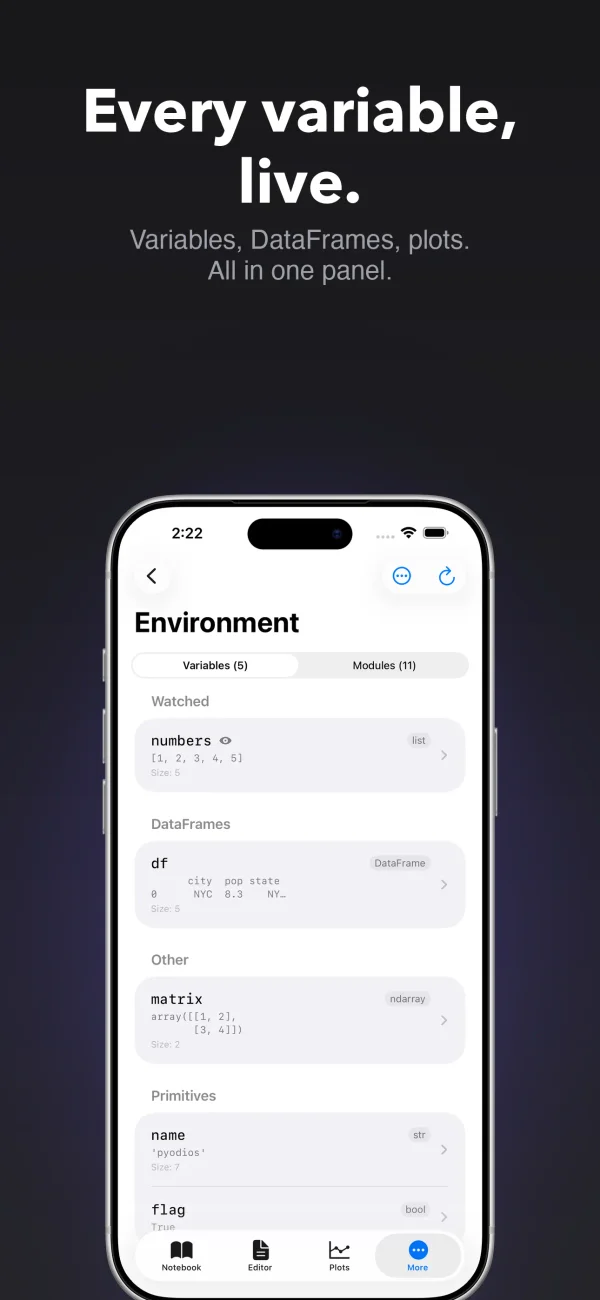
- Environment panel with DataFrame viewer, variable diff, and watch list
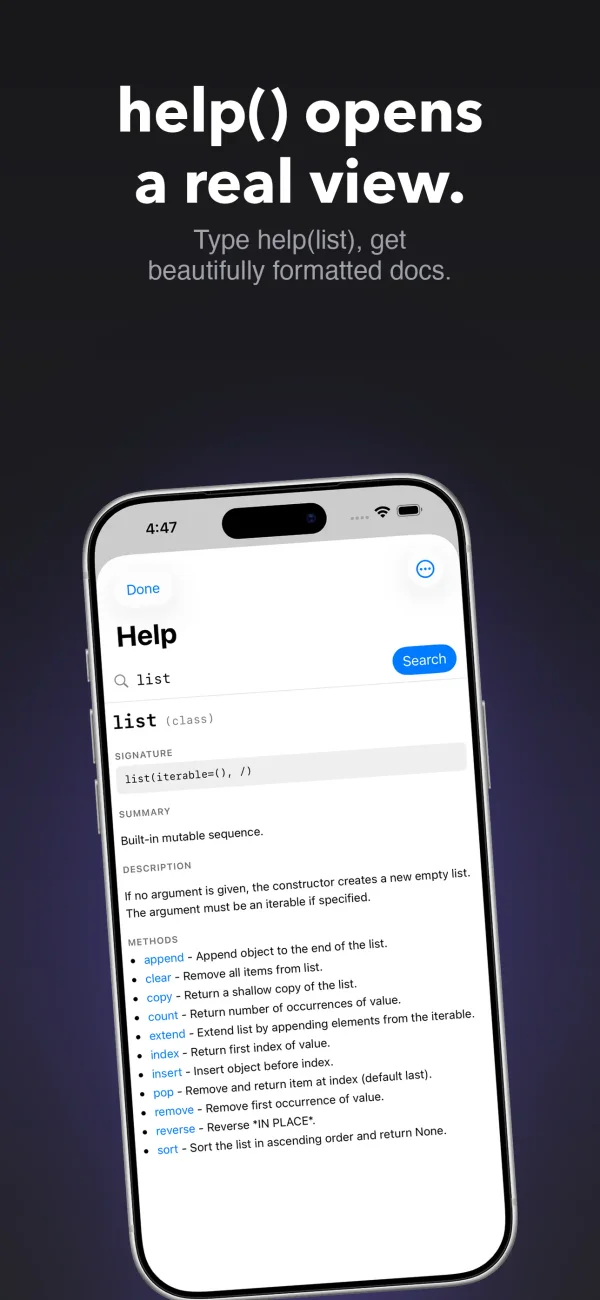
- Offline Help view with search
- Files browser with iCloud Drive sync
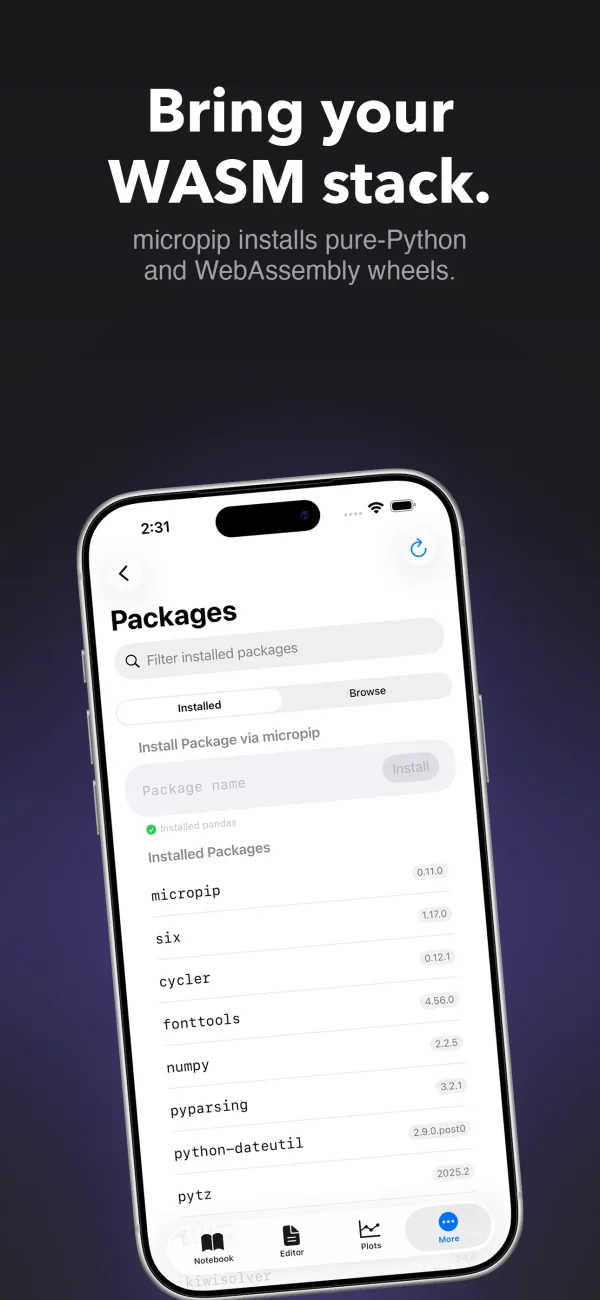
- Package installer powered by micropip with offline wheel caching
- Remote Jupyter kernel support (token, password, or SSH tunnel) [experimental]
- Nine built-in color themes plus a theme editor
- iPad multi-pane workspace
Your code, notebooks, variables, and plots stay on your device. No account. No sign-in. No telemetry on your work. Works offline once Pyodide has initialized and packages are downloaded.
Powered by Pyodide, Python in WebAssembly. Not affiliated with the Pyodide or Python project. Python is a trademark of the Python Software Foundation.
What’s new
Version 1.1.0 · Aug 31, 2026
New in this update
Python 3.14
- Pyodios now runs Python 3.14.2 on the Pyodide 314.0.5 WebAssembly runtime, up from Python 3.13.2 on Pyodide 0.29.3.
- Previously installed packages need to be re-downloaded for Python 3.14 compatibility.
- The first time you open this version, Pyodios will clear old packages and attempt to reinstall them automatically. An internet connection is required.
- You can defer this from Settings under Python Session.
Editor
- Rename File has moved to the Editor's File menu.
- Scripts and cells can declare dependencies using PEP 723 inline metadata.
- Missing packages are detected at run time and offered with an Install button. Execution pauses while you decide.
Graphing
- Fixed a bug that could drop a plot from the Plots gallery.
- Interactive Plotly charts now render without a connection.
- Plotly v4 is bundled inside the app, so charts no longer fetch Plotly from the web each time they render.
Startup Experience
- Cached packages now load without the network. Opening the app in airplane mode no longer waits on a request that cannot succeed.
- If Python fails to start, the startup screen now suggests quick remedies based on the error.
- A pre-filled GitHub Issues link is now available on the startup screen alongside the Email Support option.
- With your permission, it includes device, system, and runtime versions along with the tail of the startup log, just like Email Support.
- Nothing leaves your device unless you submit it.
Notebooks
- Inline math in markdown cells now renders properly.
- Rich output like DataFrame tables now expands to its actual size in notebook mode.
- Renaming a notebook on iPhone now works from the Notebook actions menu.
Themes
- Import and export custom themes from Settings under Appearance. Swipe right on a custom theme to share it.
General Fixes
- Running code after the screen locks and unlocks no longer triggers an evaluation error.
- Jupyter Remote Kernels now carries a visible beta tag.
- The Console input row is no longer hidden behind the Python keyboard.
Requirements
- This version requires iOS 26 or iPadOS 26.
App privacy
What James Balamuta declares on the App Store about how this app handles data.
-
Data not collected
The developer does not collect any data from this app.
Privacy practices may vary, for example with the features you use or your age.
Information
- Seller
- HJJB, LLC
- Category
- Developer Tools
- Version
- 1.1.0
- Updated
- Aug 31, 2026
- Released
- Apr 29, 2026
- Size
- 40.9 MB
- Requires
- iOS 26.0 or later
- Age rating
- 4+
- Price
- Free
- Languages
- English
- Copyright
- © 2026 HJJB, LLC
You might also like
-
 Regex PlaygroundTest, Learn & Master in Regex
-
 Nice SSHAll Your Hosts in One Place
-
 PushwordUltimate Text Editor
-
 JavaScript IDE & Node.jsScript, Console, Code Editor
-
 LogCat Analyzer: Debug ToolkitAdvanced Debugging Analysis
-
 JSON View : Editor & FormatterView, Edit & Validate JSON
-
 Swift IDE : SwiftPad CompilerCode Editor & Swift Playground
-
 HTTP Debugger+Debug PC's HTTP Traffic
-
 Text Editor : Code Editor#1 App Built for Developers
-
 Pad Code AI: Code Editor & IDERun Python, C++ & JavaScript