
Http traffic capture
Inspect and store http packet
Designed for iPhone, iPad, iPod touch
Free · In-app purchases
- Age rating4+
- CategoryDeveloper Tools
- DeveloperShenzhen Chenxi Information Technology Co., Ltd
- LanguagesEnglish+ 1 more
- Size19.8 MB
Links to the official App Store page
Download.org hosts no file of Http traffic capture. The button opens its official App Store page, published by Shenzhen Chenxi Information Technology Co., Ltd. Listing last checked on Nov 7, 2026.
Screenshots
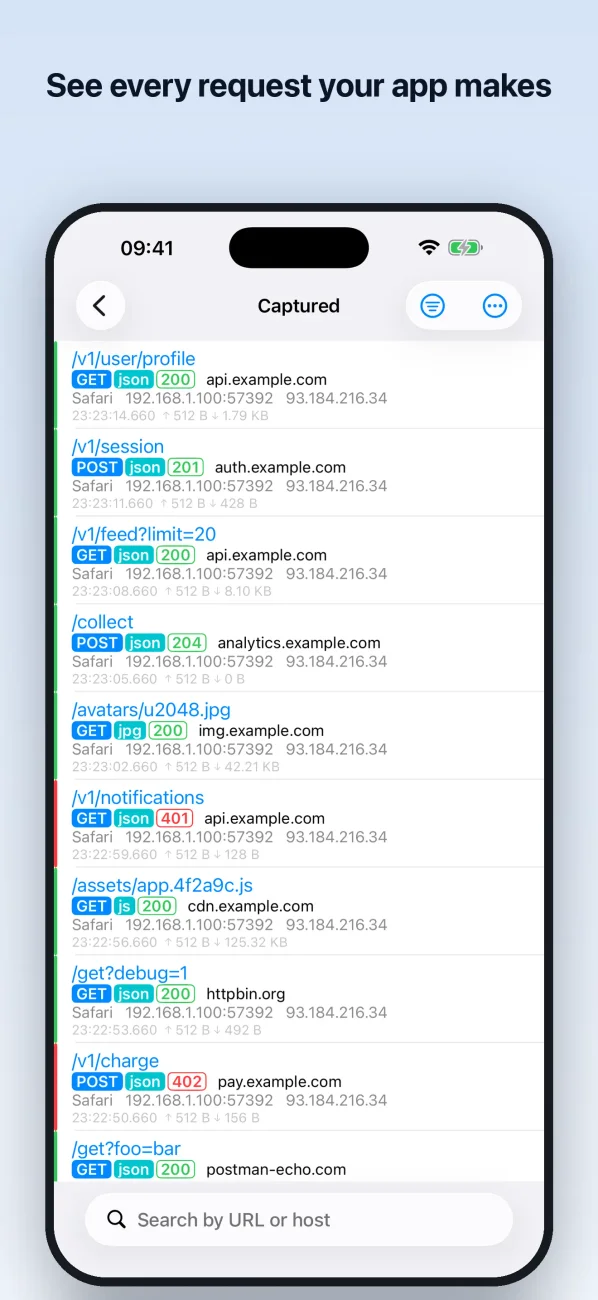

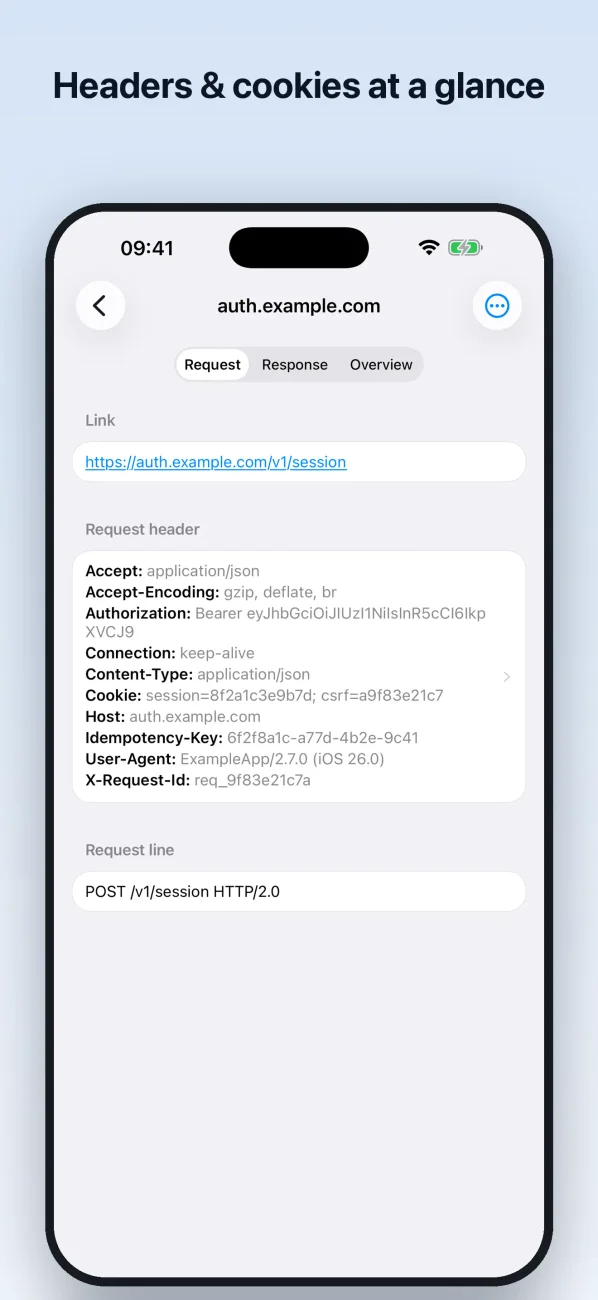
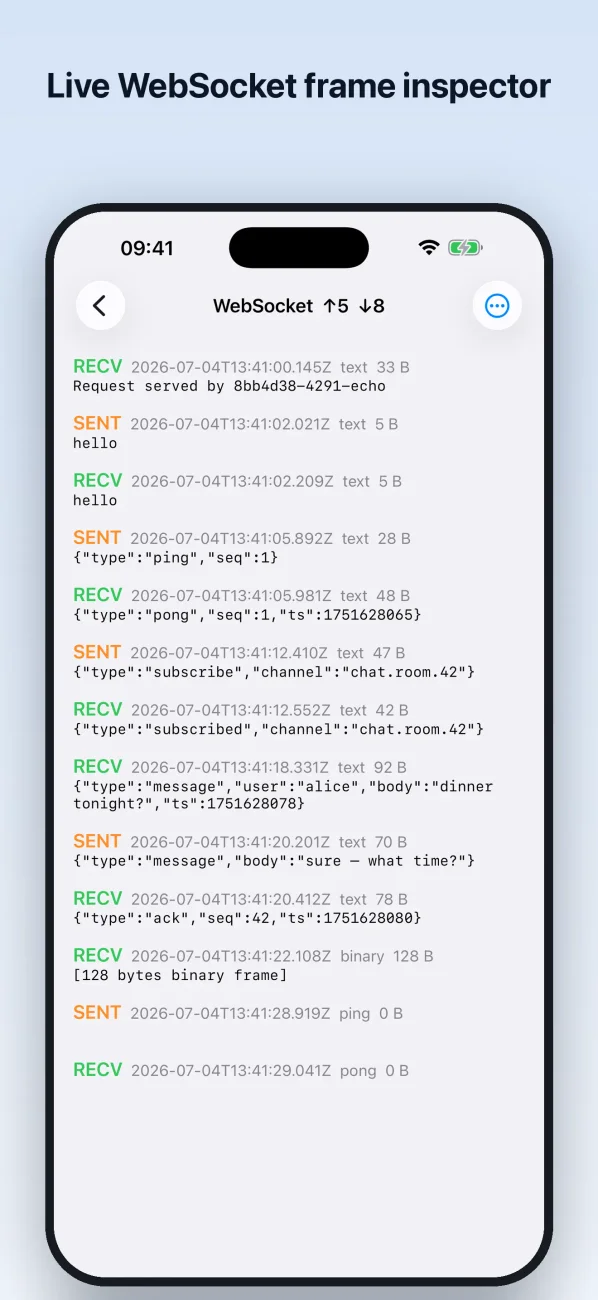
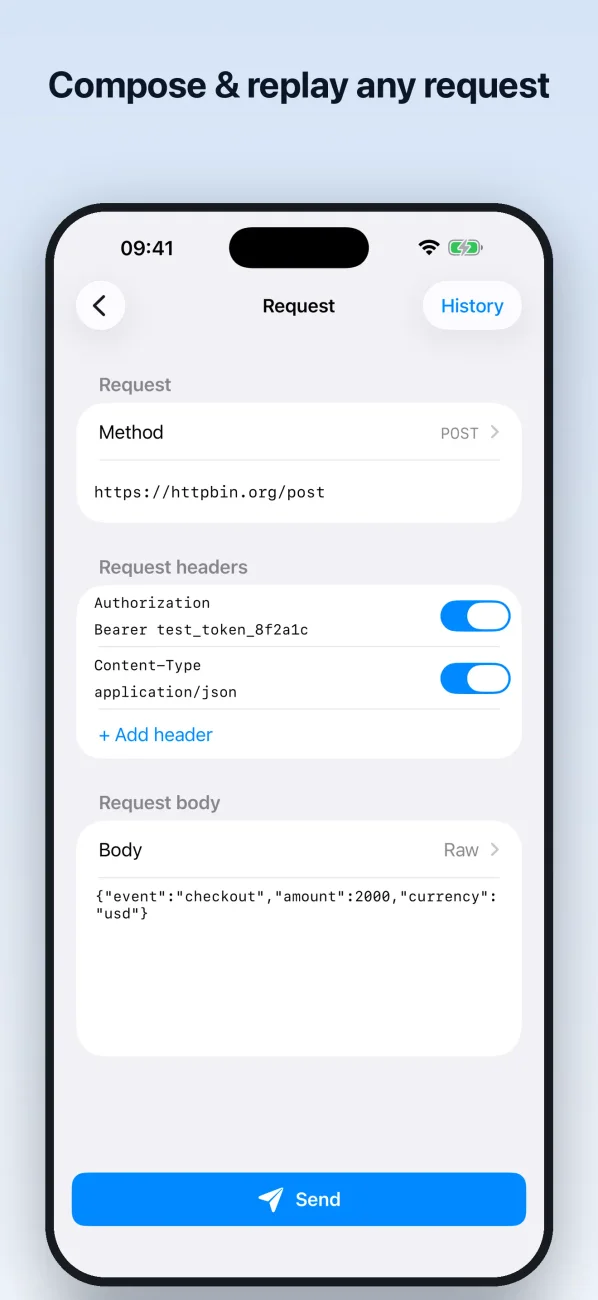
About
HTTP Traffic Capture is a lightweight HTTP & HTTPs packet capture tool for common users who have network analysis capabilities.
Features:
1. Support HTTP and HTTPs traffic analysis
2. Support HTML, Javascript, CSS, picture (webp, jpeg, png) preview, and binary data viewing
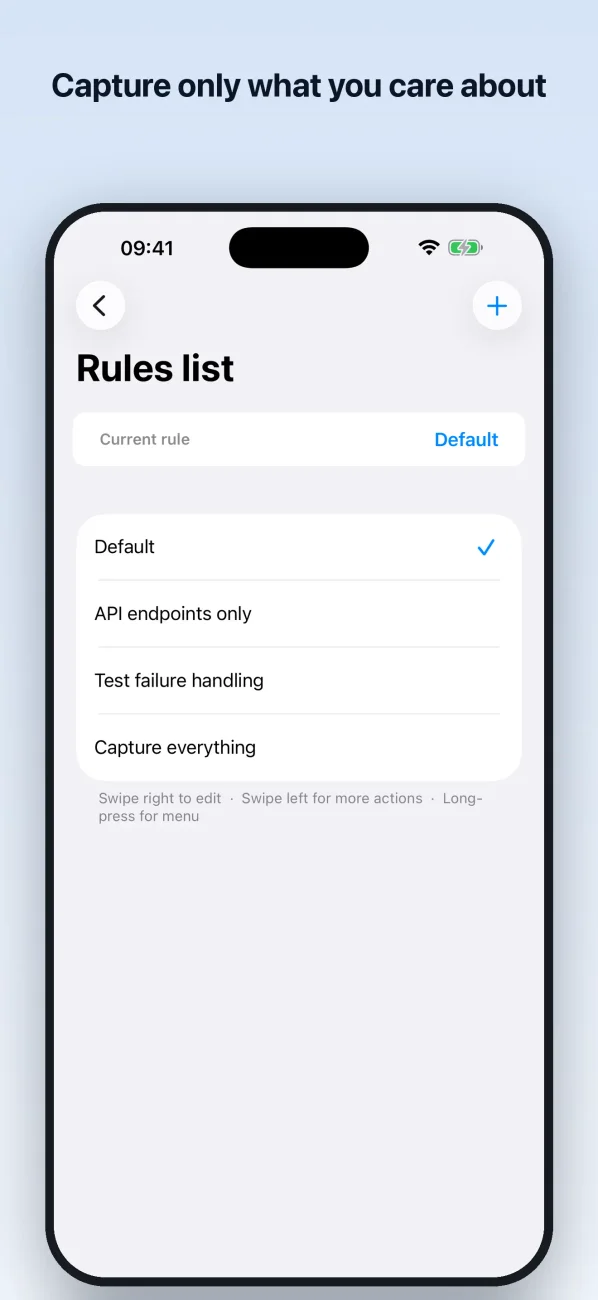
3. Support for setting packet capture rules
4. Support historical packet capture records
5. Support filtering historical packet content
6. Support exporting the captured packet content
Instructions:
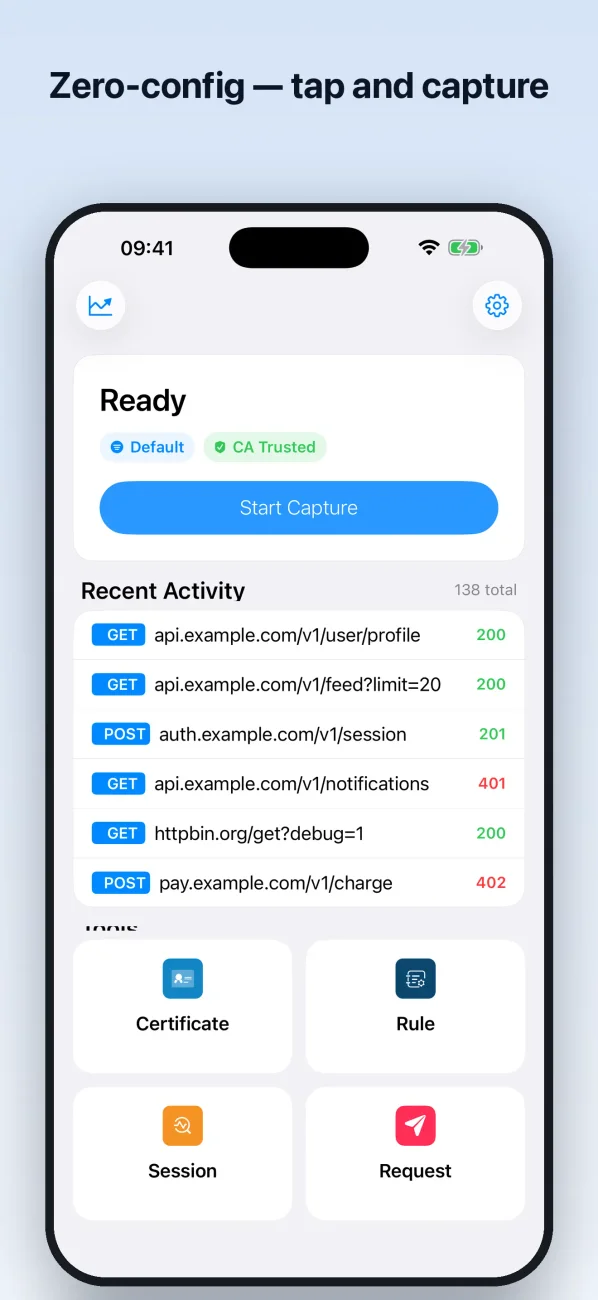
1. The software can support HTTP packet capture by default. If you need to capture and parse HTTPs traffic, you need to install a certificate
2. Click the start button, the system will create and connect to the vpn, and start the packet capture process; if you reject the vpn configuration, the packet capture cannot be performed
3. Click the orange task bar to view the current session, and click the session to view the session request and response
4. Click the request line and response line in the session to export the corresponding value
5. You can filter the content of a specific domain name through the filter button
6. You can export the session content through the export button
7. Click the stop button, a history record will be generated for subsequent viewing
8. If you need to clean up all data, you can go to the settings page and click the clear all data button
How the software works:
After opening the packet capture, the software will start a vpn and direct the vpn data packet to the local HTTP proxy server. Complete the analysis and storage of the data packet in the local proxy server. For HTTTPs data, you need to install and trust the certificate to successfully parse it.
Data security:
Since packet capture software involves user privacy data, privacy protection is the most important design consideration for software. To this end, we have made the following mechanism for this purpose:
1. The software's CA key and CA certificate are dynamically and randomly generated by the software and stored in the sandbox. No one can know the user's CA private key.
2. The certificate cannot be shared between different users.
3. After reinstalling the application, the history will cause the certificate to become invalid, and the user can manually delete the certificate in the settings.
4. The certificate is valid for one year. After the certificate expires, the user needs to regenerate it before it can be used.
5. The HTTP data captured by the software is only stored locally and will not be uploaded to any other place.
6. The user cannot modify the network request through the software to prevent some improper behavior.
System configuration instructions:
HTTP proxy server: 127.0.0.1:9080
Certificate description file name: Traffic Capture YYYY-MM-dd HH:mm, where YYYY-MM-dd HH:mm is the time when the certificate is generated
VPN description file name: "Traffic Capture"
What’s new
Version 2.6.0 · Jul 6, 2026
Polished the interface and interactions for a smoother experience, and optimized the app for iOS 26.
App privacy
What Shenzhen Chenxi Information Technology Co., Ltd declares on the App Store about how this app handles data.
-
Data used to track you
May be used to track you across apps and websites owned by other companies.
- Identifiers
-
Data linked to you
May be collected and linked to your identity.
- Identifiers
- Usage data
Privacy practices may vary, for example with the features you use or your age.
Information
- Seller
- Shenzhen Chenxi Information Technology Co., Ltd
- Category
- Developer Tools
- Version
- 2.6.0
- Updated
- Jul 6, 2026
- Released
- Oct 13, 2021
- Size
- 19.8 MB
- Requires
- iOS 15.0 or later
- Age rating
- 4+
- Price
- Free
- In-app purchases
- Yes
- Languages
- English, Simplified Chinese
- Copyright
- © Chenxi inc.
You might also like
-
 ThermalsIs your phone throttling?
-
 Firelog for Firebase ConsoleFirestore & Cloud Functions
-
 WebProxyToolHTTPS web traffic Debug Proxy
-
 html+css+js-web designer,html5A good helper for learning web
-
 Tutorials for iOS programmingAnytime anywhere easy to learn
-
 Storm Sniffer - Packet CaptureSniffer、Rewrite、Network Debug
-
 JavaScript Coding Editor & IDERun TypeScript & HTML Offline
-
 Network SnifferInspect HTTPS / Socket Request
-
 Python3 IDE Fresh EditionPython3.13 Code、Run、Debug、Libs
-
 Hodor - HTTP(s) Packet SnifferFlutter Capture & API Testing