
Http traffic capture
Inspect and store http packet
iPhone, iPad, iPod touch向けに設計
無料 · アプリ内課金
- 対象年齢4+
- カテゴリ開発ツール
- 開発元Shenzhen Chenxi Information Technology Co., Ltd
- 言語英語ほか1言語
- サイズ19.8 MB
App Storeの公式ページにリンクしています
Download.orgはHttp traffic captureのファイルを一切ホストしていません。ボタンを押すと、Shenzhen Chenxi Information Technology Co., Ltdが公開しているApp Storeのアプリページが開きます。ページの最終確認:2026/11/7。
スクリーンショット
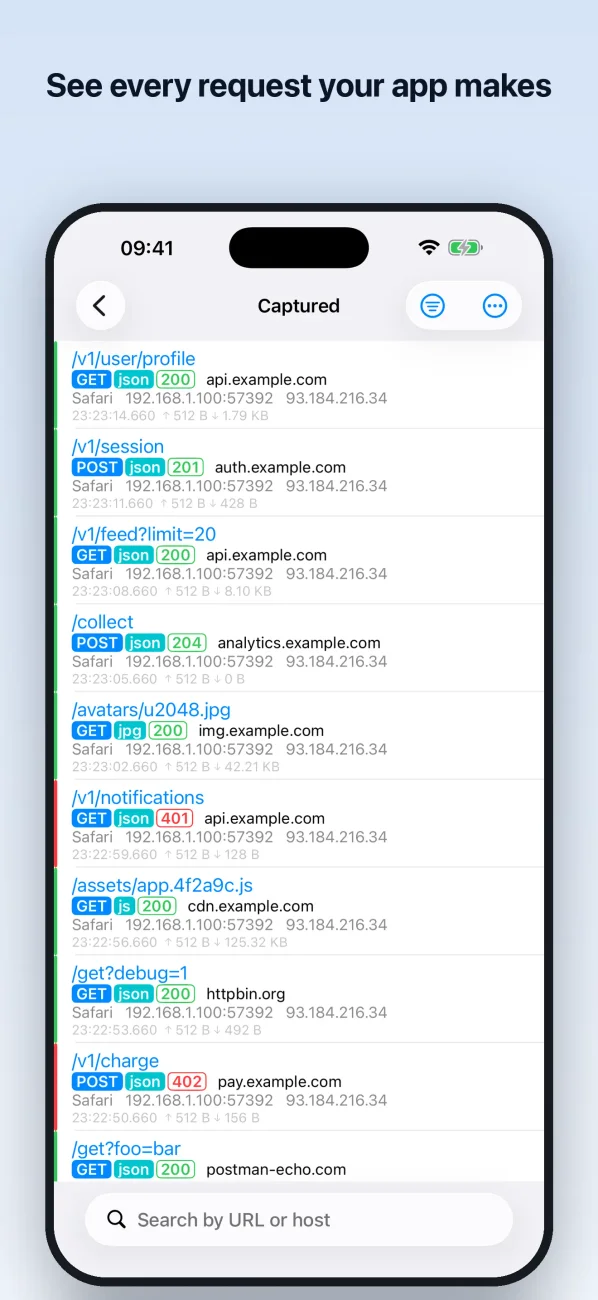

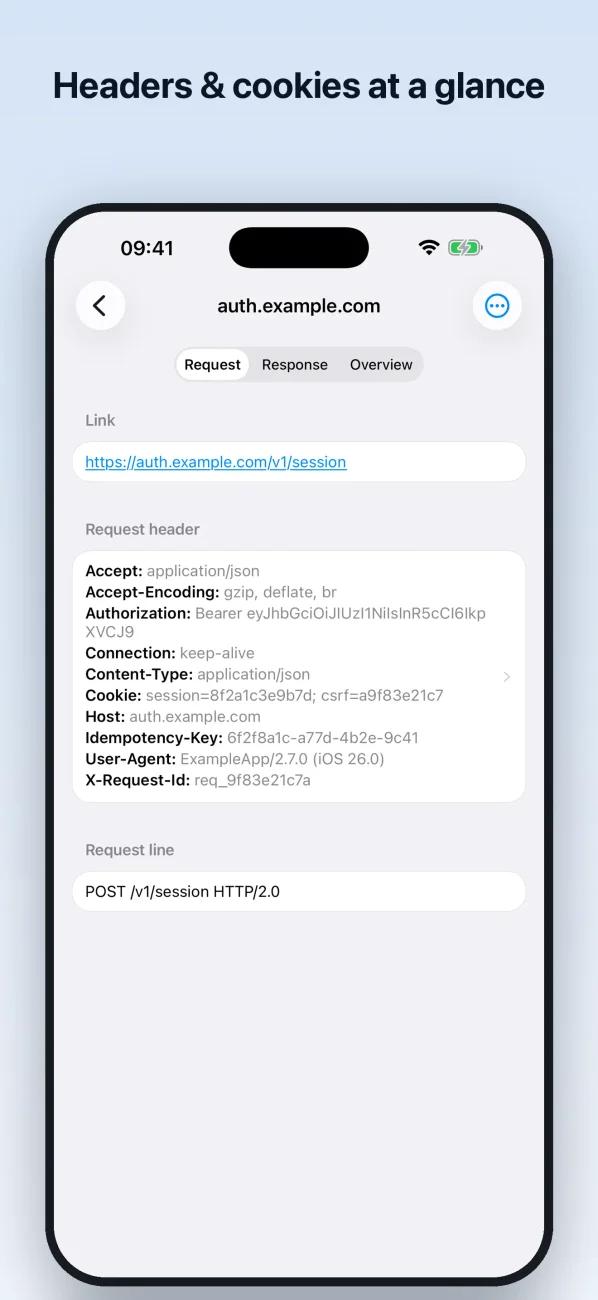
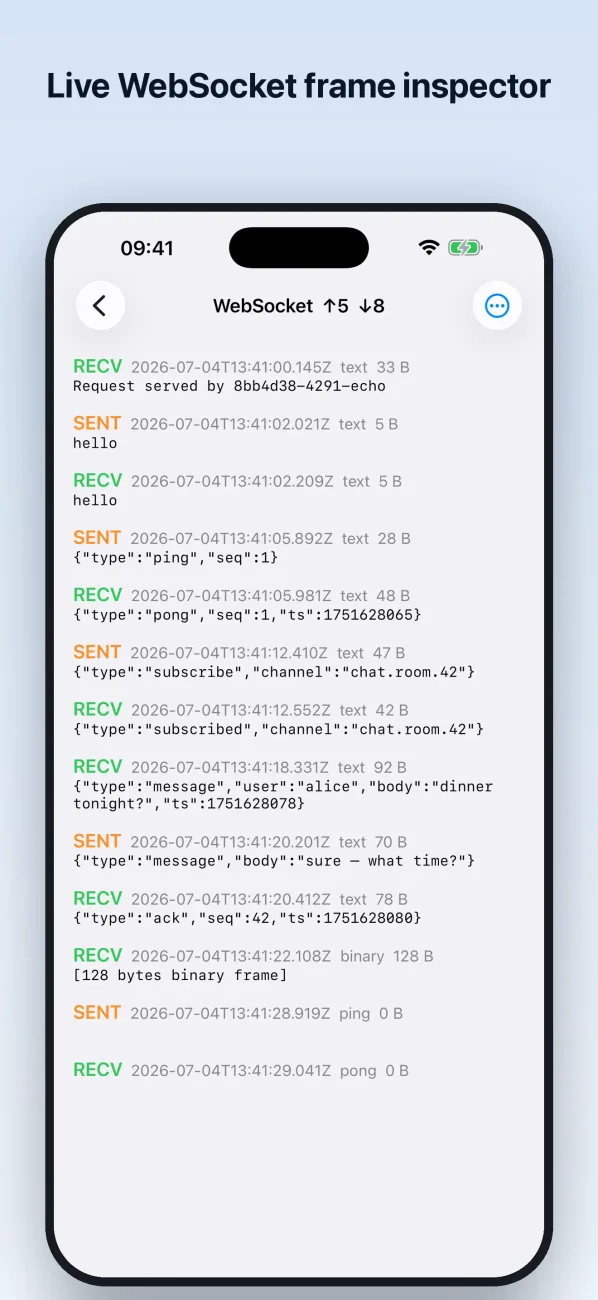
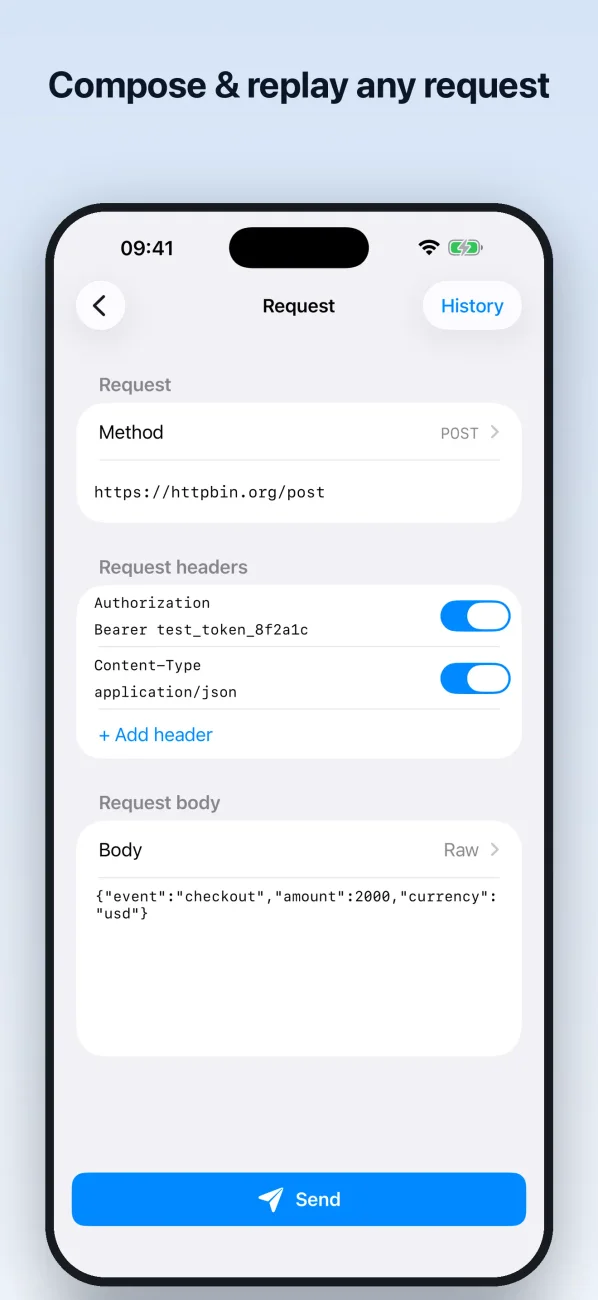

概要
開発元はこのテキストをお使いの言語で提供していません。
HTTP Traffic Capture is a lightweight HTTP & HTTPs packet capture tool for common users who have network analysis capabilities.
Features:
1. Support HTTP and HTTPs traffic analysis
2. Support HTML, Javascript, CSS, picture (webp, jpeg, png) preview, and binary data viewing
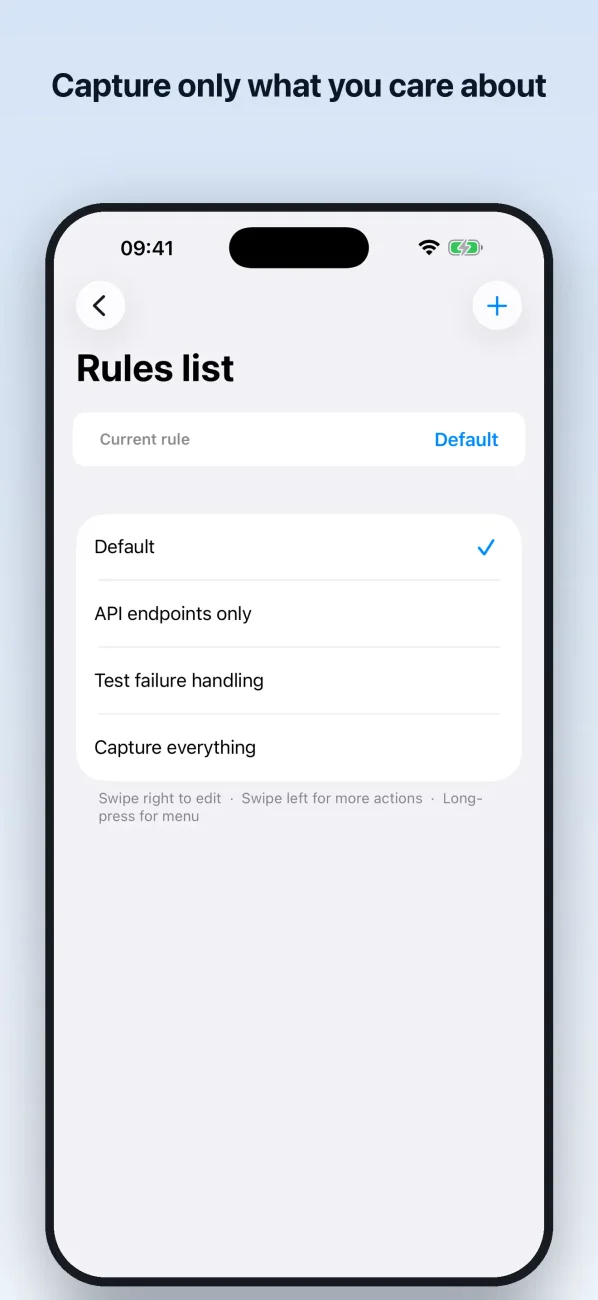
3. Support for setting packet capture rules
4. Support historical packet capture records
5. Support filtering historical packet content
6. Support exporting the captured packet content
Instructions:
1. The software can support HTTP packet capture by default. If you need to capture and parse HTTPs traffic, you need to install a certificate
2. Click the start button, the system will create and connect to the vpn, and start the packet capture process; if you reject the vpn configuration, the packet capture cannot be performed
3. Click the orange task bar to view the current session, and click the session to view the session request and response
4. Click the request line and response line in the session to export the corresponding value
5. You can filter the content of a specific domain name through the filter button
6. You can export the session content through the export button
7. Click the stop button, a history record will be generated for subsequent viewing
8. If you need to clean up all data, you can go to the settings page and click the clear all data button
How the software works:
After opening the packet capture, the software will start a vpn and direct the vpn data packet to the local HTTP proxy server. Complete the analysis and storage of the data packet in the local proxy server. For HTTTPs data, you need to install and trust the certificate to successfully parse it.
Data security:
Since packet capture software involves user privacy data, privacy protection is the most important design consideration for software. To this end, we have made the following mechanism for this purpose:
1. The software's CA key and CA certificate are dynamically and randomly generated by the software and stored in the sandbox. No one can know the user's CA private key.
2. The certificate cannot be shared between different users.
3. After reinstalling the application, the history will cause the certificate to become invalid, and the user can manually delete the certificate in the settings.
4. The certificate is valid for one year. After the certificate expires, the user needs to regenerate it before it can be used.
5. The HTTP data captured by the software is only stored locally and will not be uploaded to any other place.
6. The user cannot modify the network request through the software to prevent some improper behavior.
System configuration instructions:
HTTP proxy server: 127.0.0.1:9080
Certificate description file name: Traffic Capture YYYY-MM-dd HH:mm, where YYYY-MM-dd HH:mm is the time when the certificate is generated
VPN description file name: "Traffic Capture"
新機能
バージョン 2.6.0 · 2026/7/6
Polished the interface and interactions for a smoother experience, and optimized the app for iOS 26.
アプリのプライバシー
このアプリのデータの取り扱いについて、Shenzhen Chenxi Information Technology Co., LtdがApp Storeで申告している内容です。
-
ユーザーのトラッキングに使用されるデータ
他社のアプリやウェブサイトを横断してユーザーをトラッキングする目的で使用される場合があります。
- ID
-
ユーザーに関連付けられたデータ
収集され、ユーザーの識別情報に関連付けられる場合があります。
- ID
- 使用状況データ
プライバシーの取り扱いは、ご利用の機能やお客様の年齢などに応じて異なる場合があります。
情報
- 販売元
- Shenzhen Chenxi Information Technology Co., Ltd
- カテゴリ
- 開発ツール
- バージョン
- 2.6.0
- 更新日
- 2026/7/6
- リリース
- 2021/10/13
- サイズ
- 19.8 MB
- 必要条件
- iOS 15.0以降
- 対象年齢
- 4+
- 価格
- 無料
- アプリ内課金
- あり
- 言語
- 英語, 簡体字中国語
- 著作権
- © Chenxi inc.
こちらもおすすめ
-
 Thermals開発ツール
-
 Firelog for Firebase コンソールFirestore・関数・ログ・認証
-
 WebProxyTool開発ツール
-
 html+css+js-web designer,html5開発ツール
-
 互动教程 for iOS 開発いつでもどこでも簡単に学べる
-
 Storm Sniffer - Packet Capture開発ツール
-
 JavaScript Coding Editor & IDE開発ツール
-
 Network SnifferInspect HTTPS / Socket Request
-
 Python3 IDE Fresh Edition開発ツール
-
 Hodor - HTTP(s) Packet SnifferFlutter通信キャプチャとAPIテスト