
Hush: Private AI Notes
On-device. Never uploaded.
Designed for iPhone
Free · In-app purchases
- Age rating4+
- CategoryProductivity
- Developer亚斌 张
- LanguagesEnglish
- Size2.7 MB
Links to the official App Store page
Download.org hosts no file of Hush: Private AI Notes. The button opens its official App Store page, published by 亚斌 张. Listing last checked on Nov 20, 2026.
Screenshots



About
Private AI notes that never leave your phone. Speak, snap, scan, or type — Hush organizes it into a clean note in seconds, all on your iPhone.
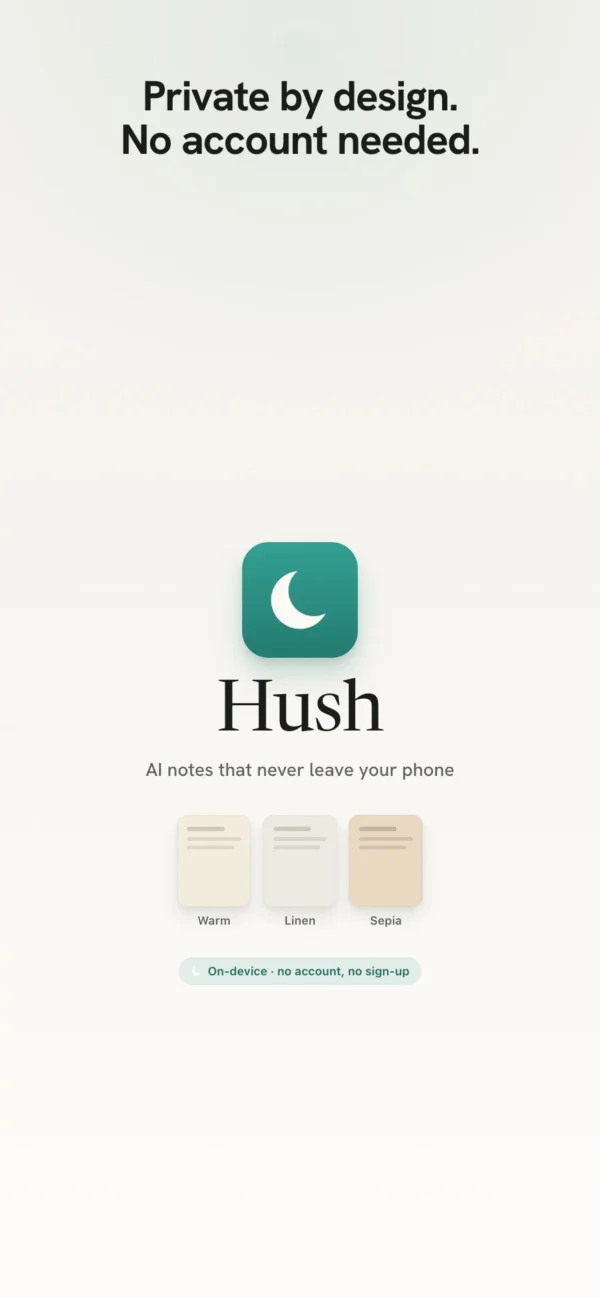
Most AI note apps send your words, recordings, and photos to a server to process them. Hush doesn't. The AI runs entirely on your iPhone's own neural engine using Apple's on-device Foundation Models. Your notes are never uploaded. The simplest proof: switch on airplane mode and Hush still works.
CAPTURE IT HOWEVER IT ARRIVES
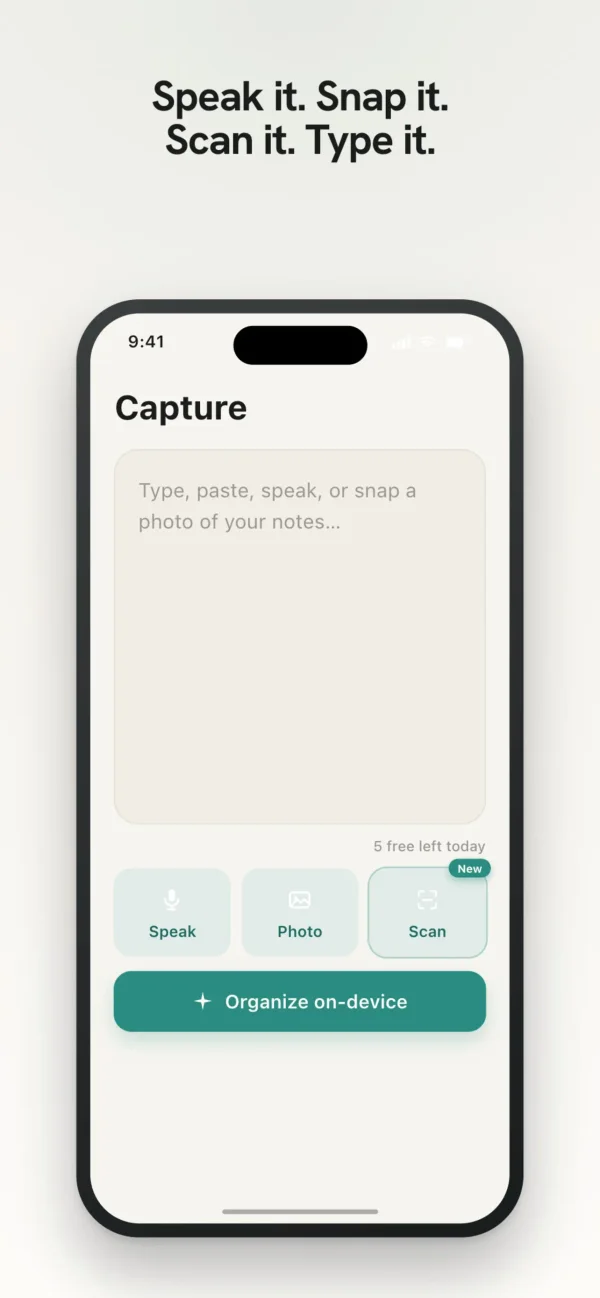
- Speak: record a voice memo and Hush transcribes and structures it.
- Snap: photograph handwriting, a whiteboard, or a document.
- Scan: multi-page document scanning with automatic edge detection.
- Type: jot a few rushed lines when that's all you have time for.
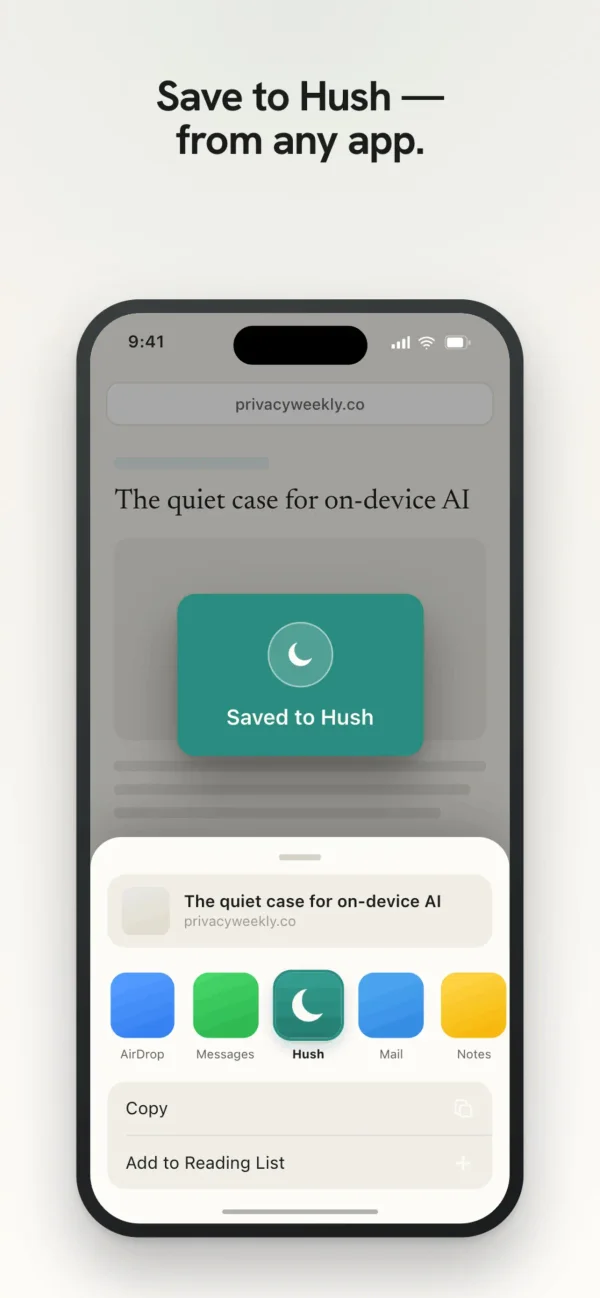
- Share: send text, links, and photos from any app straight into Hush.
ORGANIZED FOR YOU, INSTANTLY
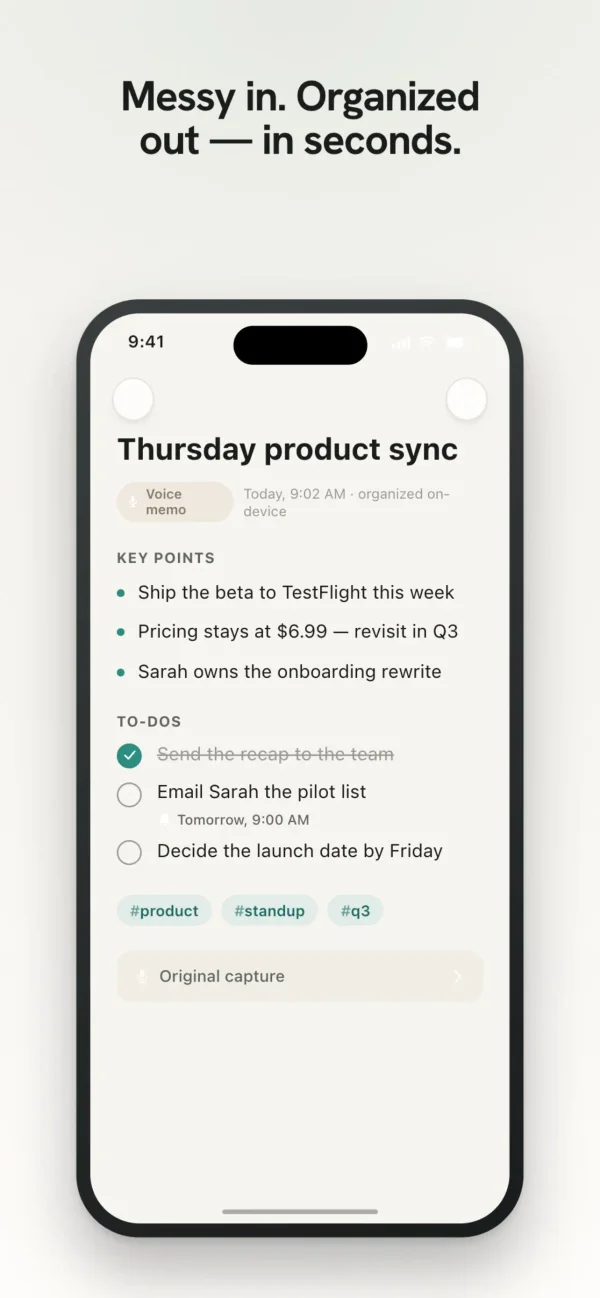
Every capture comes back as a clean note with a clear title, the key points pulled out, to-dos you can check off, and smart tags. Saved something raw? Distill it into structure anytime. No editing required.
DO MORE, HANDS-FREE
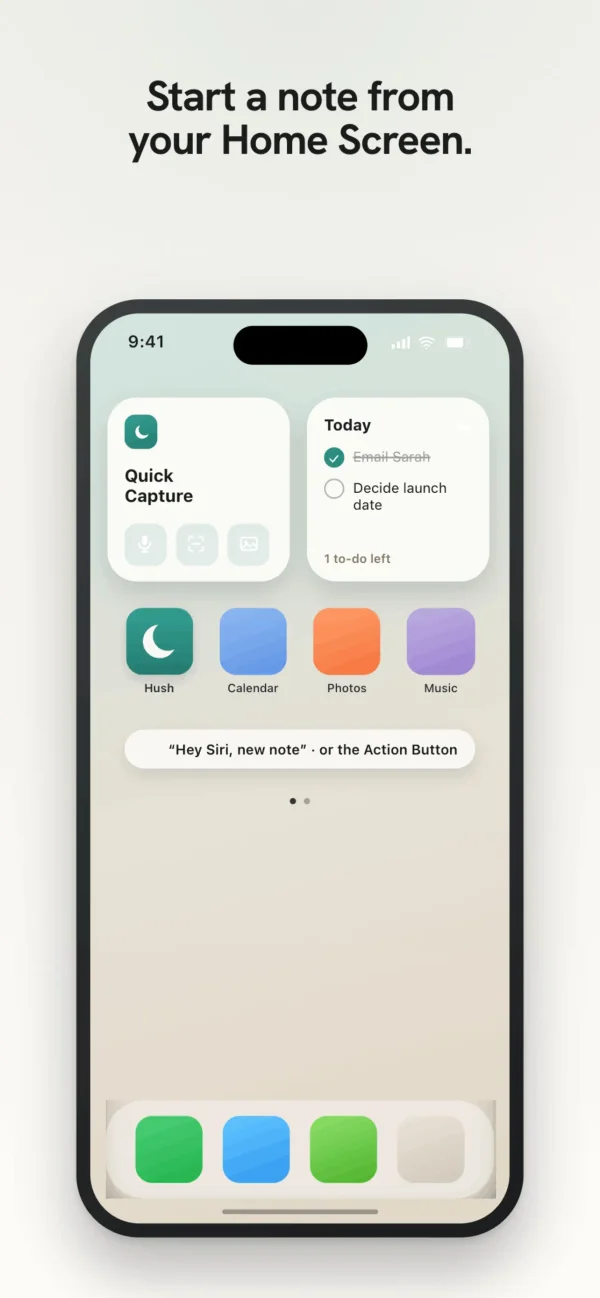
- Widgets, Siri & the Action Button: start a voice note from your home screen, lock screen, or Control Center — or just ask. Check off to-dos right on the widget.
- To-do reminders: local notifications with smart time suggestions, plus one-tap "Add to Apple Reminders."
- Photo translation: translate scanned text into your language, on your iPhone.
PRIVATE BY DESIGN
- 100% on-device. Your audio, photos, and text are processed and kept on your iPhone alone.
- Never uploaded — no server holds your notes and no analytics reads them.
- No account required. No sign-up, no email, no profile.
- The only thing that ever leaves your device is your App Store purchase, handled by Apple — never your notes. No third-party AI, no developer server.
HUSH PRO
Start free — keep up to 30 notes with unlimited on-device organizing, no account, no card. Upgrade to Pro for:
- Unlimited notes
- Markdown export & sharing
- iCloud Sync — your notes on every device, through your own private iCloud (Apple end-to-end, never our servers)
- Ask your notes — ask in your own words, get an answer drawn from your notes, computed on-device
- Multi-page document scanning
- Paper themes: Warm, Linen, Sepia
PRICING
- 7-day free trial
- $6.99 / month
- $39.99 / year (best value — just $3.33 / month)
- $89.99 lifetime — pay once, yours for good
Auto-renewable subscriptions are billed through your App Store account and renew until cancelled; cancel anytime in Settings.
REQUIREMENTS
Hush requires iOS 26 or later. Apple Intelligence features run on iPhone 15 Pro and newer; on other devices, organizing and answers fall back to on-device heuristics.
Made by a solo indie developer who believes your notes are nobody else's business.
—
Terms of Use (EULA): https://www.apple.com/legal/internet-services/itunes/dev/stdeula/
Privacy Policy: https://code.aigptime.com/hush-privacy.html
What’s new
Version 2.0.0 · Jul 10, 2026
Hush 2.0 — Capture anywhere. Everywhere.
• Share to Hush: send text, links, and photos from any app — saved instantly as notes.
• Widgets, Siri & Action Button: start a voice note from your home screen, lock screen, Control Center, or with a phrase. Check off to-dos right on the widget.
• Scan documents: multi-page scanning with automatic edge detection (multi-page is Pro).
• To-do reminders: local notifications, smart time suggestions, and one-tap "Add to Apple Reminders".
• Photo translation: translate scanned text into your language, on your iPhone, and add it to the note.
• Distill on demand: notes saved without organizing can be distilled into key points, to-dos, and tags anytime.
• Ask your notes (Pro): ask in your own words — Hush answers from your notes, computed entirely on-device.
• iCloud Sync (Pro): your notes on every device, through your own private iCloud. End-to-end Apple infrastructure — never our servers.
• Paper themes (Pro): Warm, Linen, or Sepia. Plus a more magical distilling moment and polish throughout.
Your notes stay yours: on-device intelligence, no third-party AI, no accounts, no tracking.
App privacy
What 亚斌 张 declares on the App Store about how this app handles data.
-
Data not collected
The developer does not collect any data from this app.
Privacy practices may vary, for example with the features you use or your age.
Information
- Seller
- 亚斌 张
- Category
- Productivity
- Version
- 2.0.0
- Updated
- Jul 10, 2026
- Released
- Jul 1, 2026
- Size
- 2.7 MB
- Requires
- iOS 26.0 or later
- Age rating
- 4+
- Price
- Free
- In-app purchases
- Yes
- Languages
- English
- Copyright
- © 2026 Fernando Inc
You might also like
-
 Gört - Lists & TasksOrganize, Plan & Collaborate
-
 Today - Simple Day PlannerEvents, Reminders, To-Do List
-
 BeeMind: Smart Work NotesSave snippets. Connect ideas.
-
 Minimal App Launcher (△)Productivity
-
 Ivy: Plan. Do. Reflect.Daily commitment and reminders
-
 KeyeraUnlock the world
-
 AmplenoteFlexible notes and tasks
-
 Google CloudProductivity