Hyde Clock
Pomodoro | Ambience | Widgets
Designed for iPhone, iPad
Free · In-app purchases
- Age rating4+
- CategoryLifestyle
- DeveloperHeydeal Studio
- LanguagesEnglish+ 12 more
- Size273.6 MB
Links to the official App Store page
Download.org hosts no file of Hyde Clock. The button opens its official App Store page, published by Heydeal Studio. Listing last checked on Nov 18, 2026.
Screenshots
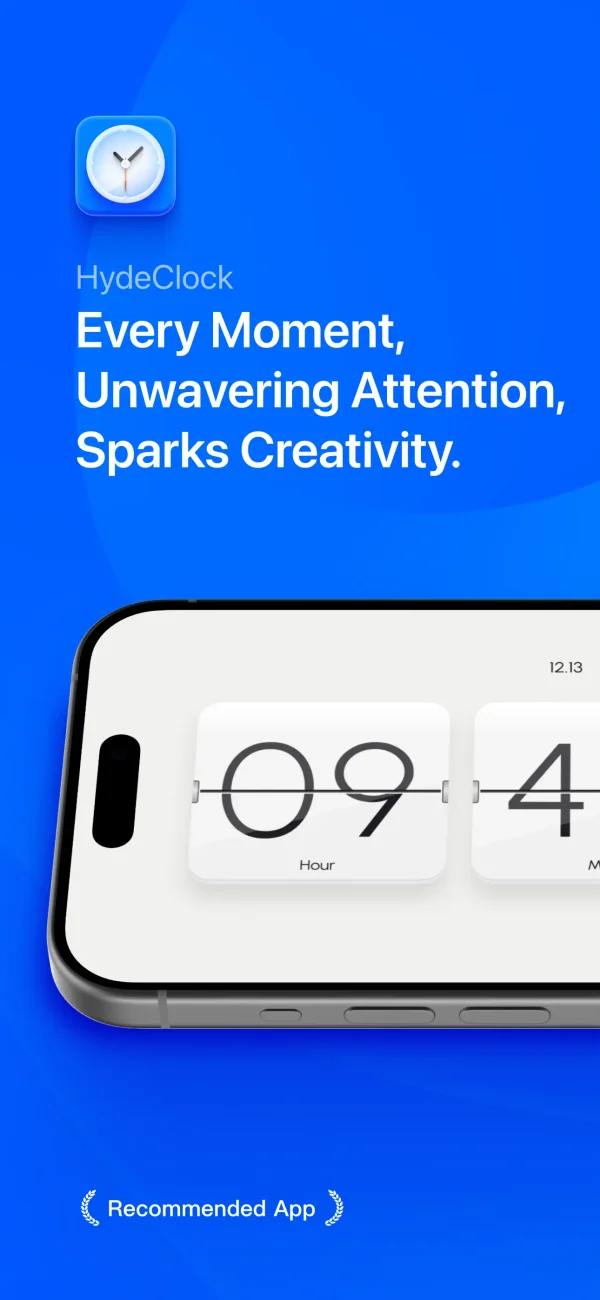
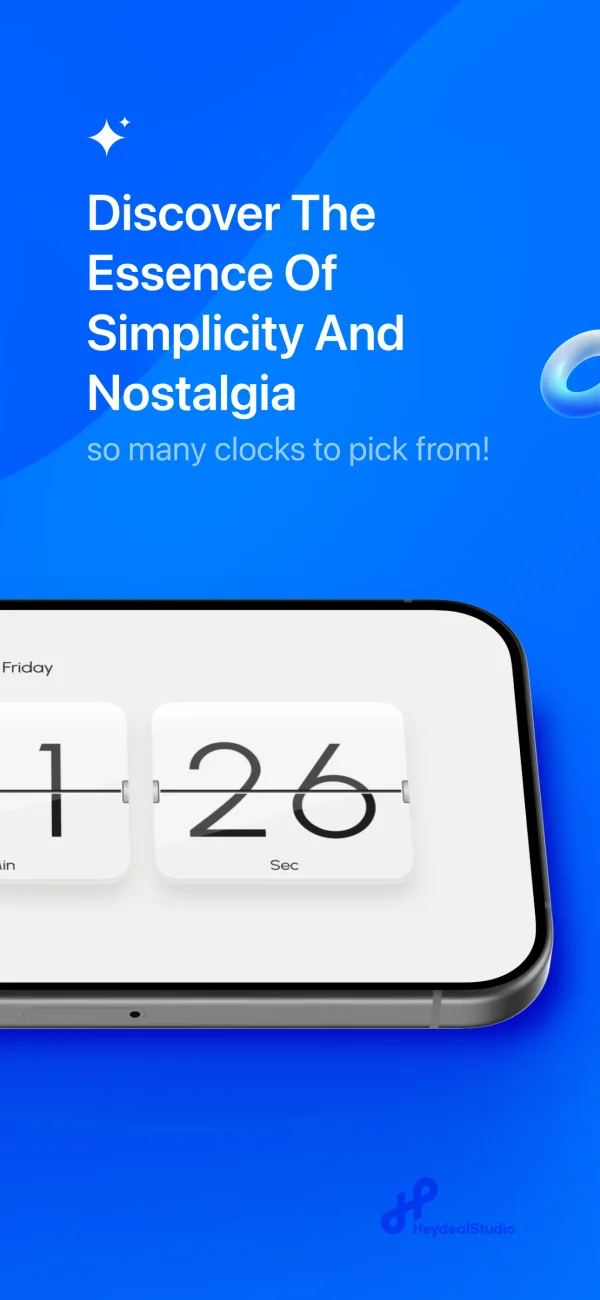
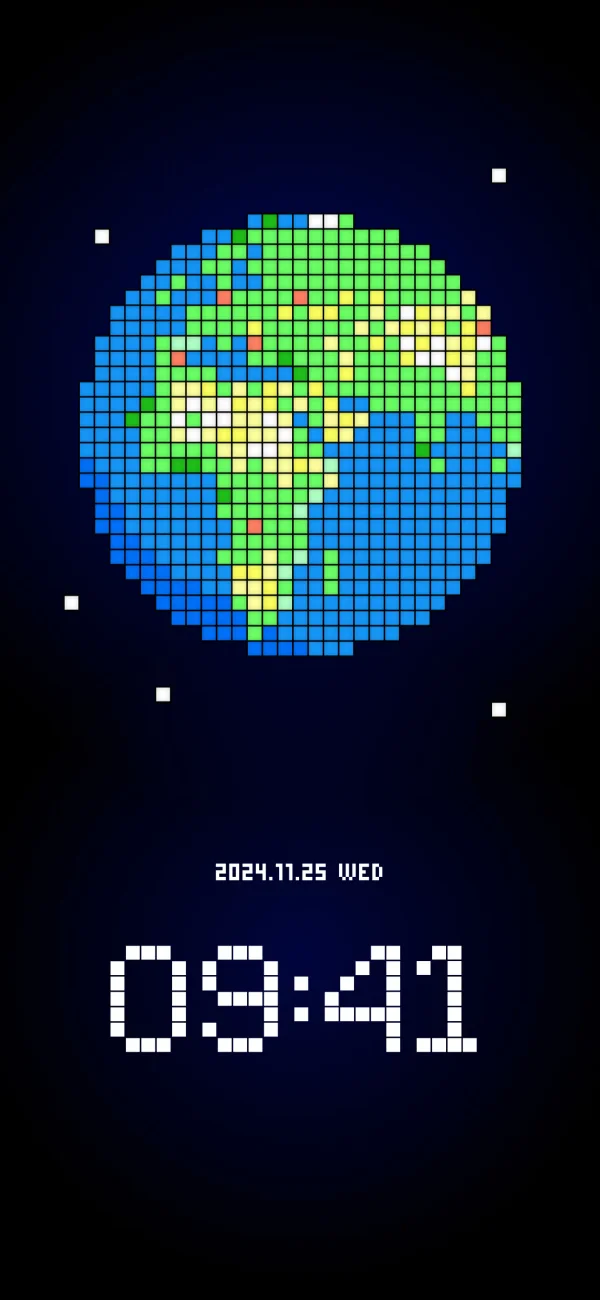
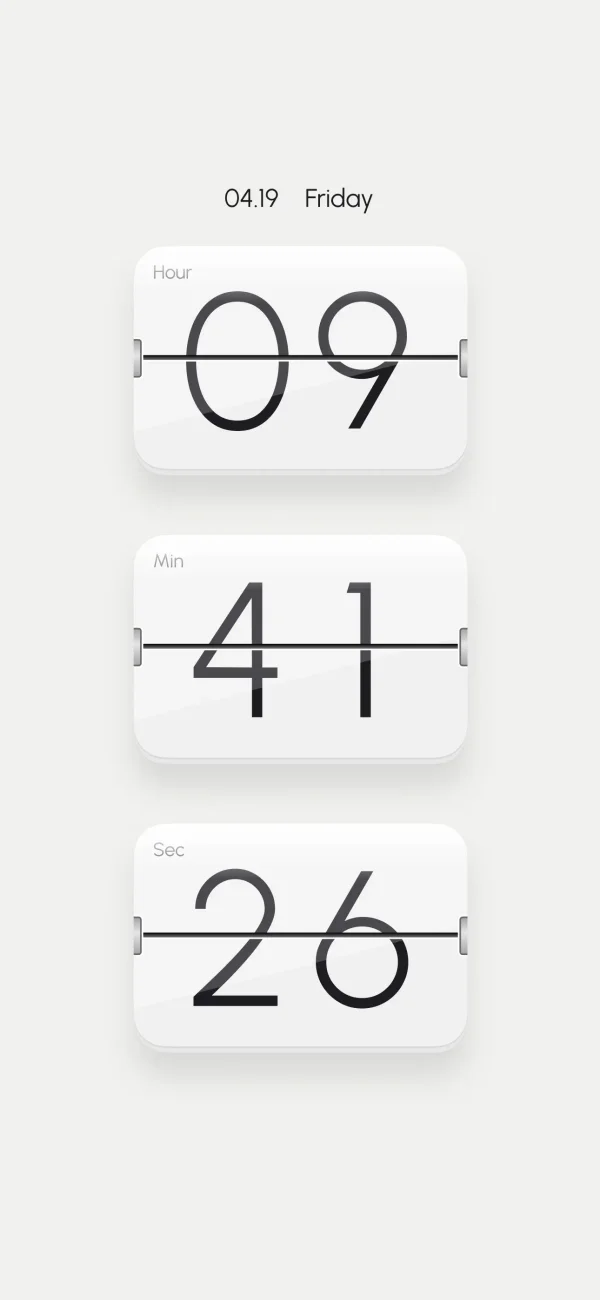
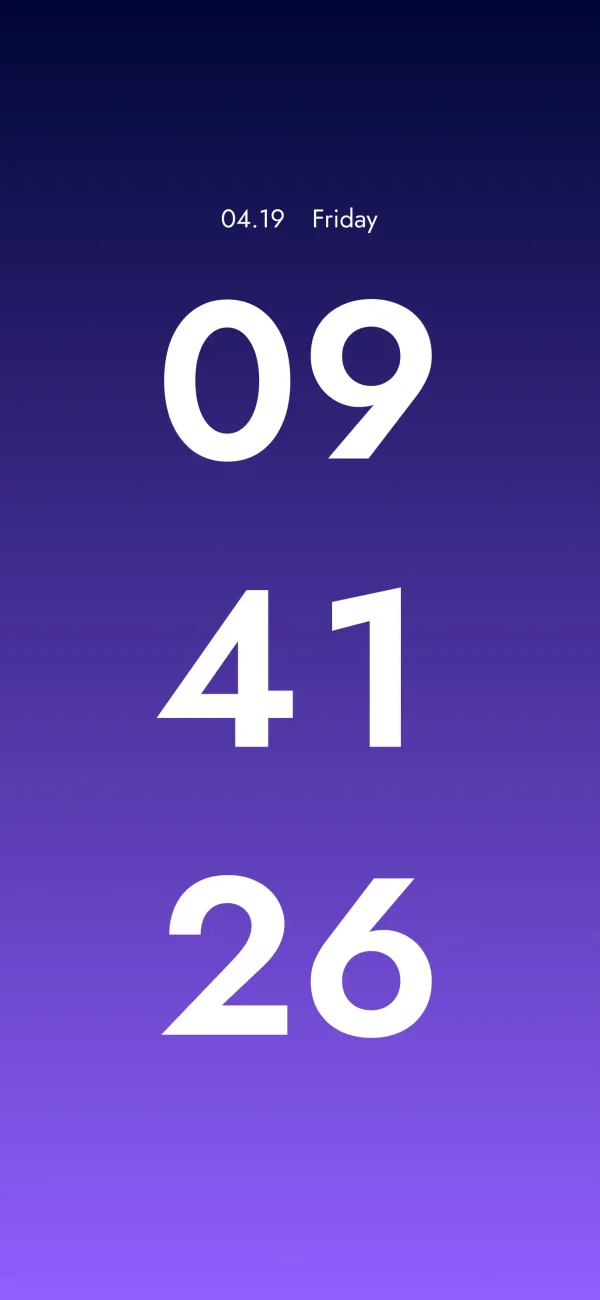
About
【HydeClock】is an all-in-one focus tool designed for efficient studying and working. By integrating dynamic clock faces, an intelligent Pomodoro timer, and immersive white noise environments, it helps you effortlessly enter a flow state.
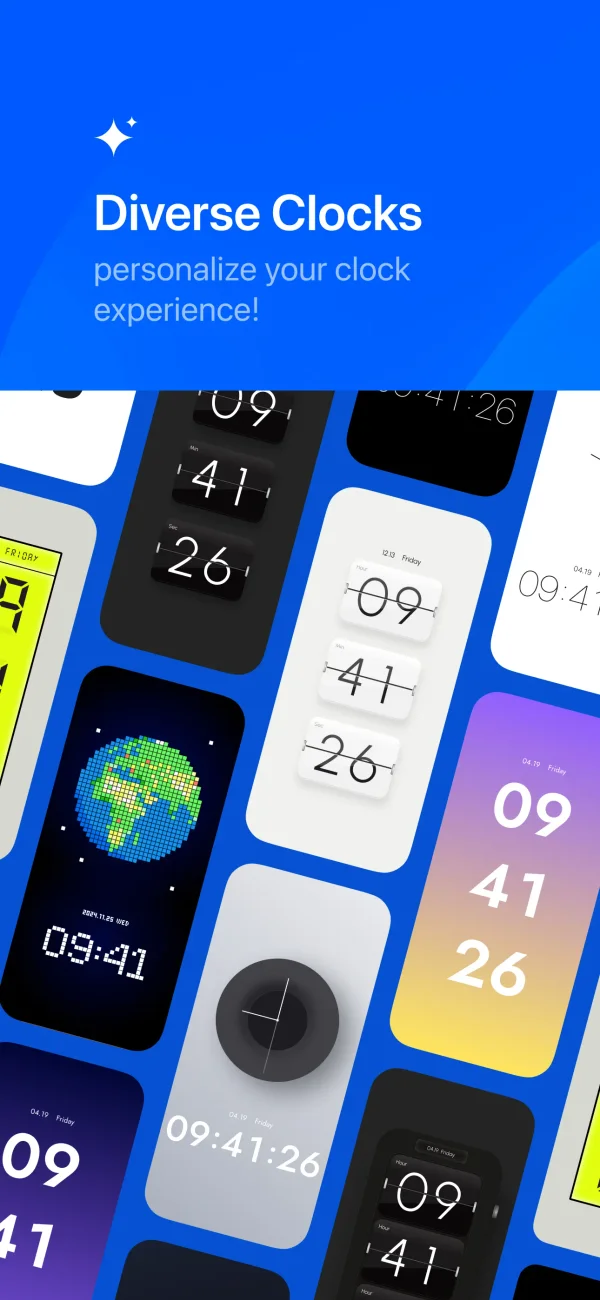
I. Stylish Clock
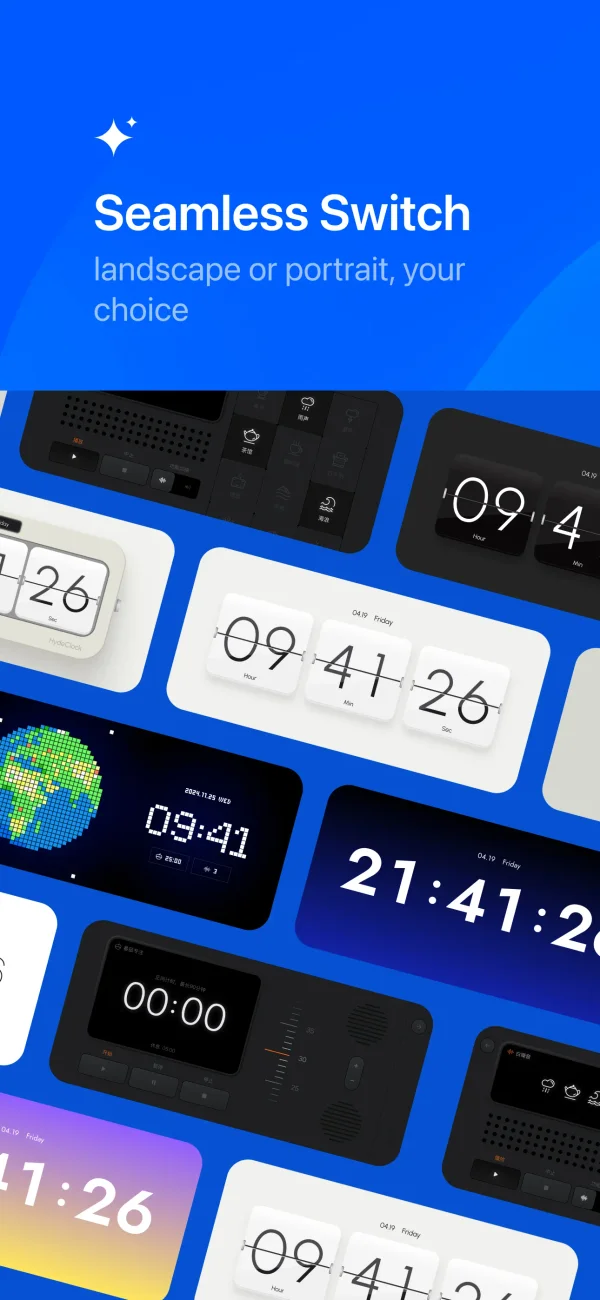
We’ve focused on every detail of our clock’s design, making it easy to view for long periods. More style updates are coming soon! You can also personalize it effortlessly—here’s what you can adjust:
-Show or hide the entry points for the Pomodoro and Ambience features;
-Choose between a 24-hour or 12-hour clock;
-Display the date or not;
-Enable or disable the ticking sound;
-And more…
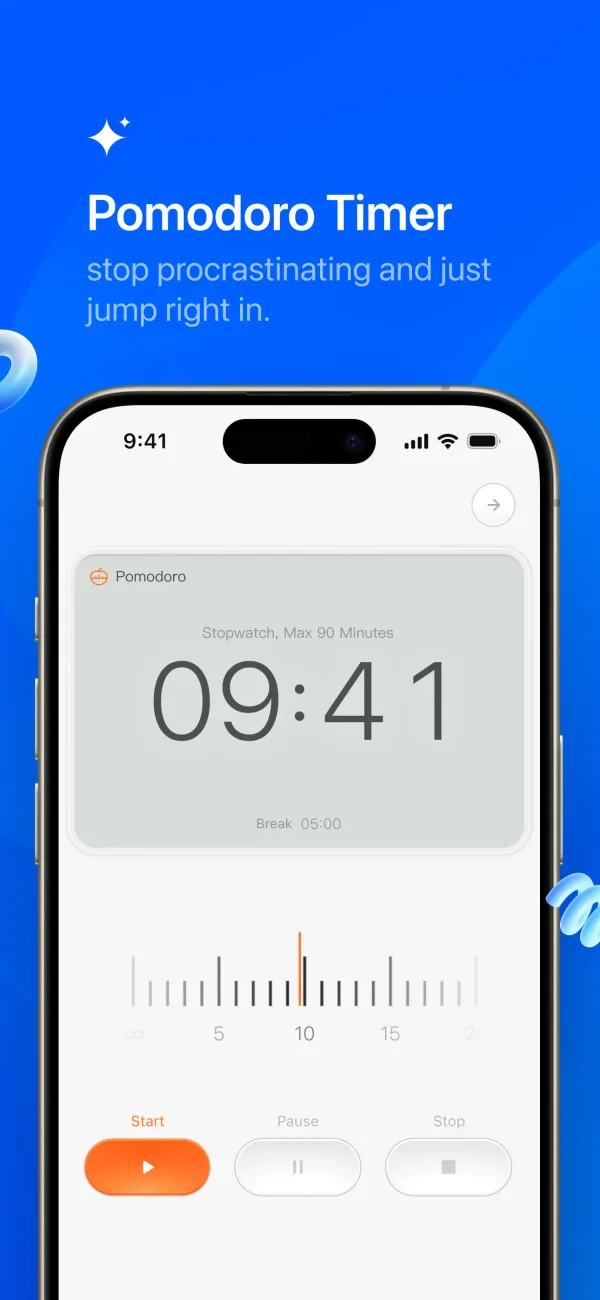
II. Pomodoro
Our Pomodoro timer is designed for productivity, featuring:
-Timers that count both up and down, supporting sessions up to 90 minutes with breaks ranging from 5 to 30 minutes;
-Forward counting mode, which starts once the timer hits zero, and can track time for up to 90 additional minutes.
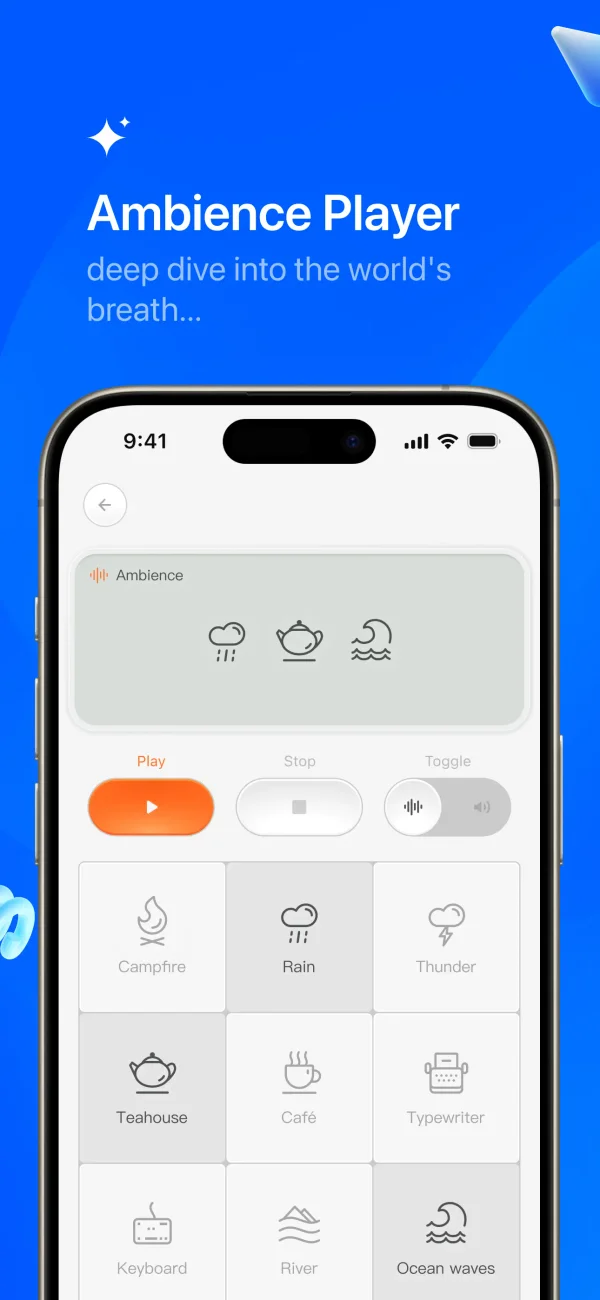
III. Ambience
This is one of my favorite features! You can customize the ambience to fit your mood:
-Mix and layer multiple white noise sounds;
-Control the volume for each sound, recreating different environments;
-It even saves your last custom mix.
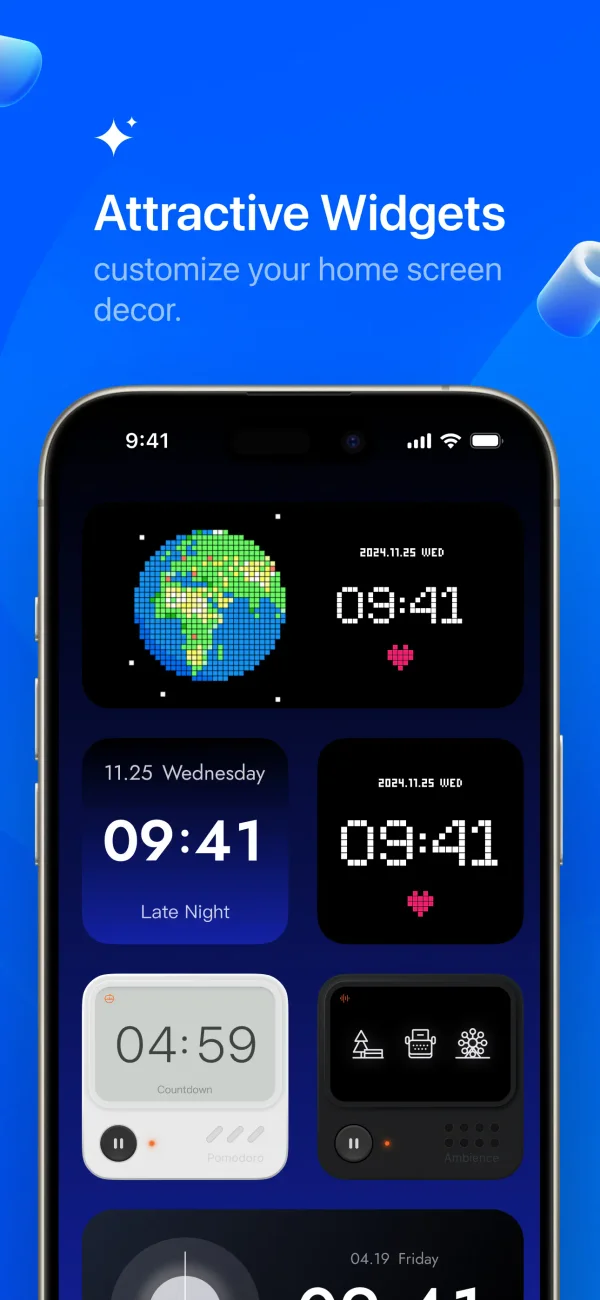
IV. Widgets
Our widgets change dynamically over time, making them both fun and functional. They add a personalized touch to your home screen, reflecting your unique style.
Subscription payments will be charged to your iTunes account at confirmation of your purchase.
* Subscriptions will automatically renew and payment will be charged to your iTunes account unless auto-renew is turned off at least 24 hours prior to the end of the current.
Terms of Use https://heydealstudio.super.site/heydealstudio-en/terms-of-use
Privacy Policy https://heydealstudio.super.site/heydealstudio-en/privacy-policy
What’s new
Version 1.5.1 · Mar 3, 2025
【HydeClock】is an all-in-one focus tool designed for efficient studying and working. By integrating dynamic clock faces, an intelligent Pomodoro timer, and immersive white noise environments, it helps you effortlessly enter a flow state.
A series of pixel art style clocks is coming your way in this version.
This update features the "Peace & Love" theme:
May the world soon be free from conflict, embracing lasting peace and harmony, bringing tranquility to every soul.
The "Rock & Roll" theme and the "GoToMars" theme are also being updated, so stay tuned!
App privacy
What Heydeal Studio declares on the App Store about how this app handles data.
-
Data not collected
The developer does not collect any data from this app.
Privacy practices may vary, for example with the features you use or your age.
Information
- Seller
- Heydeal Studio
- Category
- Lifestyle
- Version
- 1.5.1
- Updated
- Mar 3, 2025
- Released
- Apr 18, 2024
- Size
- 273.6 MB
- Requires
- iOS 16.1 or later
- Age rating
- 4+
- Price
- Free
- In-app purchases
- Yes
- Languages
- English, French, German, Italian, Japanese, Korean, Malay, Portuguese, Simplified Chinese, Spanish, Thai, Traditional Chinese + 1 more
- Copyright
- © HeyDeal Studio
You might also like
-
 Milee TapeEasy Widgets, Music at Hand
-
 陌生人闹钟Lifestyle
-
 Flip Clock - Focus TimerFull screen desktop clock
-
 Clock Pocket:standby widgetColorful Digit Clock,Watch
-
 Miley AI - ToDo,Task SchedulerDiary,Todo,Calendar,Health
-
 What's going on? Friend DiaryJournal Timeline Memories
-
 Placify - Map & Trip PlannerSave, Plan & Place Memories
-
 MD Clock - Flip ClockDigital time widget
-
 北京一卡通Lifestyle
-
 Zen Flip Clock - Minimal TimerDigital pomodoro and widgets