Zen Flip Clock - Minimal Timer
Digital pomodoro and widgets
Designed for iPhone, iPad, iPod touch
Free · In-app purchases
- Age rating4+
- CategoryLifestyle
- DeveloperChaoyang Minimal Software Studio
- LanguagesEnglish+ 10 more
- Size105.7 MB
Links to the official App Store page
Download.org hosts no file of Zen Flip Clock - Minimal Timer. The button opens its official App Store page, published by Chaoyang Minimal Software Studio. Listing last checked on Nov 24, 2026.
Screenshots
About
Zen Flip Clock
A minimalist flip clock, desk clock, and focus timer designed to make time clear, simple, and easy to follow.
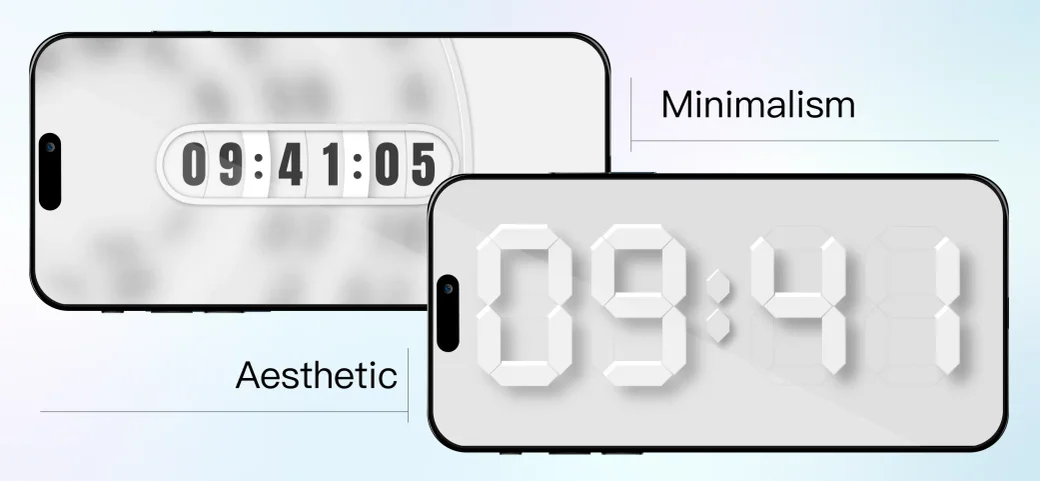
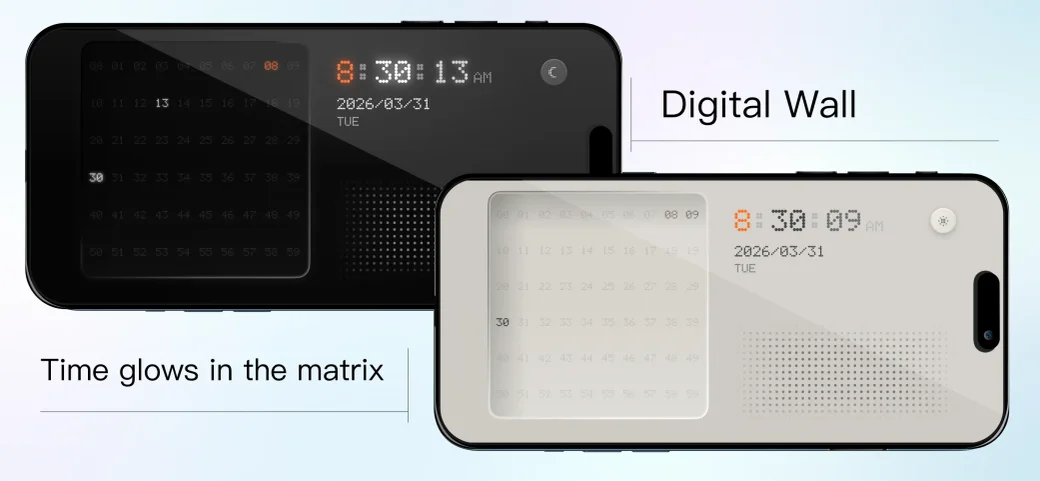
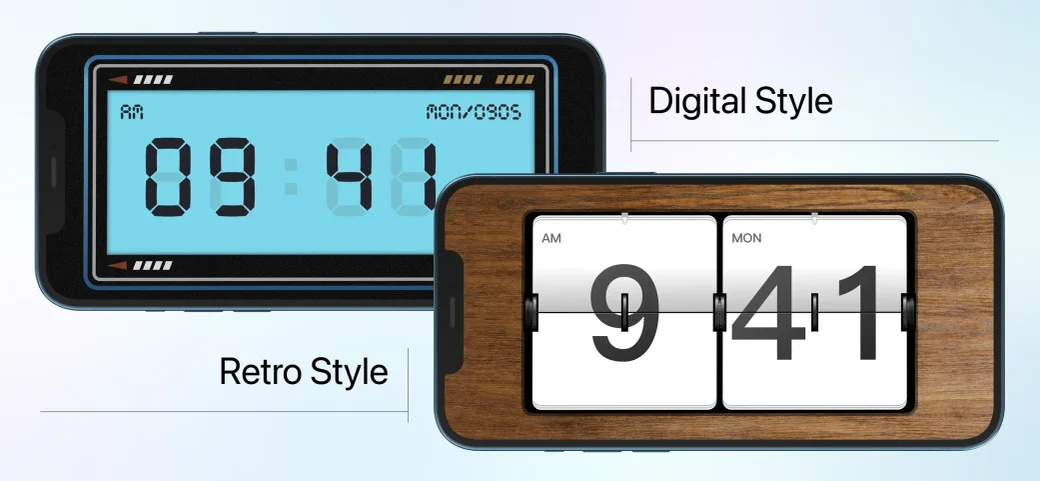
Choose from multiple clock themes, including flip clock, digital clock, and minimalist styles. Use it as a fullscreen clock for studying, working, focusing, or as a clean nightstand clock. Open the app and start right away.
Why Zen Flip Clock
More than just a clock, Zen Flip Clock is a simple tool for focus and time management. From study sessions and focused work to everyday timing, it helps you stay aware of your time and make every minute count.
Key Features
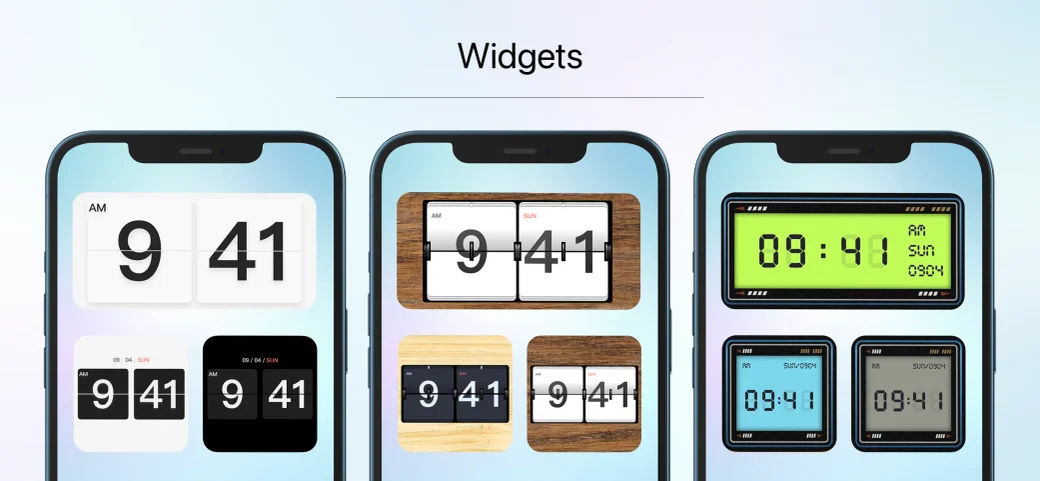
Multiple Clock Themes
Choose from flip clock, digital clock, and minimalist clock designs. Use your favorite theme as a desk clock, fullscreen clock, or nightstand clock for work, study, and everyday use.
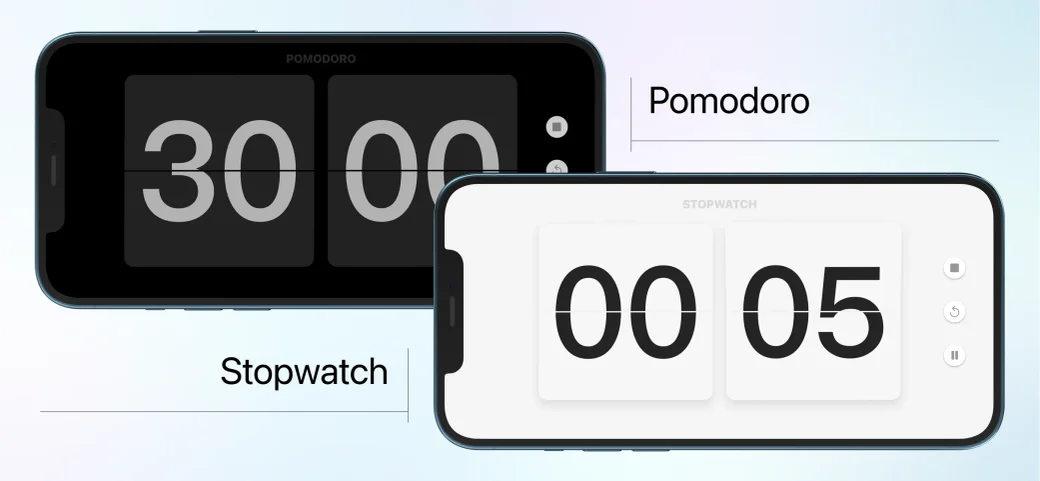
Pomodoro Timer
Stay focused with the built-in Pomodoro timer. Perfect for studying, reading, working, and other tasks that require concentration.
Count Up Timer
Track elapsed time for studying, workouts, meditation, reading, and everyday activities.
Hourly Chime
Stay aware of time with hourly chimes and customizable reminders. Build better routines for work, study, and daily life.
Focus Statistics
Track your focus time and usage to better understand how you spend your time.
Personalization
Multiple Themes
Switch between a variety of minimalist clock themes, from classic flip clock designs to clean digital styles.
Smooth Animations
Enjoy clean, natural, and fluid clock animations designed for a calm visual experience.
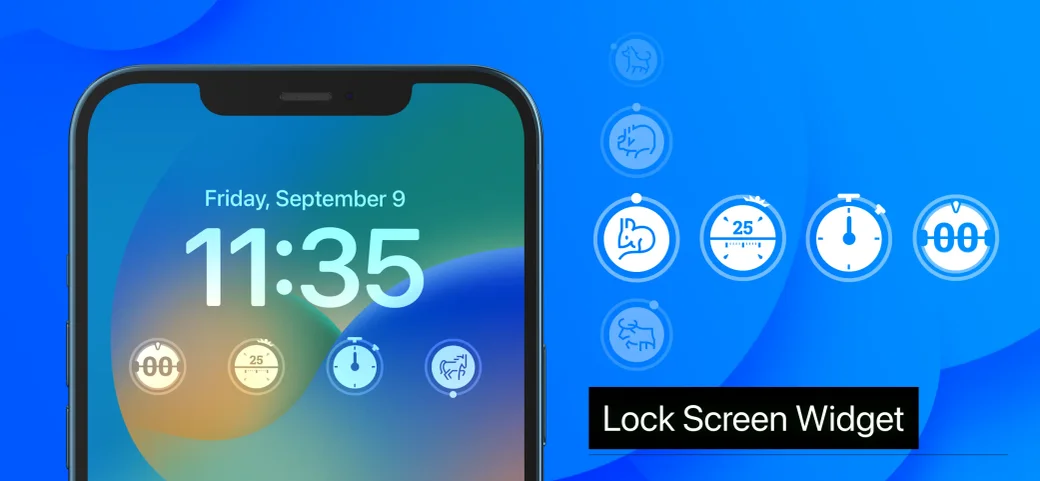
Home & Lock Screen Widgets
View the time at a glance with Home Screen and Lock Screen widgets without opening the app.
Easy Controls
Swipe left for Pomodoro
Swipe right for Count Up Timer
Tap to open Settings
Whether you need a flip clock for your desk, a fullscreen digital clock for studying, a Pomodoro timer for focused work, or a simple nightstand clock, Zen Flip Clock keeps time clear and focus simple.
Make time visible. Stay focused.
Contact & Legal
▸ Bug Reports & Feedback: minimalsoftwarestudio@gmail.com
▸ Terms of Use: https://minimalsoftwarestudio.feishu.cn/docs/doccnK7LrYMwBFdr7SRl4qQv2lb
What’s new
Version 4.15.2 · Nov 11, 2026
Fixed and improved minor issues
App privacy
What Chaoyang Minimal Software Studio declares on the App Store about how this app handles data.
-
Data not linked to you
May be collected but is not linked to your identity.
- Usage data
- Diagnostics
Privacy practices may vary, for example with the features you use or your age.
Information
- Seller
- Chaoyang Minimal Software Studio
- Category
- Lifestyle
- Version
- 4.15.2
- Updated
- Nov 11, 2026
- Released
- Aug 4, 2017
- Size
- 105.7 MB
- Requires
- iOS 15.0 or later
- Age rating
- 4+
- Price
- Free
- In-app purchases
- Yes
- Languages
- English, French, German, Japanese, Korean, Portuguese, Simplified Chinese, Spanish, Thai, Traditional Chinese, Vietnamese
- Copyright
- © 2026 Minimal Software Studio
You might also like
-
 Flip clock - no adsDigital Clock&Nightstand clock
-
 MD Clock - Flip ClockDigital time widget
-
 ClockPhone big digital clocksAlarm clock, timer, widget
-
 Digital Clock - Bedside Alarmstandby screen time in seconds
-
 Clock Face - desktop alarmtime widgets on Lock Screen
-
 Bedside Clock - Time widgetslock screen big digital alarm
-
 DailyBean - simplest journalMood tracker, daily log, diary
-
 Emolog - Diary & Mood TrackerDynamic Emojis for Every Mood
-
 Lake: Coloring Book for AdultsColor Therapy, Calming ASMR
-
 Simple Clock - Study With MeFocus and study Pomodoro Timer