
Hyper Focus: ADHD To-Do List
Add tasks fast. Made for ADHD
Designed for iPhone, iPad, Mac
Free · In-app purchases
- Age rating4+
- CategoryProductivity
- DeveloperDavid de Souza
- LanguagesEnglish
- Size18.3 MB
Links to the official App Store page
Download.org hosts no file of Hyper Focus: ADHD To-Do List. The button opens its official App Store page, published by David de Souza. Listing last checked on Nov 12, 2026.
Screenshots

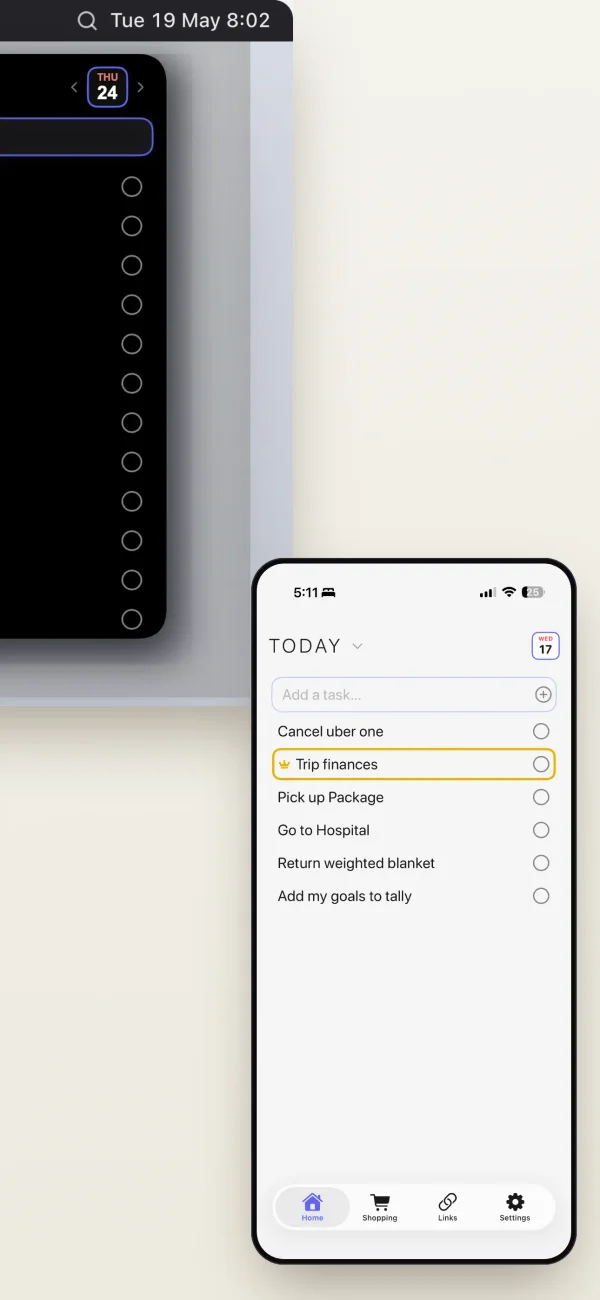
About
Your to-dos are in one app, your calendar entries in another, and the thing you told Siri to remind you about is in another ecosystem altogether.
HYPER puts all 3 on one calm screen, built for brains that jump around.
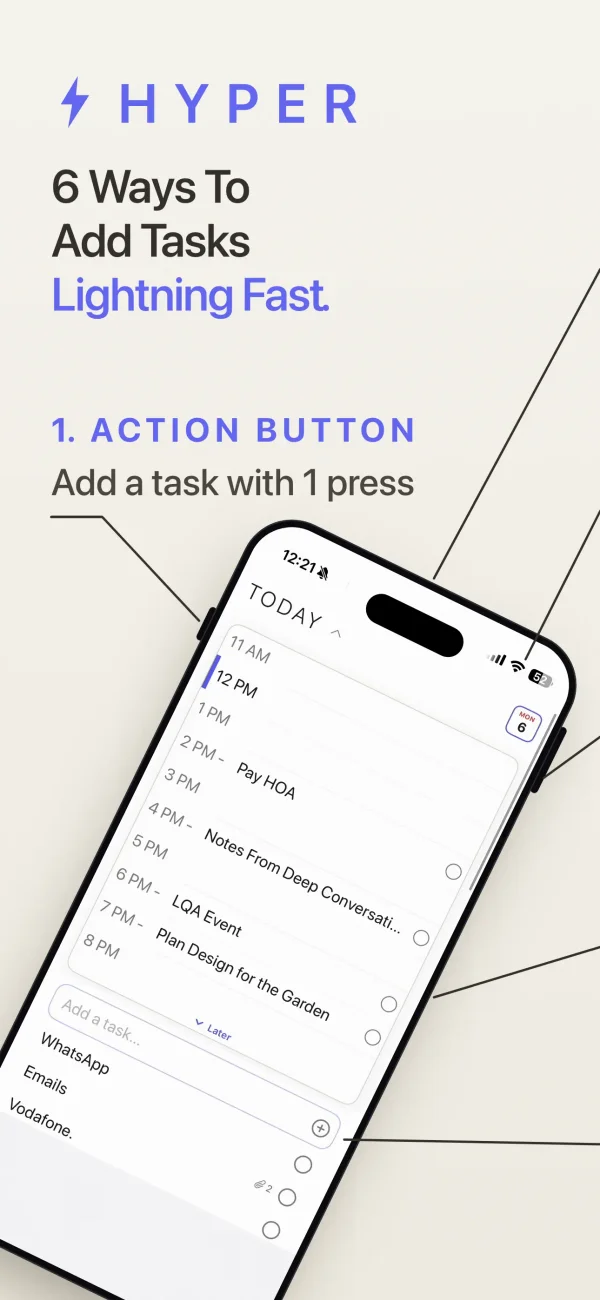
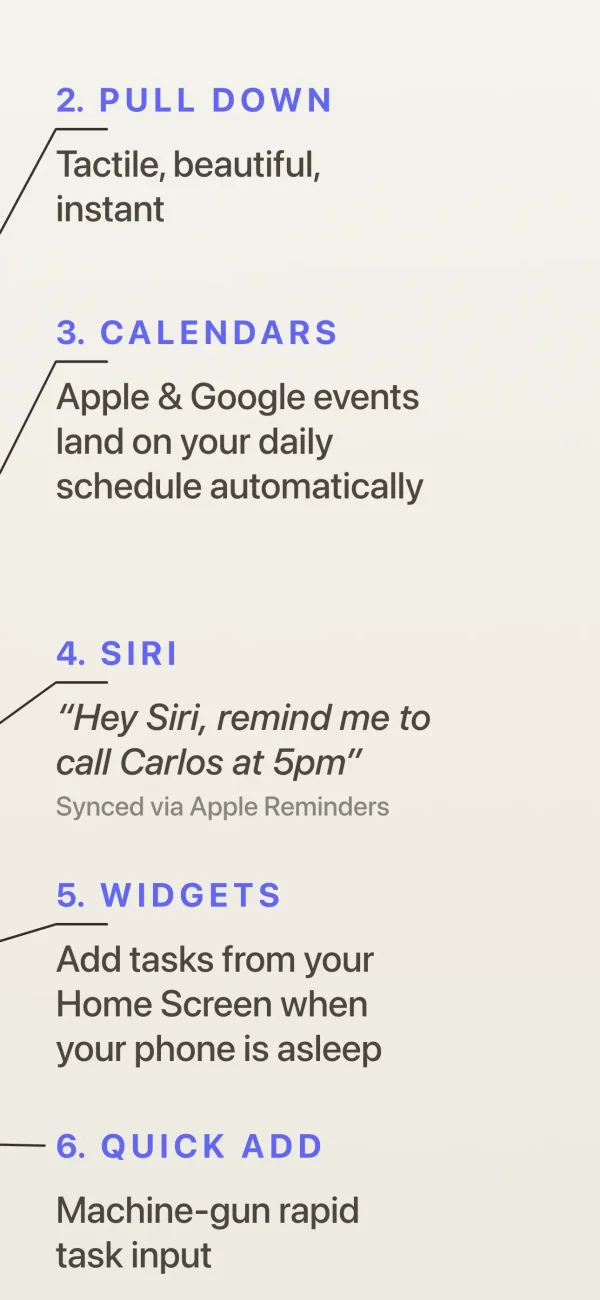
6 WAYS TO ADD TASKS, LIGHTNING FAST
1. Action Button: press it to add a task from anywhere, even the Lock Screen.
2. Pull down: pull your list down and a new task drops in under your thumb.
3. Calendars: Apple and Google events land on your schedule automatically.
4. Siri: "Hey Siri, remind me to call Joe at 6pm" syncs straight into HYPER.
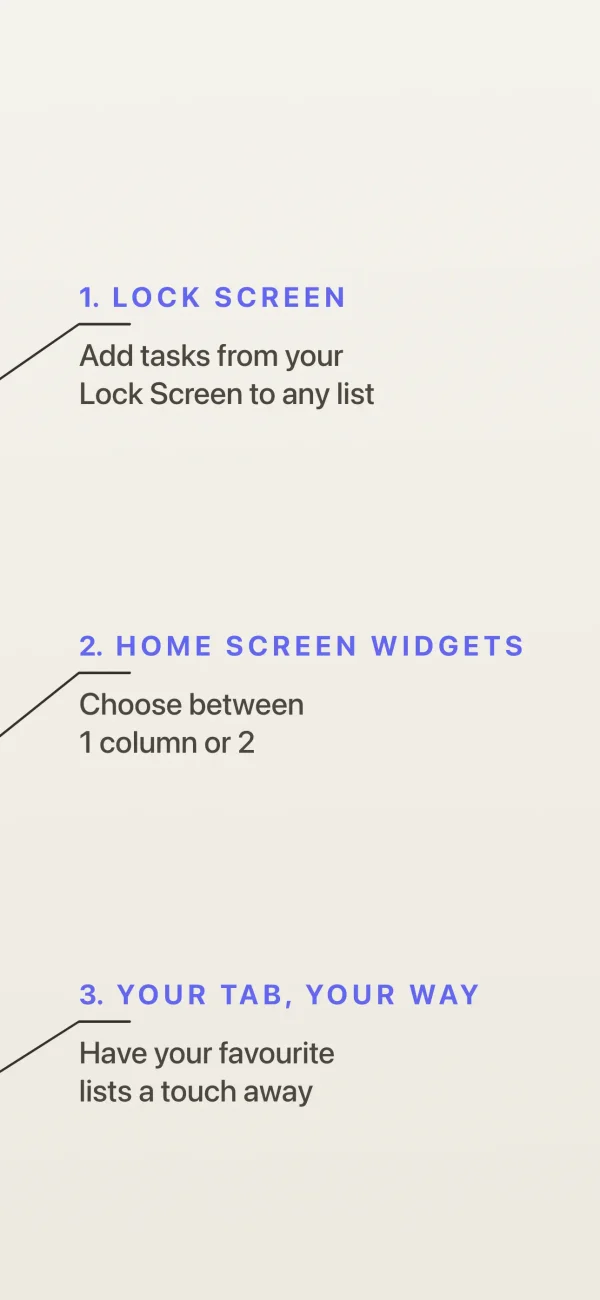
5. Widgets: tap a Lock Screen or Home Screen widget and start typing.
6. Quick add: the box stays open after every task. Type, return, type, return.
YOUR DAY IN ONE PLACE
• Your Apple and Google calendar events sync automatically and appear as tasks in HYPER.
• Apple Reminders also appear as tasks, so you can see everything that you need to do in one place.
• "Hey Siri, remind me to call the dentist at 4" lands straight in your schedule within HYPER.
• Drag a task onto an hour to schedule it, or snooze it to later.
BUILT ON 3 IDEAS FROM BEHAVIOURAL SCIENCE
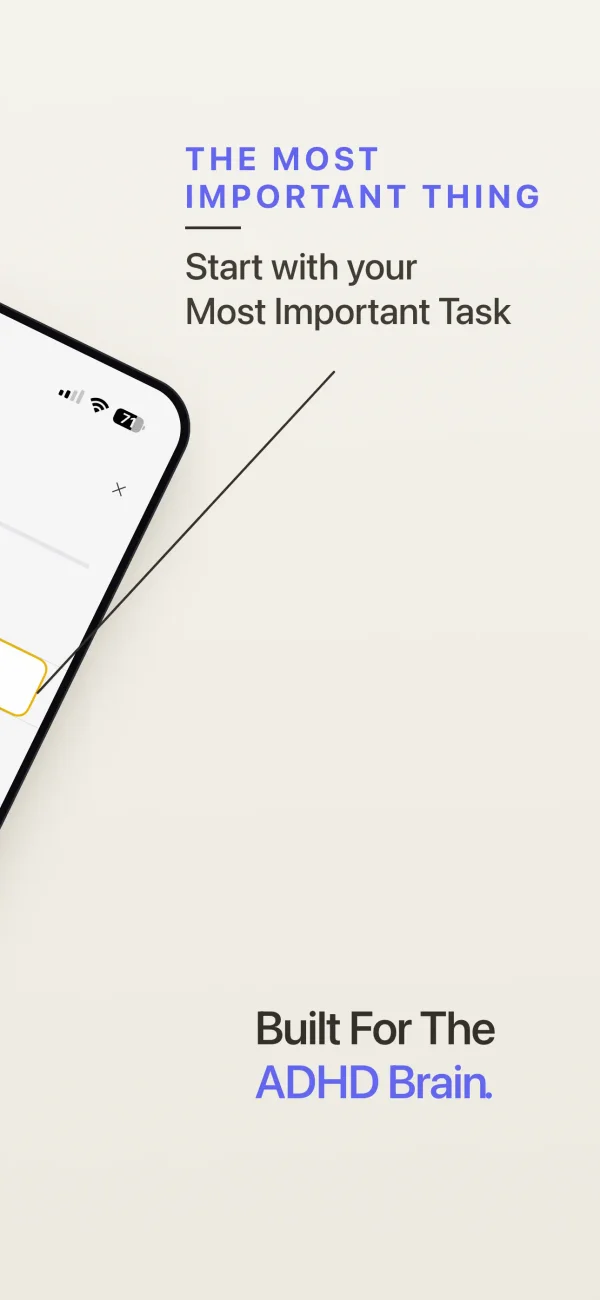
1. Eat the frog. Each morning, pick your single Most Important Task. HYPER pins it to the top with a gold border, and everything else feels easier once it's done.
2. Don't break the chain. Daily, weekly and monthly habits build streaks you won't want to lose. Link a habit to a calendar event and the event ticks it off. Rest days don't break your streak.
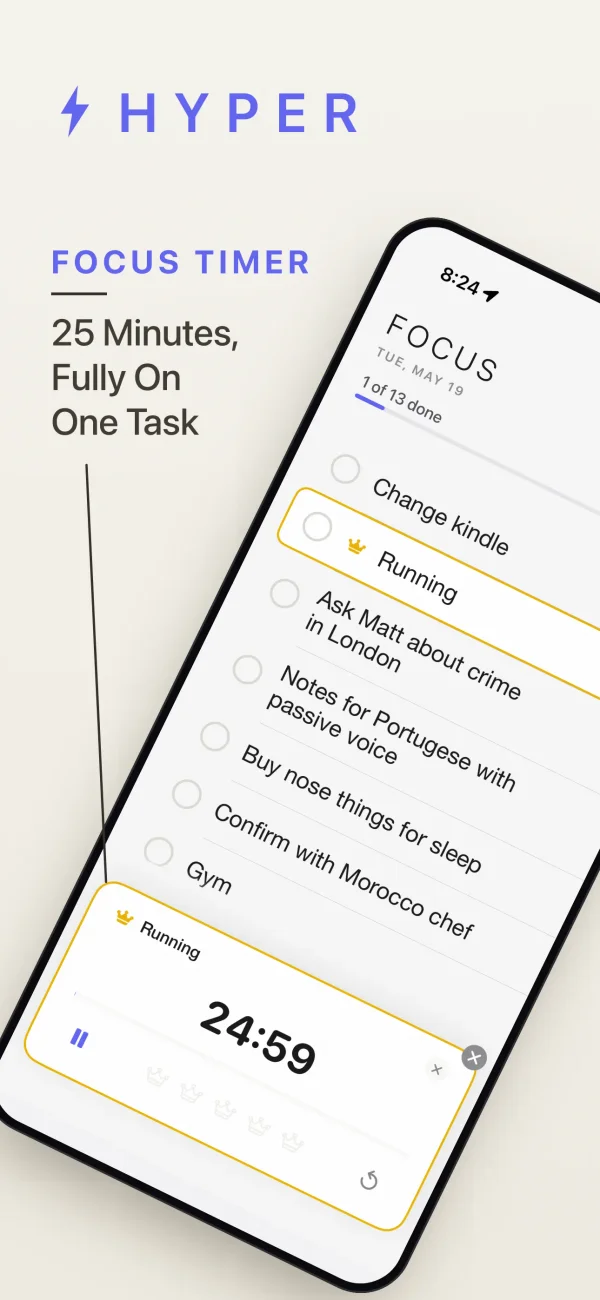
3. Pomodoro timer. Focus mode breaks work into short, focused bursts, so getting started feels easy. Your timer lives on the Lock Screen and in the Dynamic Island.
CUSTOMISE - MAKE IT YOURS
• Choose which lists live in your tab bar: shopping, work, links, whatever you reach for most.
• Share any list with an invite code. Everyone can add and tick things off.
AVAILABLE ON ALL YOUR APPLE DEVICES, NO ACCOUNT
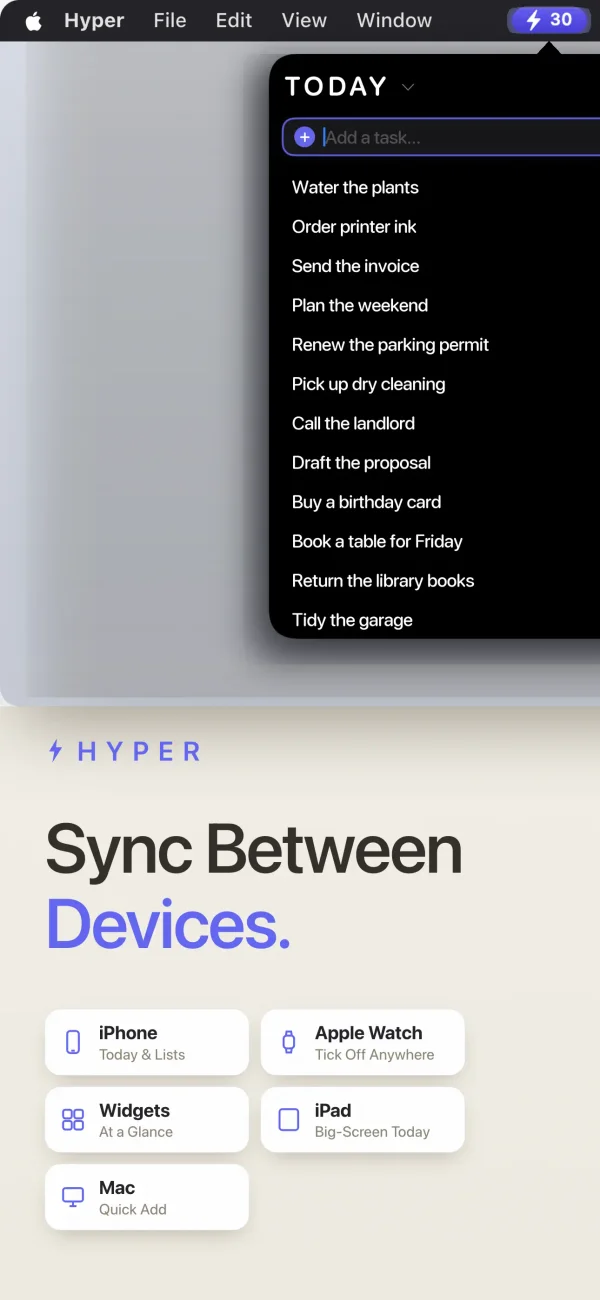
• No sign-up, no password. Everything syncs through your iCloud.
• Mac: press Option-Command-T anywhere to add a task without leaving what you're doing, or use the menu bar.
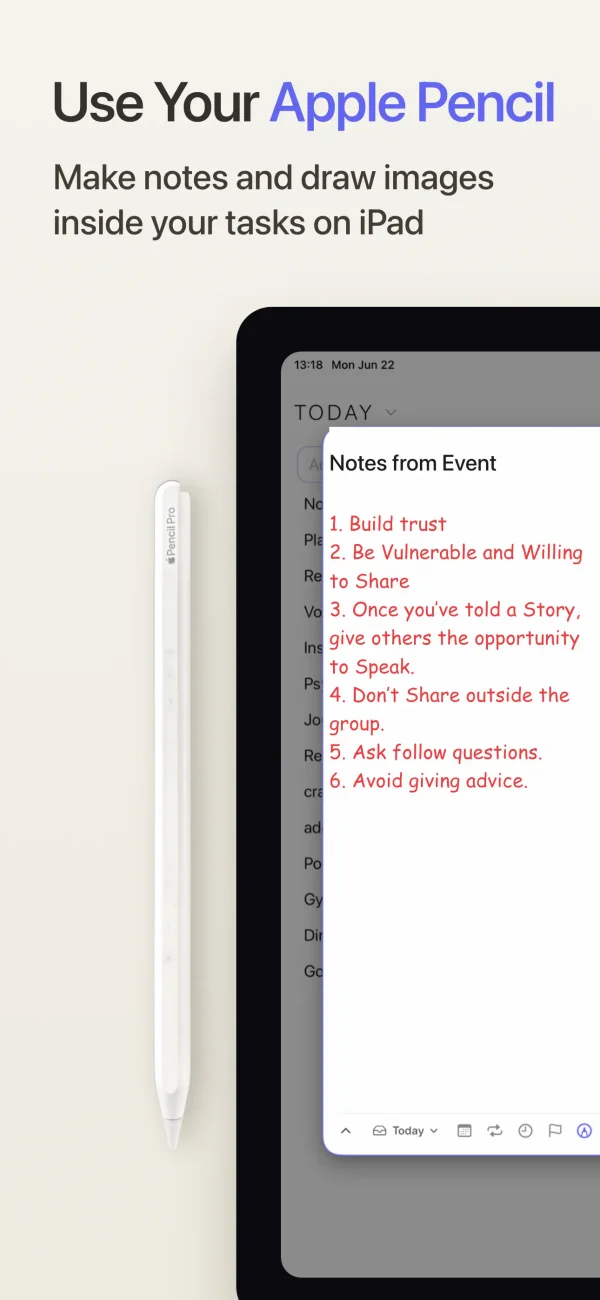
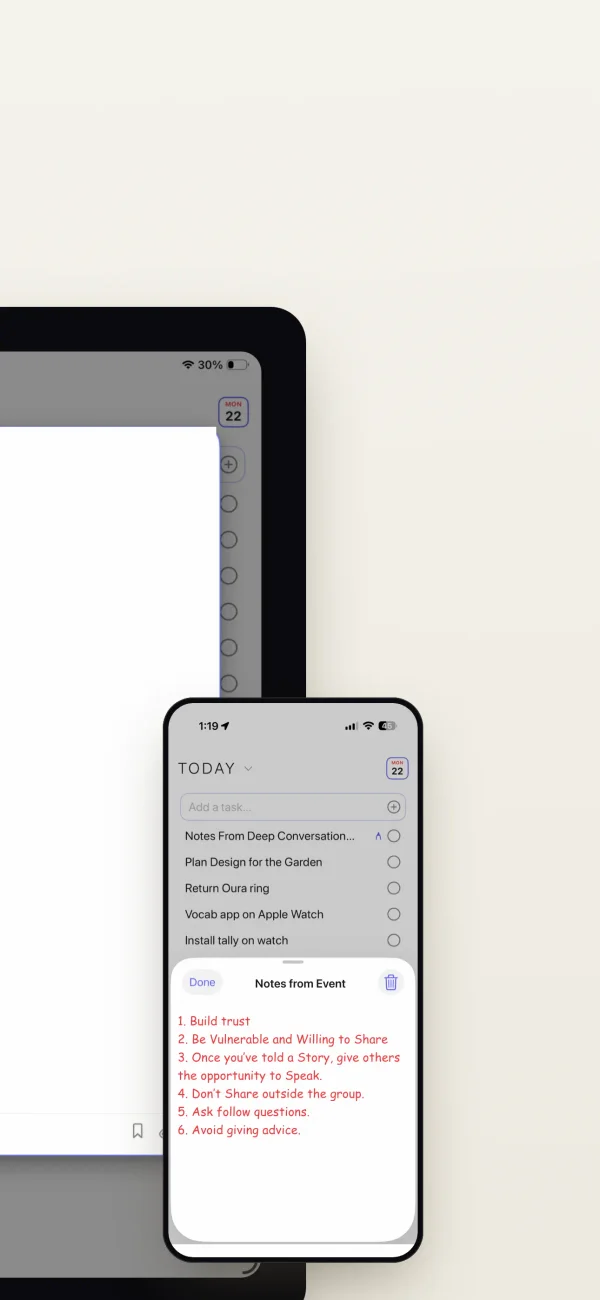
• iPad: use your Apple Pencil to make notes, sketch ideas or brainstorm.
• Apple Watch: your lists on your wrist.
PRICING
The first 100 members get HYPER free for life. After that, the earlier you join the less you pay, and whatever price you join at is yours for life. Every subscription starts with a free week, and if you don't like subscriptions you can pay once for life.
Terms of Use: https://hypertodo.com/terms
Privacy Policy: https://hypertodo.com/privacy
What’s new
Version 1.0.4 · Nov 3, 2026
• Fixes and improvements
App privacy
What David de Souza declares on the App Store about how this app handles data.
-
Data not collected
The developer does not collect any data from this app.
Privacy practices may vary, for example with the features you use or your age.
Information
- Seller
- David de Souza
- Category
- Productivity
- Version
- 1.0.4
- Updated
- Nov 3, 2026
- Released
- Oct 14, 2026
- Size
- 18.3 MB
- Requires
- iOS 17.0 or later
- Age rating
- 4+
- Price
- Free
- In-app purchases
- Yes
- Languages
- English
- Copyright
- © 2026 David de Souza
You might also like
-
 SixThings: Daily FocusSix tasks a day, in order
-
 Until Done: ADHD To-Do ListBeat Procrastination, Gently
-
 planSync Task&TimersADHD tasks & parallel timers
-
 Manual Binder: User ManualsAppliance manuals & warranties
-
 Ryokai: AI Calendar AssistantAI powered unified calendar
-
 YearMapSee your year. Plan your life.
-
 Taskly: Daily TrackerFamily chores made simple
-
 PDF Editor StudioEdit, Cover & Add Text
-
 Walli - Yearly CalendarYour whole year in one place
-
 Yah.Nah. ADHD Task PlannerSwipe Apple Reminders to Focus