
iCab Mobile (Web Browser)
Designed for iPhone, iPad, iPod touch
$3.99 · In-app purchases
- Age rating17+
- CategoryUtilities
- DeveloperAlexander Clauss
- LanguagesEnglish+ 4 more
- Size43.8 MB
Links to the official App Store page
Download.org hosts no file of iCab Mobile (Web Browser). The button opens its official App Store page, published by Alexander Clauss. Listing last checked on Nov 23, 2026.
Screenshots

About
iCab Mobile is a web browser for iOS. iCab Mobile is customizable in almost all areas and can thus be made into your very own personal browser.
PRIVACY:
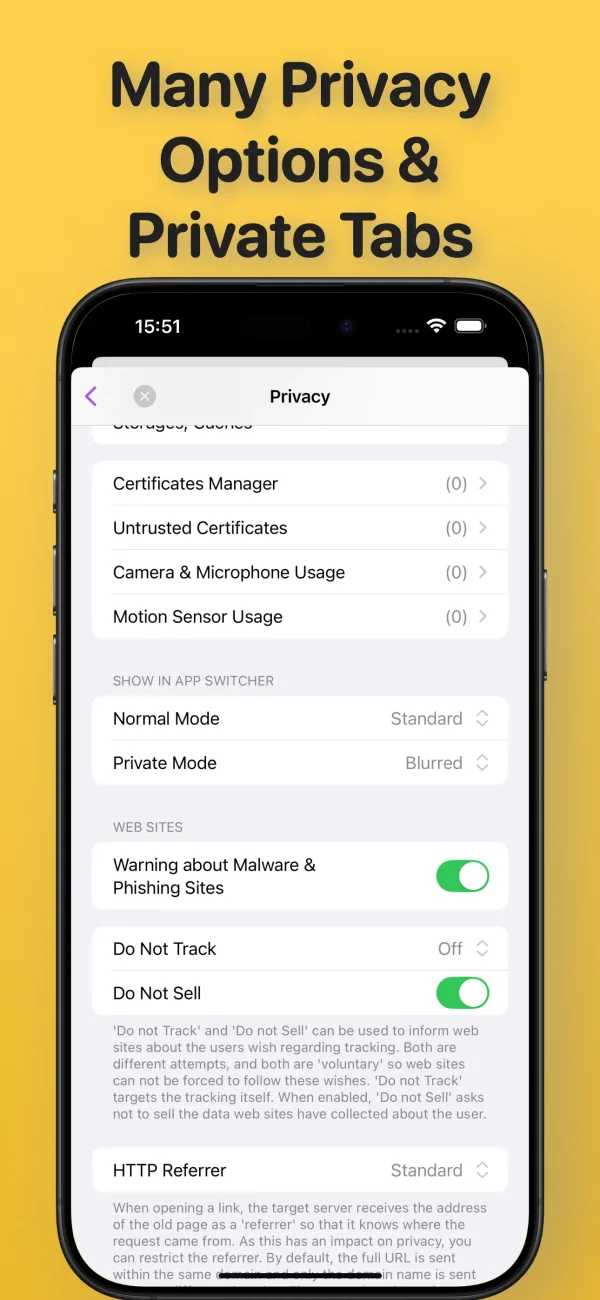
In private mode, no private data is saved permanently. Special private tabs increase privacy even further, with only a small loss of comfort.
PROFILES/USER ACCOUNTS:
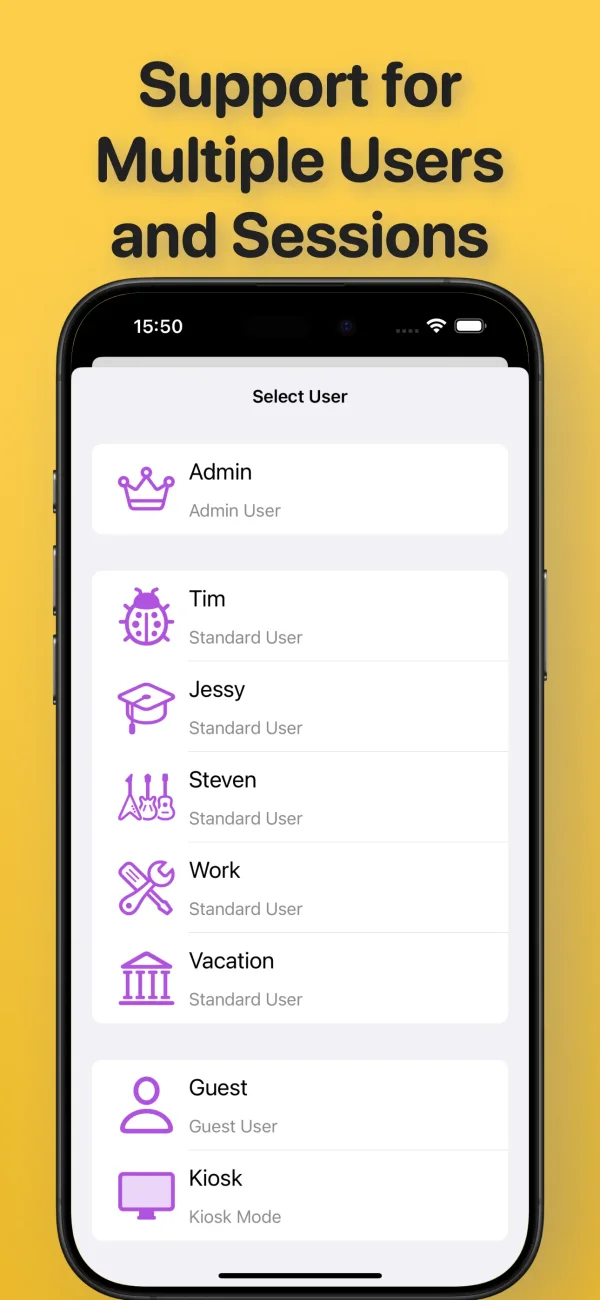
Any number of profiles/user accounts can be created, with each profile having its own settings, bookmarks, etc. Profiles are suitable for an iPad that is used by the whole family, but also for users who want to separate professional and private surfing.
TABS, WINDOWS:
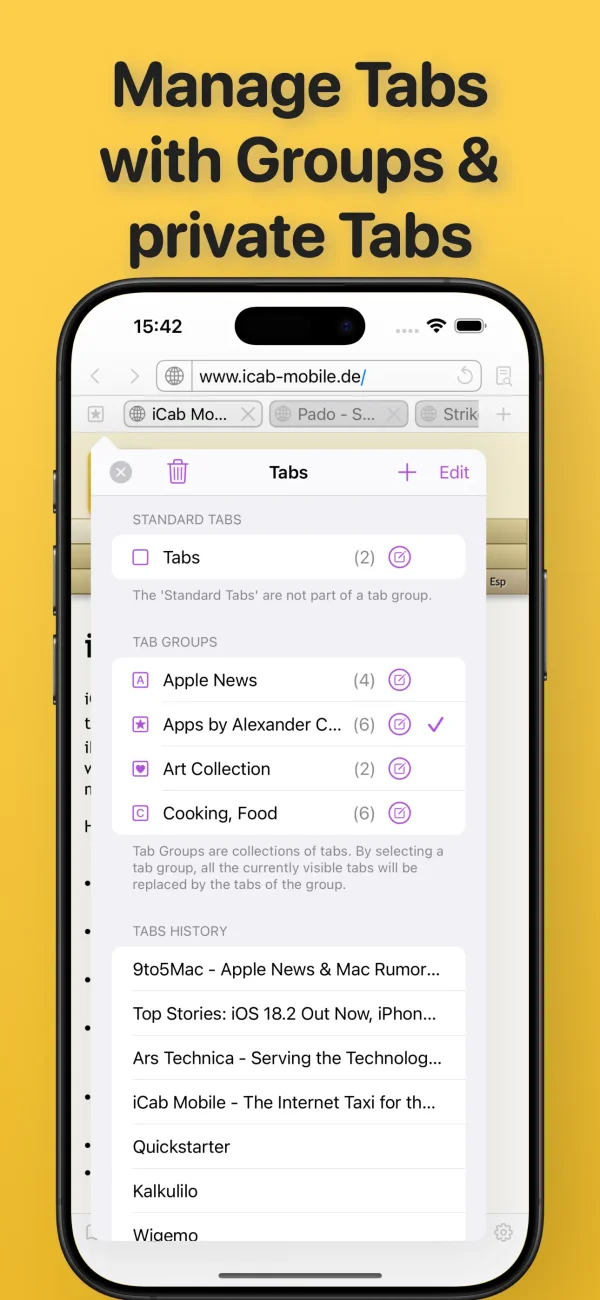
iCab Mobile can open any number of websites simultaneously in tabs. Tabs can be saved and organized in groups so that they can easily be loaded together again later. Tabs can be protected against accidental closing or overwriting.
On the iPad, multiple app instances can be opened as windows (Stage Manager, Split View), even with multiple profiles simultaneously (since iOS 18).
FILTERS:
Filters can be used to block advertising, trackers, etc. Popular filter lists can be used directly (Easylist, AdBlock Plus, uBlock & compatible), but you can also define your own.
USER INTERFACE:
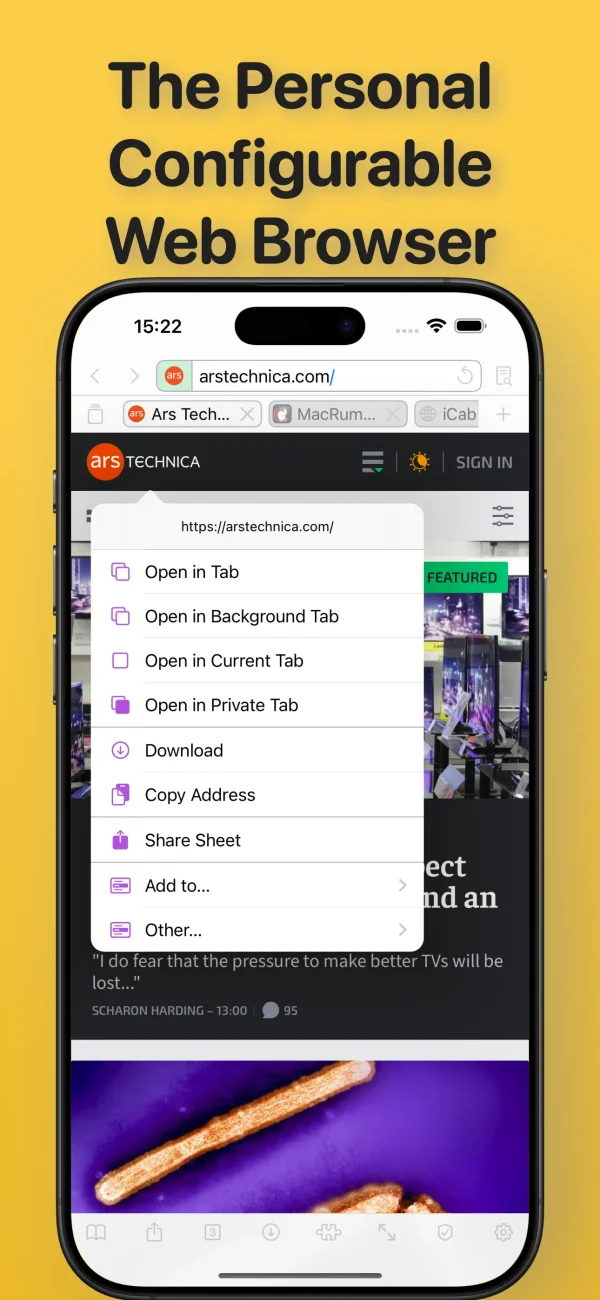
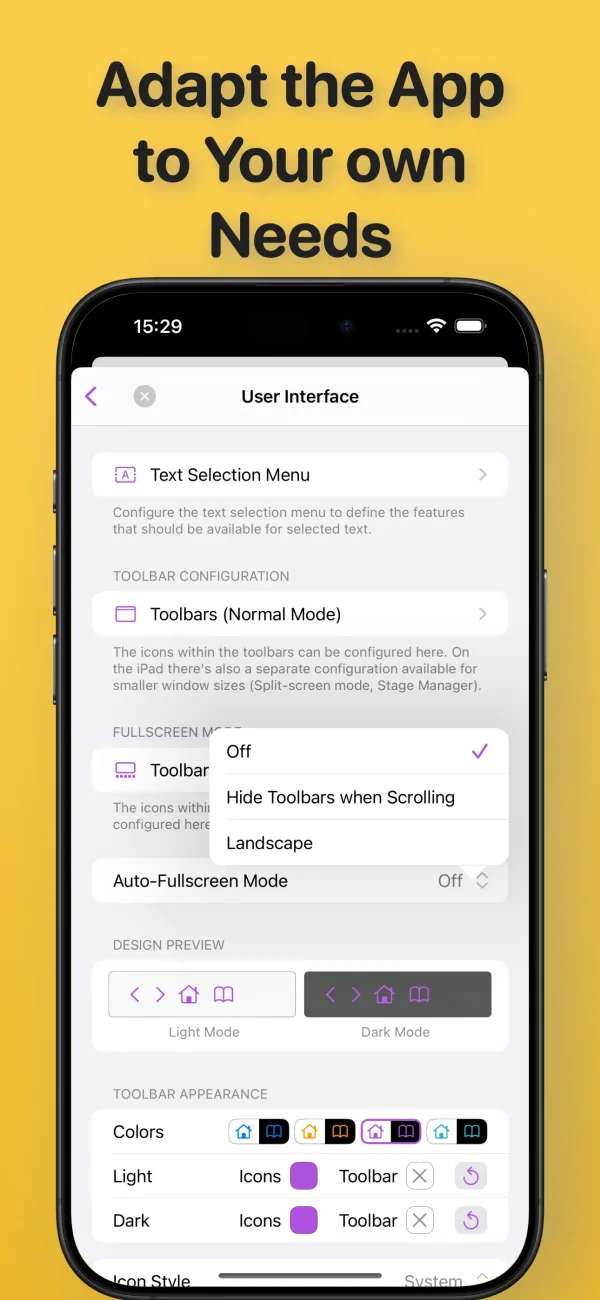
The user interface is freely configurable. Action, context and text selection menus, toolbars and gestures can be adapted to your own needs.
ACCESSIBLE:
The user interface is barrier-free and adapts to the system font size and is compatible with VoiceOver.
BOOKMARKS:
Bookmarks can be organized in folders. “Smart folders” create special collections based on self-defined rules (e.g. the latest bookmarks from the last 2 weeks). Colored labels allow further categorization.
DOWNLOADS:
Download any files and manage the files in the download manager, including unpacking/creating ZIP archives, exporting/importing, etc.
SEARCH:
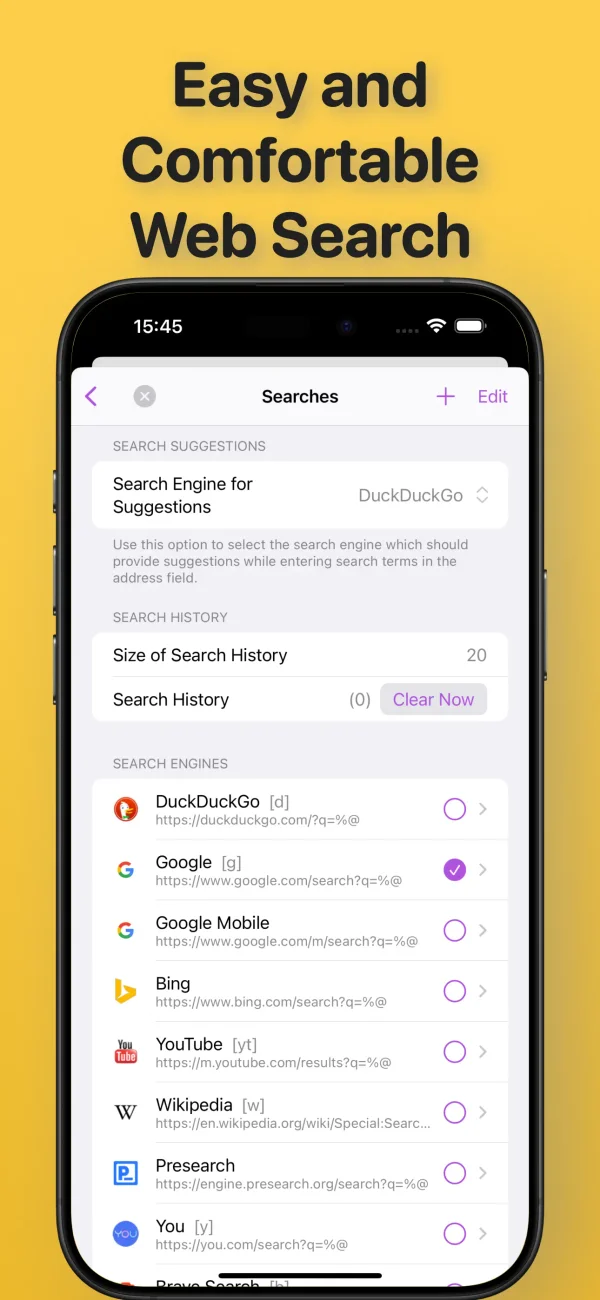
The app offers a large list of search engines (self-expandable) that you can use to search directly on the web. It is also possible to search on the current page.
WEBSITES:
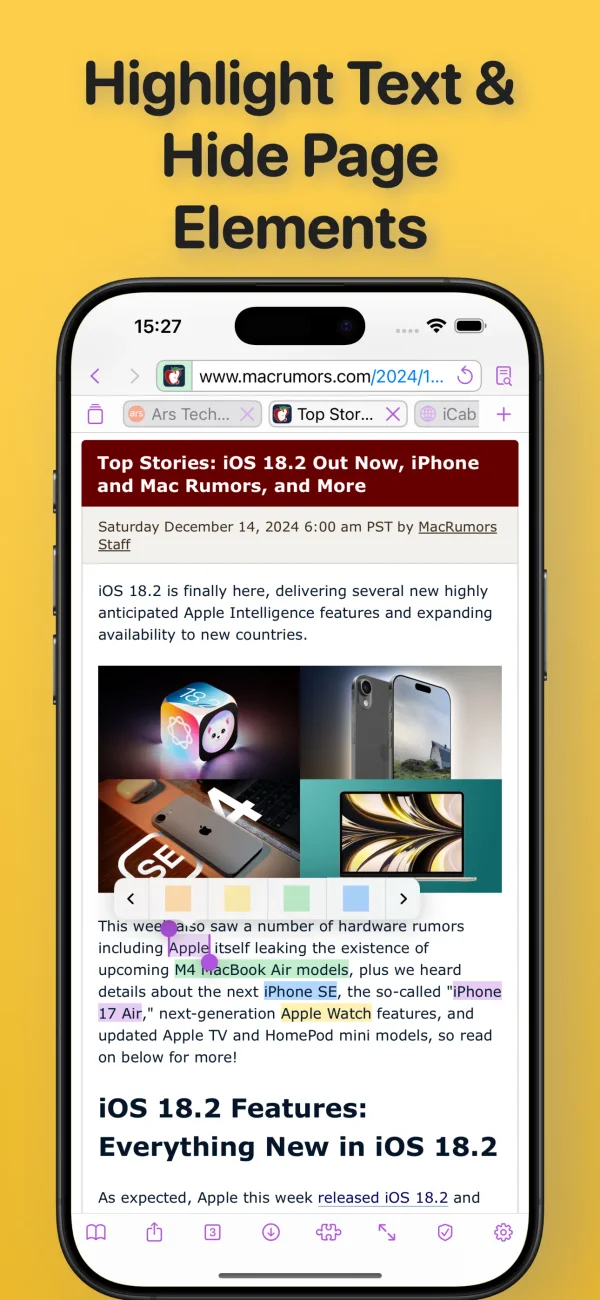
You can define what websites can and cannot do. Highlight important content with a highlighter, hide unwanted elements, allow buttons to be clicked automatically (e.g. for cookie messages). Control permissions for camera, microphone and sensor usage. Pro users can even inject JavaScript and CSS code into websites to customize them to their liking.
EXPORT/IMPORT:
All data can be exported/imported (for creating backups, data synchronization with other devices/apps)
WIDGETS:
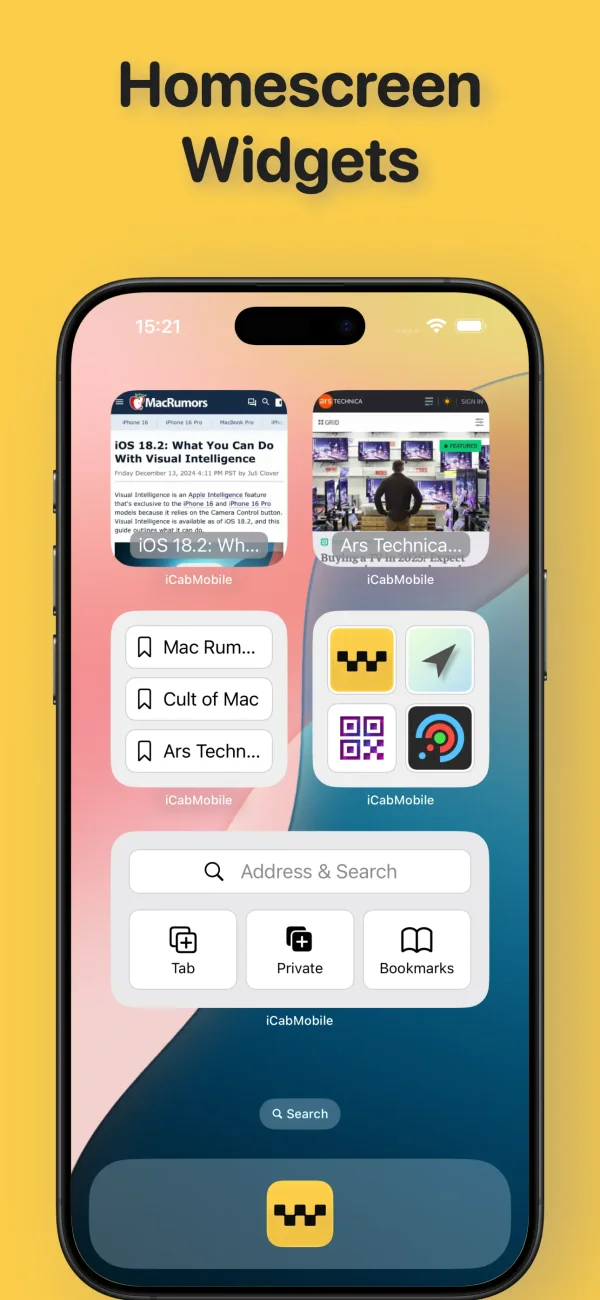
Widgets allow you to control the App and open bookmarks directly from the home screen. Websites can also be displayed directly there.
APPLE WATCH:
Open websites directly on the Apple Watch (albeit limited). Remotely control iCab Mobile on the iPhone from the Watch.
FURTHER FEATURES:
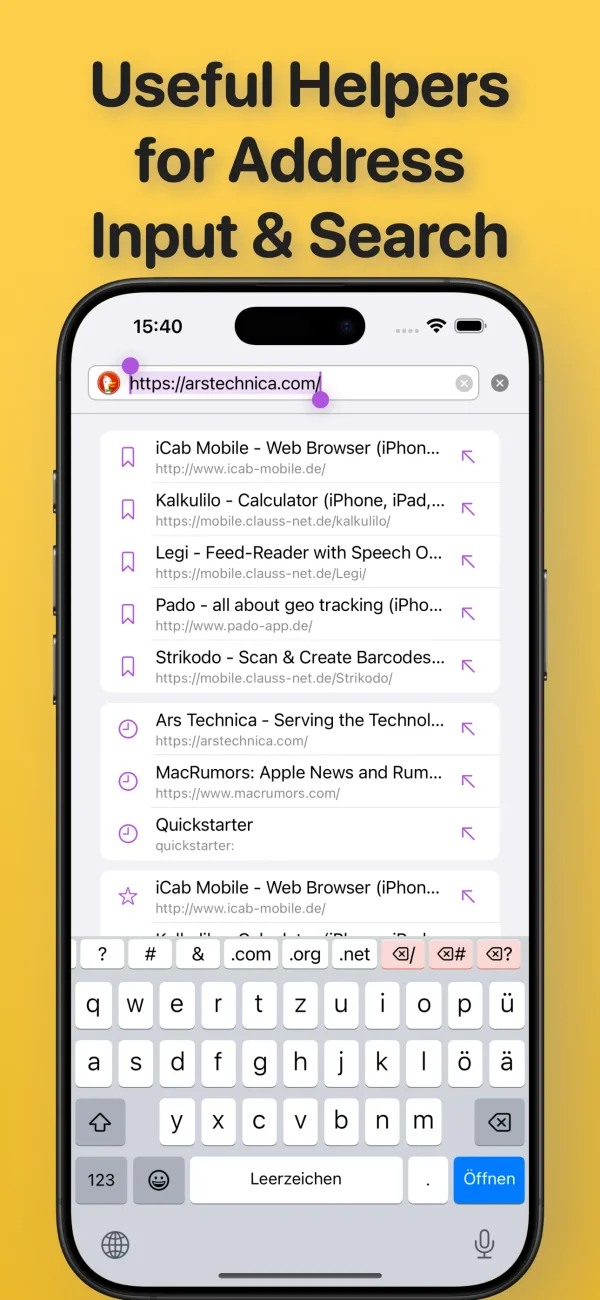
- Quick starter
- Configurable browser ID (UserAgent)
- Full support for international domain names
- Simple built-in RSS reader
- Kiosk mode - a more limited version of the full-screen mode for kiosk systems.
The app includes a store where you can give us a tip via InApp purchase to additionally support the further development of the app. The development of the app takes a lot of time and is a lot of work, which the low purchase price cannot cover. Te sources of income used by the big popular browsers, such as advertising, deals with search engines, tracking etc. are not an option for iCab Mobile.
Tipping is completely voluntary and you won't miss out on any important features if you don't tip. However, users who tip will be given the option to change the app icon as a thank you.
What’s new
Version 11.4.2 · Nov 19, 2026
- The “Open in App” option in the context menu now also allows you to open Wikipedia pages in the official Wikipedia app
- The “Open in App” option is now also available in the action menu
- The Google mobile search page has been removed from the list of search engines because Google no longer supports it
- Dark mode for websites (the “moon” icon) now ignores websites that already support dark mode on their own
- The auto-click feature for buttons can now be turned off completely (in Settings under “Websites > Auto-Click Buttons”)
- Fixes an issue with Dark Mode for websites on the iPhone Duo, where iOS does not render the website's background in the sidebar area
- Fixes an issue on the iPad where the active tab in the tab bar might not have been visible after launching the app
App privacy
What Alexander Clauss declares on the App Store about how this app handles data.
-
Data not collected
The developer does not collect any data from this app.
Privacy practices may vary, for example with the features you use or your age.
Information
- Seller
- Alexander Clauss
- Category
- Utilities
- Version
- 11.4.2
- Updated
- Nov 19, 2026
- Released
- Apr 21, 2009
- Size
- 43.8 MB
- Requires
- iOS 15.0 or later
- Age rating
- 17+
- Price
- $3.99
- In-app purchases
- Yes
- Languages
- English, Danish, German, Italian, Spanish
- Copyright
- © 2026
You might also like
-
 WAS: User-Agent SwitcherOpen desktop site, web browser
-
 UnagentPer-site user agents
-
 Alook Browser - 8x SpeedUtilities
-
 SnowHazePrivate Browser and VPN
-
 BrowserMask for SafariSimulate Another Browser
-
 Sleipnir MobileMake your searches worth it.
-
 Lunascape BrowserWeb3 Browser with Ad Blocker
-
 Private Browsing WhiteWeb Browser for iPhone & iPad
-
 Safe Page – Web BrowserFast & private web browser.
-
 Quiche BrowserPrivate, Fast, Customizable