
Safe Page – Web Browser
Fast & private web browser.
Designed for iPhone, iPad, iPod touch
Free
- Age rating17+
- CategoryUtilities
- DeveloperWios
- LanguagesEnglish
- Size5.0 MB
Links to the official App Store page
Download.org hosts no file of Safe Page – Web Browser. The button opens its official App Store page, published by Wios. Listing last checked on Nov 14, 2026.
Screenshots
About
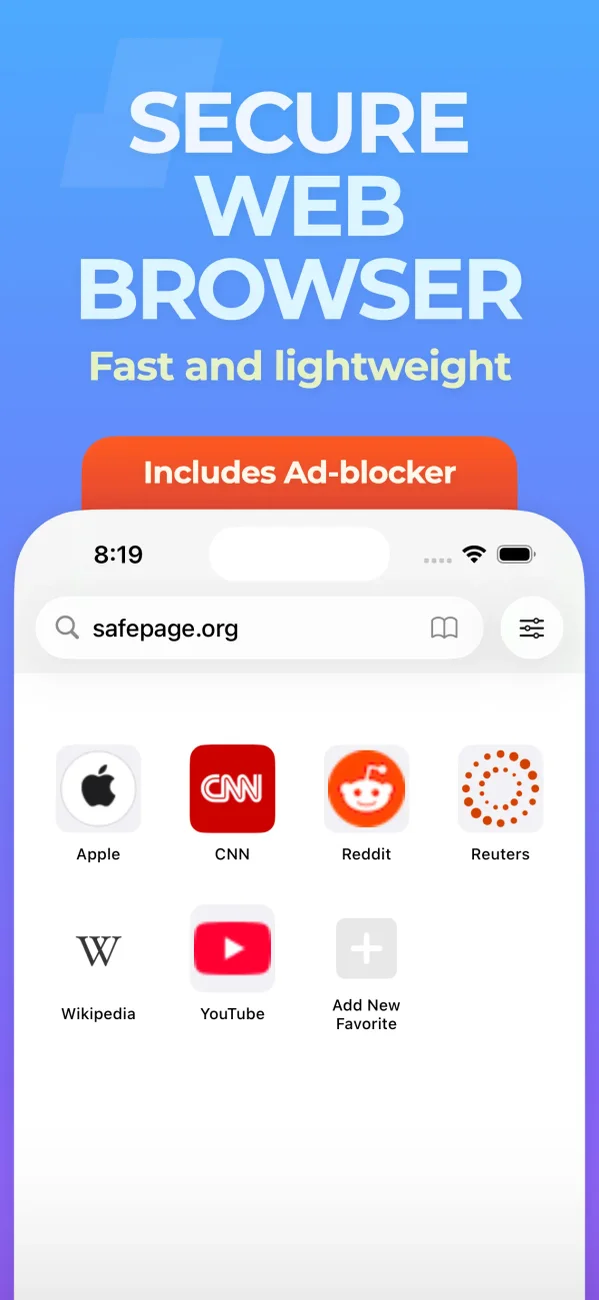
Experience fast, private, and secure browsing with Safe Page Web Browser, a lightweight private web browser designed to help keep your online activity protected. Browse the web with built-in ad blocking, private browsing, biometric or passcode protection, and easy tools to manage your browsing data.
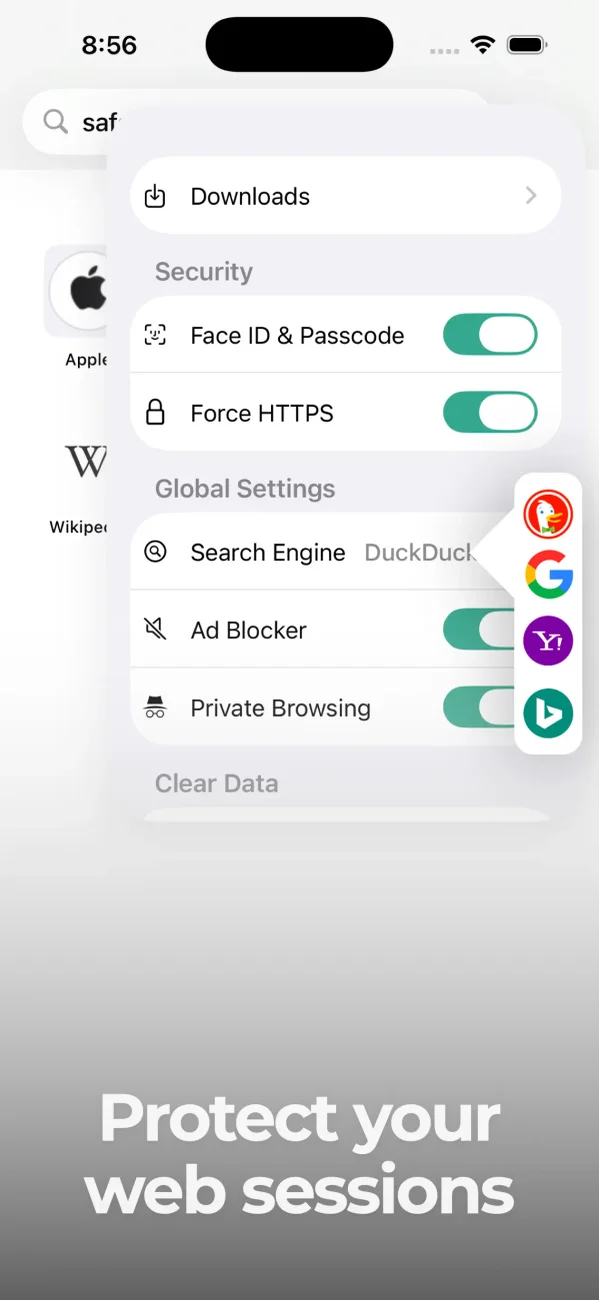
Safe Page puts your privacy first with Private Browsing Mode, which helps keep your browsing activity private on your device. When you close tabs opened during private sessions, cookies, cache, and other website data are automatically removed. For an additional layer of security, you can protect Safe Page with a biometric or passcode lock, helping prevent unwanted access to your browser and browsing activity.
Enjoy a cleaner and faster web experience with Safe Page’s built-in ad blocker. With an easy one-tap switch, you can block known advertisements and many trackers associated with them. By preventing unnecessary ad-related content and resources from loading, the ad blocker can help pages load faster while providing a cleaner, less distracting browsing experience.
Safe Page is designed to be a lightweight web browser that uses minimal device resources for smooth and efficient performance. You can also set Safe Page as your default browser, making it easy to open websites and links whenever you browse the web.
Managing your browsing data is simple with Safe Page. One-tap controls let you clear cookies, browsing history, cache, and other website data whenever you want. If you prefer regular browsing instead of private browsing, you can quickly remove stored browsing activity directly from the browser.
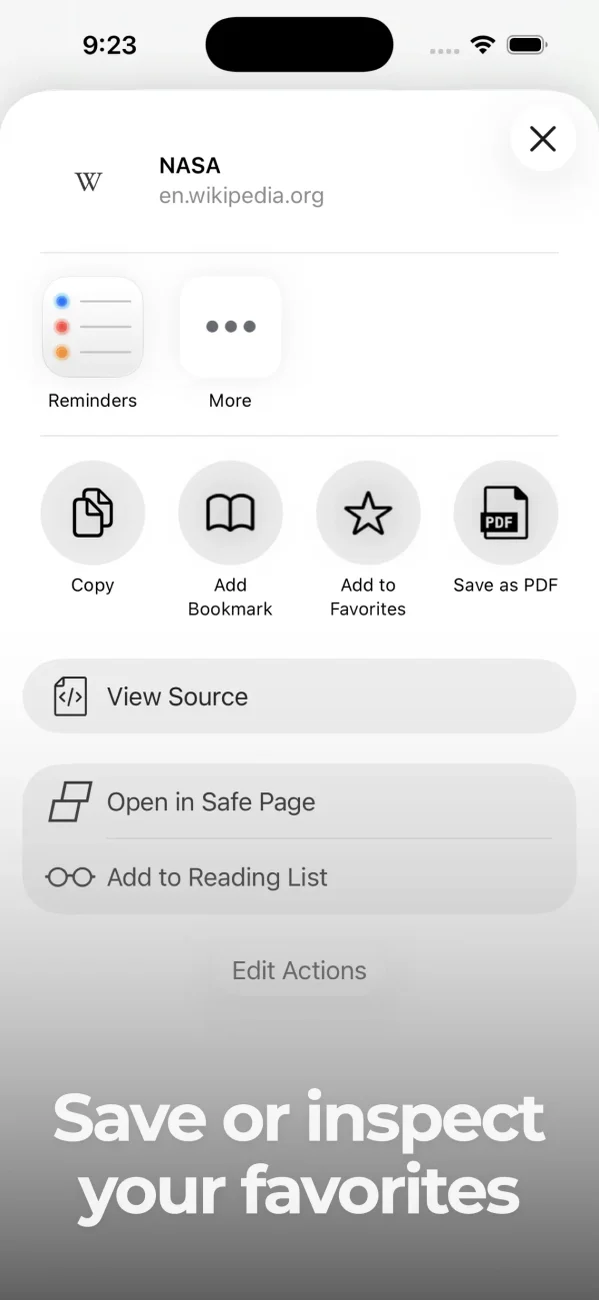
For developers, students, and curious users, Safe Page includes a View Source feature that lets you inspect the HTML code of any web page. Explore how websites are structured and better understand the code behind the pages you visit.
Features
• Private browsing mode
• Biometric and passcode lock
• Built-in ad and tracker blocker
• Fast and lightweight
• View HTML source code
Whether you want a fast web browser, a private web browser, or an easy way to control your browsing data, Safe Page gives you useful privacy, security, and performance tools for everyday web browsing. Browse faster, browse privately, and stay in control with Safe Page Web Browser.
What’s new
Version 1.3.2 · Sep 27, 2026
Bug fixes and improvements.
App privacy
What Wios declares on the App Store about how this app handles data.
-
Data not linked to you
May be collected but is not linked to your identity.
- Identifiers
- Usage data
Privacy practices may vary, for example with the features you use or your age.
Information
- Seller
- Wios LLC
- Category
- Utilities
- Version
- 1.3.2
- Updated
- Sep 27, 2026
- Released
- Apr 29, 2021
- Size
- 5.0 MB
- Requires
- iOS 13.0 or later
- Age rating
- 17+
- Price
- Free
- Languages
- English
- Copyright
- © 2026 Wios LLC
You might also like
-
 Private Web Incognito BrowserSecret Browser and Adblock
-
 Private Browser • BrovacyPrivacy browser, full screen
-
 Broearn Browser for Web3.0Secure & Multi-Chain Wallet
-
 Pure Web BrowserLite & Fast Internet Browsing
-
 eBrowser: Private Web & FilesFast, Private, Download Files
-
 Go Browser: Private,Pure,FastBrowser built for privacy.
-
 Private Browser: Web BrowserFast & Secure Proxy Browser
-
 Lion Browser: Safe BrowsingParental Control & Web Filter
-
 Lunascape BrowserWeb3 Browser with Ad Blocker
-
 Pure Browser - SearchingPrivate & Fast Browser