
Idea Vault - Notes & Journal
Private Encrypted Diary & Memo
Designed for iPhone, iPad
Free · In-app purchases
- Age rating4+
- CategoryProductivity
- DeveloperKevin Struna
- LanguagesEnglish
- Size10.4 MB
Links to the official App Store page
Download.org hosts no file of Idea Vault - Notes & Journal. The button opens its official App Store page, published by Kevin Struna. Listing last checked on Nov 25, 2026.
Screenshots
About
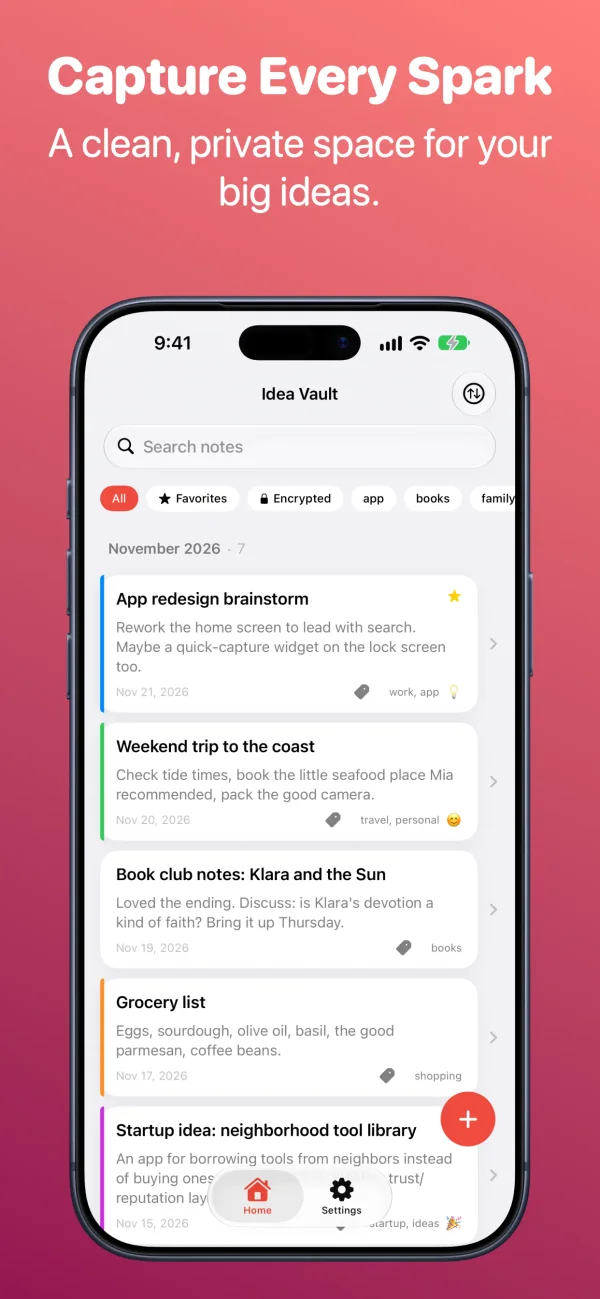
Idea Vault is a clean, distraction free space to capture ideas the moment they strike and organize them your way.
WRITE FREELY
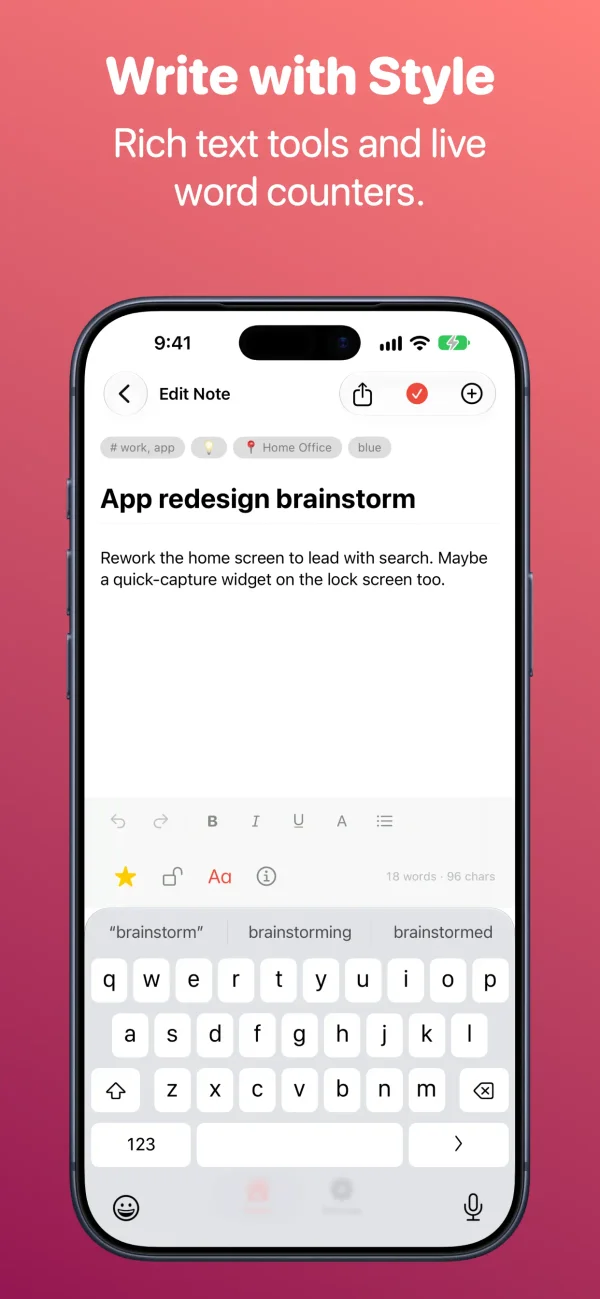
A minimal editor with real formatting: bold, italic, underline, headings, and bullet lists — plus undo and redo, so you can write without worrying about a mistake. Start faster with built in templates for meeting notes, journal entries, and to do lists, or begin from a blank page.
STAY ORGANIZED
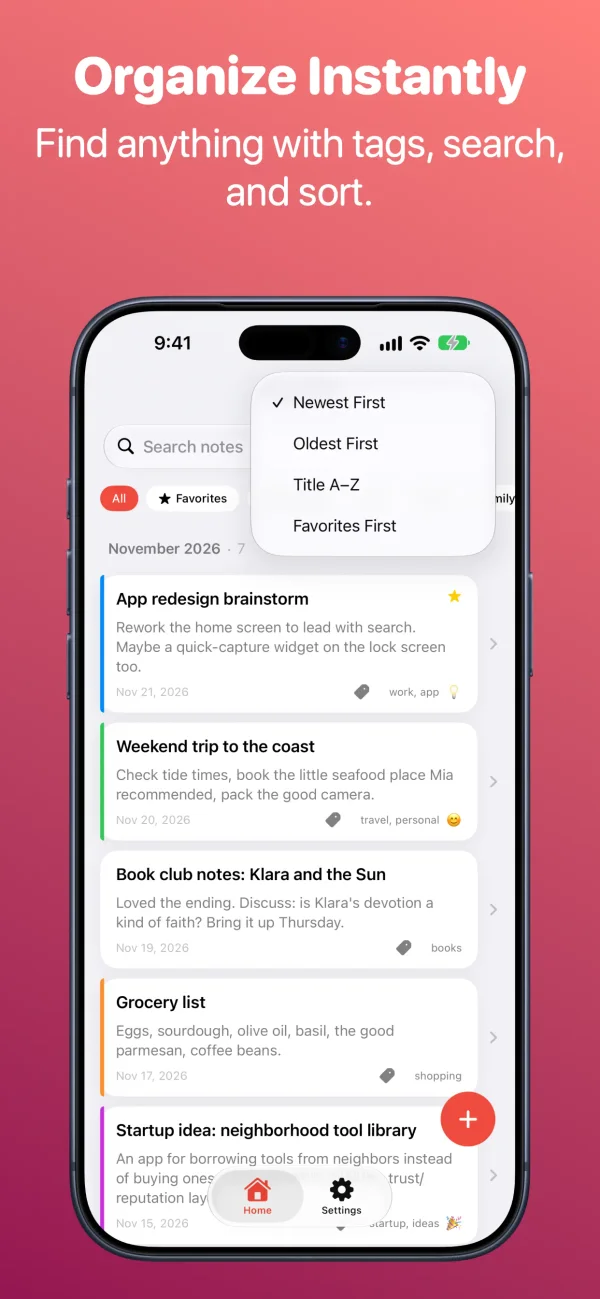
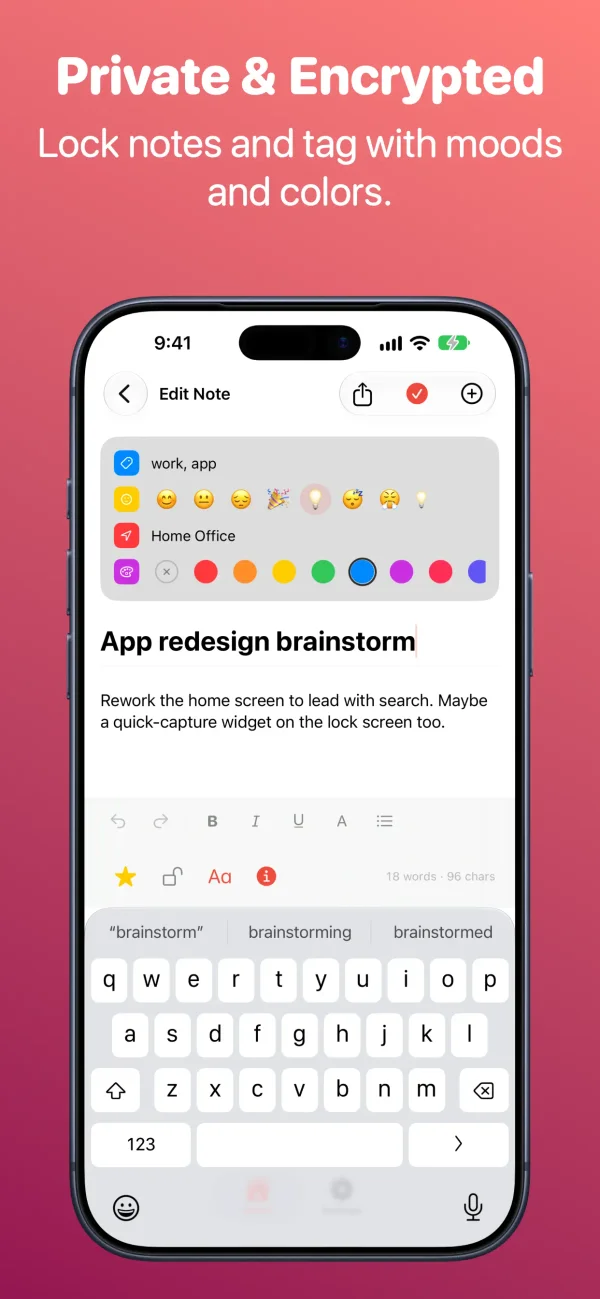
Tag notes, add a mood, drop a location, and color code anything that matters. Search finds what you need instantly — by title, body, tag, mood, or location — and quick filter chips jump you straight to favorites, encrypted notes, or any tag. Sort however you think: newest first, oldest first, alphabetical, or favorites first.
YOUR NOTES, PROTECTED
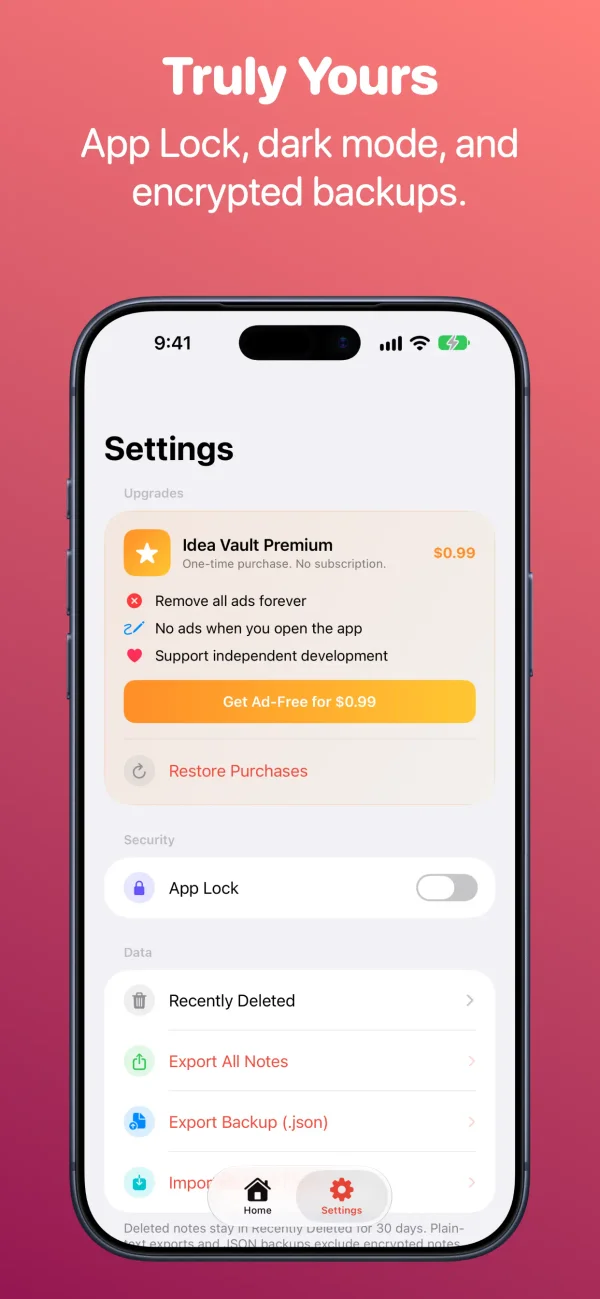
Lock individual notes with on device AES 256 encryption, or encrypt everything at once. Protect the whole vault with Face ID or your device passcode. Nothing leaves your device unless you choose to share it.
SHARE ON YOUR TERMS
Export any note as rich text or plain text and send it wherever you need it, or back up your entire vault at once from Settings.
STAY ON TRACK
Turn on a daily reminder so a good idea never slips away.
Idea Vault is free to use, with optional ads you can remove forever with a single one time purchase. No subscriptions, no accounts, no clutter. Just a fast, private place for your best ideas.
What’s new
Version 2026.12 · Nov 23, 2026
• Recently Deleted: deleted notes now move to Settings › Recently Deleted for 30 days before permanent removal, so you can restore notes anytime or empty trash early.
• JSON Backup & Restore: export a portable JSON backup (keeping rich text formatting, tags, moods, and locations) and import backups without duplicating existing notes.
• Live Word & Character Count: track note length live in the editor bottom bar, press Command-S to save and close a note, or press Command-N on Home to start a new one.
• Reliability & Polish: full-screen note creation on iPad, reliable share-sheet popovers on iPad and Mac, deterministic alphabetical note sorting, and Reduce Motion polish across the editor and lock screen.
• Pointer hover lift across filter chips and editor toolbar buttons, and haptics that pause in Low Power Mode.
App privacy
What Kevin Struna declares on the App Store about how this app handles data.
-
Data used to track you
May be used to track you across apps and websites owned by other companies.
- Location
- Identifiers
- Usage data
-
Data not linked to you
May be collected but is not linked to your identity.
- Location
- Identifiers
- Usage data
- Diagnostics
Privacy practices may vary, for example with the features you use or your age.
Information
- Seller
- Kevin Struna
- Category
- Productivity
- Version
- 2026.12
- Updated
- Nov 23, 2026
- Released
- Jul 23, 2024
- Size
- 10.4 MB
- Requires
- iOS 17.0 or later
- Age rating
- 4+
- Price
- Free
- In-app purchases
- Yes
- Languages
- English
- Copyright
- © 2026 Kevin Struna
You might also like
-
 Memz LLMPrivate offline notes & recall
-
 Idea Rewind: Notes & RecallCapture text, photos and audio
-
 ModexeLocal Notes & Relational Data
-
 My Agenda & PlanningTask Manager & Mood Tracker
-
 AI Notes: Write & ReplyProductivity
-
 Scout: Zettelkasten NotesThink with Zero Friction
-
 TheMadNoteCreate notes of dream
-
 Dailies: Standup Task TrackerPrivate Daily Scrum Manager
-
 Welcome RenovationProductivity
-
 Mindscope 2Organize your mind