- Age rating4+
- CategoryProductivity
- DeveloperMatthias Hennemeyer
- LanguagesEnglish+ 6 more
- Size17.5 MB
Links to the official App Store page
Download.org hosts no file of iKanban. The button opens its official App Store page, published by Matthias Hennemeyer. Listing last checked on Nov 17, 2026.
Screenshots
About
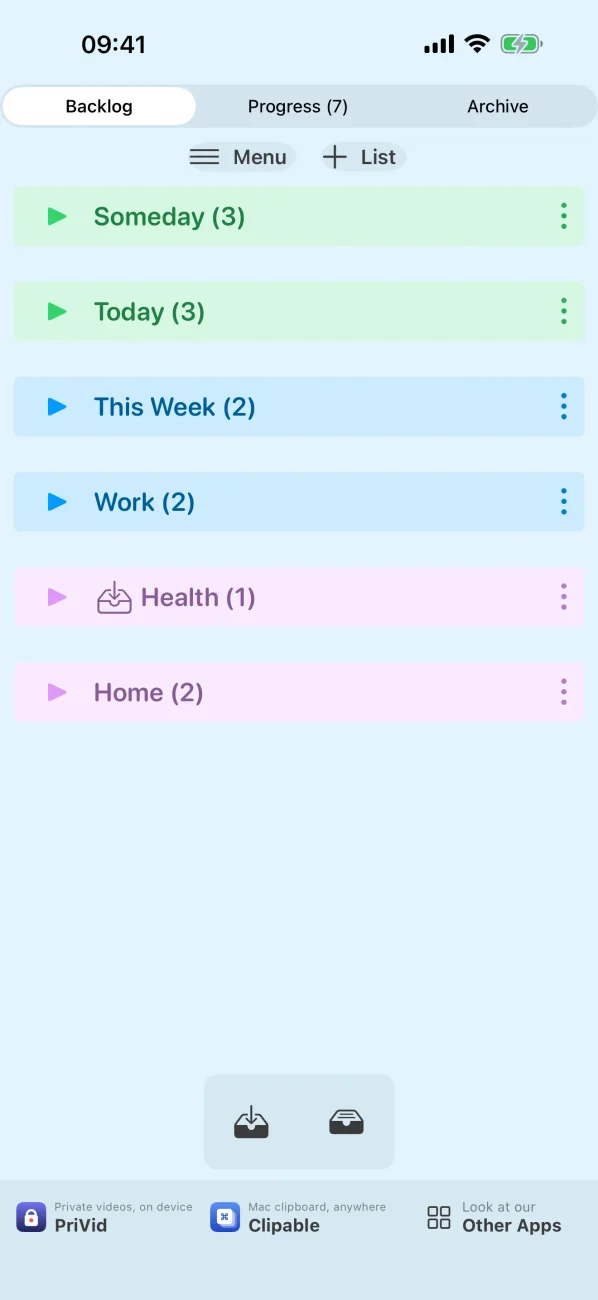
iKanban turns your Reminders into a beautiful, focused Kanban board.
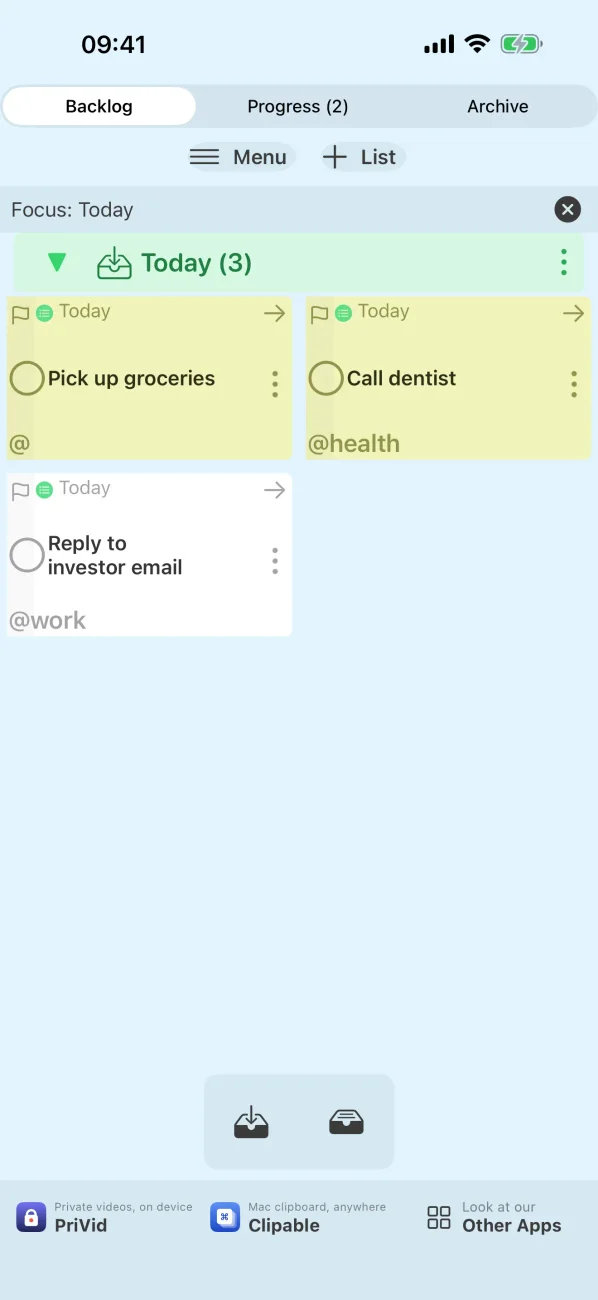
Every Reminders list becomes a project. Every reminder becomes a card you can drag between To-do, Doing and Done. Because Reminders is the data source, your cards sync seamlessly across iPhone, iPad and Mac via iCloud — no extra account, no extra subscription, no vendor lock-in.
KEY FEATURES
• Native Kanban board on top of Reminders
• Drag & drop cards between To-do, In-Progress and Done
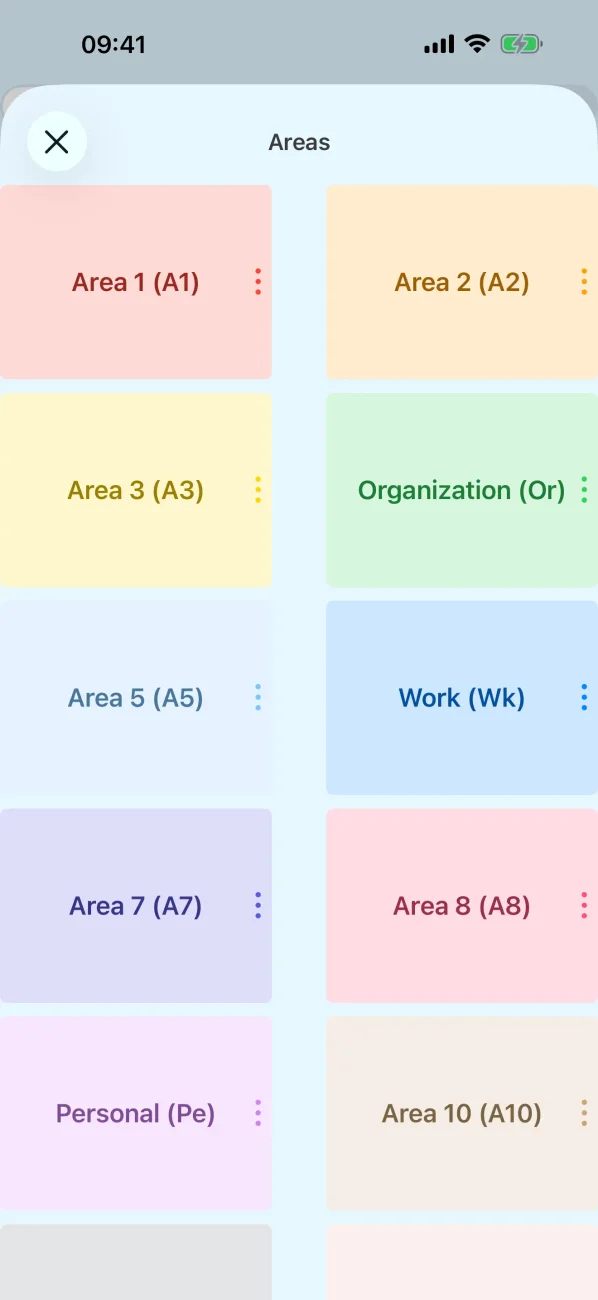
• Areas: group your lists by colored areas for a clean overview
• Contexts, tags and full-text search across all your boards
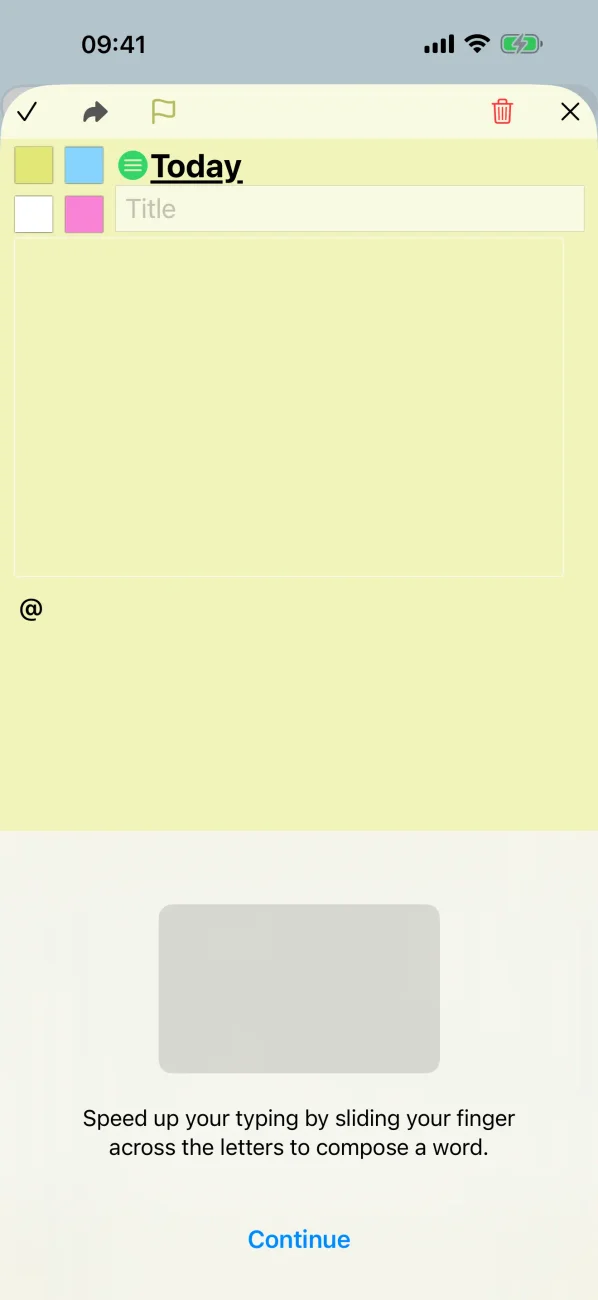
• Attachments, GIFs and PDFs directly on cards
• Inbox for quick capture, batch entries for bulk planning
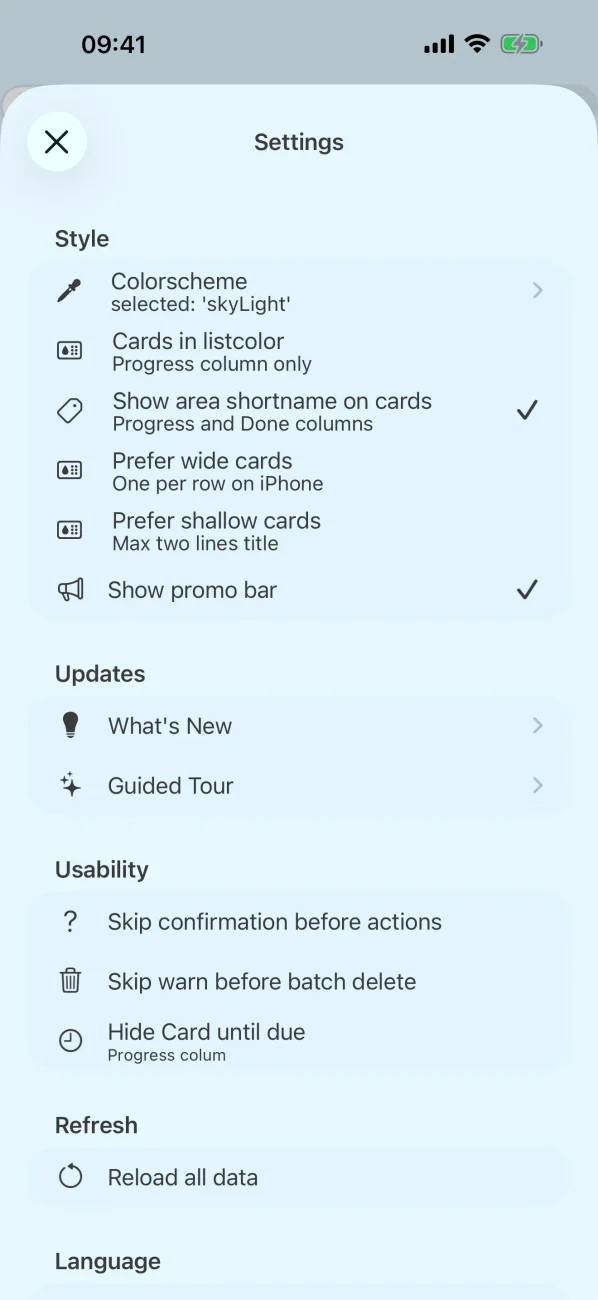
• Light and dark color schemes
• iPhone, iPad and Mac (Catalyst) — one universal app
• Fully localized: English, German, French, Spanish, Italian, Japanese, Simplified Chinese
• Free — no in-app purchases, no subscriptions, no ads
iKanban is a focused tool for people who already live in Reminders and want a visual board on top of it. If you can use Reminders, you can use iKanban.
PRIVACY
iKanban stores everything in your own Reminders database. We have no servers, no analytics, no tracking. The app only asks for the Reminders permission it needs to function.
What’s new
Version 3.17 · Aug 24, 2026
• New: Focus — show a single list across all three columns, via ⋮ in the list header. A bar above the board leads back out
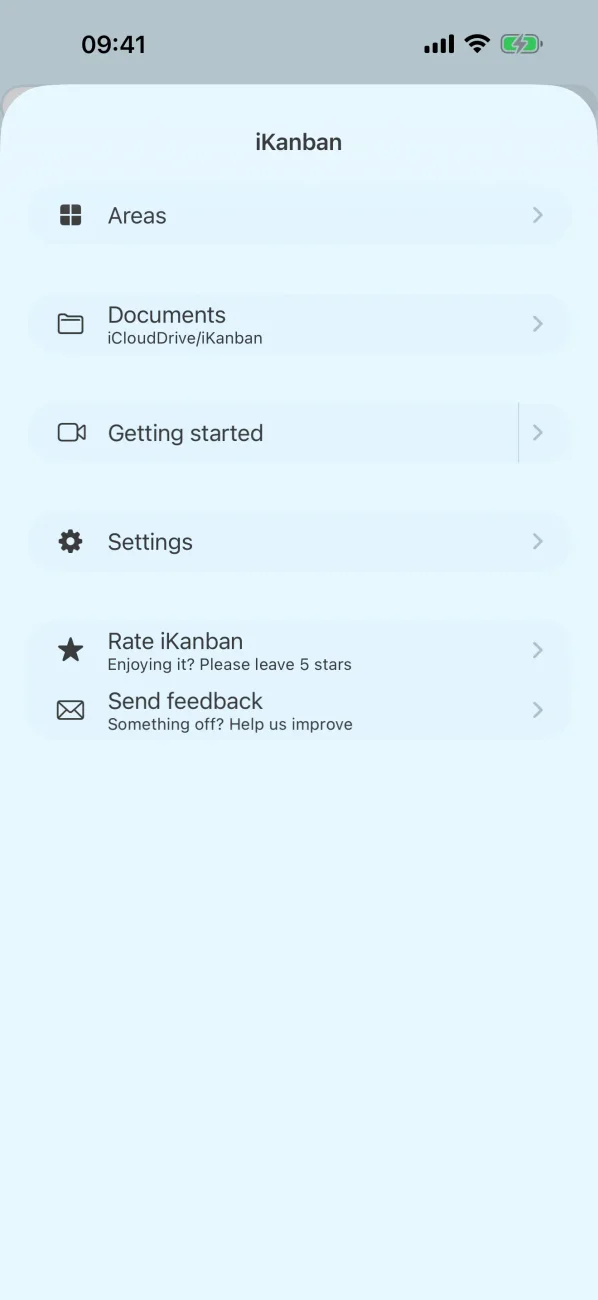
• New: Guided Tour — a few short stops right on your board, for newcomers and anyone curious. Start it any time from Settings
• Keyboard: Esc clears the search, ⌘↩ turns what you typed into a new card
• Under-the-hood improvements and fixes
App privacy
What Matthias Hennemeyer declares on the App Store about how this app handles data.
-
Data not collected
The developer does not collect any data from this app.
Privacy practices may vary, for example with the features you use or your age.
Information
- Seller
- Matthias Hennemeyer
- Category
- Productivity
- Version
- 3.17
- Updated
- Aug 24, 2026
- Released
- Oct 19, 2010
- Size
- 17.5 MB
- Requires
- iOS 17.6 or later
- Age rating
- 4+
- Price
- Free
- Languages
- English, French, German, Italian, Japanese, Simplified Chinese, Spanish
- Copyright
- © 2026 Matthias Hennemeyer / Better Apps
You might also like
-
 My Kanban: Personal Kanban AppTodo List, Tasks, Kanban Board
-
 SwiftKanbanProductivity
-
 Kanbana: Organize Everythingto do list + task manager
-
 Truly Simple KanbanTo Do, In Progress, Done
-
 Kanban Board AppProject Management Tools & GTD
-
 Kanban Project ManagerTransform Your Workflow
-
 KanbanBOXProductivity
-
 Kanban Board: Task & ProjectsScrum, Gantt & Work Planner
-
 Kanba: ADHD Planner & KanbanTo Do List & Task Manager
-
 Kanban - DoneitAI task manager, to do app