- Age rating4+
- CategoryUtilities
- Developer超 黄
- LanguagesEnglish+ 4 more
- Size4.9 MB
Links to the official App Store page
Download.org hosts no file of Image Cropcutter. The button opens its official App Store page, published by 超 黄. Listing last checked on Nov 14, 2026.
Screenshots

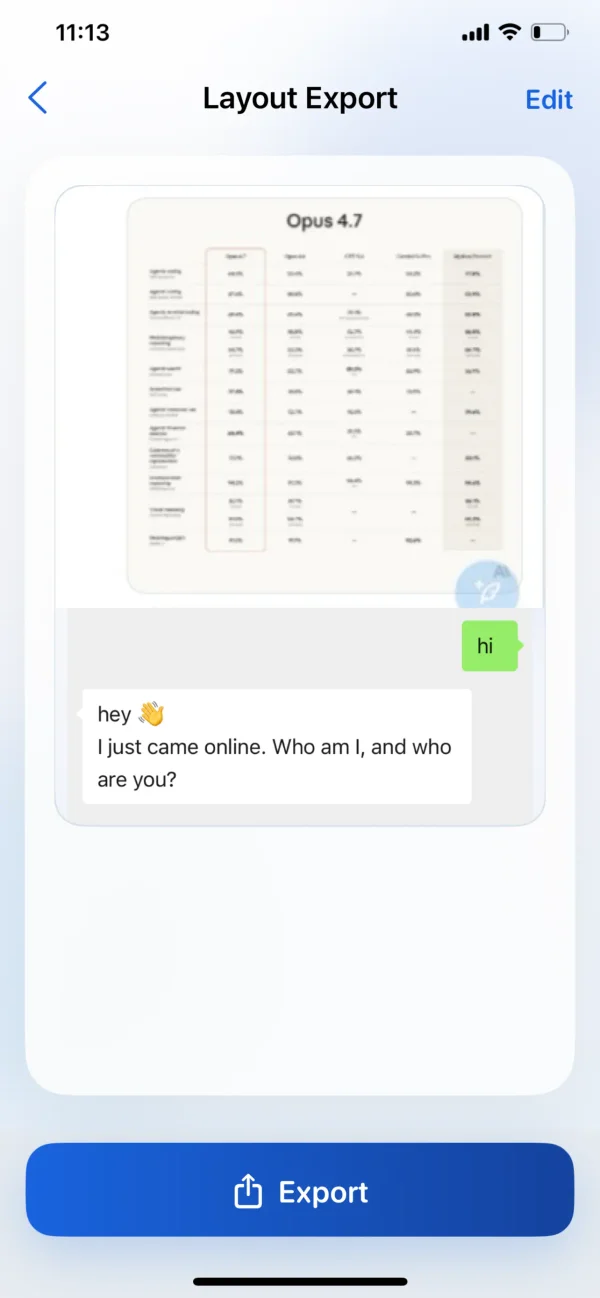
About
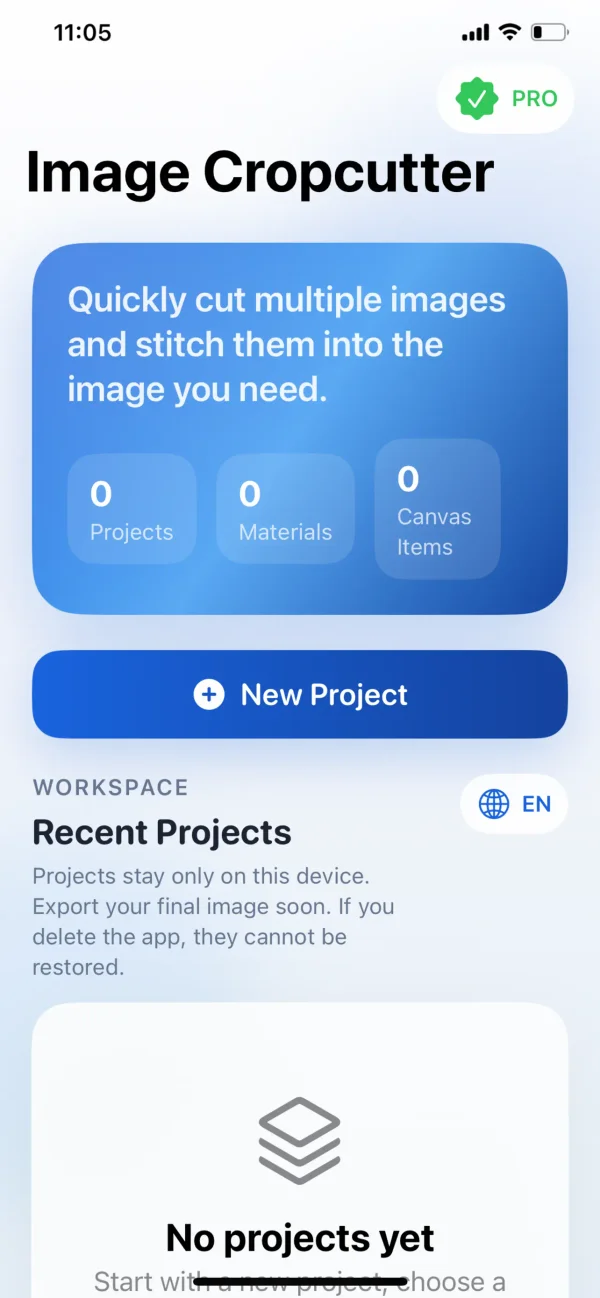
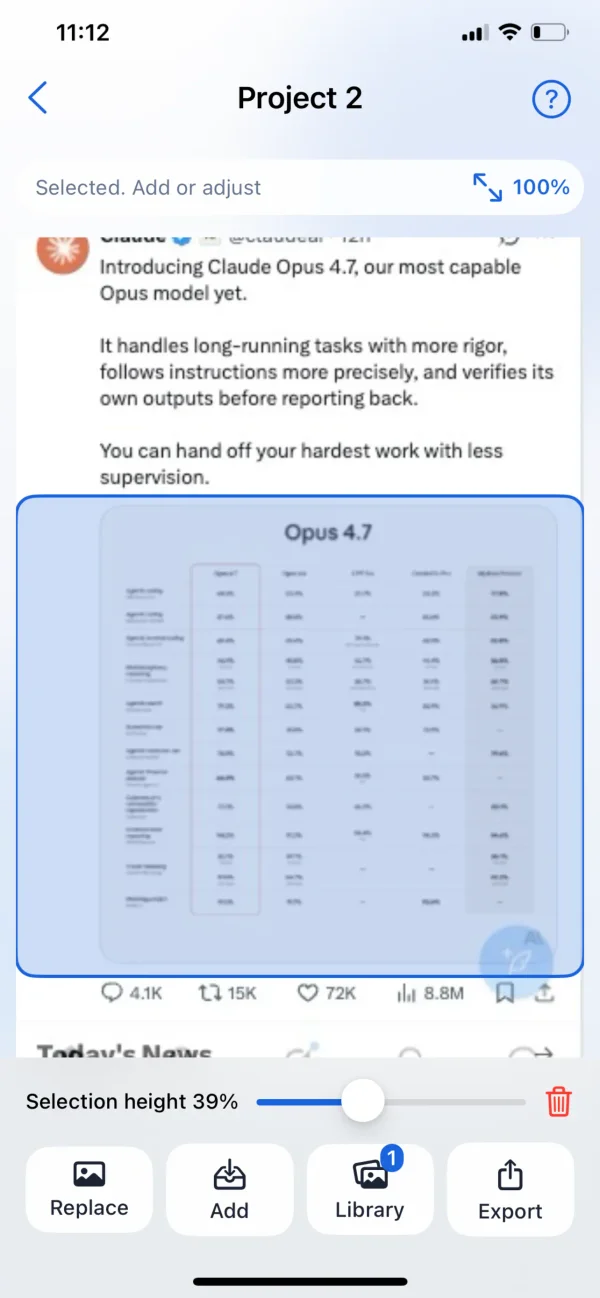
Image Cropcutter helps you clip multiple images and stitch them into one final image.
You can use it to:
- cut several useful parts from a long screenshot or image
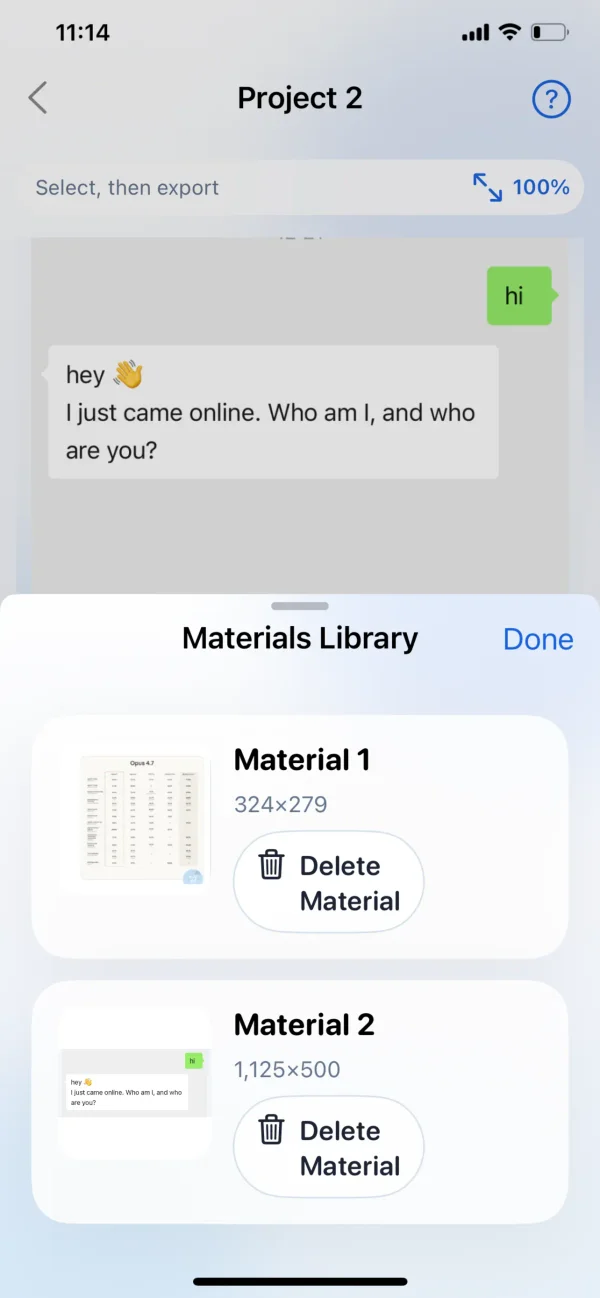
- save selected parts as materials
- reorder materials before export
- stitch everything into one clean final image
Great for:
- chat screenshots
- long screenshot highlights
- product detail images
- study notes and web captures
- step-by-step image collections
- social media content preparation
Main features:
- multi-section clipping
- save materials for later
- reorder before export
- stitch into one image
- local project saving
- Pro unlock for final export
Image Cropcutter is made for a simple workflow: pick, clip, sort, and export.
support:
https://superaibomb.com/
What’s new
Version 1.0.1 · Apr 18, 2026
This update makes exporting more flexible and improves overall stability:
- Added rewarded export: non-Pro users can watch an ad during final export to save one image
- Improved the export flow so the ad option appears only at the final export step
- Refined localized text and in-app messaging
- Fixed several stability issues for a smoother experience
App privacy
What 超 黄 declares on the App Store about how this app handles data.
-
Data not linked to you
May be collected but is not linked to your identity.
- Identifiers
Privacy practices may vary, for example with the features you use or your age.
Information
- Seller
- 超 黄
- Category
- Utilities
- Version
- 1.0.1
- Updated
- Apr 18, 2026
- Released
- Apr 17, 2026
- Size
- 4.9 MB
- Requires
- iOS 17.0 or later
- Age rating
- 4+
- In-app purchases
- Yes
- Languages
- English, Japanese, Korean, Simplified Chinese, Traditional Chinese
- Copyright
- © 2026 Cloudupper
You might also like
-
 Video Compressor + Reduce SizeBatch; Target MB for One Clip
-
 ShotSort: Screenshot ActionsExtract info & take actions
-
 hYYa Encrypted Folder & SyncEncrypt files across platforms
-
 Enable Right Click for SafariEnable right click
-
 File Scanner - Scan & CropAuto scan and crop documents
-
 VideoUpscale:AI Video EnhancerMake Video HD,Frame &FPS Boost
-
 CleanUp Storage CleanerRemove Duplicates & Free Space
-
 Dark Reader Mode for SafariTrue dark without broken pages
-
 Drum RouletteAdjustable Probability
-
 Simple Cut - Photo CropSimple image cropping editor