
hYYa Encrypted Folder & Sync
Encrypt files across platforms
Designed for iPhone, iPad, Mac
Free · In-app purchases
- Age rating4+
- CategoryUtilities
- DeveloperHassaan Abdeen
- LanguagesEnglish
- Size7.3 MB
Links to the official App Store page
Download.org hosts no file of hYYa Encrypted Folder & Sync. The button opens its official App Store page, published by Hassaan Abdeen. Listing last checked on Nov 23, 2026.
Screenshots

About
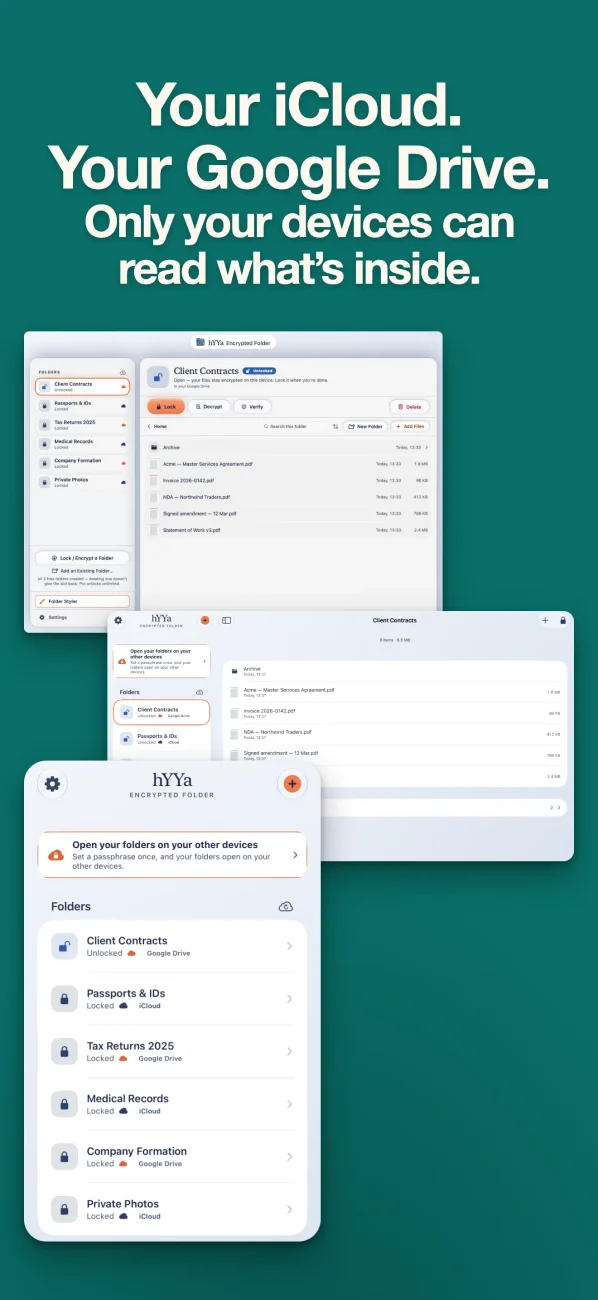
Your iCloud. Your Google Drive. Only your devices can read what's inside.
Keep your private files, photos and videos encrypted across all your devices and platforms.
Your Face ID, Touch ID or passcode opens folders. No extra passwords.
No hYYa account. No hYYa server. Nothing of yours ever passes through us.
SYNC PRIVATELY — iCLOUD OR GOOGLE DRIVE
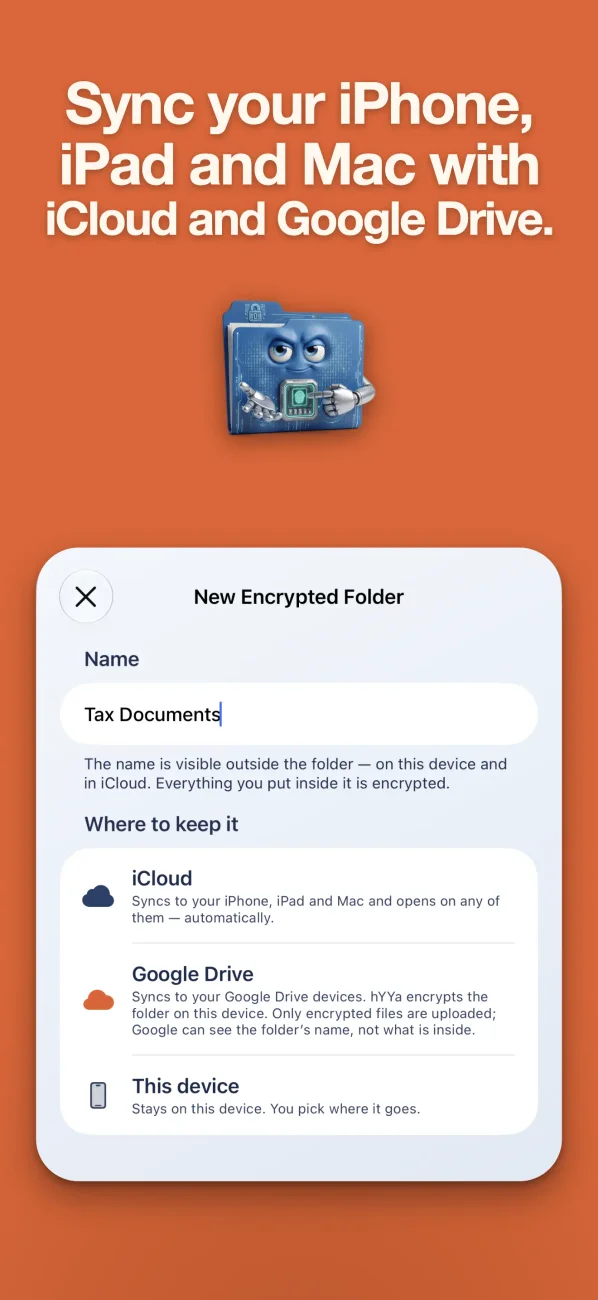
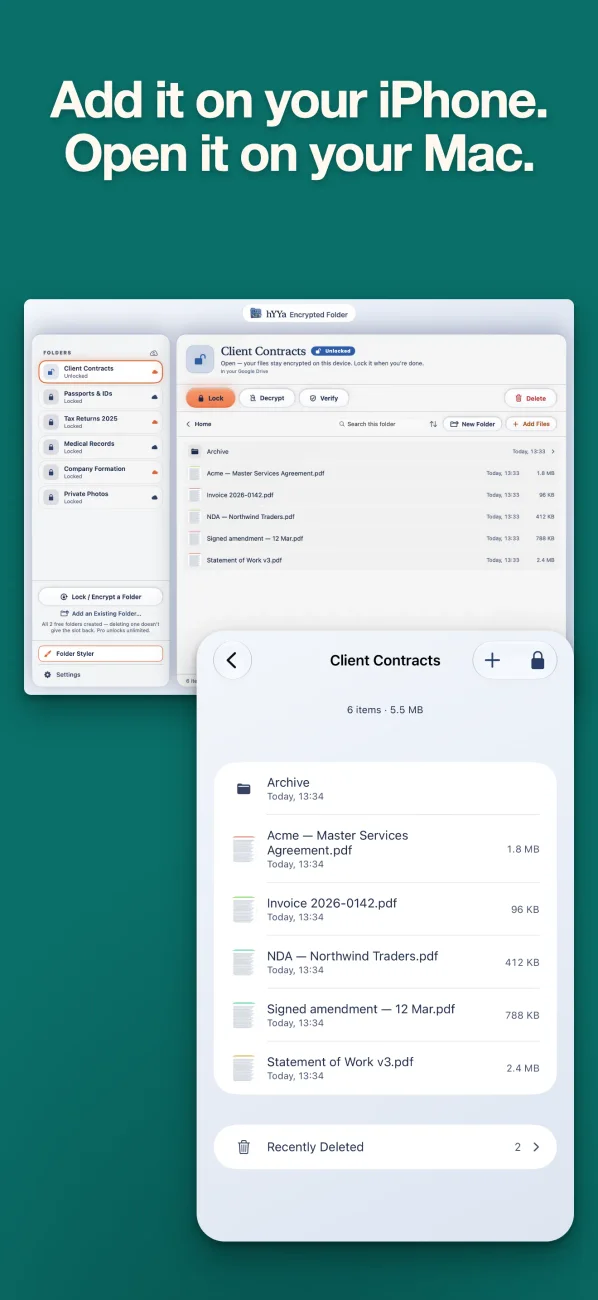
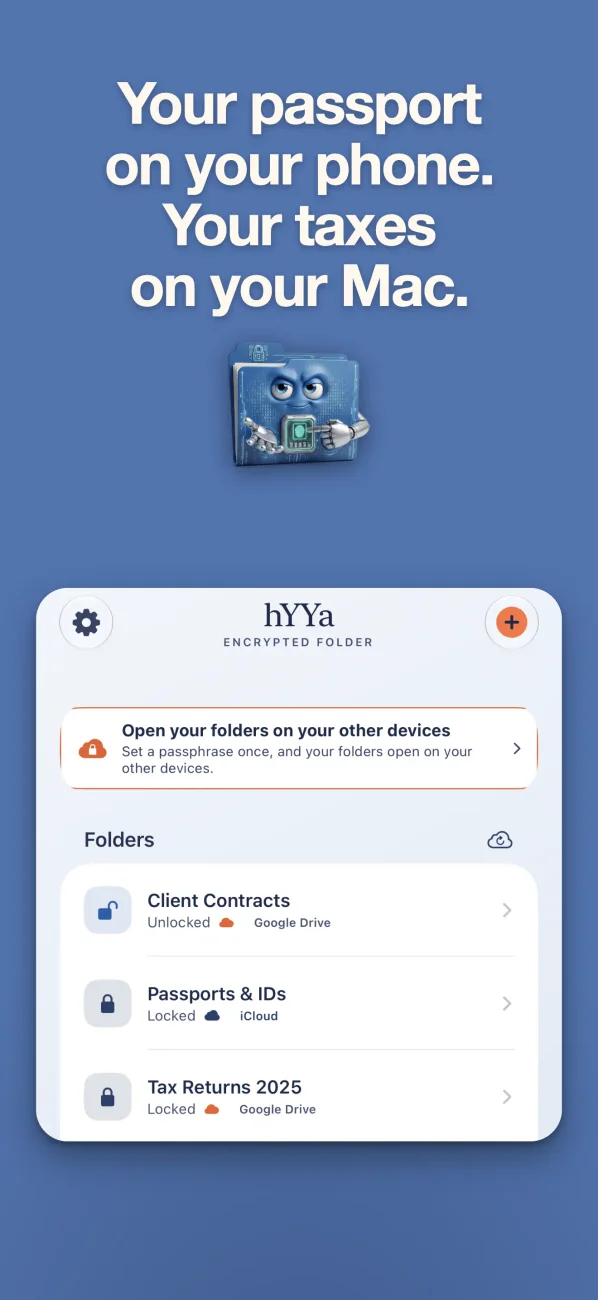
• Keep a folder in iCloud and it follows you across your iPhone, iPad and Mac.
• Or keep it in your own Google Drive and open it across platforms. Either way, hYYa encrypts the folder on this device. Only encrypted files are uploaded.
• Enter your passphrase once on each device, then unlock with Face ID or Touch ID.
• Works offline. Syncing is optional. No hYYa sign-up, no email, no tracking, ever.
REAL ENCRYPTION, NOT A DISGUISE
• True AES-256 encryption. Not just a hidden folder or a passcode screen.
• hYYa asks for Face ID, Touch ID or your passcode before it opens anything. iCloud and Google Drive only ever hold your files encrypted.
• Files are encrypted the moment they go in. Add them in a few taps.
• File names inside are encrypted too. iCloud and Google Drive can see the folder's name, how many files it holds and their sizes and dates, never what is inside.
UNLOCK WITH FACE ID OR TOUCH ID
• Open every folder with a single Face ID or Touch ID check. Your device passcode is always there as a fallback.
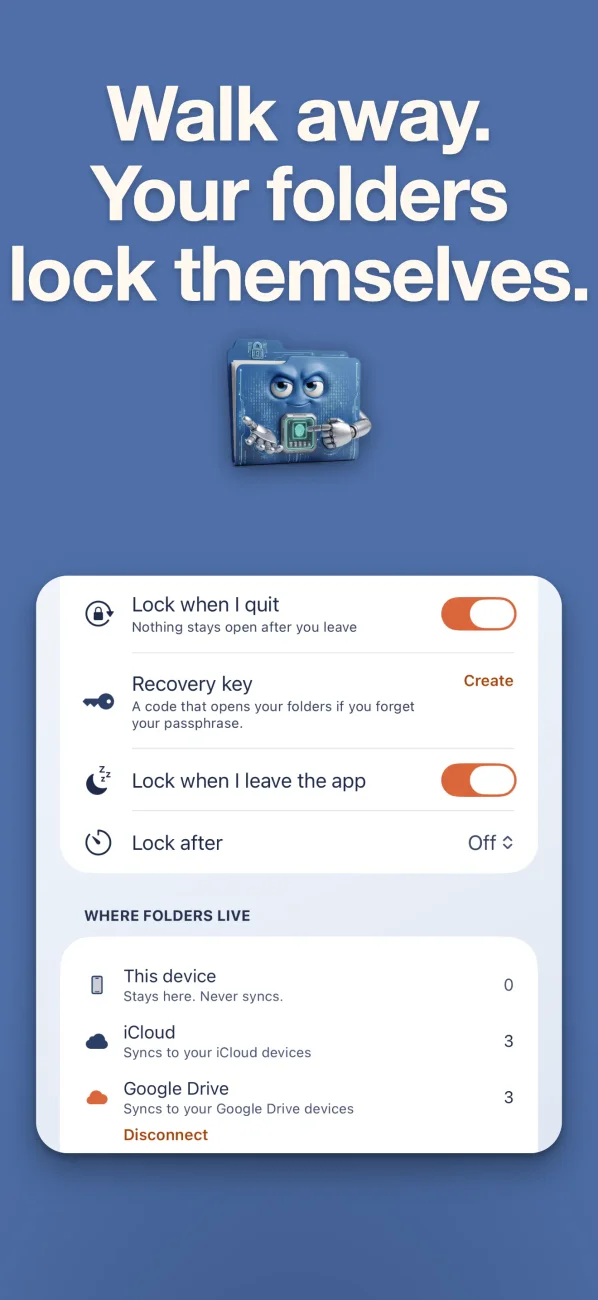
• By default, the app locks when you switch away and hides your files from the app switcher.
• Auto-Lock locks everything again after a period of inactivity.
MANAGE WITH CONFIDENCE
• Add from Photos — bring in full-quality photos and videos, then remove the originals if you like.
• Scan Document — scan paper straight into an encrypted folder.
• Share to hYYa — send files straight into an encrypted folder from Photos, Files, Mail, or anywhere that shares.
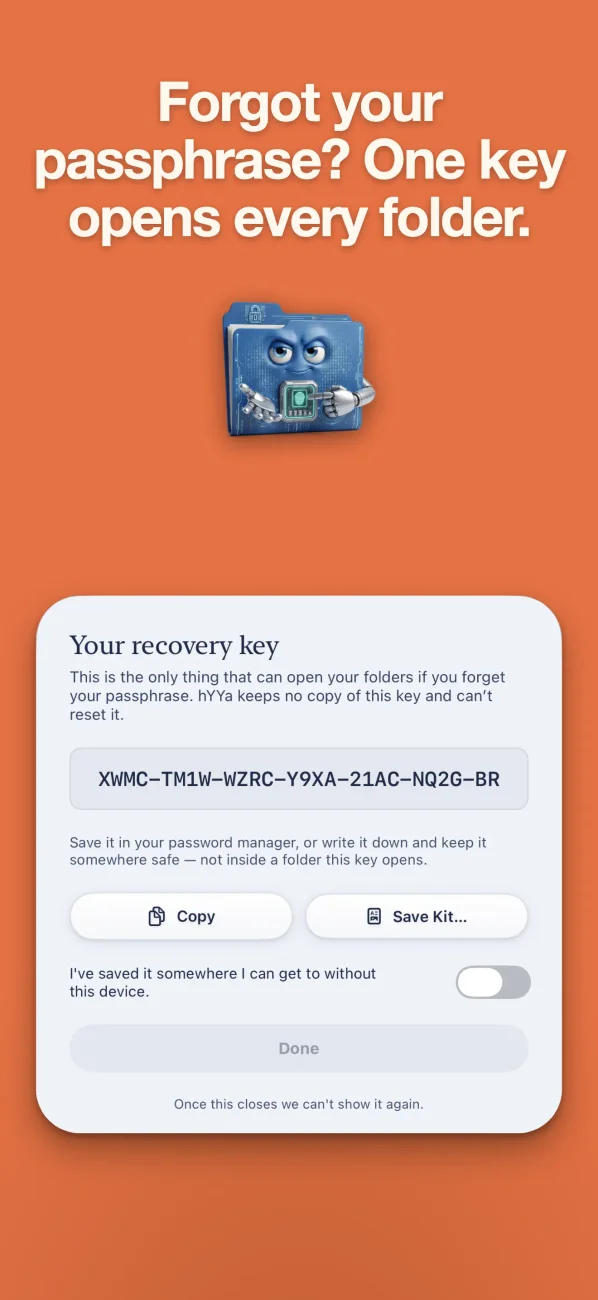
• Recovery Key — create one key that opens all your folders if you forget your passphrase.
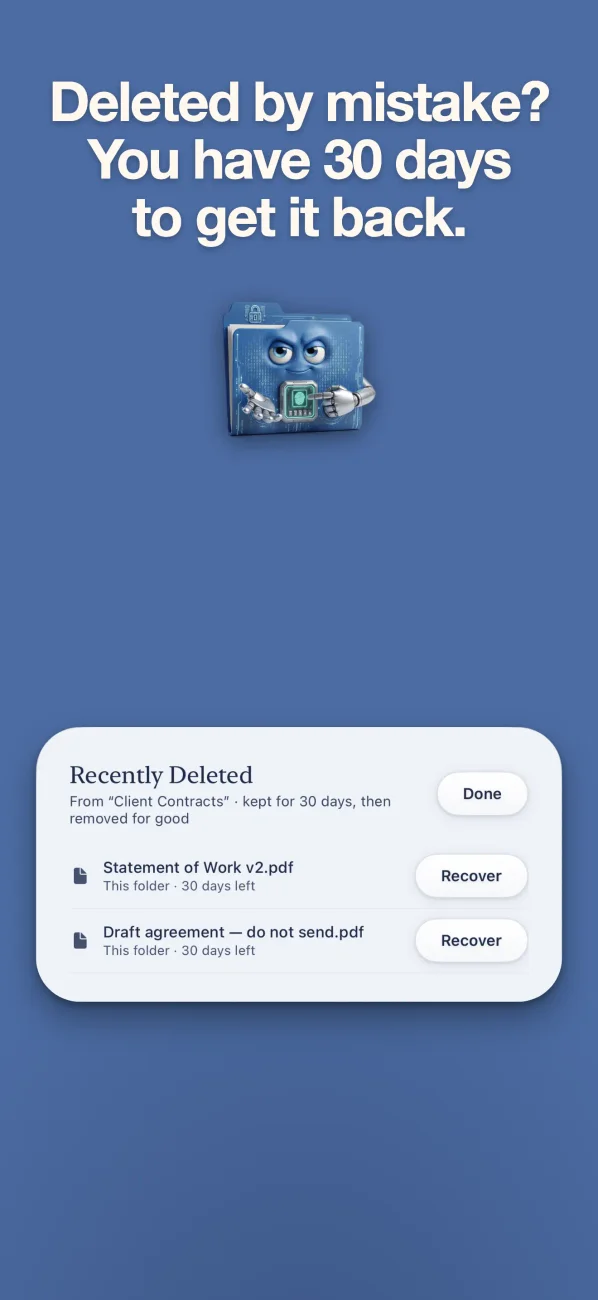
• Recently Deleted — undo mistakes. Recover deleted files and folders for 30 days.
• Verify — confirm every file in a folder still opens.
• Siri and Shortcuts — lock all your folders with a word, or set it on the Action button.
• Family Sharing — one purchase covers your household.
FREE, WITH A ONE-TIME UPGRADE
• Free: two encrypted folders, kept on this device, plus Face ID / Touch ID unlock. Deleting one doesn't free up a slot. Opening folders you already have is always free, wherever they are.
• hYYa Encrypted Folder Pro (one payment, no subscription): new folders in iCloud or Google Drive, unlimited folders and Auto-Lock.
• Try Pro free for 7 days. Nothing is charged automatically.
BEFORE YOU START
There is no hYYa account and no password reset, so make a recovery key and keep it somewhere safe. Without it, if your devices lose a folder's key, nothing can open that folder, not even us.
ALSO ON MAC
The Mac version adds Folder Styler — give any everyday Finder folder a custom color and emblem.
YOUR PRIVACY
No analytics of our own, no hYYa account, no hYYa server. Your files, your key, your device.
hYYa Encrypted Folder is part of the hYYa family — a small studio building beautiful, private tools you can actually trust.
What’s new
Version 2.4.1 · Nov 18, 2026
This release contains general bug fixes and stability improvements.
App privacy
What Hassaan Abdeen declares on the App Store about how this app handles data.
-
Data not collected
The developer does not collect any data from this app.
Privacy practices may vary, for example with the features you use or your age.
Information
- Seller
- Hassaan Abdeen
- Category
- Utilities
- Version
- 2.4.1
- Updated
- Nov 18, 2026
- Released
- Jul 22, 2026
- Size
- 7.3 MB
- Requires
- iOS 26.0 or later
- Age rating
- 4+
- Price
- Free
- In-app purchases
- Yes
- Languages
- English
- Copyright
- © 2026 hYYa
You might also like
-
 Private Docs Vault: Photo LockHide Photos, Videos & Files
-
 QuietVault: File & Photo LockSecure Folder & Document Vault
-
 Vocari by ScalarLabs, LLCCross-Platform Intercom
-
 PicasortAI photo cleaner & organizer
-
 喵呜跟读 (CopyKitty)Utilities
-
 AvatarGenUtilities
-
 Image CropcutterCrop and stitch long images
-
 Wallena: AI & Live WallpapersAI wallpapers & Live Photos
-
 TwinkleTalk TeacherUtilities
-
 Encrypto SecureSecure Offline Encryption