iMCBridge: Remote Desktop
Access Mac & Windows Anywhere
Designed for iPhone
In-app purchases
- Age rating4+
- CategoryUtilities
- DeveloperTakahiro Aminaga
- LanguagesJapanese+ 1 more
- Size20.5 MB
Links to the official App Store page
Download.org hosts no file of iMCBridge: Remote Desktop. The button opens its official App Store page, published by Takahiro Aminaga. Listing last checked on Nov 12, 2026.
Screenshots

About
Access and control your own Mac or Windows PC securely from your iPhone—at home, at work, or while traveling.
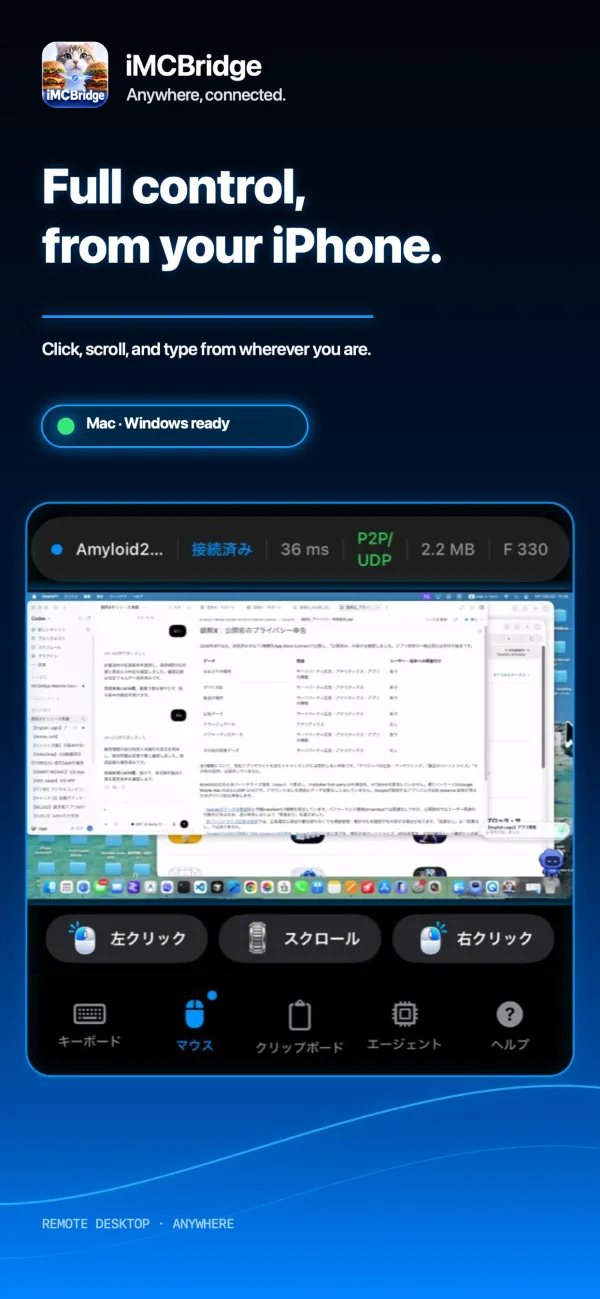
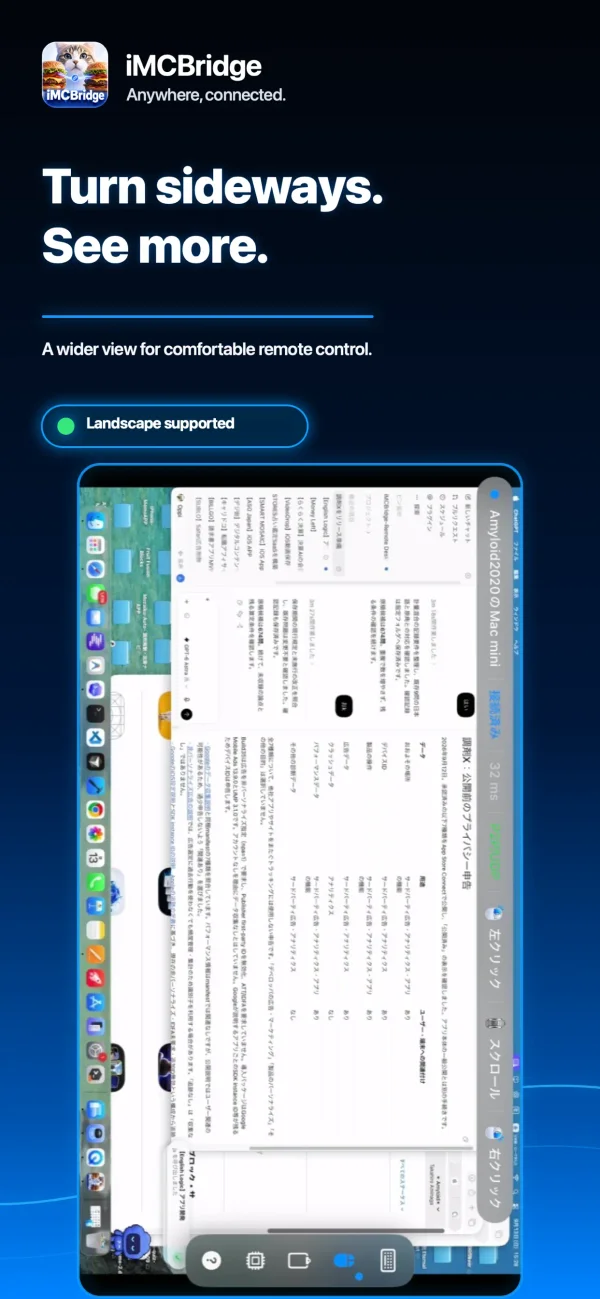
iMCBridge is a remote desktop app built for quick access to your personal computers. View the screen, move the pointer, click, scroll, and type from iPhone over Wi-Fi, 4G, or 5G.
KEY FEATURES
• Remote access to Mac and Windows PC
• Direct peer-to-peer connection when available
• Encrypted relay connection when direct access is unavailable
• Switch quickly between multiple paired computers
• Mouse movement, left click, right click, and scrolling
• iPhone keyboard input
• Pinch to zoom and two-finger horizontal navigation while zoomed
• Monitor AI coding agents and open the right computer when attention is needed
• Face ID protection when reconnecting
• Screen streaming stops when the app moves to the background
• Secure QR code pairing
SETUP
Install iMCBridge on your iPhone and the free companion app on the Mac or Windows PC you want to control.
For the first pairing, connect the iPhone and computer to the same local Wi-Fi network and scan the QR code shown by the computer app. After pairing, connect from home, work, or mobile networks such as 4G and 5G.
The computer must be powered on, signed in to a user account, and running iMCBridge. On Mac, Screen Recording and Accessibility permissions are required.
iMCBridge does not bypass operating-system security or pre-login screens. Remote access is unavailable while the computer is powered off, signed out, or waiting for its first login after restart.
iMCBridge Pro
• Monthly plan: price shown in the App Store; no free trial
• Annual plan: price shown in the App Store; eligible new subscribers receive a 7-day free trial
The annual plan renews automatically after the trial unless canceled. Subscriptions can be managed or canceled in Apple Account settings.
Privacy Policy: https://imcbridge-signaling.ommunity-orker.workers.dev/privacy
Terms of Use: https://imcbridge-signaling.ommunity-orker.workers.dev/terms
What’s new
Version 1.0.3 · Oct 21, 2026
Mac remote access now uses a connection method that does not depend on iCloud. After initial QR pairing, connect over Wi-Fi, 4G or 5G.
Update both the iPhone app and the Mac companion to use this connection method. Your saved pairing information is retained.
The updated Mac companion shows the QR code from launch and makes English and Japanese language selection easier to find.
You can continue using your current Windows desktop companion.
App privacy
What Takahiro Aminaga declares on the App Store about how this app handles data.
-
Data linked to you
May be collected and linked to your identity.
- Identifiers
Privacy practices may vary, for example with the features you use or your age.
Information
- Seller
- Takahiro Aminaga
- Category
- Utilities
- Version
- 1.0.3
- Updated
- Oct 21, 2026
- Released
- Sep 10, 2026
- Size
- 20.5 MB
- Requires
- iOS 18.0 or later
- Age rating
- 4+
- In-app purchases
- Yes
- Languages
- Japanese, English
- Copyright
- © 2026 Takahiro Aminaga
You might also like
-
 iPrinter: Smart Wireless PrintMobile Printing Center & Setup
-
 iContrAllUtilities
-
 Ruum Hub: Smart RemoteOne Remote for All TVs
-
 Tamil Keyboard - Type in TamilTamil Keyboard and Translator
-
 BBTパークUtilities
-
 Tamilini - Tamil KeyboardFast Typing Tamil Input Keypad
-
 Customer App - Zoho AssistLive Screen Sharing & Support
-
 Decibel Metre (Sound Meter)Measure the environment noise
-
 YsxLiteYsx
-
 Translate App - AI TranslatorPhoto, Voice & Text Translator