
Imgify: Batch Image Converter
JPG, PNG, PDF, HEIC, WEBP, GIF
Designed for iPhone, iPad
$2.99
- Age rating4+
- CategoryPhoto & Video
- DeveloperRoxwin Vietnam Technologies Company Limited
- LanguagesEnglish+ 15 more
- Size15.4 MB
Links to the official App Store page
Download.org hosts no file of Imgify: Batch Image Converter. The button opens its official App Store page, published by Roxwin Vietnam Technologies Company Limited. Listing last checked on Nov 6, 2026.
Screenshots
About
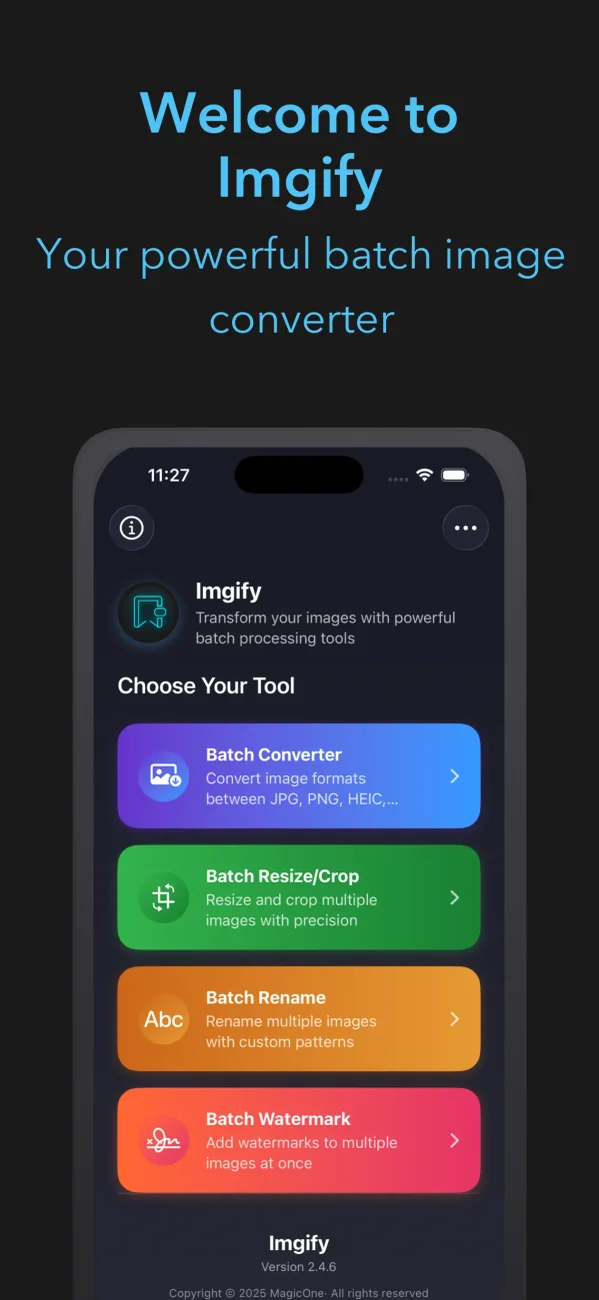
Imgify - Image Converter & Watermark Tool
Transform your images with professional-grade conversion and watermarking tools, all in one powerful app.
Universal Image Converter
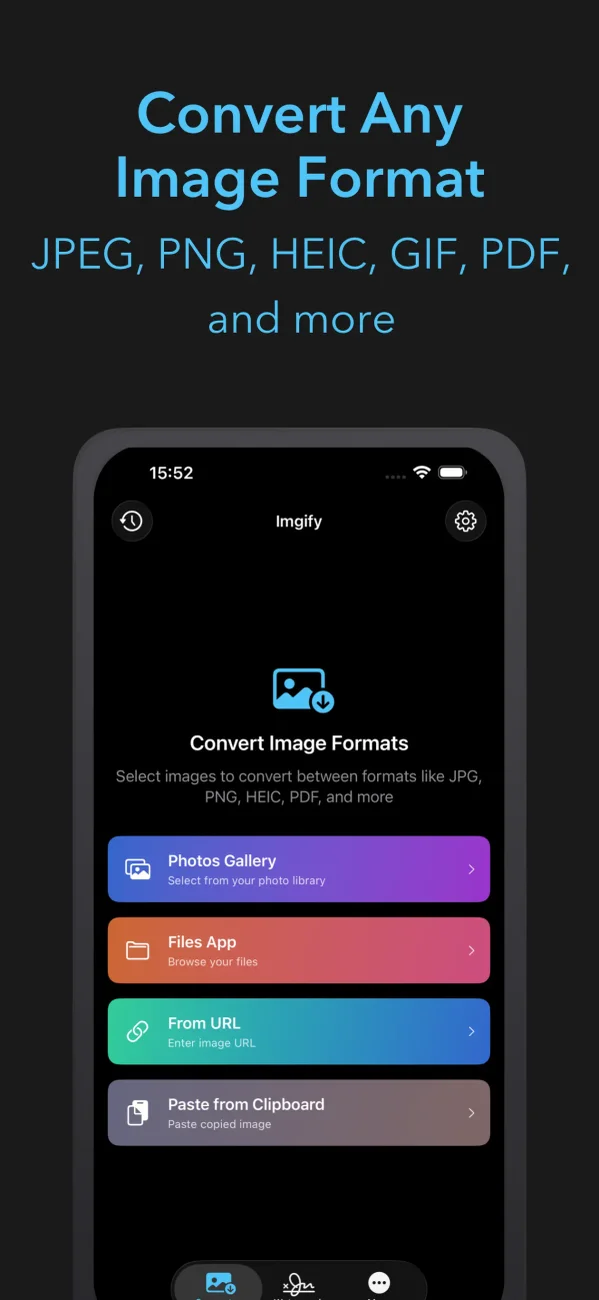
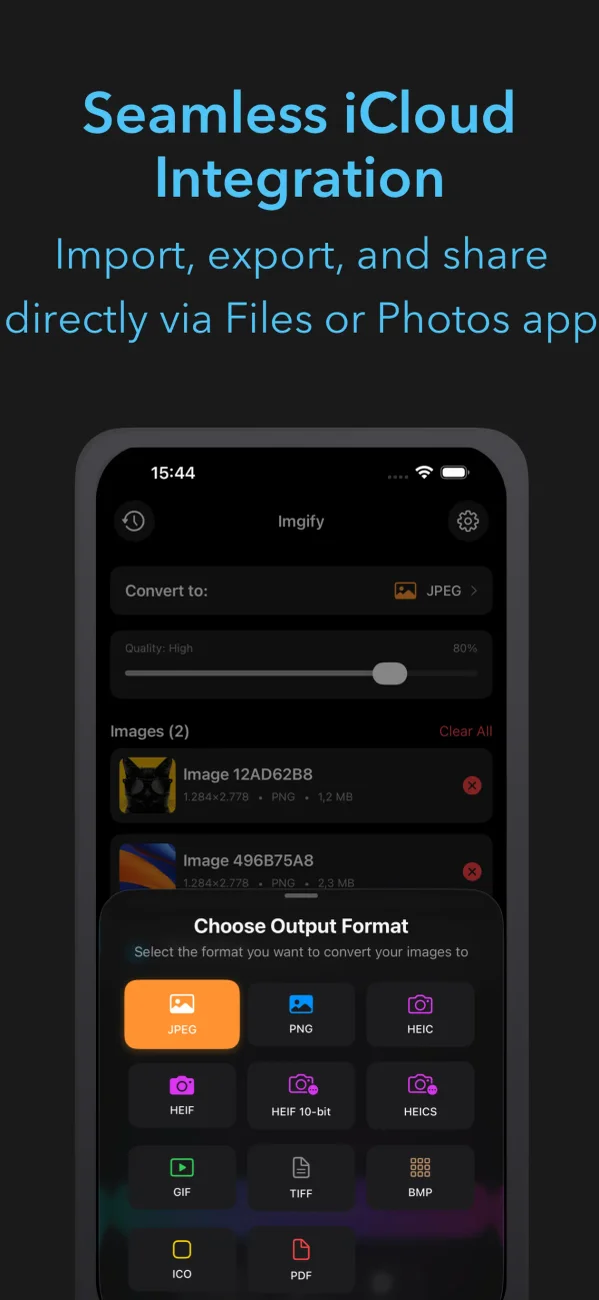
Convert between more than 11 image formats including JPEG, PNG, HEIC, HEIF, GIF, TIFF, BMP, ICO, and PDF. Batch process multiple images with customizable quality settings, resize options, and format-specific optimizations.
Smart Batch Watermarking
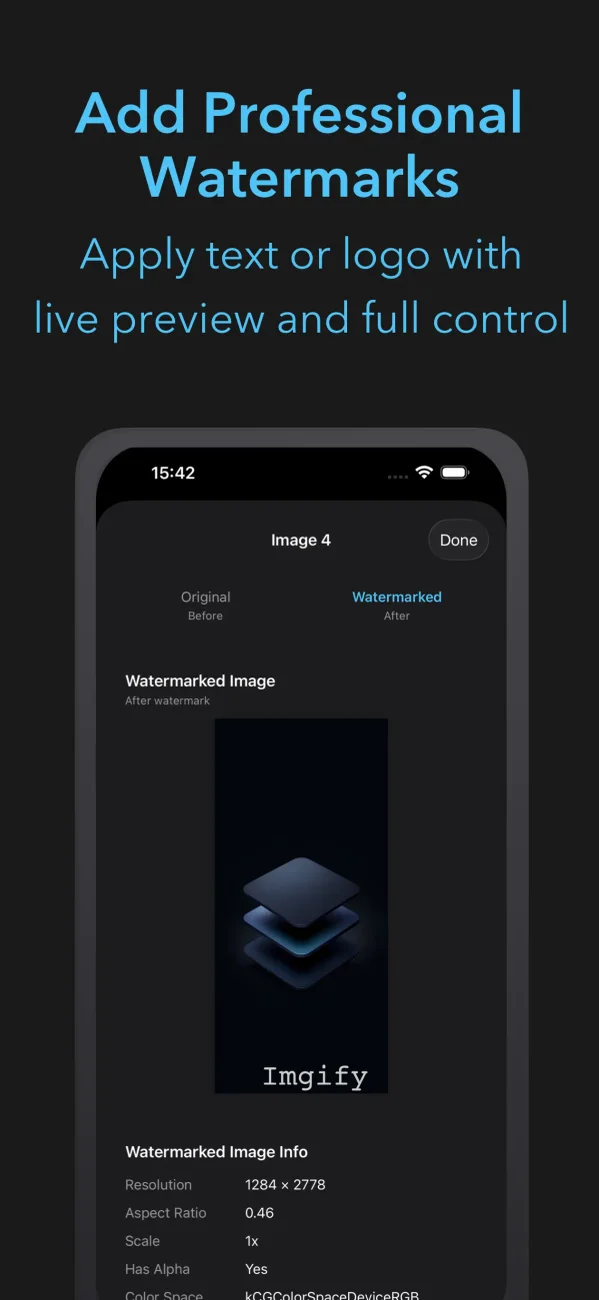
Add professional watermarks to your images with:
• Text Watermarks: Custom fonts, colors, backgrounds, and positioning
• Image Watermarks: Use your own logo or graphics
• Flexible Positioning: Nine position options from corner to center
• Batch Processing: Watermark multiple images simultaneously
• Live Preview: See exactly how your watermark will look
Advanced Features
• Multiple Import Options: Photos library, Files app, URL input, or clipboard
• Intelligent Format Detection: Automatically detects and preserves image metadata
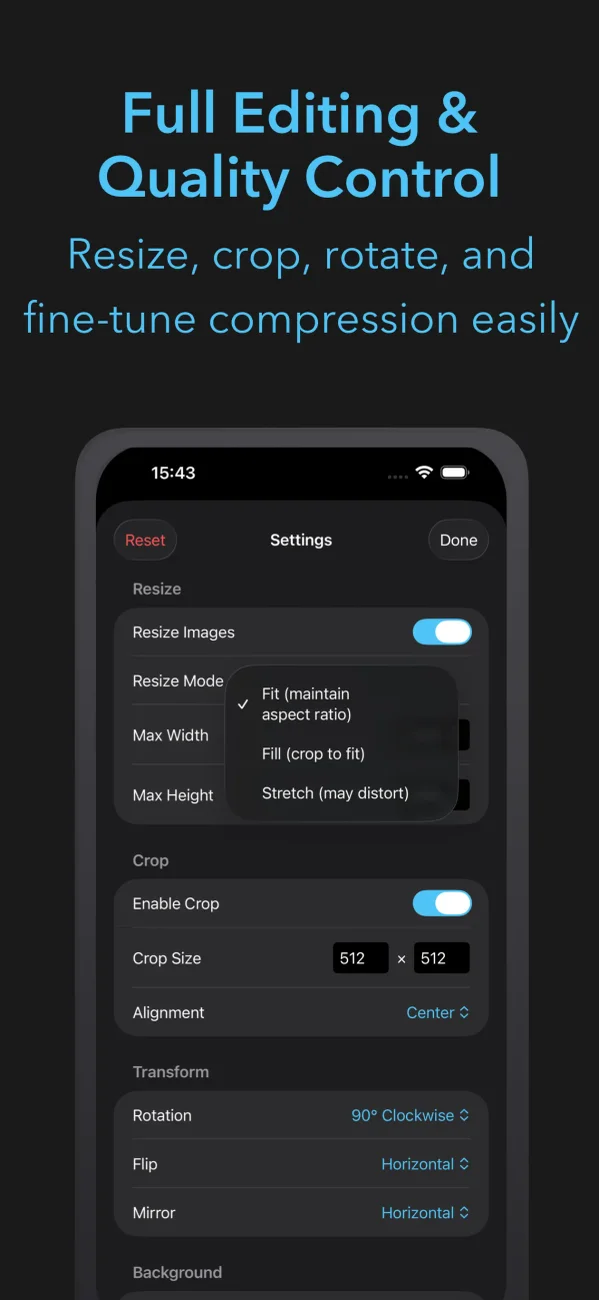
• Quality Control: Adjustable compression and optimization settings
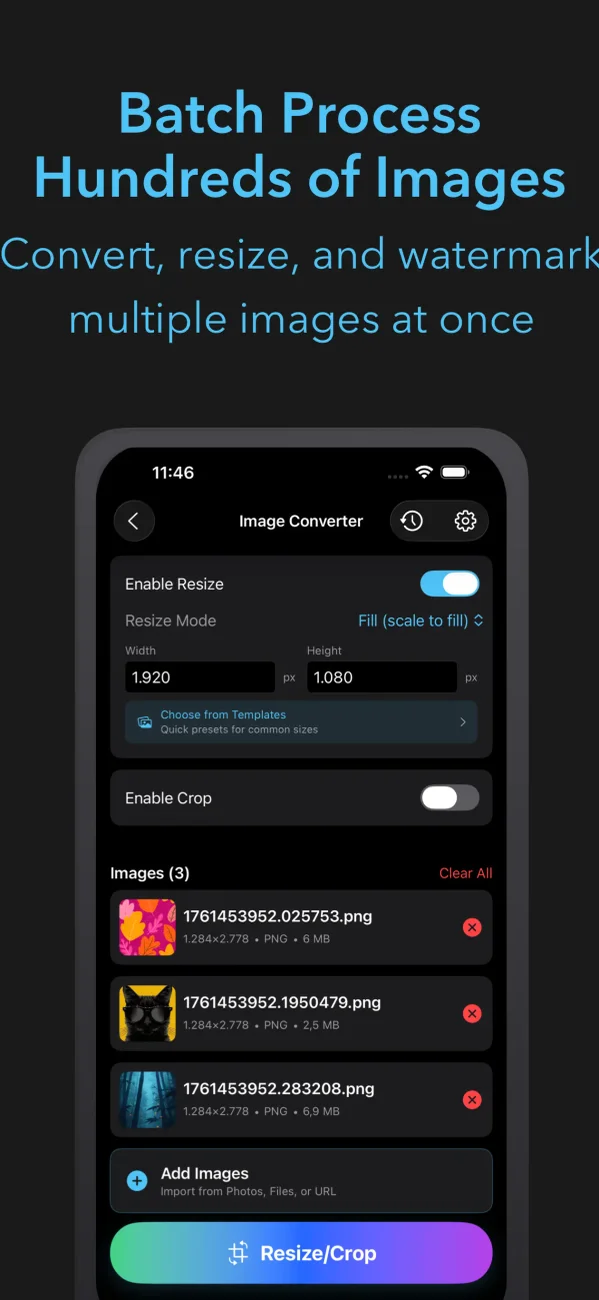
• Resize and Crop: Smart resizing with multiple aspect ratio options
• Rotation and Flip: Complete image transformation tools
• History Tracking: Keep track of all your conversions and watermarks
• Export Options: Save to Photos, Files app, or share directly
Professional Results
• Lossless Conversion: Preserve image quality with advanced algorithms
• Transparency Support: Maintain PNG and GIF transparency
• Metadata Preservation: Keep EXIF data and creation dates
• Web Optimization: Optimize images for faster loading
• Batch Export: Process hundreds of images at once
Seamless Integration
• Files App Integration: Direct access to your iCloud Drive
• Share Sheet Support: Easy sharing to any app
• Drag and Drop: Intuitive file management
• Dark Mode: Beautiful interface that adapts to your system
Perfect for photographers, designers, content creators, and anyone who needs reliable image processing tools. Whether you’re converting RAW files, adding watermarks to portfolios, or optimizing images for web use, Imgify delivers professional results with an intuitive interface.
Download Imgify today and transform your image workflow.
What’s new
Version 2.5.0 · Nov 6, 2025
- Fully supports Simplified and Traditional Chinese
App privacy
What Roxwin Vietnam Technologies Company Limited declares on the App Store about how this app handles data.
-
Data not collected
The developer does not collect any data from this app.
Privacy practices may vary, for example with the features you use or your age.
Information
- Seller
- Roxwin Vietnam Technologies Company Limited
- Category
- Photo & Video
- Version
- 2.5.0
- Updated
- Nov 6, 2025
- Released
- Oct 23, 2025
- Size
- 15.4 MB
- Requires
- iOS 17.6 or later
- Age rating
- 4+
- Price
- $2.99
- Languages
- English, Arabic, Catalan, French, German, Hebrew, Indonesian, Japanese, Korean, Portuguese, Russian, Simplified Chinese + 4 more
- Copyright
- Copyright © 2025 MagicOne · All rights reserved
You might also like
-
 Image Converter - ConvertPixFast Local Image Converter
-
 Add Watermark: Photo CopyrightLogo, QR, Sign Photos in Batch
-
 MediaBox - Background RemoverAI Cutout,Video Frame,Compress
-
 Luxa RAW Pro CameraPro Manual Film Simulation LUT
-
 Video Background Change&EraserBG Remover, Replace, Cutout
-
 Audio Extractor - AudioPullVideo to Audio Converter
-
 Extract Text From Video: OCRPhoto to text, copy, translate
-
 Neon Photo Booth 360 EventPhotobooth for Party
-
 Dual Cam Recorder Pro One TakeOne Shot. Portrait + Landscape
-
 Blur Photo Editor: Face & TextBlur Background, Face & censor