Skyflow – Time-lapse Camera
Designed for iPhone, iPad, iPod touch
Free · In-app purchases
- Age rating9+
- CategoryPhoto & Video
- DeveloperAndrei Kovalev
- LanguagesEnglish+ 20 more
- Size70.6 MB
Links to the official App Store page
Download.org hosts no file of Skyflow – Time-lapse Camera. The button opens its official App Store page, published by Andrei Kovalev. Listing last checked on Nov 14, 2026.
Screenshots
About
Skyflow is a powerful, professional-grade tool for creators who want top-quality in time-lapse and stop-motion.
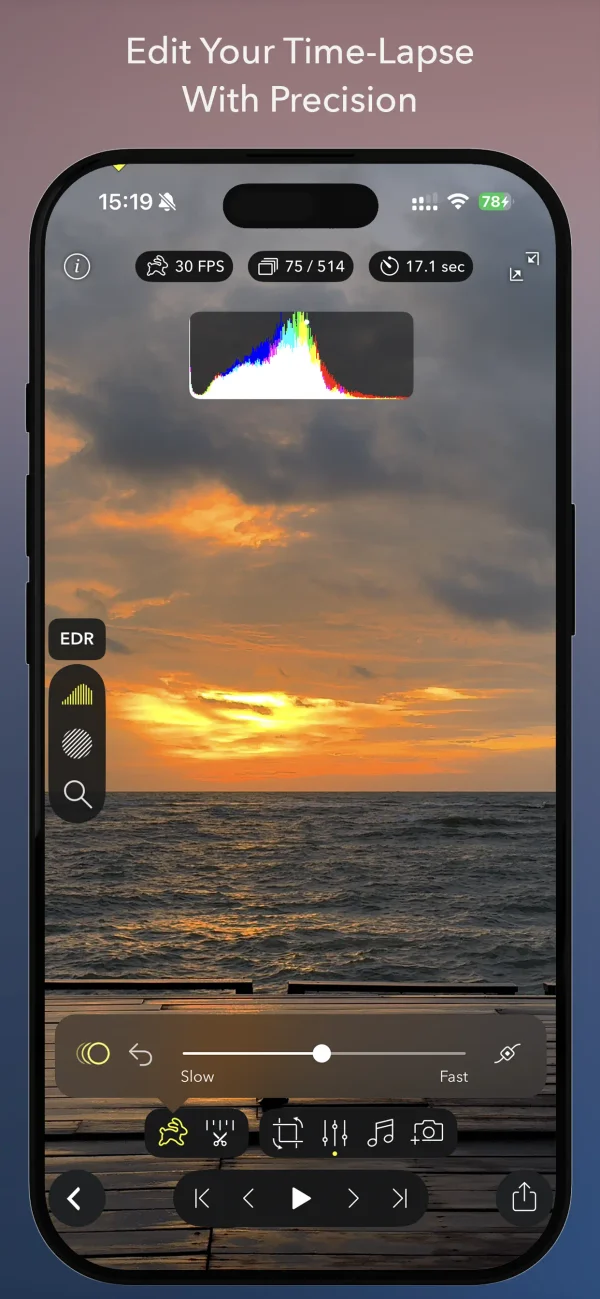
Skyflow’s standout feature is the ability to change your time-lapse playback speed even after shooting was finished.
With powerful camera controls, broad format support, and a full-featured editor, Skyflow gives you complete control from shoot to export.
Highly Configurable Capture Experience:
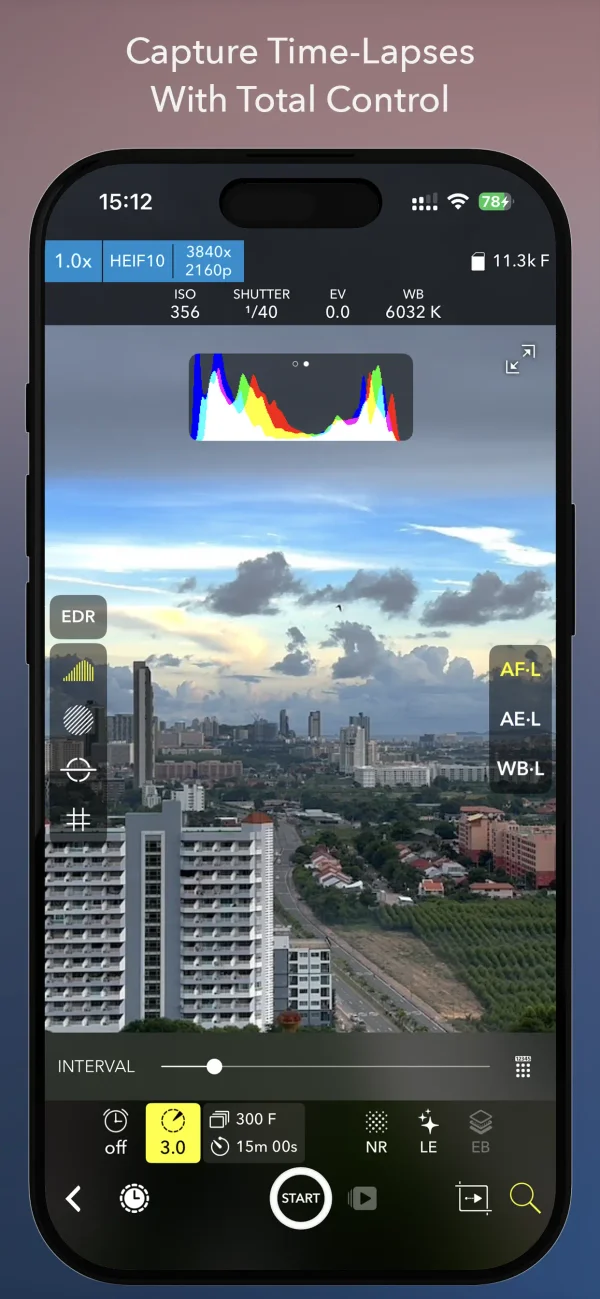
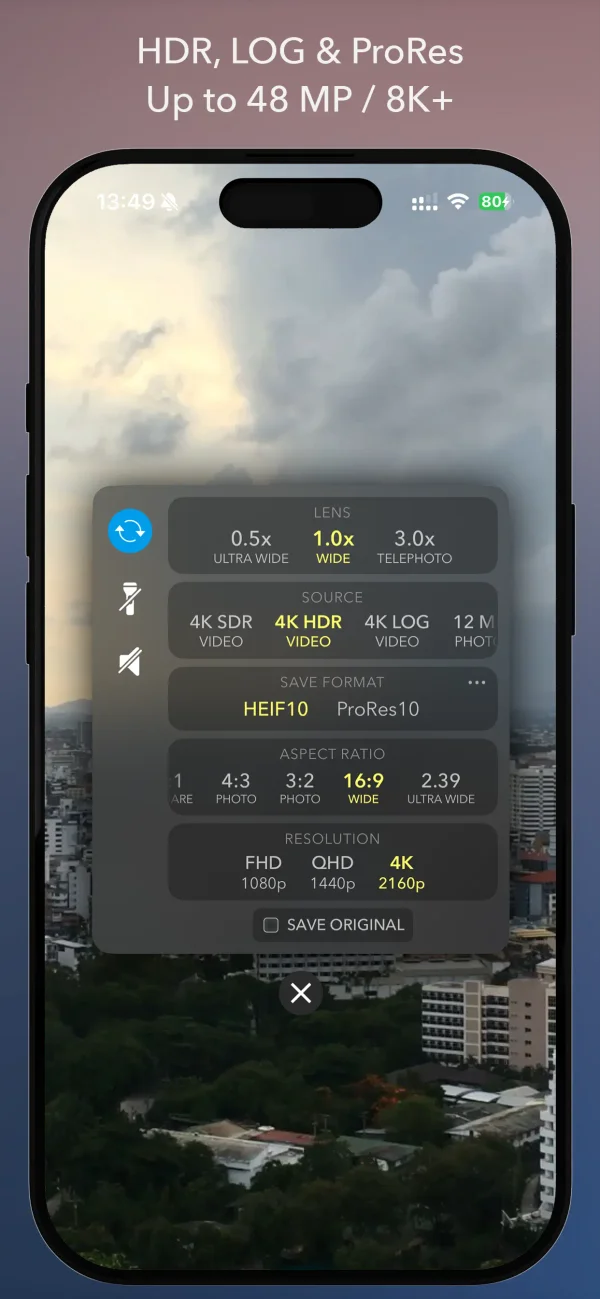
• Source selection: SDR Video, HDR Video, Apple Log, 12MP and 48MP Photo
• Expanded save formats: HEIF, HEIF (10-bit), ProRes, ProRAW
• Shooting modes: Time-Lapse and Stop Motion
• Adjustable Start Time, Interval, and Duration
• Pro Tools: Histogram, Zebra, Apple Log LUT Preview
• Manual control of ISO, shutter speed, EV, white balance, and focus
• Noise Reduction for night shots by limiting shutter speed
• Long Exposure effects: Light Trails & Motion Blur
• 3-stop/2-stop Exposure Bracketing (EB)
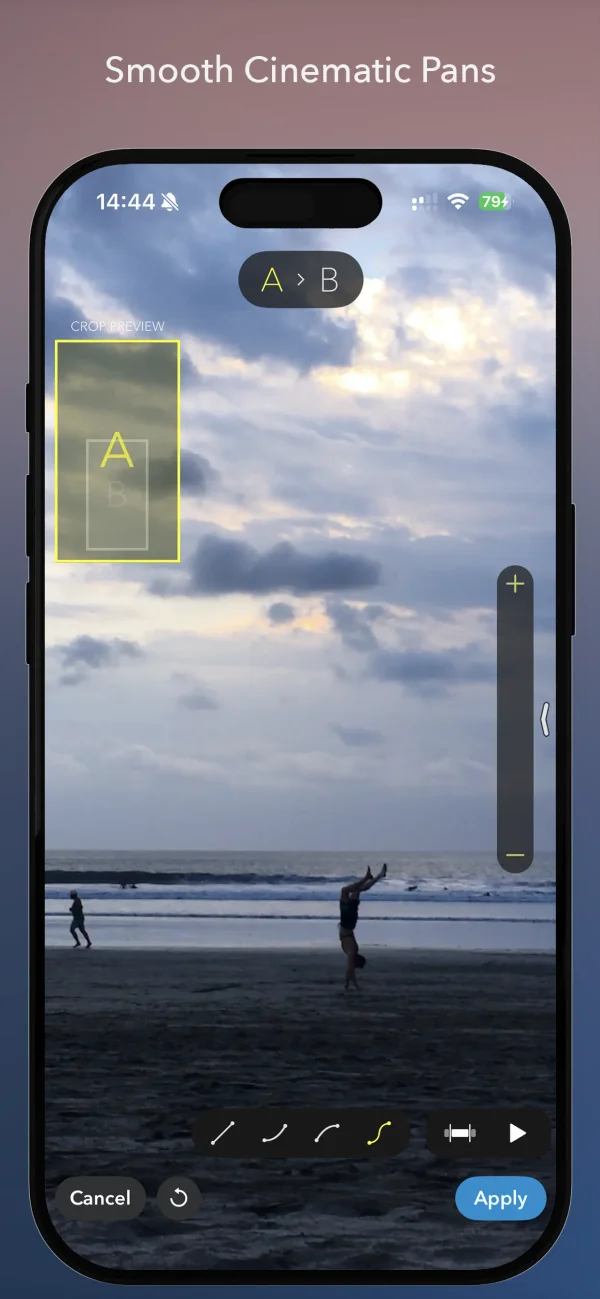
• Panning motion for cinematic movement
• Horizon level and photo grid overlays
Feature-rich Time-Lapse Editor:
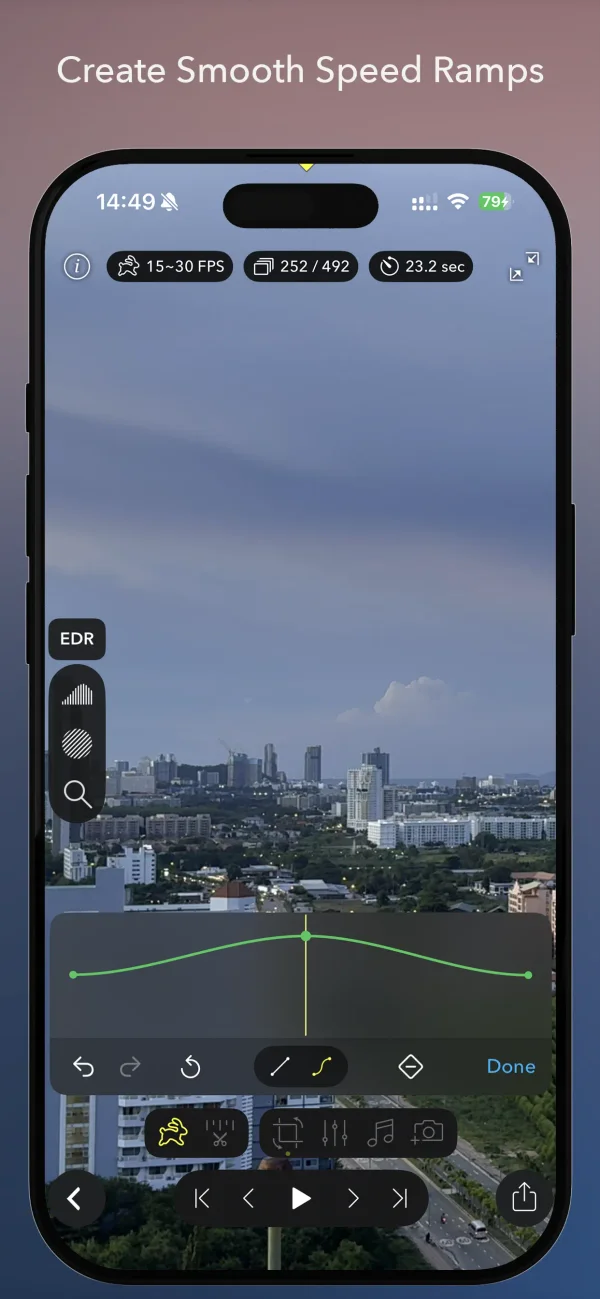
• Playback speed adjustment with reverse option and speed ramping
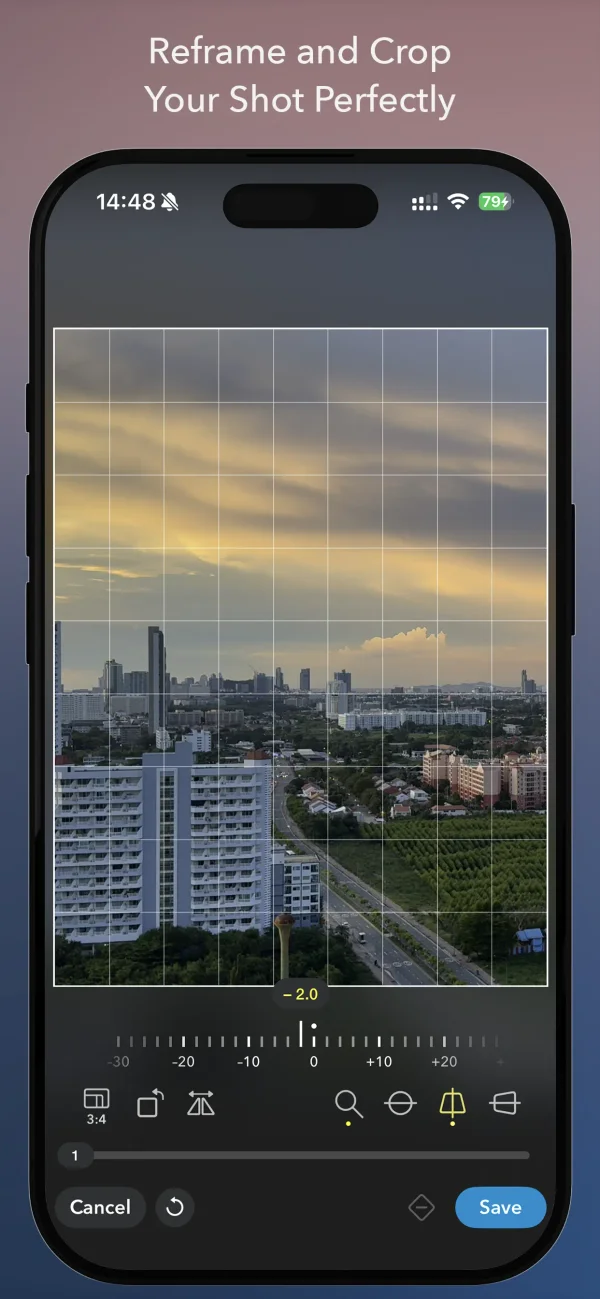
• Advanced cropping with perspective correction
• Full editing and sharing support for (Pro)RAW
• Improved image fusion for exposure-bracketed sequences (EB)
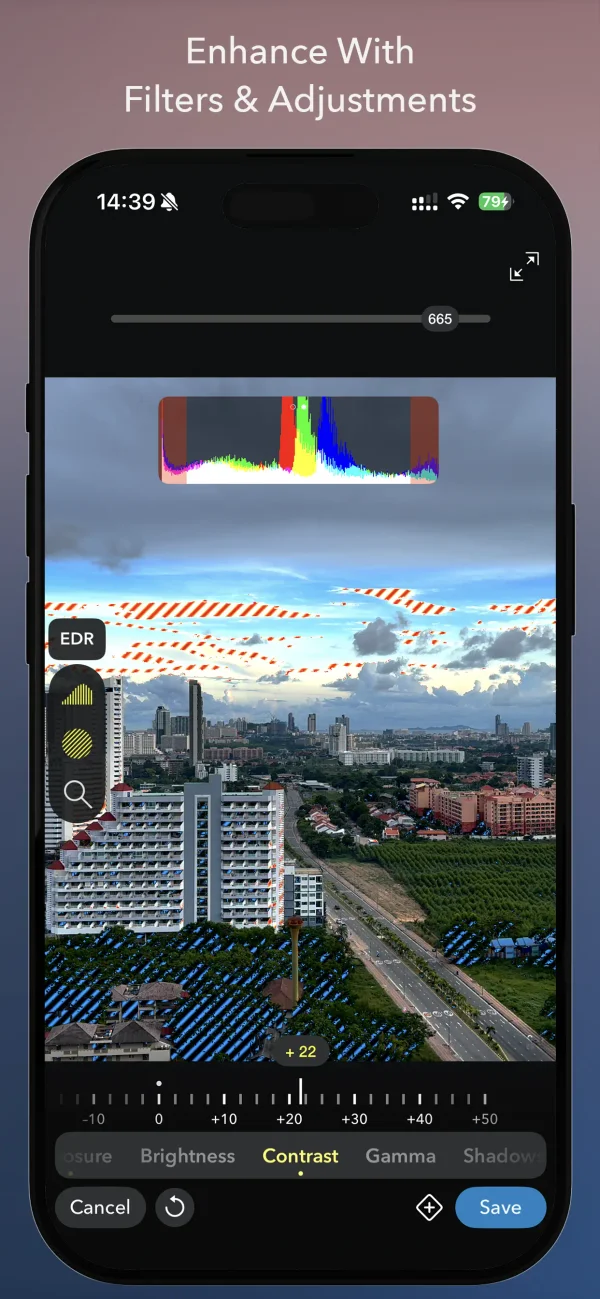
• Exposure and color adjustments
• Keypoint-based ramping for playback speed, crop settings, exposure and color adjustments
• Trimming, adding music, continuing a time-lapse, and more
Export and Sharing:
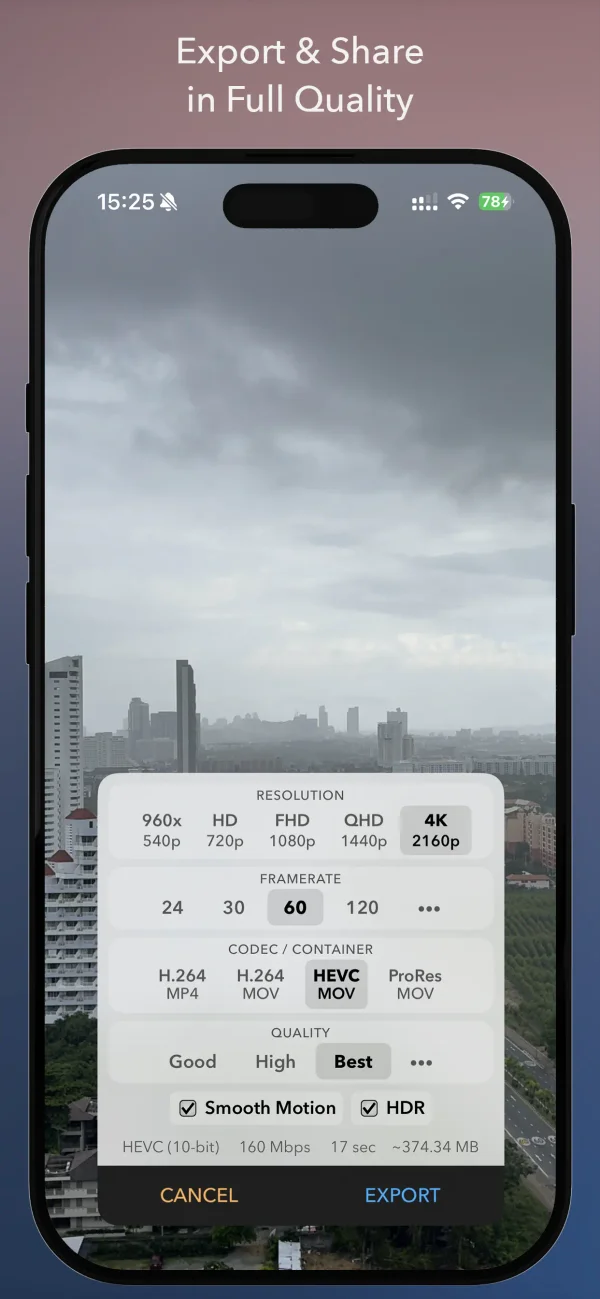
• Export up to 8K (depends on your device model)
• Video formats including ProRes
• Custom frame rate and bitrate
• HDR / Dolby Vision export support
• Save to Photos, Files, or share to other apps
Other Features
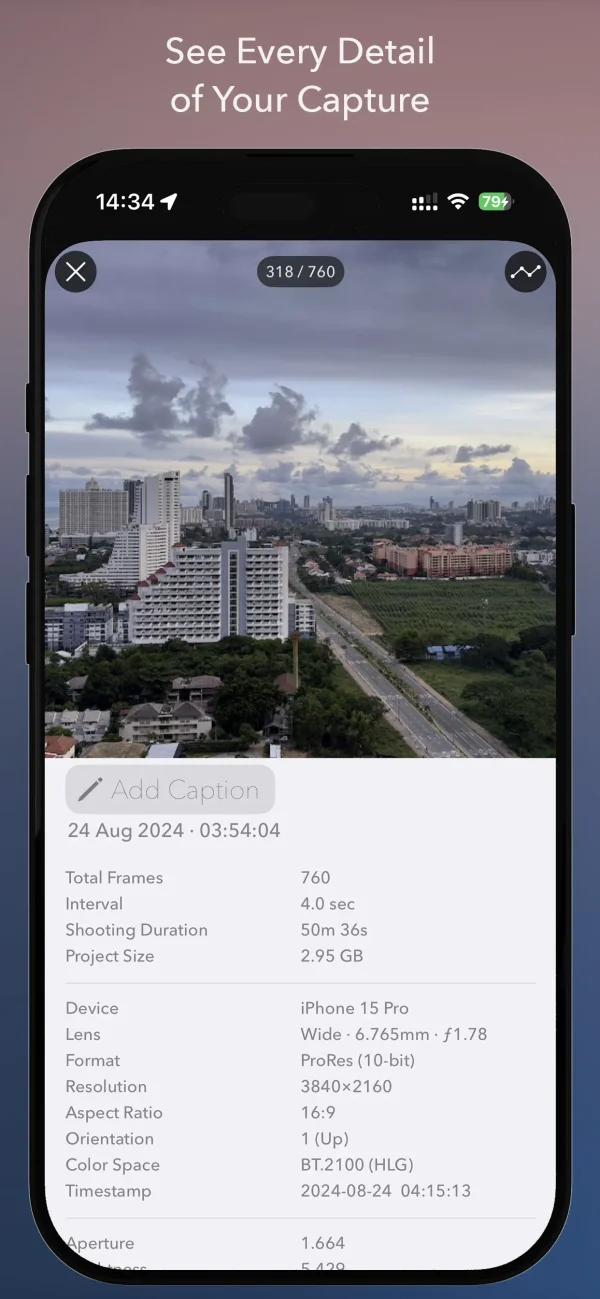
• Detailed time-lapse info view with photo metadata and capture-metrics graphs
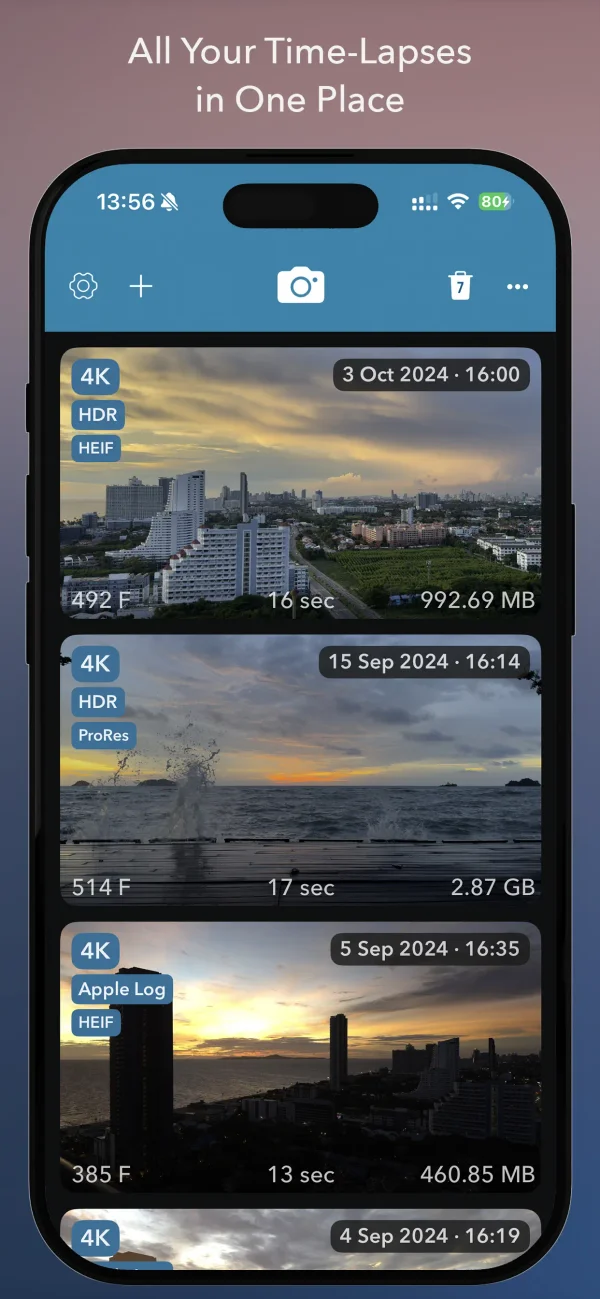
• Create time-lapse projects from photo albums, bursts, videos, or imported folders
• Support for DJI OSMO Mobile and DJI OSMO Mobile 2 handheld gimbals
Please note: DJI OSMO Mobile 3 and later are not supported due to factors outside our control!
Free Version
You can shoot unlimited time-lapses with no restrictions.
Exports, however, are limited to 540p resolution and include a watermark.
Limitations can be removed with a one-time in-app purchase.
What’s new
Version 2.0.5 · Apr 14, 2026
• Fixed the missing 48 MP capture option on iPhone 17 models
• Fixed issues with RAW and ProRAW image export
• Fixed a crash occurring on the Energy Savings settings screen
• Updated the app icon to support Home Screen customization
App privacy
What Andrei Kovalev declares on the App Store about how this app handles data.
-
Data used to track you
May be used to track you across apps and websites owned by other companies.
- Location
-
Data not linked to you
May be collected but is not linked to your identity.
- Purchases
- Location
- Usage data
- Diagnostics
Privacy practices may vary, for example with the features you use or your age.
Information
- Seller
- Andrei Kovalev
- Category
- Photo & Video
- Version
- 2.0.5
- Updated
- Apr 14, 2026
- Released
- Nov 22, 2014
- Size
- 70.6 MB
- Requires
- iOS 14.3 or later
- Age rating
- 9+
- Price
- Free
- In-app purchases
- Yes
- Languages
- English, Czech, Dutch, French, German, Hindi, Indonesian, Italian, Japanese, Korean, Polish, Portuguese + 9 more
- Copyright
- © 2014-2026 KageDev
You might also like
-
 OSnap! Lapse & MotionTime-Lapse & Stop Motion
-
 Timelapse by ReeLapseTime lapse Pro Video Camera
-
 iMotionTimelapse editor & Stop motion
-
 Timelapse Camera: Stop MotionTime lapse, Capture, Editing
-
 Video Speed Changer - EditorMake Faster Time Lapse Videos
-
 ReeXpose - RAW Long ExposureSlow Shutter Camera for Pros
-
 Pro Camera - ReeflexLong Exposure & DSLR Controls
-
 Slow Shutter CamLong Exposure Photography
-
 NightCap Camera: Long ExposureAstrophotography and Low Light
-
 Hyperlapse: Slow Down Speed UpVideo Speed Editor