
- Age rating4+
- CategoryUtilities
- DeveloperimPcRemote LLP
- LanguagesEnglish
- Size35.5 MB
Links to the official App Store page
Download.org hosts no file of imPcRemote Instant. The button opens its official App Store page, published by imPcRemote LLP. Listing last checked on Nov 14, 2026.
Screenshots

About
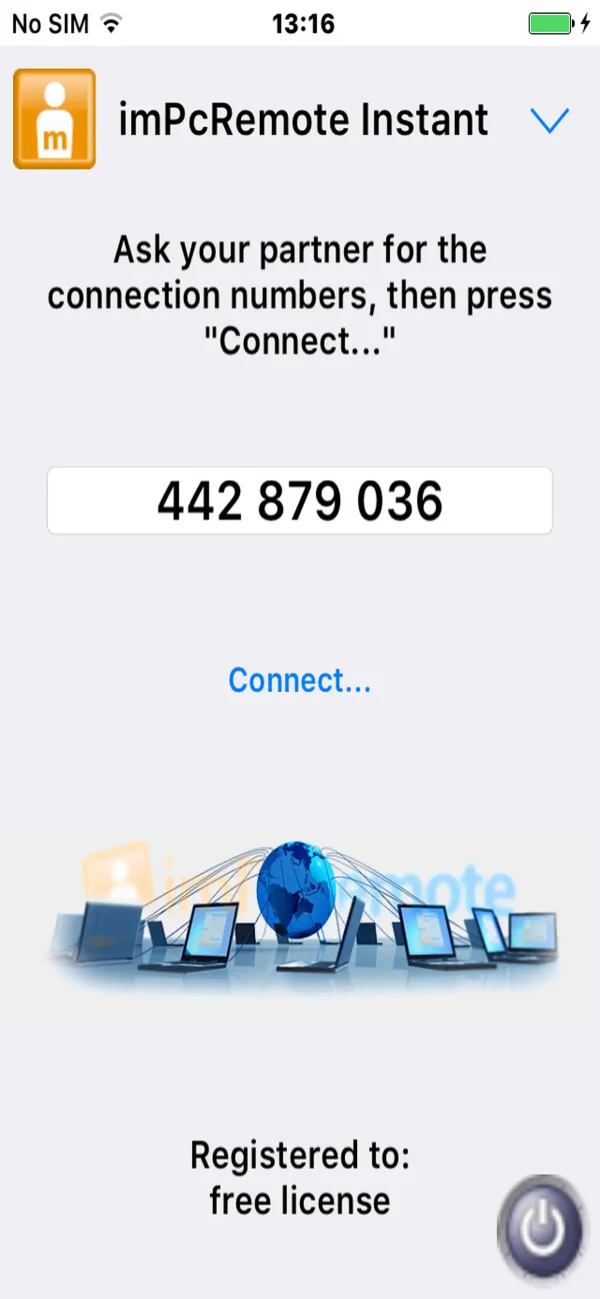
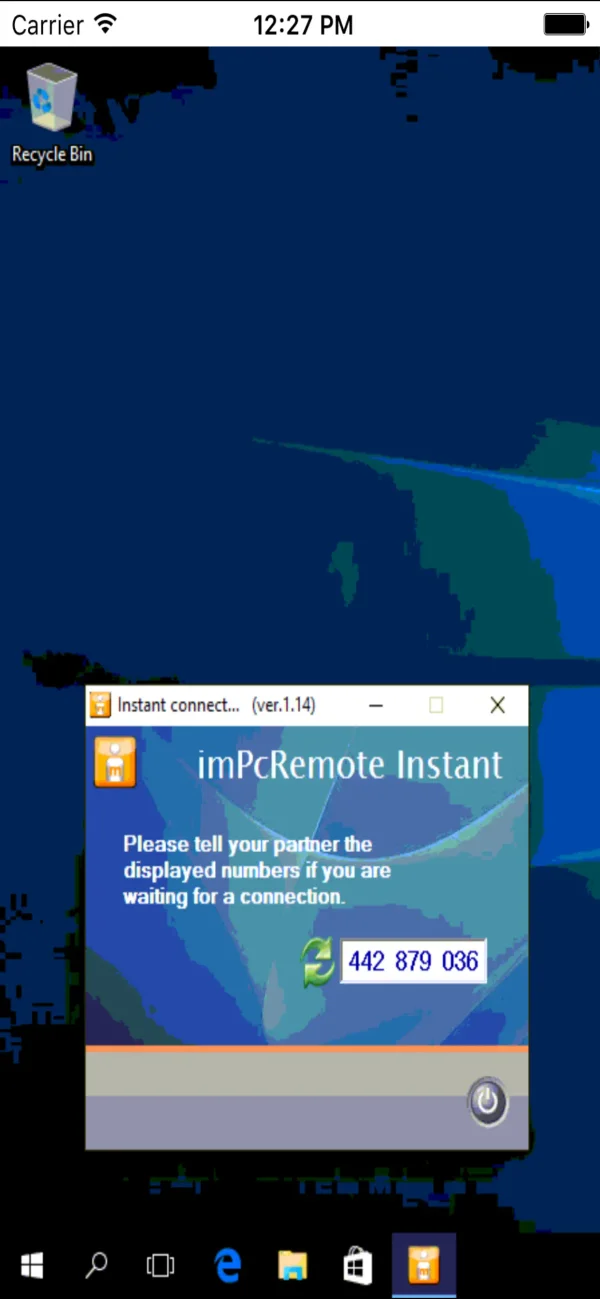
Using the Instant version you can perform operations on a remote computer while all you need is internet connection and a telephone. The connection process is as simple as possible. The remote user downloads and runs imPcRemote Instant User which generates a 9-digit ID. Then, this ID should be shared with you on the telephone while you start imPcRemote Instant Admin. Entering the given ID into the corresponding field the connection is made. So you can start working with the remote computer right away.
What’s new
Version 2.6.0 · Jul 2, 2026
RSA-4096 support
App privacy
What imPcRemote LLP declares on the App Store about how this app handles data.
-
Data not collected
The developer does not collect any data from this app.
Privacy practices may vary, for example with the features you use or your age.
Information
- Seller
- imPcRemote LLP
- Category
- Utilities
- Version
- 2.6.0
- Updated
- Jul 2, 2026
- Released
- Sep 4, 2016
- Size
- 35.5 MB
- Requires
- iOS 15.0 or later
- Age rating
- 4+
- Price
- Free
- Languages
- English
- Copyright
- © imPcRemote LLP
You might also like
-
 edgLinkUpdate Wi-Fi on an EDG device
-
 FinscanUtilities
-
 EasyX2Utilities
-
 DAW ConverterUtilities
-
 Smart Mouse & Keyboard: Mac/PCRemote Control Mac & Windows
-
 Measure Tape®Measuring tool
-
 PWDSAFE - dPasswordManagerUtilities
-
 Server Sentinel Uptime MonitorPing Track Server Status
-
 DeskDayUtilities
-
 Locker - Password ManagerStore Passwords Safe and Easy