- Age rating4+
- CategoryProductivity
- DeveloperSimon Domingues Santinf
- LanguagesEnglish+ 1 more
- Size34.7 MB
Links to the official App Store page
Download.org hosts no file of Inbox0. The button opens its official App Store page, published by Simon Domingues Santinf. Listing last checked on Nov 20, 2026.
Screenshots

About
Inbox0 clears your mind. GTD for iPhone, iPad, Mac, and Apple Watch.
Capture without thinking. Clarify with intent. Act with focus. Inbox0 implements David Allen's Getting Things Done® method as a calm experience — not an amplified to-do list.
Friction-free capture
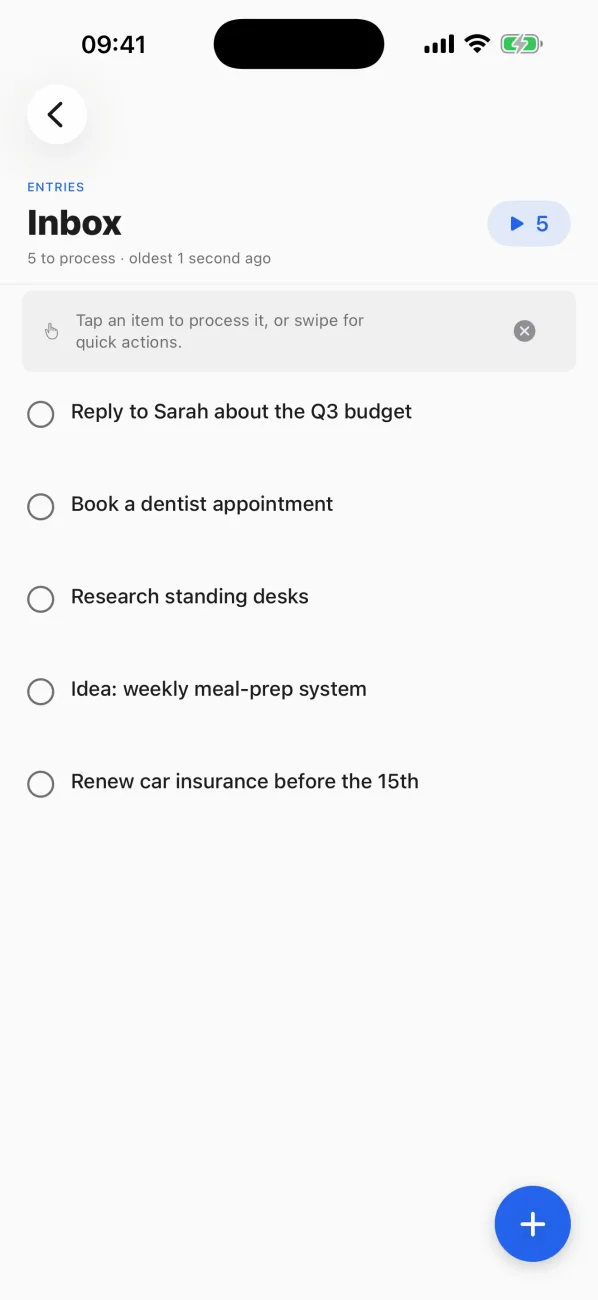
Text, voice, or document scanner with OCR. The Share Extension processes images straight into your Inbox. Capture without choosing a type up front — write it first, organize it later.
Clarify with a guided flow
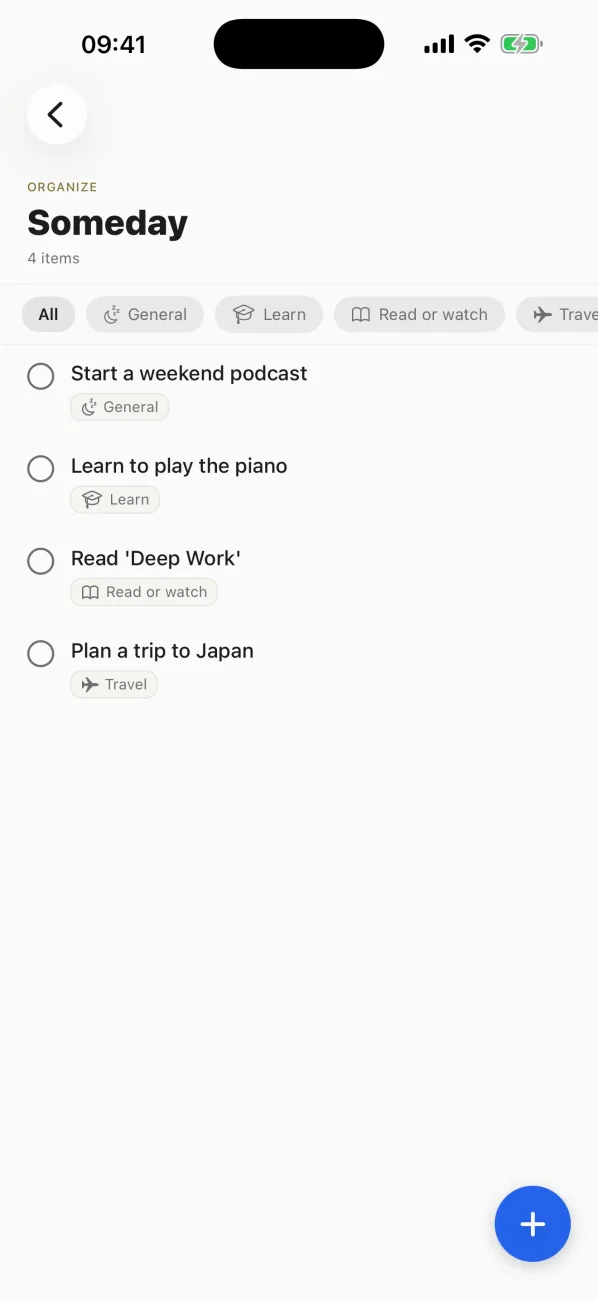
Each Inbox item goes through a short, guided process that turns it into a next action, project, reference, waiting-for item, or someday/maybe. Full history with undo.
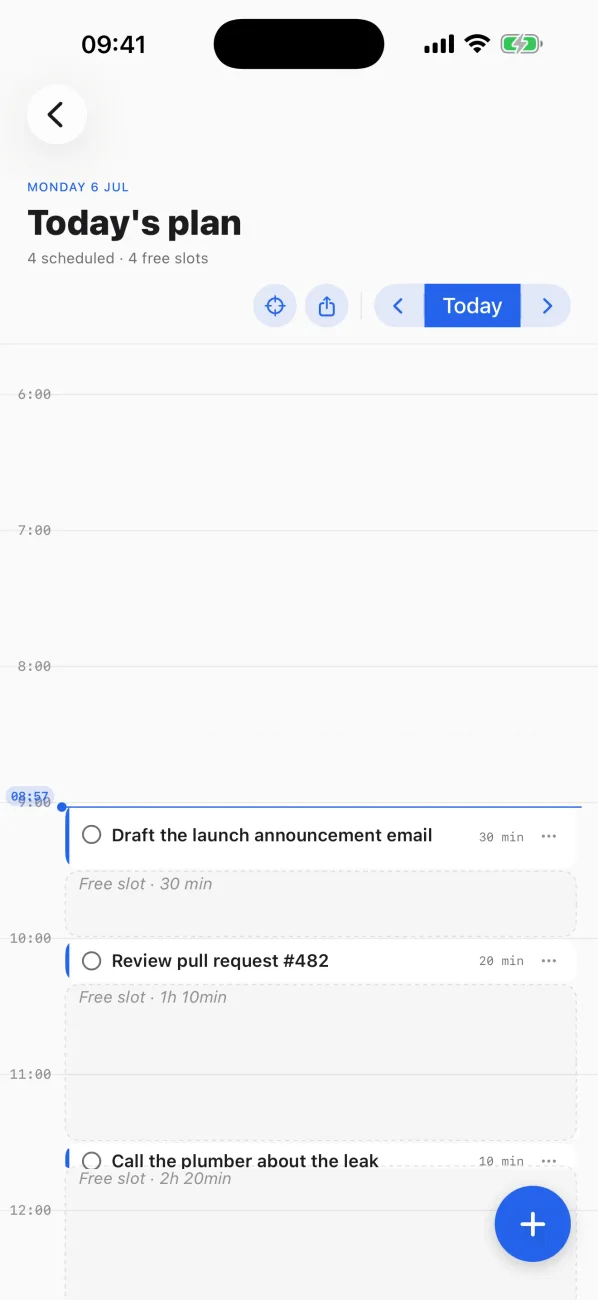
Smart Daily Plan
Your daily plan builds itself from your tasks, calendar, estimated energy, and current context. Drag to reorder, complete a block, and the next suggestion appears instantly. Built-in evening reflection.
Review with rhythm
Six canonical cadences: daily, end-of-day, weekly, monthly, quarterly, and annual — each with its own dedicated steps, not a watered-down version of the next. Resume where you left off if interrupted.
Act with context
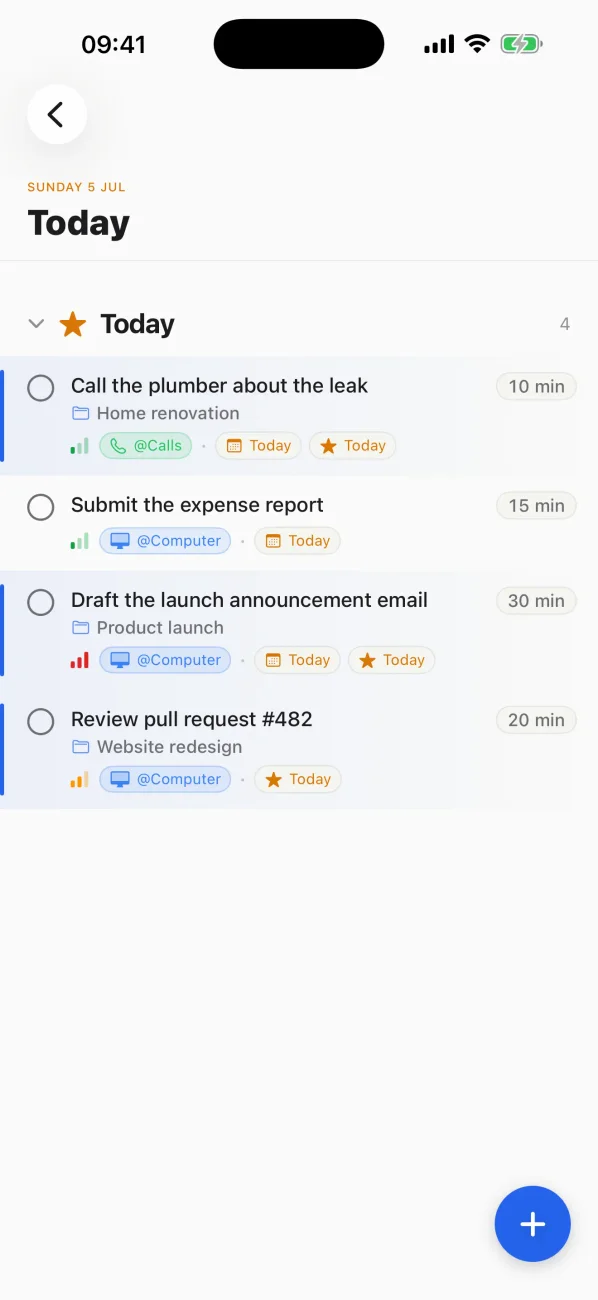
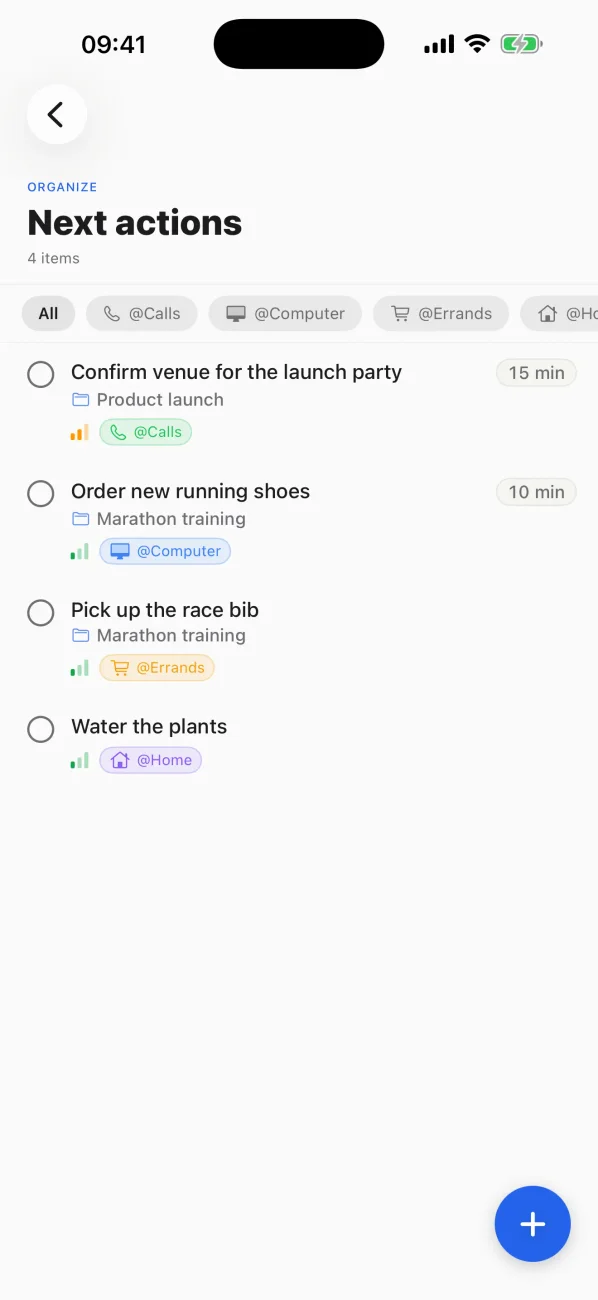
Filter by context (place, person, tool, energy), duration, and date. Optional geofencing: get a notification when you arrive at a location with its relevant tasks.
Horizons of Focus
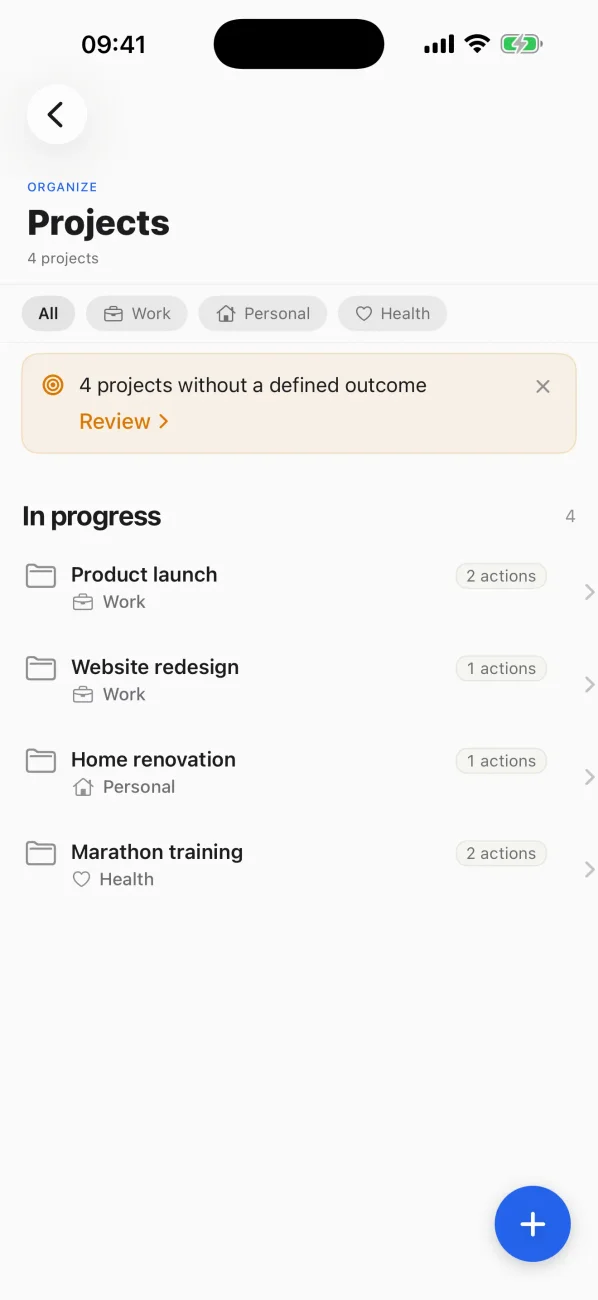
Organize projects under Areas of Responsibility and connect them with Objectives and a personal Vision. Journal entries link daily work to long-term purpose.
Focus sessions
Start a session, filter by your current context and energy, and complete tasks. Inbox0 learns your patterns (best hour, best context, completion rate) and surfaces them as Insights.
Sync everywhere
CloudKit sync across iPhone, iPad, and Mac. An Apple Watch app to capture and complete from your wrist. Your data stays in your own private iCloud — the developer never sees it.
—
Inbox0 Pro unlocks the advanced layer: all six canonical reviews, focus sessions (Engage), Horizons (Altitudes), camera capture with OCR, and on-device AI (classification, entity extraction, duplicate detection, semantic search, summaries and coherence). The base experience is complete and unlimited: capture (text and voice), Inbox and Clarify, projects and areas, Today and Next Actions, Daily Plan, Journal, reminders and recurrence, CloudKit sync, widgets, and shortcuts. Pro also lets you share projects and areas with other people, who don't need Pro to collaborate.
Plans: Monthly, Annual (with a 7-day free trial), and Lifetime (one-time purchase). Generative AI features require an Apple Intelligence-capable device; other devices fall back gracefully to on-device heuristics.
Designed for iPhone Duo: unfolded, it shows two pages side by side (Today next to the Plan, each section next to its detail) and handwriting in "Empty your mind".
Terms of Use (EULA): https://www.apple.com/legal/internet-services/itunes/dev/stdeula/
Getting Things Done® is a registered trademark of the David Allen Company. Inbox0 is not affiliated with or endorsed by the David Allen Company.
What’s new
Version 1.3 · Nov 11, 2026
A big update: shared projects and areas, a Today's plan that learns how you work, a guided initial setup, meeting minutes and iPhone Duo support.
- Share projects and areas (Pro): invite anyone from the system share sheet as Editor or Viewer. They see the whole project or area, with its tasks, steps, comments and attachments, and changes arrive within seconds both ways. Invitees don't need Pro: they accept with a tap and find it in "Shared with me". On iPhone, iPad and Mac.
- A Today's plan that learns: it adapts estimates and slots to your habits, explains why each task lands where it does, warns you when the day is overloaded and lets you "Adjust the day", by voice too. Pinch to zoom the day, move a task to an exact time, drag it to another day, and get the slot back when you finish something. Keep a work timer, on Apple Watch too.
- Live Activity (optional): the current Plan block on your Lock Screen. For meetings, "It's over" and "+15 min", and the Plan leaves a buffer after the ones that tend to run long.
- Initial setup: a guided walkthrough to gather everything (what's on your mind, your lists, Clarify and the weekly review), with 44 trigger groups, "Paste a list" and import from Reminders.
- Meeting minutes: write them next to the meeting, turn your prep into minutes, and keep them when restoring a backup.
- Projects and references: link a reference to a project or an area, turn a task into a project by swiping its row, and completing a project with sub-projects closes the whole subtree after a warning. Parked adds "Clarify now".
- Today and Now: a "Follow-ups" section, an "Open in" setting to choose your start view, and "Now" in Siri and Shortcuts.
- iPhone Duo and large screens: works with iPhone Duo. Unfolded, two pages (Today beside the Plan, each section beside its detail) and handwriting in "Empty your mind". Navigation also adapts when rotating iPhone Plus/Max and iPad.
- Sync: attachments travel between your devices, changes are sent right away, and Settings → Sync shows the real status.
- Fixes: project and area counters now say "1 action" and "1 project"; tasks repeating "After completing" create the next one even when completed early; Spotlight opens the item again; no reminders for completed tasks; restoring a backup replaces your data; the app no longer quits when the iPhone launches it after a restart, before unlocking; and the Pro screen shows your plan and lets you change it.
App privacy
What Simon Domingues Santinf declares on the App Store about how this app handles data.
-
Data not collected
The developer does not collect any data from this app.
Privacy practices may vary, for example with the features you use or your age.
Information
- Seller
- Simon Domingues Santinf
- Category
- Productivity
- Version
- 1.3
- Updated
- Nov 11, 2026
- Released
- Jul 11, 2026
- Size
- 34.7 MB
- Requires
- iOS 26.0 or later
- Age rating
- 4+
- In-app purchases
- Yes
- Languages
- English, Spanish
- Copyright
- © 2026 Simon Domingues Santín
You might also like
-
 DJ Mixer - AI Vocal RemoverCreate Mix Music, Drum Pads
-
 Timery: Time TrackerEasy time tracking with Toggl
-
 TeuxDeux Daily Checklist To DoTask Manager, ADHD Organizer
-
 Bitwarden AuthenticatorGenerate 2FA on your device
-
 PDF Reader – PDFelementPDF Editor & Viewer, PDF Maker
-
 MyScript Notes: AI HandwritingSmart note taking, PDF & study
-
 Super Fast VPN・Secure ProxyProductivity