
Incognito — Private Browser
Private browsing from anywhere
Designed for iPhone, iPad
$0.99 · In-app purchases
- Age rating17+
- CategoryUtilities
- DeveloperOverdesigned, LLC
- LanguagesEnglish+ 5 more
- Size13.8 MB
Links to the official App Store page
Download.org hosts no file of Incognito — Private Browser. The button opens its official App Store page, published by Overdesigned, LLC. Listing last checked on Nov 15, 2026.
Screenshots


About
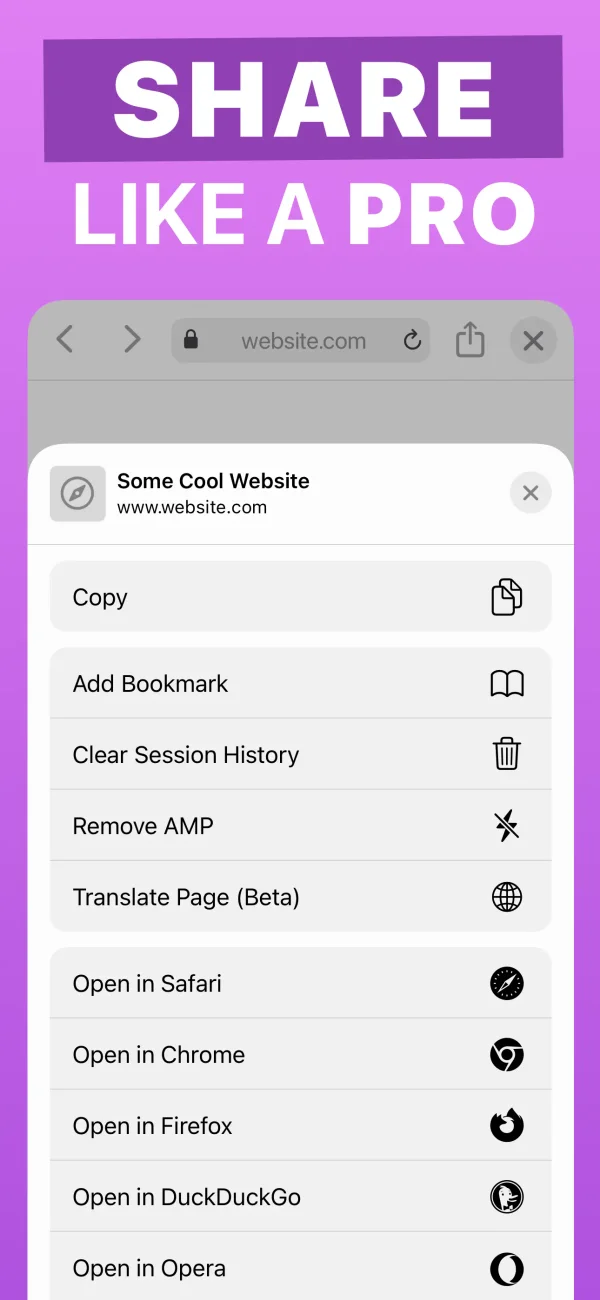
Incognito is a private web browser you can pull up anywhere. From any app: long-press a link or select text, tap Share, and then choose the Incognito action extension. Boom: instant web browser!
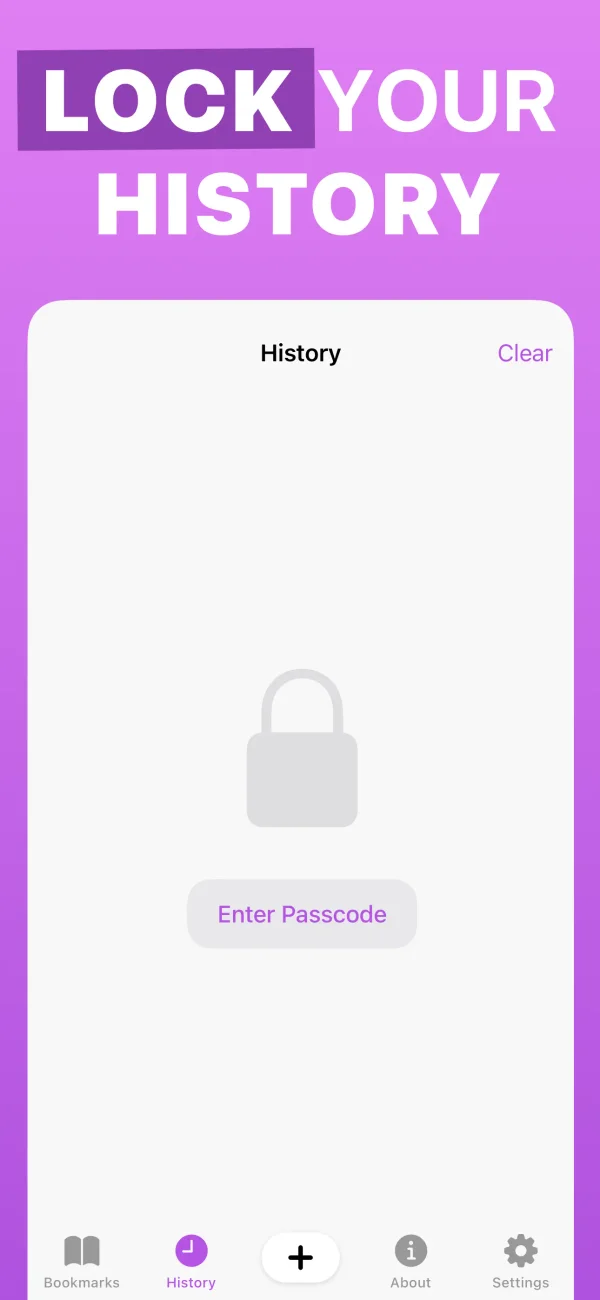
Need to lock people out of your web history or bookmarks? Incognito can do that too!
Incognito is great for:
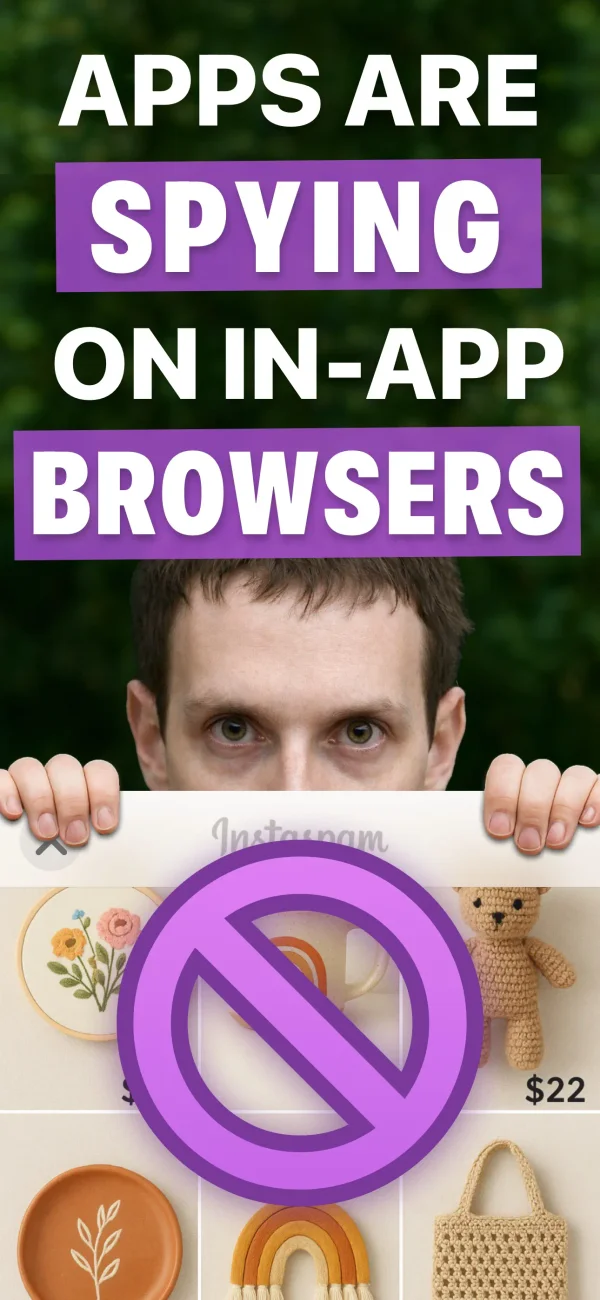
• Viewing a web page inside the current app without jumping to Safari.
• Opening sketchy links without risking your privacy.
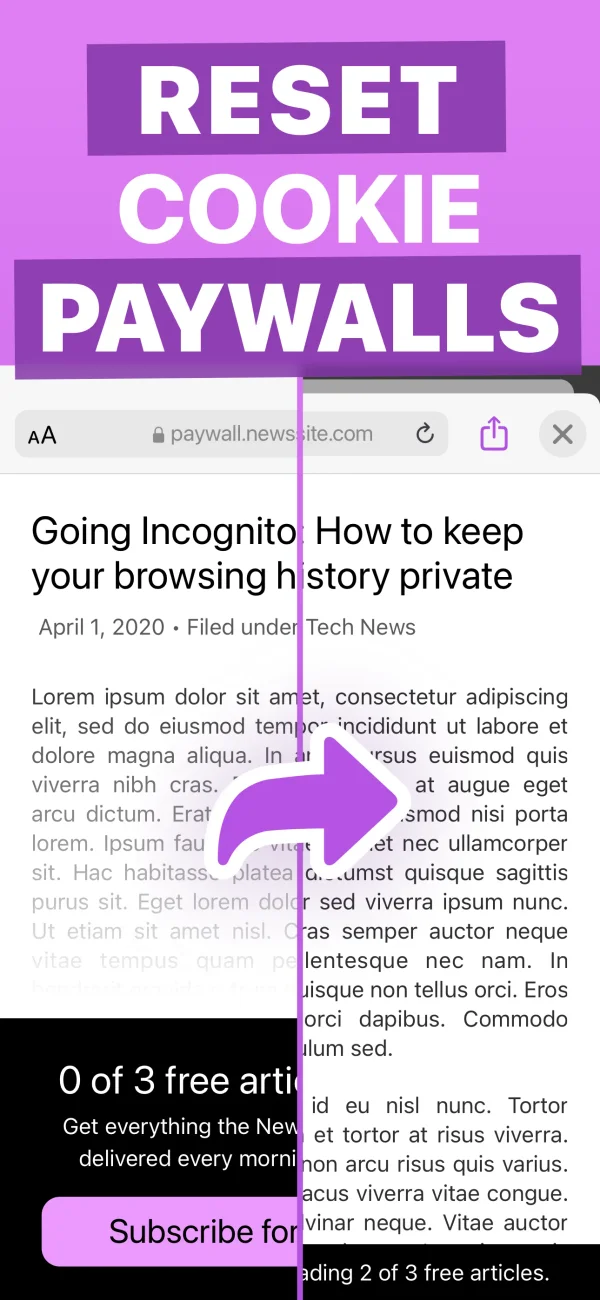
• Reopening a web page with cookies disabled — and yes, that means Incognito lets you dodge most paywalls.
• Searching Google from anywhere — just select the text you want to search, choose “Share” from the popup menu, and then choose the “Search in Incognito” action.
• Searching with something besides Google: use Kagi, DuckDuckGo, Bing, Brave, Qwant, Yahoo, or whatever search engine you prefer.
• Keeping your web history and bookmarks private and passcode-locked. Or you can disable browsing history and leave no trace!
Incognito is also a Swiss Army Knife of web tools:
• Open a page in another browser such as Safari, Chrome, Firefox, Opera, Brave, or DuckDuckGo.
• Remove AMP so you can browse or share the original URL.
• Translate the page using Google Translate (beta).
• Open a web page with the archive.today service (Incognito is not affiliated with archive.today or archive.is).
• Save a PDF of an entire web page.
• Set Incognito as your default browser.
• Clear your session history.
Incognito is all about privacy:
• All web browsing is in “private mode” by default, so all cookies and web data are discarded after each session.
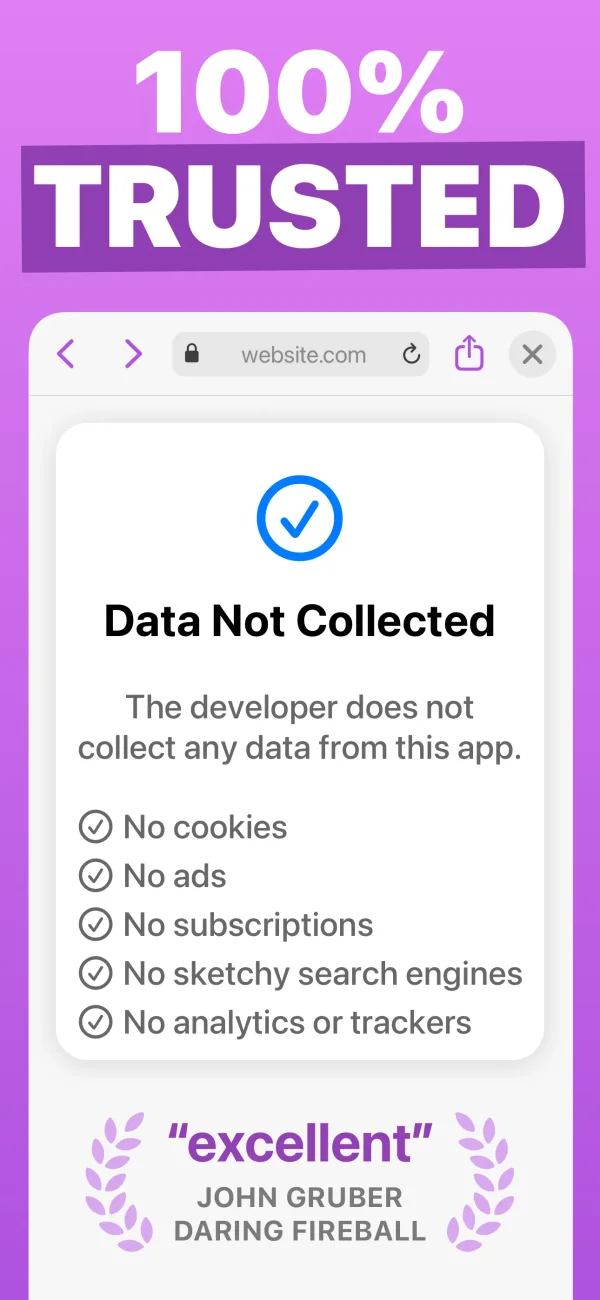
• Incognito has no ads, no third-party trackers, and does not send or re-route your web searches anywhere.
• If you require extra privacy, Incognito has options to disable browsing history and/or exclude it from your iCloud Backups.
Incognito is paid upfront with a small, one-time fee. There are no subscriptions, in-app purchases, ads, or deals with sketchy "search engines" like many of the "free" so-called private browser apps. You can trust me with your privacy because you know how I got paid: once, by you, that's it.
Incognito was created by an independent developer living in California.
What’s new
Version 1.3 · Oct 12, 2026
Incognito’s design has been spruced up for iOS 27 and iPhone Duo. The app now requires iOS 27.
Added "Disable JavaScript" action.
Fixed a potential crash for new installs on iPad.
App privacy
What Overdesigned, LLC declares on the App Store about how this app handles data.
-
Data not collected
The developer does not collect any data from this app.
Privacy practices may vary, for example with the features you use or your age.
Information
- Seller
- Overdesigned, LLC
- Category
- Utilities
- Version
- 1.3
- Updated
- Oct 12, 2026
- Released
- Apr 23, 2020
- Size
- 13.8 MB
- Requires
- iOS 27.0 or later
- Age rating
- 17+
- Price
- $0.99
- In-app purchases
- Yes
- Languages
- English, French, German, Hindi, Simplified Chinese, Spanish
- Copyright
- © 2020–2026 Overdesigned, LLC
You might also like
-
 Private Web Incognito BrowserSecret Browser and Adblock
-
 Safe Page – Web BrowserFast & private web browser.
-
 Broearn Browser for Web3.0Secure & Multi-Chain Wallet
-
 Private Browser • BrovacyPrivacy browser, full screen
-
 Private Browser: Web BrowserFast & Secure Proxy Browser
-
 Pure Web BrowserLite & Fast Internet Browsing
-
 eBrowser: Private Web & FilesFast, Private, Download Files
-
 Private Full Screen BrowserSecure Incognito Web Browsing
-
 Go Browser: Private,Pure,FastBrowser built for privacy.
-
 Pure Browser - SearchingPrivate & Fast Browser