
- Age rating4+
- CategoryProductivity
- DeveloperYuka Okada
- LanguagesEnglish+ 1 more
- Size6.0 MB
Links to the official App Store page
Download.org hosts no file of ingCalc. The button opens its official App Store page, published by Yuka Okada. Listing last checked on Nov 14, 2026.
Screenshots


About
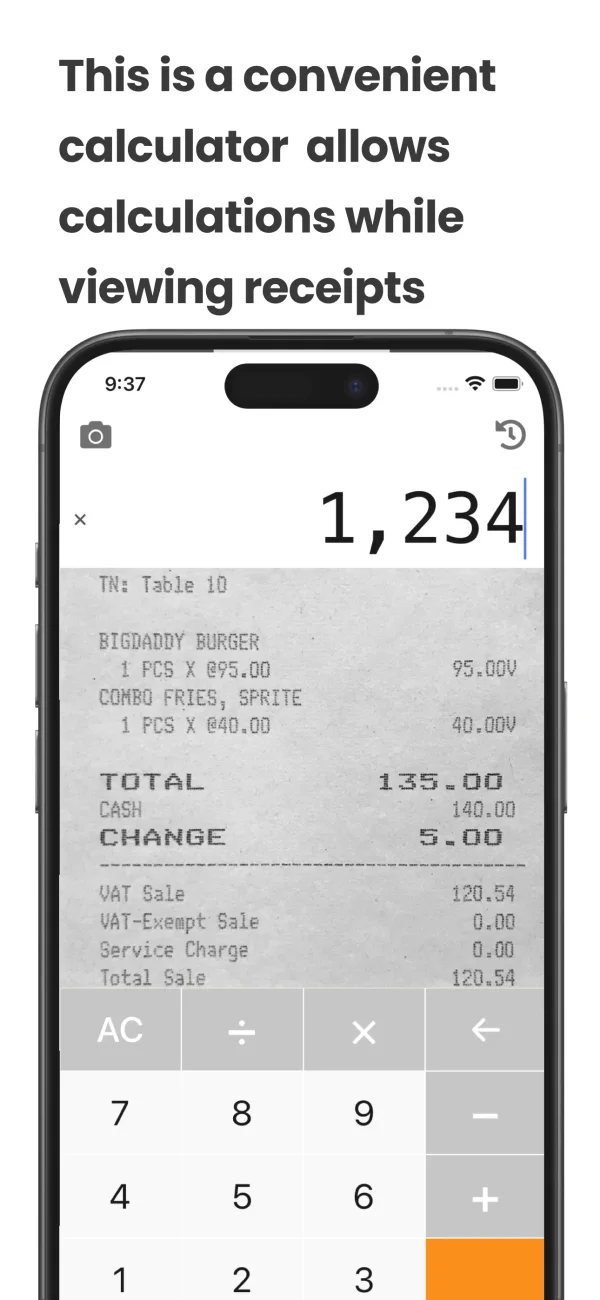
“ingCalc” is a Calculator App where you can see a photo of your receipts and other photos.
Say good bye to the bothersome way in going between photo library and calculator.
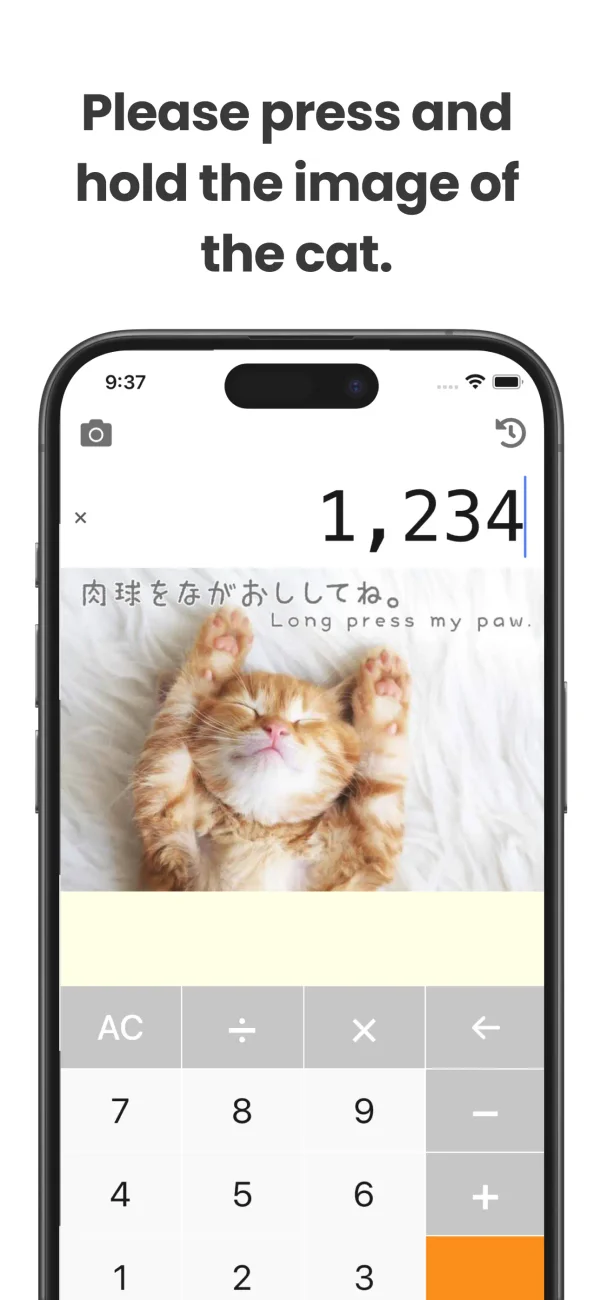
Long press a first cat image then you can set your photo. You can take a new photo from a camera button.
It has 10 histories of a couple of the result and a pic.
You can share the results with your friends easily.
To have an enjoyable time to use “ingCalc” press “3” many times.
The cats will surprise you.
What’s new
Version 1.5.1 · Nov 13, 2024
Fix button layout ฅ^•ω•^ฅ
App privacy
What Yuka Okada declares on the App Store about how this app handles data.
-
Data used to track you
May be used to track you across apps and websites owned by other companies.
- Location
- Identifiers
- Usage data
- Diagnostics
-
Data not linked to you
May be collected but is not linked to your identity.
- Location
- Identifiers
- Usage data
- Diagnostics
Privacy practices may vary, for example with the features you use or your age.
Information
- Seller
- Yuka Okada
- Category
- Productivity
- Version
- 1.5.1
- Updated
- Nov 13, 2024
- Released
- Dec 15, 2017
- Size
- 6.0 MB
- Requires
- iOS 14.0 or later
- Age rating
- 4+
- Price
- Free
- Languages
- English, Japanese
- Copyright
- © 2017 yuka okada
You might also like
-
 History Calculator PlusSee formulas. Recall history.
-
 Local AI - オフラインAIチャットProductivity
-
 Astelio: Personal AI WorkspaceChat. MCPs. Artifacts.
-
 DaCalculatorProductivity
-
 Relis PlusMulti-Device Learning & Tasks
-
 貸出くんProductivity
-
 Timoa - 時差アラームProductivity
-
 Clock Me: Calendar & TrackingProductivity
-
 Calculator Keyboard - CalkeyCalc Keyboard-Tip & Split Bill
-
 TabChecklistsTabbed checklists & favorites