
- Age rating4+
- CategoryProductivity
- DeveloperTushar Sengar
- Size17.3 MB
Links to the official App Store page
Download.org hosts no file of IntelliDrive AI. The button opens its official App Store page, published by Tushar Sengar. Listing last checked on Nov 13, 2026.
Screenshots

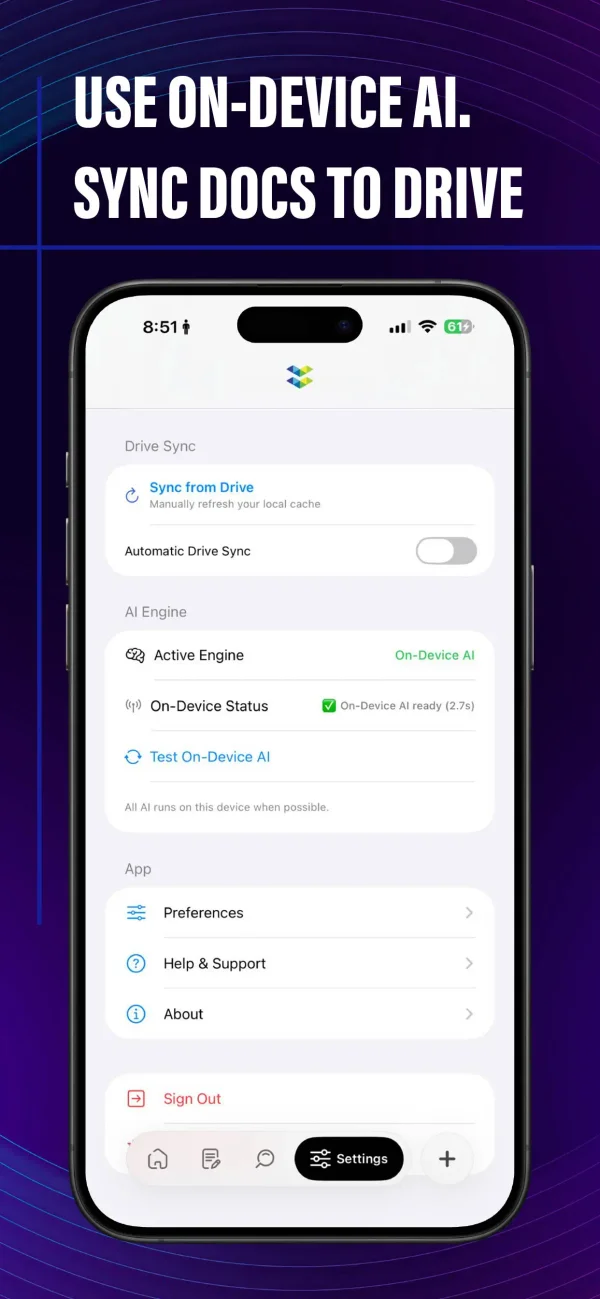
About
Your documents deserve better than a messy camera roll or an overpriced subscription scanner. IntelliDrive AI turns your iPhone into a smart filing cabinet that uses your own Google Drive as storage — so your files stay yours, always.
SCAN ANYTHING, ORGANIZE NOTHING
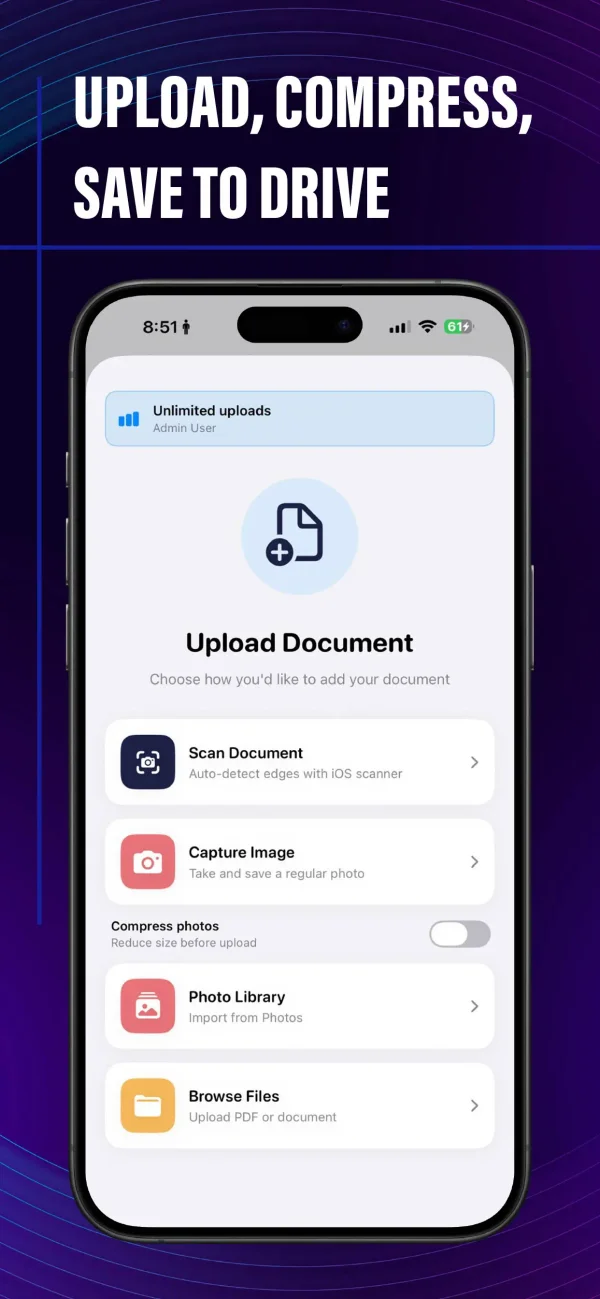
Point your camera at a receipt, contract, medical report, or ID card. IntelliDrive reads it with OCR, figures out what it is using on-device AI, and files it into the right folder in your Google Drive — automatically. No manual tagging, no dragging files around, no thinking required.
Supports PDFs, Word, Excel, PowerPoint, images, text files, CSV, and more.
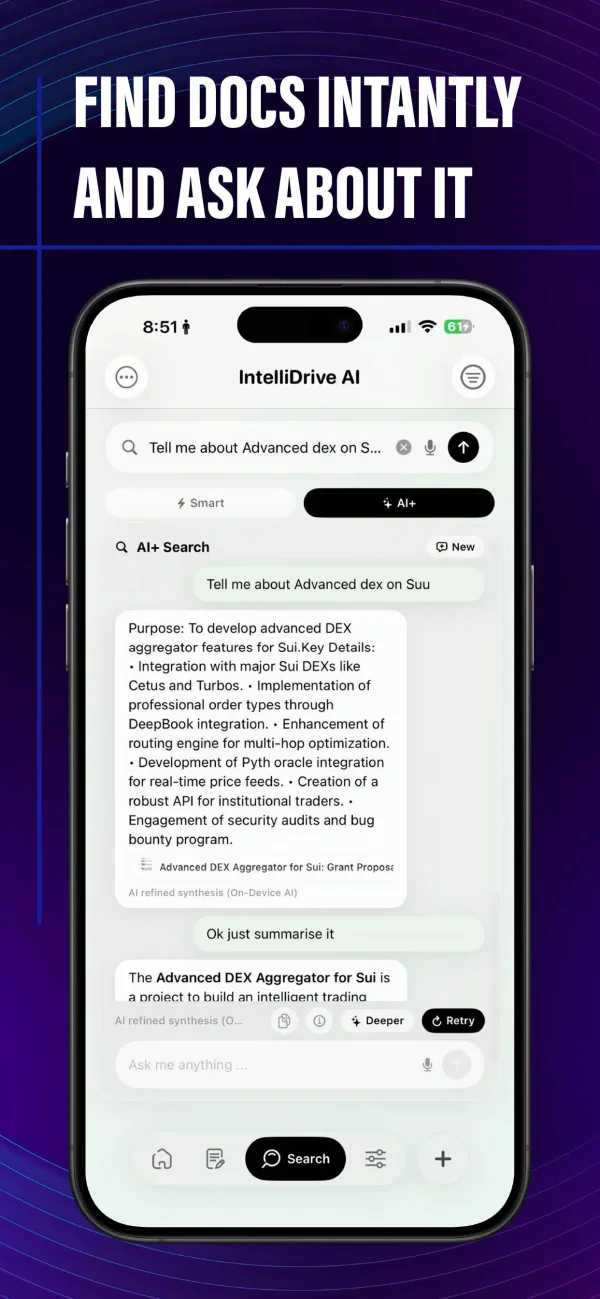
FIND IT BEFORE YOU FINISH TYPING
Three levels of search, two of which work completely offline:
- Instant keyword matching across all your documents
- Semantic search that understands meaning, not just words — powered by on-device ML, no internet needed
- AI-powered deep search with Claude for complex questions like "find my tax docs from last quarter with amounts over $500"
Results in milliseconds. Not seconds. Milliseconds.
YOUR GOOGLE DRIVE. YOUR DATA. PERIOD.
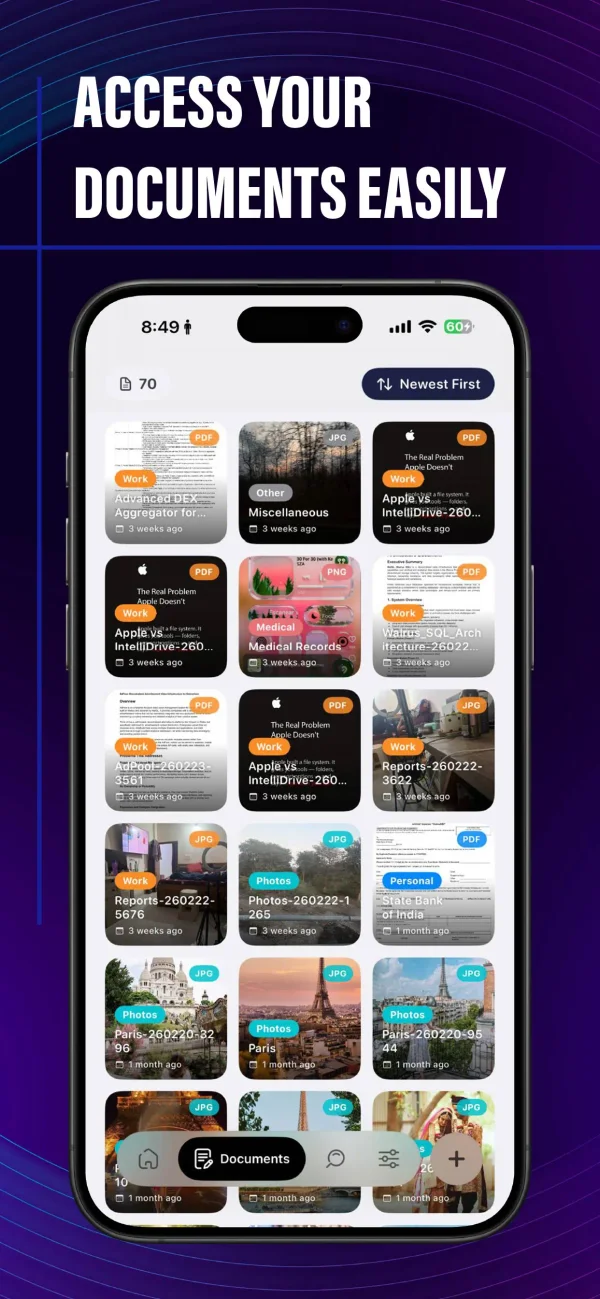
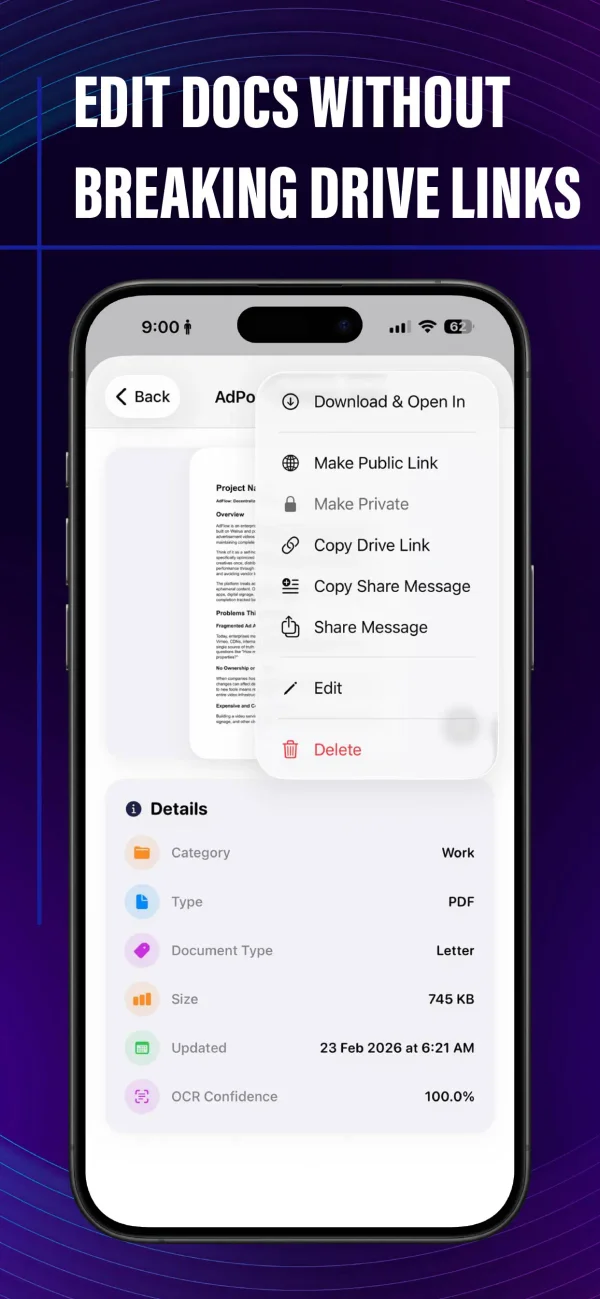
No proprietary cloud. No new account. No wondering where your sensitive documents live. IntelliDrive creates an organized folder structure right inside your existing Google Drive. Switch phones, reinstall the app, sign in — everything is right where you left it.
WORKS OFFLINE, ACTUALLY
Not "offline mode with limited features." Real offline. Search your entire document library without a single bar of signal. Upload when you're back online — documents queue automatically and sync when connected.
DEEPLY BUILT FOR iOS
- Live Activity on your Lock Screen tracks upload progress in real time
- Dynamic Island shows sync status at a glance
- Siri Shortcuts: "Scan with IntelliDrive" or "Search my documents"
- Spotlight integration: find documents from your home screen
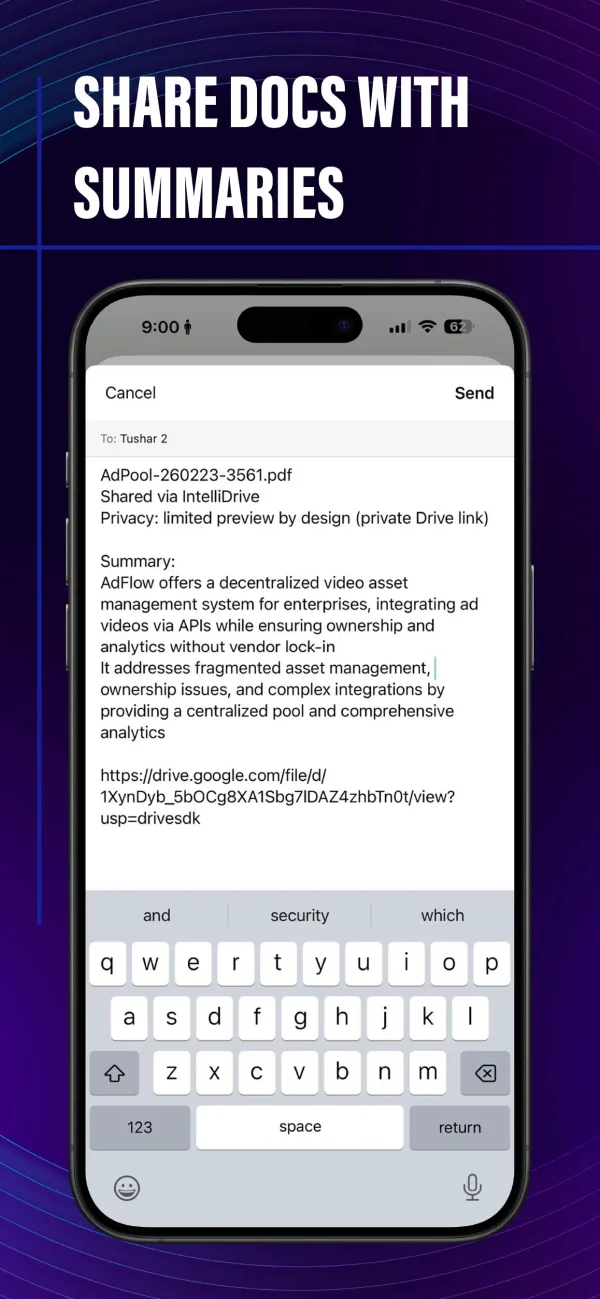
- Share Extension: send files from any app directly into IntelliDrive
AI THAT EARNS ITS KEEP
- Auto-categorization into Medical, Financial, Legal, Personal, Work, and Photos
- Smart field extraction: invoice numbers, dates, amounts, vendor names, doctor details — pulled automatically
- Document type detection: receipts, contracts, ID cards, business cards, prescriptions, and more
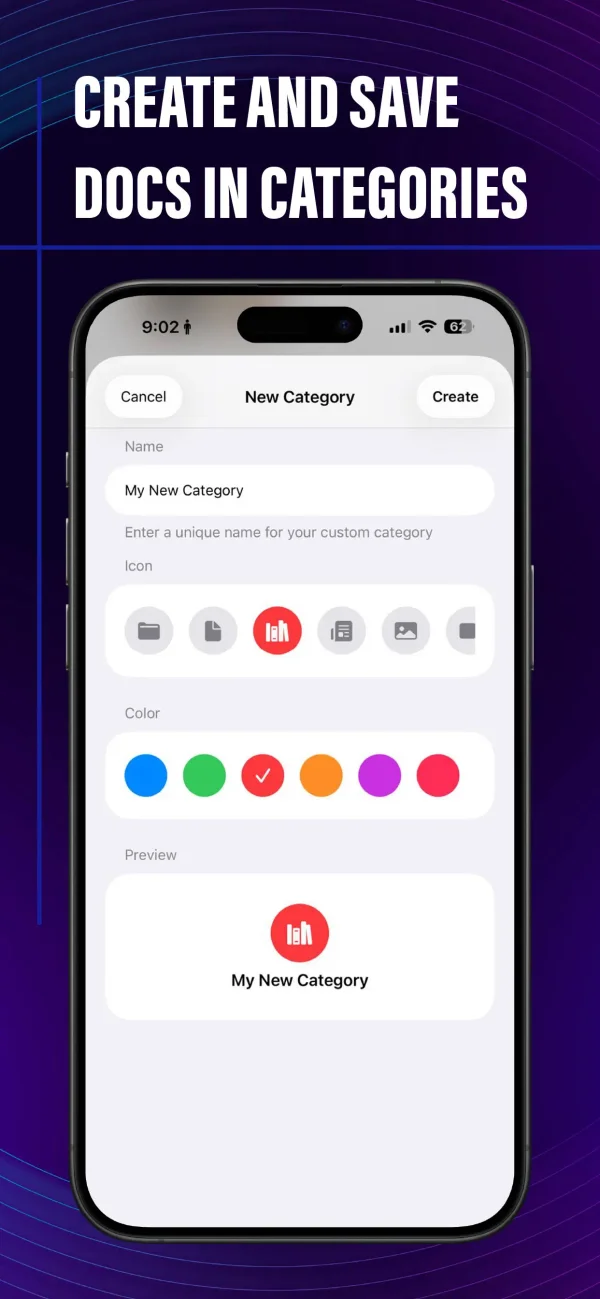
- Custom categories for the way you actually organize things
$1.99 ONE-TIME. NOT $9.99/MONTH.
Essential plan removes all upload limits forever. No recurring charges. No surprise renewals. One purchase, done.
Optional AI Search Pro ($4.99/mo) adds cloud-powered deep search for users who need it — but the core app works beautifully without it.
WHAT PEOPLE USE IT FOR
- Freelancers tracking invoices and contracts
- Parents organizing school forms and medical records
- Small business owners managing receipts for tax season
- Students archiving notes, assignments, and certificates
- Anyone tired of scrolling through 10,000 photos to find one document
PRIVACY BY DESIGN
- On-device ML processing — your documents never leave your phone for categorization
- Google OAuth with drive.file scope — we can only access files we create
- API keys stored in iOS Keychain, never hardcoded
- Cloud AI search is optional and transparent about what data is sent
PRIVACY & SECURITY
• Core document classification and search features run on-device using Apple Core ML and Natural Language frameworks
• Documents are stored in your own Google Drive — not on our servers
• No document content is sent to third-party AI services for Free and Essential users
• AI Search Pro (when enabled in a future version) may use Anthropic APIs only after explicit user consent and clear in-app disclosure of shared data types
• No tracking of document contents
Privacy Policy: https://applytorque.github.io/intellidrive-ai/privacy-policy.html
Terms of Use (EULA): https://applytorque.github.io/intellidrive-ai/terms-of-service.html
What’s new
Version 2.0.4 · Mar 29, 2026
Stronger category suggestion using On-device Apple foundation Models.
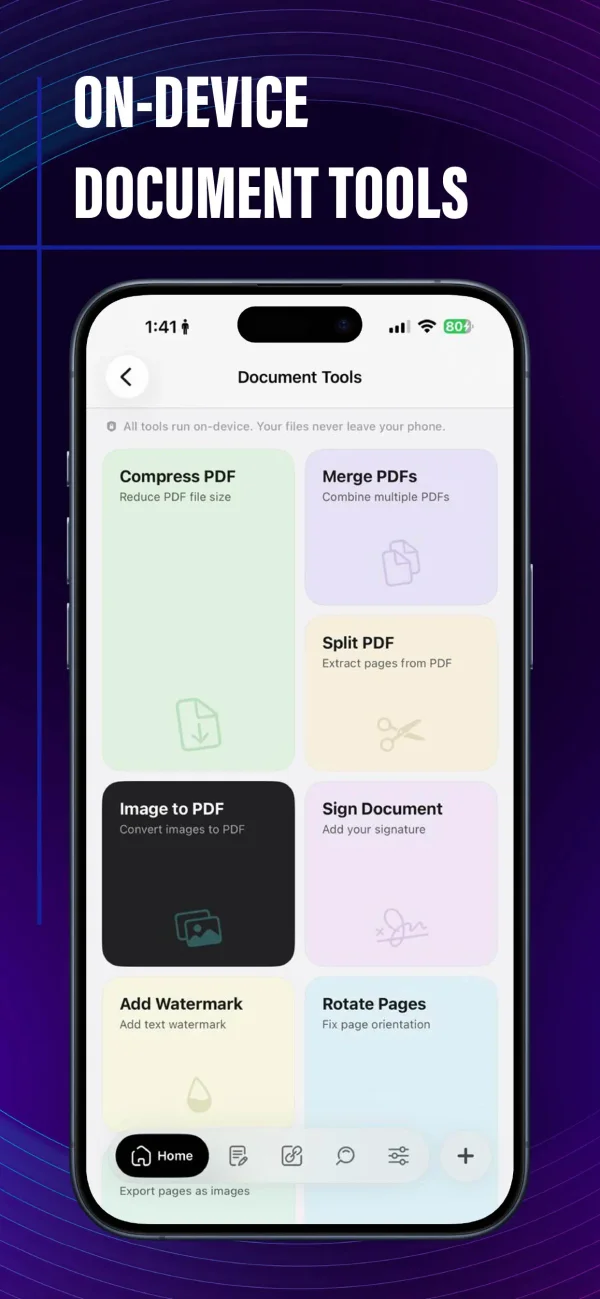
Dedicated On-device Documents Tools Section for document editing such as merge, compress, sign, add watermark etc.
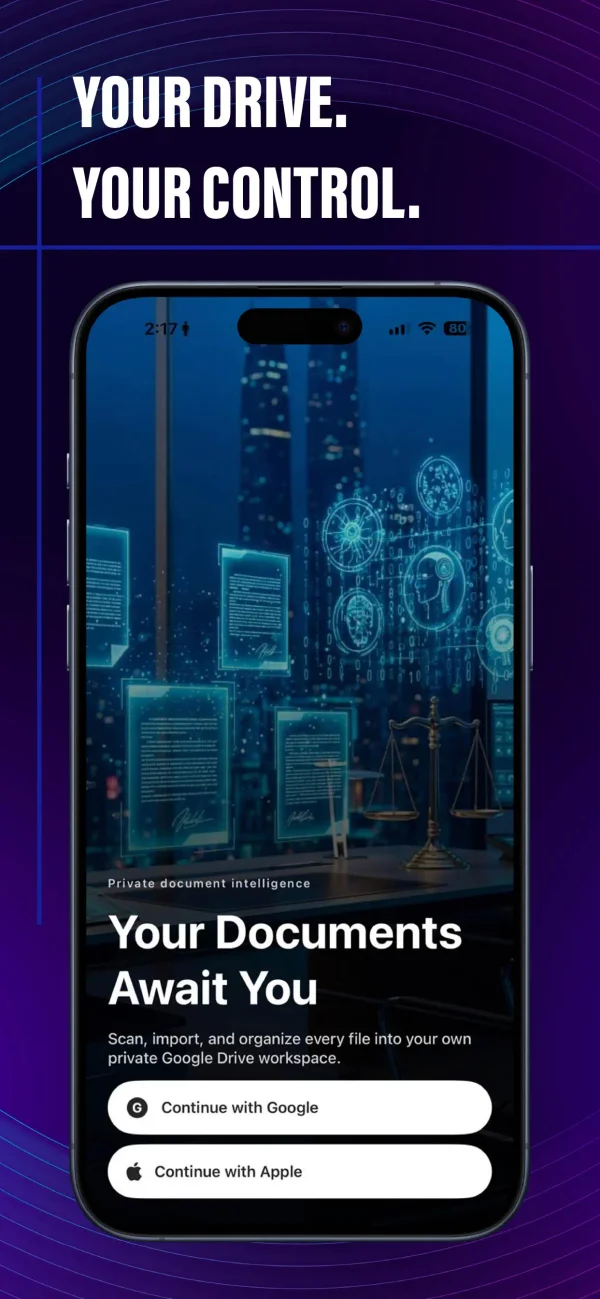
Revamped Onboarding & login screen
Revamped Home Screen using Bento grid styling.
App privacy
What Tushar Sengar declares on the App Store about how this app handles data.
-
Data not collected
The developer does not collect any data from this app.
Privacy practices may vary, for example with the features you use or your age.
Information
- Seller
- Tushar Sengar
- Category
- Productivity
- Version
- 2.0.4
- Updated
- Mar 29, 2026
- Released
- Mar 19, 2026
- Size
- 17.3 MB
- Requires
- iOS 26.2 or later
- Age rating
- 4+
- In-app purchases
- Yes
- Copyright
- © 2026 Vega IoT
You might also like
-
 Simple FAQFAQ Maker & Manager
-
 DocScan AI: PDF ScannerOn-Device OCR & Field Capture
-
 Iris: Work NotesTrack Wins & Work Progress
-
 LumenScan: PDF Scanner OfflineGST Invoice, Aadhaar to PDF
-
 Loata: AI Notes & File SearchInstant Insights with AI
-
 IKA PENProductivity
-
 IKA Lab AssistantProductivity
-
 Note a MessProductivity
-
 PDF Scanner: AI Doc ScanPhoto, Receipt & OCR
-
 VortixAll-in-One AI Assistant