
- Age rating17+
- CategoryProductivity
- DeveloperDacorie Smith
- LanguagesEnglish
- Size9.8 MB
Links to the official App Store page
Download.org hosts no file of Intellimate. The button opens its official App Store page, published by Dacorie Smith. Listing last checked on Nov 15, 2026.
Screenshots
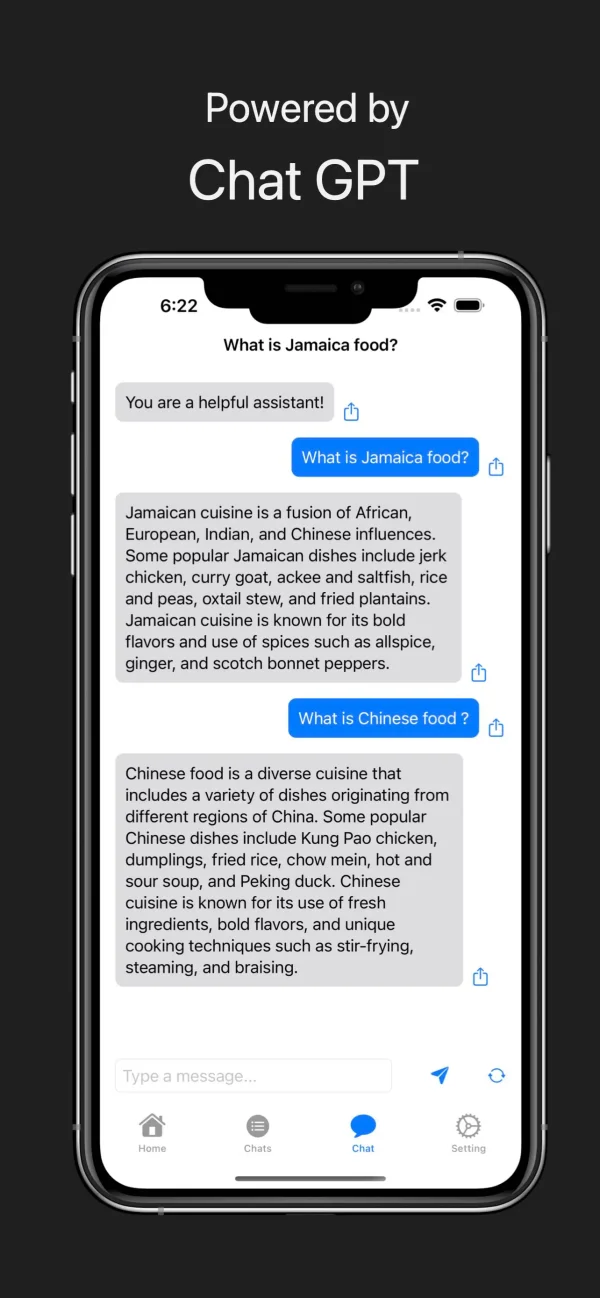
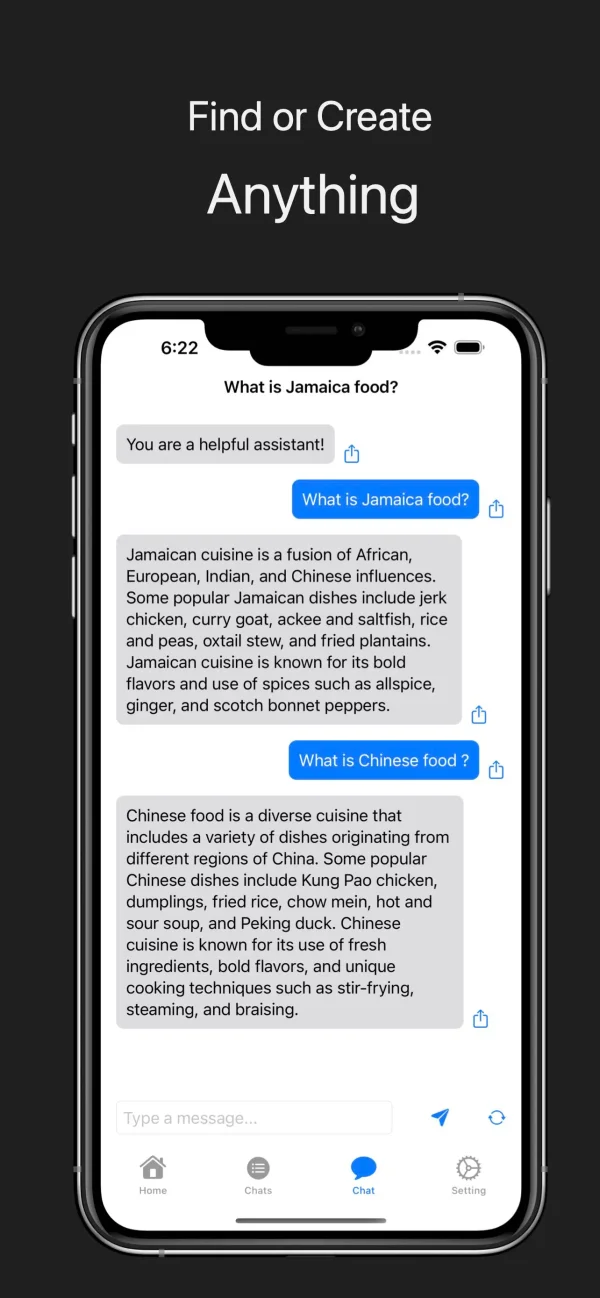
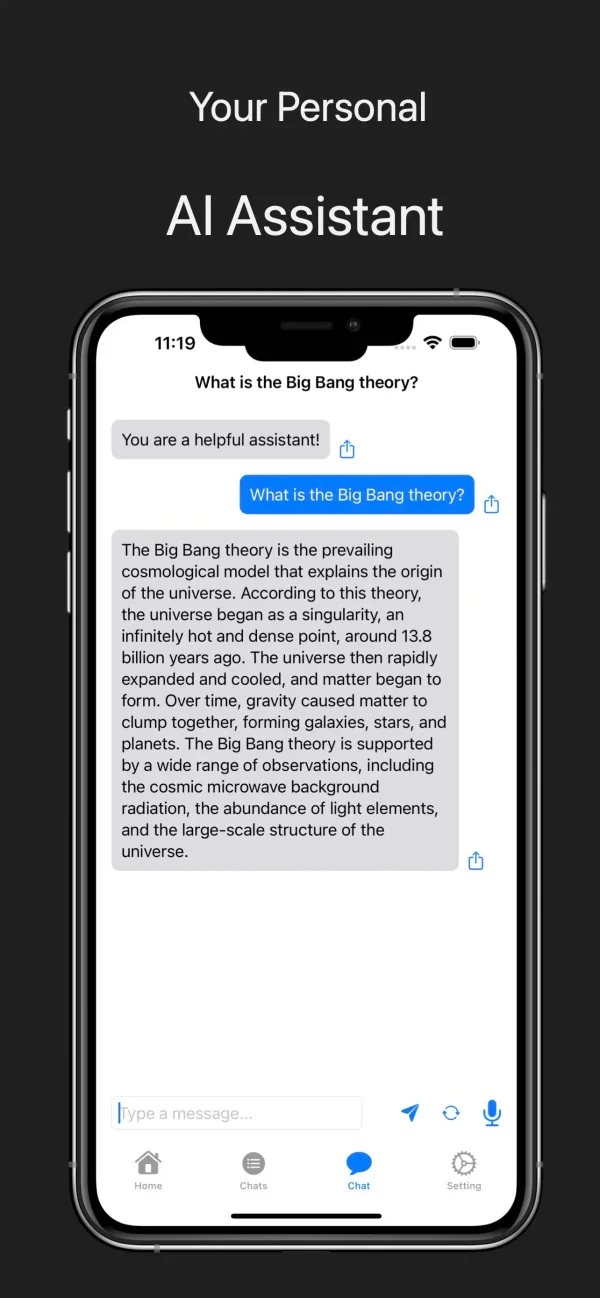
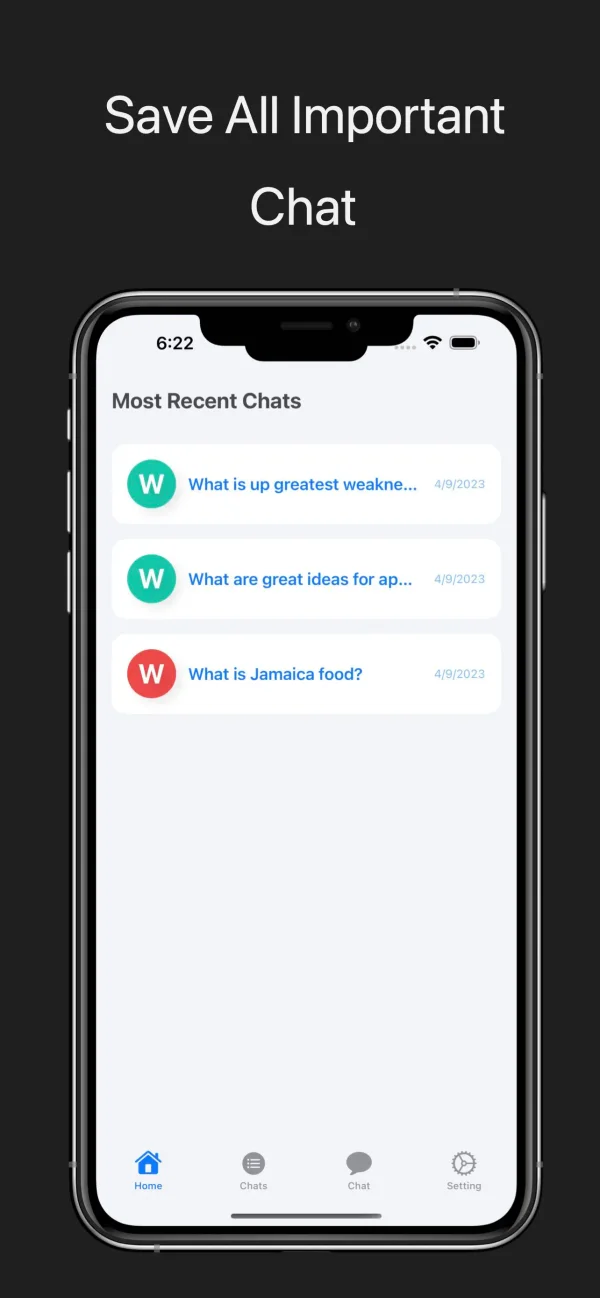

About
INTELLIMATE — Your private, multi-model AI copilot
Intellimate brings powerful AI chat to your iPhone with fast, ad-free search, image understanding, file uploads, and creative tools—wrapped in a clean, SwiftUI experience. Use our free tier or plug in your own provider keys.
Why Intellimate
Multi-provider routing: Uses Google Gemini (text + vision) today, OpenAI via your keys, and a path for Anthropic—so you’re never locked in.
Streaming replies: See answers as they generate with typing indicators and quick “regenerate” or “edit prompt” controls.
Ad-free search: Ask for facts, sources, restaurants, stock prices, and more—no tracking or ads.
Works your way: Over 100 languages, Dark Mode, Voice mode (TTS), and accessibility-friendly UI.
Do more with chat
Content & copy: Tweets, emails, essays, headlines, SEO snippets, ad copy.
Creative writing: Poems, lyrics, ideas, outlines, analogies.
Research help: Summaries, citations, topic overviews.
Code assistant: Snippets, API calls, command generation.
Language tools: Translate or simplify complex text.
Analysis: Sentiment classification and text cleanup.
Files, images, and voice
Image input (Gemini): Ask questions about photos, charts, and screenshots.
Document support: Drop PDFs, CSVs, and code files to summarize or transform.
Text-to-speech & voice: Listen to responses or use continuous voice mode.
Organize your thinking
History browser: Search, rename, pin, archive, and folder your threads.
Smart summaries: Automatic conversation overviews with follow-ups.
Prompt templates: Save and reuse your best prompts.
What’s new
Version 1.1 · Nov 9, 2025
What’s New in This Version (1.1)
Image input (Gemini): Ask about photos, charts, and screenshots.
File uploads: Summarize PDFs, CSVs, and code files.
Faster streaming: Smoother typing indicator and response flow.
History upgrades: Search, rename, pin, archive, and folders.
Voice mode: Text-to-speech playback with simple controls.
Stability: Crash fixes, reduced memory use, and performance tuning.
App privacy
What Dacorie Smith declares on the App Store about how this app handles data.
-
Data not collected
The developer does not collect any data from this app.
Privacy practices may vary, for example with the features you use or your age.
Information
- Seller
- Dacorie Smith
- Category
- Productivity
- Version
- 1.1
- Updated
- Nov 9, 2025
- Released
- Apr 17, 2023
- Size
- 9.8 MB
- Requires
- iOS 17.6 or later
- Age rating
- 17+
- Price
- Free
- In-app purchases
- Yes
- Languages
- English
- Copyright
- © Zentri Analytics 2025
You might also like
-
 ChatBroProductivity
-
 OneFirewall AISecure AI Gateway for Teams
-
 Creator Pipeline: For CreatorsContent Planner & Analytics
-
 Taki AI AssistantThe AI for everyone
-
 SAFEGUARD CONNECTProductivity
-
 Tuna: Chat AI AssistantProductivity
-
 Clipboard WalletCopy and Paste manager
-
 AlibbitAI assitant for life & work
-
 Neutron AIYour All-in-One AI Companion
-
 Smart AI Chat BotSmart AI-powered assistant