
- 対象年齢17+
- カテゴリ仕事効率化
- 開発元Dacorie Smith
- 言語英語
- サイズ9.8 MB
App Storeの公式ページにリンクしています
Download.orgはIntellimateのファイルを一切ホストしていません。ボタンを押すと、Dacorie Smithが公開しているApp Storeのアプリページが開きます。ページの最終確認:2026/11/15。
スクリーンショット
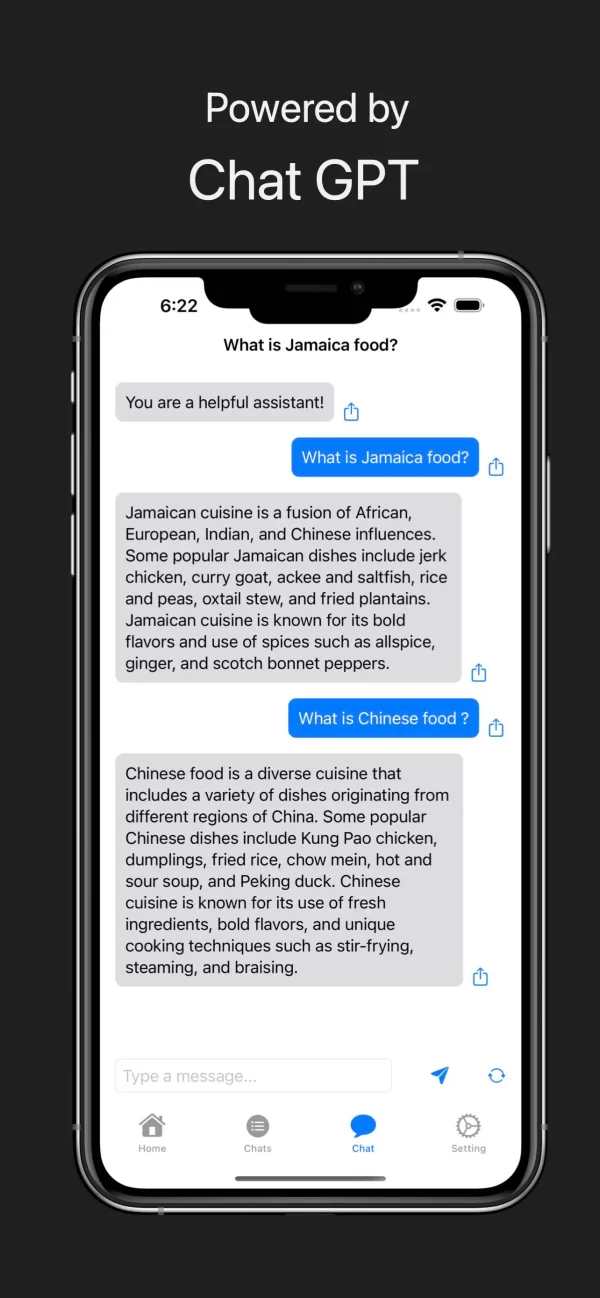
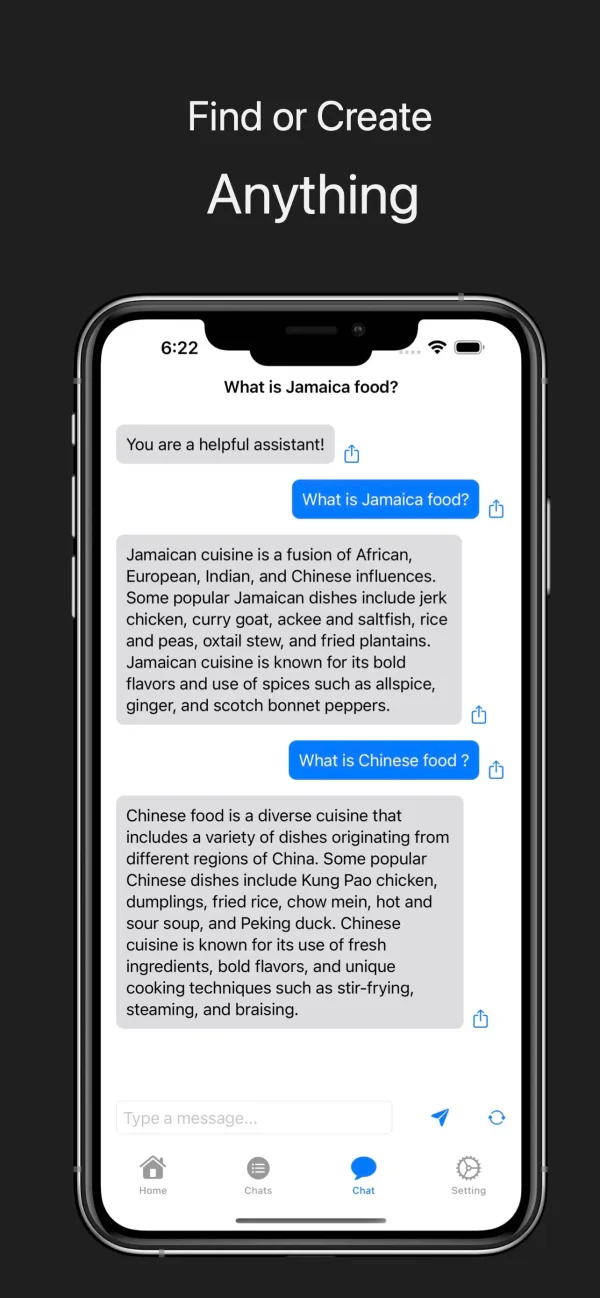
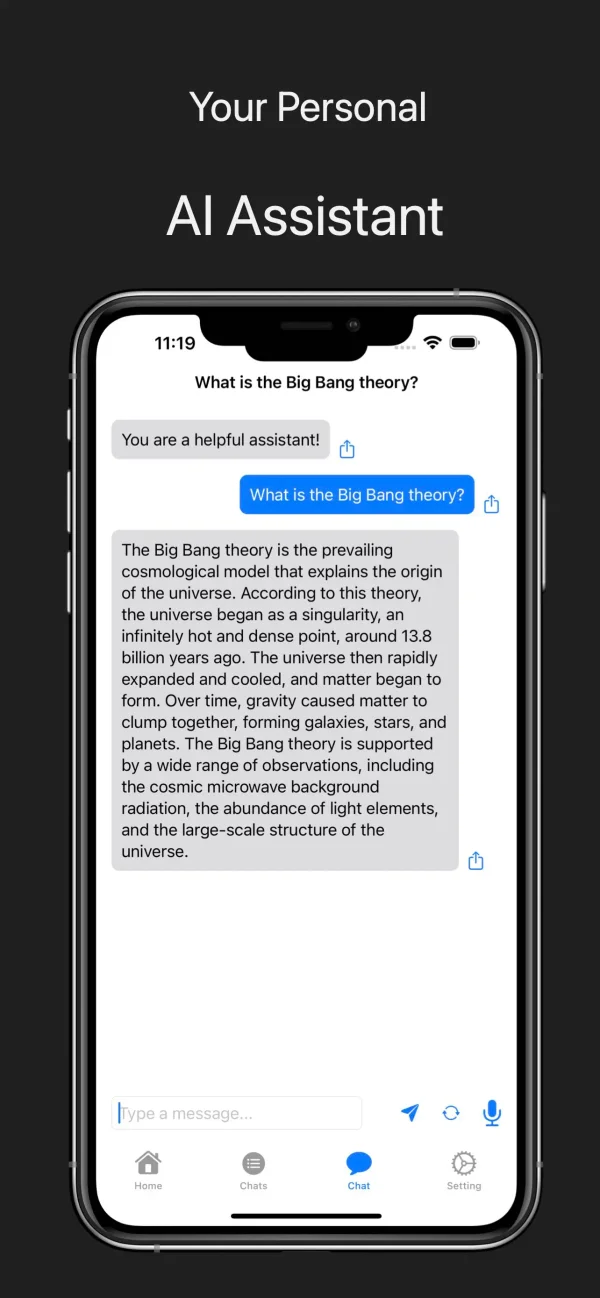
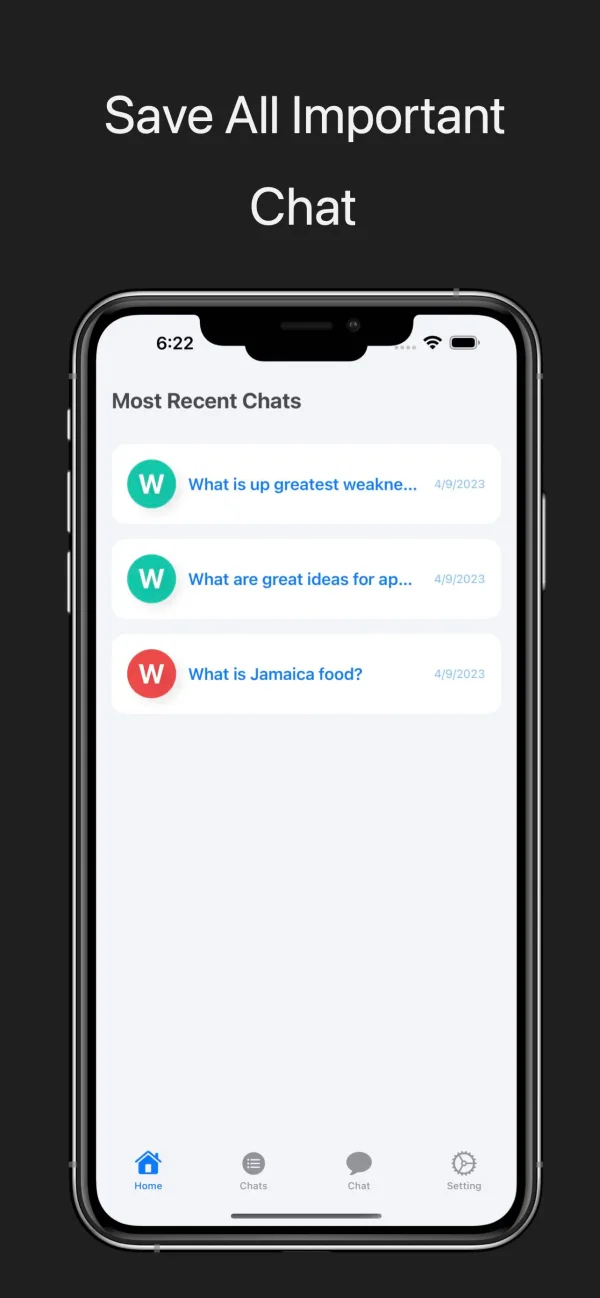

概要
開発元はこのテキストをお使いの言語で提供していません。
INTELLIMATE — Your private, multi-model AI copilot
Intellimate brings powerful AI chat to your iPhone with fast, ad-free search, image understanding, file uploads, and creative tools—wrapped in a clean, SwiftUI experience. Use our free tier or plug in your own provider keys.
Why Intellimate
Multi-provider routing: Uses Google Gemini (text + vision) today, OpenAI via your keys, and a path for Anthropic—so you’re never locked in.
Streaming replies: See answers as they generate with typing indicators and quick “regenerate” or “edit prompt” controls.
Ad-free search: Ask for facts, sources, restaurants, stock prices, and more—no tracking or ads.
Works your way: Over 100 languages, Dark Mode, Voice mode (TTS), and accessibility-friendly UI.
Do more with chat
Content & copy: Tweets, emails, essays, headlines, SEO snippets, ad copy.
Creative writing: Poems, lyrics, ideas, outlines, analogies.
Research help: Summaries, citations, topic overviews.
Code assistant: Snippets, API calls, command generation.
Language tools: Translate or simplify complex text.
Analysis: Sentiment classification and text cleanup.
Files, images, and voice
Image input (Gemini): Ask questions about photos, charts, and screenshots.
Document support: Drop PDFs, CSVs, and code files to summarize or transform.
Text-to-speech & voice: Listen to responses or use continuous voice mode.
Organize your thinking
History browser: Search, rename, pin, archive, and folder your threads.
Smart summaries: Automatic conversation overviews with follow-ups.
Prompt templates: Save and reuse your best prompts.
新機能
バージョン 1.1 · 2025/11/9
What’s New in This Version (1.1)
Image input (Gemini): Ask about photos, charts, and screenshots.
File uploads: Summarize PDFs, CSVs, and code files.
Faster streaming: Smoother typing indicator and response flow.
History upgrades: Search, rename, pin, archive, and folders.
Voice mode: Text-to-speech playback with simple controls.
Stability: Crash fixes, reduced memory use, and performance tuning.
アプリのプライバシー
このアプリのデータの取り扱いについて、Dacorie SmithがApp Storeで申告している内容です。
-
データの収集なし
開発元はこのアプリからデータを収集しません。
プライバシーの取り扱いは、ご利用の機能やお客様の年齢などに応じて異なる場合があります。
情報
- 販売元
- Dacorie Smith
- カテゴリ
- 仕事効率化
- バージョン
- 1.1
- 更新日
- 2025/11/9
- リリース
- 2023/4/17
- サイズ
- 9.8 MB
- 必要条件
- iOS 17.6以降
- 対象年齢
- 17+
- 価格
- 無料
- アプリ内課金
- あり
- 言語
- 英語
- 著作権
- © Zentri Analytics 2025