
- 対象年齢4+
- カテゴリミュージック
- 開発元262Hz
- 言語英語ほか1言語
- サイズ294.6 MB
App Storeの公式ページにリンクしています
Download.orgはInterval Ear Trainingのファイルを一切ホストしていません。ボタンを押すと、262Hzが公開しているApp Storeのアプリページが開きます。ページの最終確認:2026/11/12。
スクリーンショット

概要
開発元はこのテキストをお使いの言語で提供していません。
***** Highly addictive piano game. *****
A fun way to develop a better musical ear!
Great for experienced musicians and beginners.
Music students love this app.
----
Interval Ear Training can help improve:
• Interval recognition
• Sense of pitch
• Transcription skills
• Improvising skills
• Self esteem
---
How to Play:
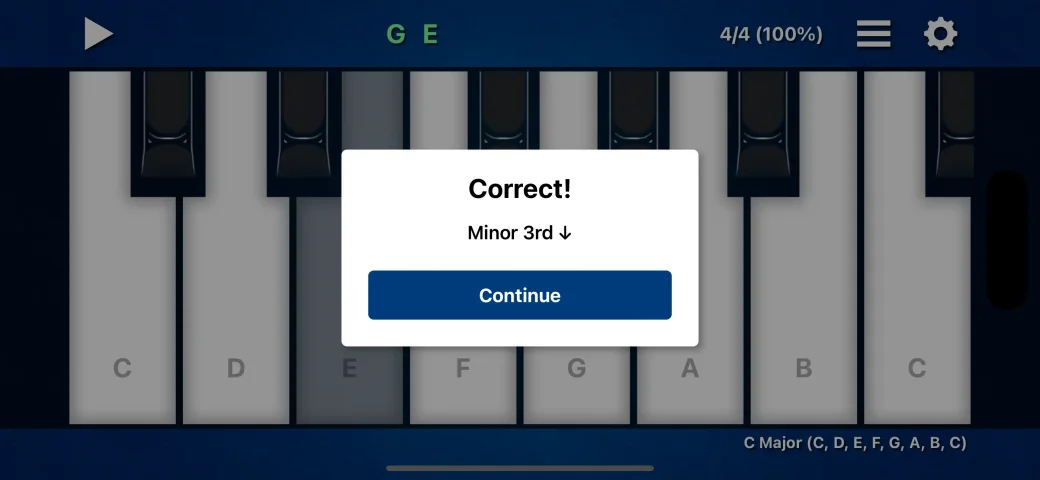
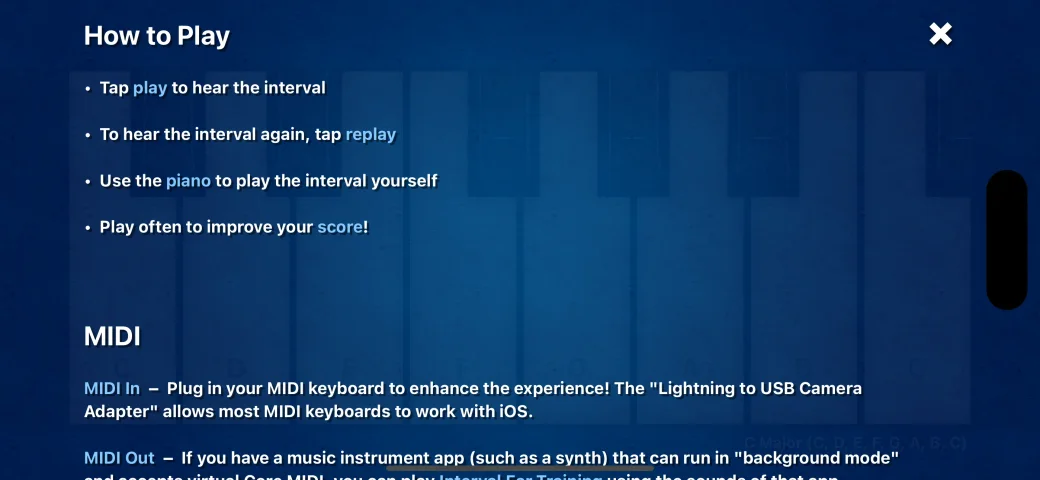
• Tap "play" to hear the interval
• To hear the interval again, tap "replay"
• Use the piano to play the interval yourself
• Play often to improve your score!
---
MIDI In – Plug in your MIDI keyboard to enhance the experience! (Core MIDI compatible)
MIDI Out – If you have a music instrument app (such as a synth) that can run in "background mode" and accepts virtual Core MIDI, you can play Interval Ear Training using the sounds of that app.
---
Tips for the Beginners:
Use the + and - keyboard range control to set the keyboard to a small range such as "C, D" or "C, D, E".
Keep practicing, and as you progress you'll want to make the range larger.
---
Tips for the Pros:
Set "Feedback" to "Never" and turn on "Autoplay" to play continuously without ever missing a beat. Crank up the tempo to see how fast you can go!
For more advanced ear training features, you'll want to Unlock Pro Settings.
---
Interval Settings:
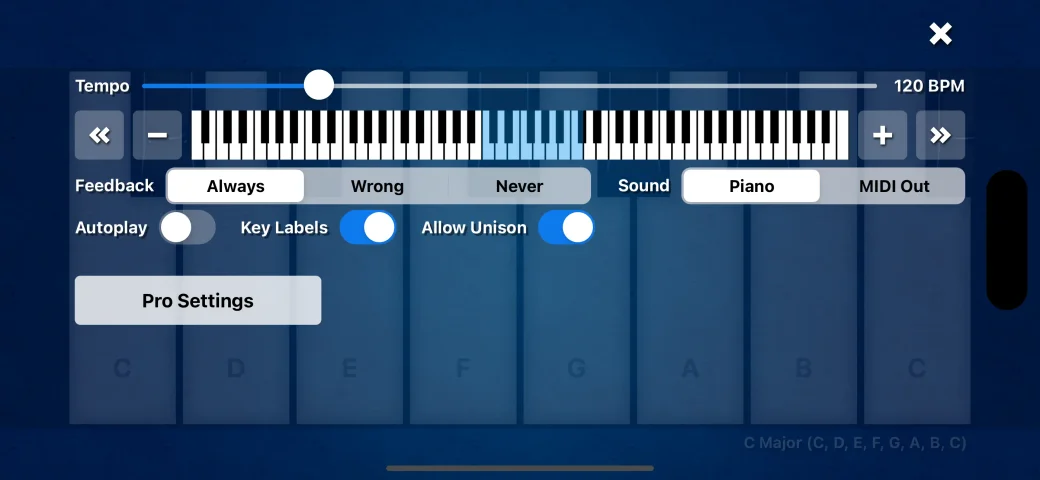
Tempo – 60 to 320 BPM
Keyboard Range – Starting at 2 notes in a major scale (ex. “C, D”) and up to 12 notes in a major scale (ex. “C, D, E, F, G, A, B, C, D, E, F, G”) with the ability to change octaves.
Feedback – Set to "Never" to stop all messages. Set to "Wrong" if you only want messages for incorrect intervals.
Sound – Set to "Piano" to hear the built-in piano sound. Set to "MIDI Out" to hear the sound of a music instrument app (such as a synth) that can run in "background mode" and accepts virtual Core MIDI.
Autoplay – Turn on to always play the next interval immediately. Turn off if you want to play the keyboard freely between intervals.
Key Labels – Turn off to remove note names on white keys.
Allow Unison – Turn off if you don't want the same note to be played twice in a row.
---
Pro Settings (requires in-app purchase):
Scale – 13 major scales
Difficulty - Diatonic, Random Tonic, Chromatic
Length – 2 to 6 notes
---
About the Difficulty Setting:
"Diatonic" uses notes from a major scale. This setting is recommended.
"Random Tonic" uses notes from a random major scale each time.
"Chromatic" mode is the "extreme mode" where any combination of notes is possible. As a result, strange intervals like the Augmented 2nd (ex. F to G#) are possible.
---
About the Score:
Interval Ear Training is all about self progression. Tap the score to reset at any time. The game goes on forever and the music never ends!
---
Can you guess the next note? Download the app to find out!
新機能
バージョン 4.2.2 · 2024/7/19
Minor updates
アプリのプライバシー
このアプリのデータの取り扱いについて、262HzがApp Storeで申告している内容です。
-
ユーザーに関連付けられないデータ
収集される場合がありますが、ユーザーの識別情報には関連付けられません。
- 使用状況データ
- 診断
プライバシーの取り扱いは、ご利用の機能やお客様の年齢などに応じて異なる場合があります。
情報
- 販売元
- 262Hz LLC
- カテゴリ
- ミュージック
- バージョン
- 4.2.2
- 更新日
- 2024/7/19
- リリース
- 2010/3/13
- サイズ
- 294.6 MB
- 必要条件
- iOS 12.0以降
- 対象年齢
- 4+
- 価格
- 無料
- アプリ内課金
- あり
- 言語
- 英語, ロシア語
- 著作権
- © 2010 262Hz LLC
こちらもおすすめ
-
 ピアノの耳のトレーニングインタラクティブな聴覚トレーニング
-
 Active Ear - Ear Trainerミュージック
-
 EarForge: Learn Ear Trainingミュージック
-
 Auricula: インターバル・イヤートレーナー聴覚を鍛える
-
 OpenEar - Ear trainingミュージック
-
 Better Ears Beginnerミュージック
-
 和音: 間隔とスケール音符、ソルフェジオを学ぶ。 音楽
-
 Complete Ear Trainerミュージック
-
 Tone Match: Music Ear Trainingミュージック
-
 Berklee Online Ear Trainerミュージック