Interval Pro: Timelapse Camera
Hyperlapse, manual control, 4K
Designed for iPhone
Free · In-app purchases
- Age rating4+
- CategoryPhoto & Video
- DeveloperTeddy Verneuil
- LanguagesEnglish+ 3 more
- Size5.6 MB
Links to the official App Store page
Download.org hosts no file of Interval Pro: Timelapse Camera. The button opens its official App Store page, published by Teddy Verneuil. Listing last checked on Nov 15, 2026.
Screenshots


About
The iPhone's timelapse mode controls nothing. DSLR workflows control everything, but weigh a ton. Interval puts full control in a simple app.
LOCKABLE MANUAL CONTROLS
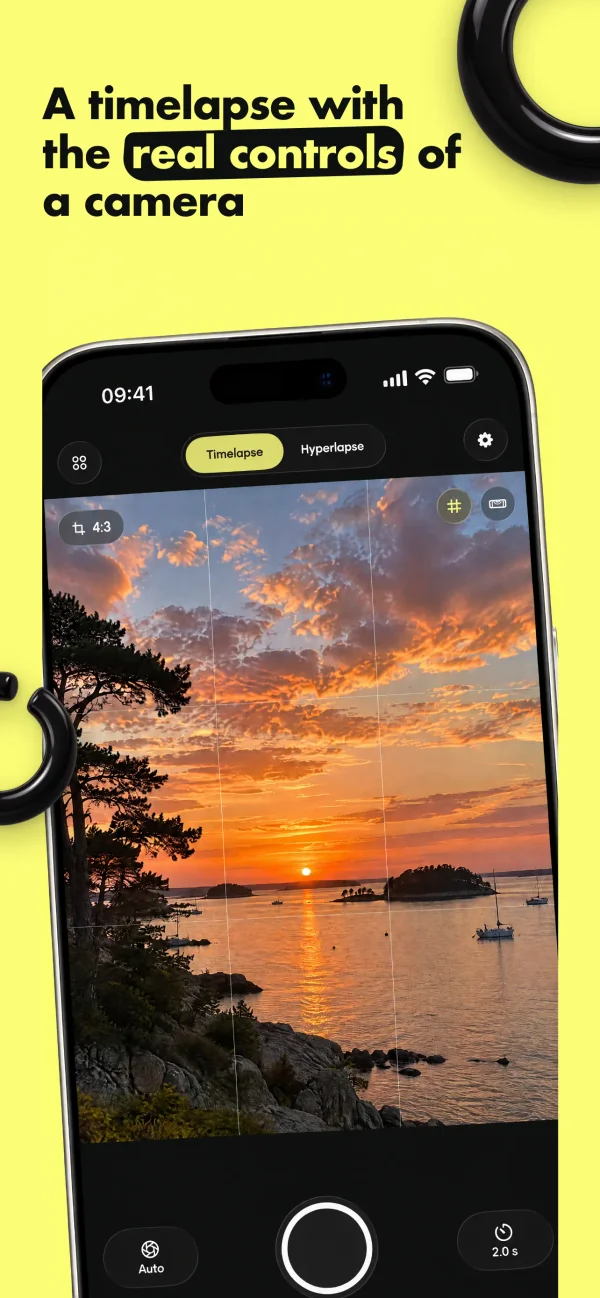
ISO, shutter speed, white balance and focus: leave each setting on auto, dial it in by hand, or lock it on the current reading. That lock is what removes flicker, the flaw that gives away amateur timelapses.
THE INTERVAL CALCULATOR
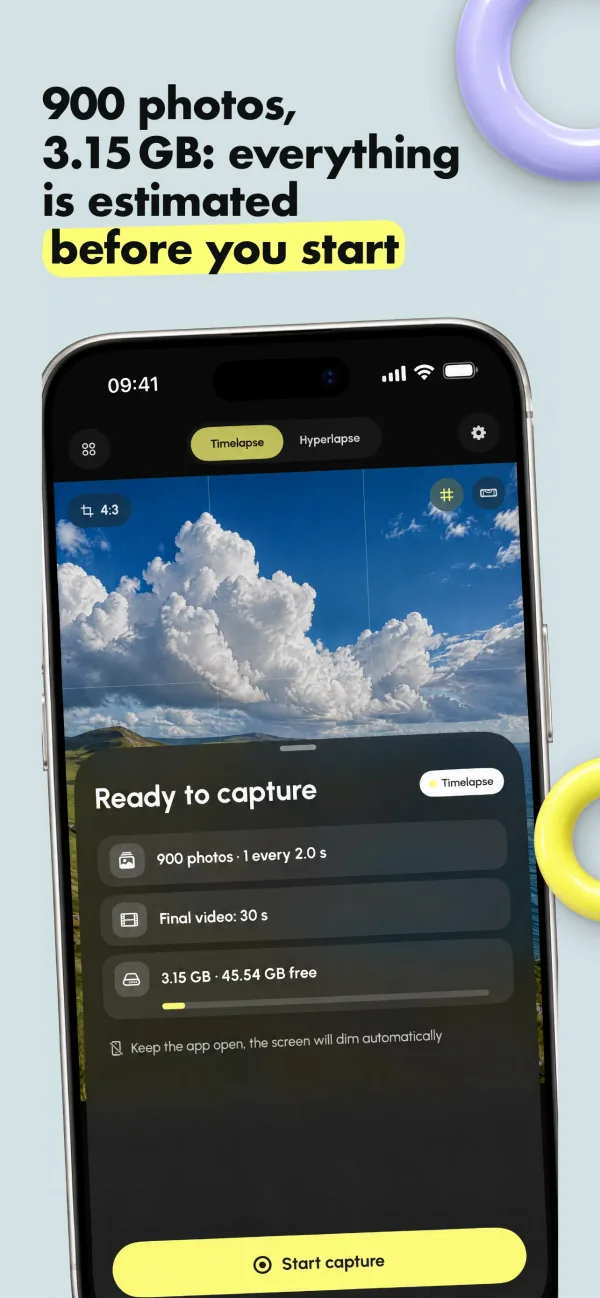
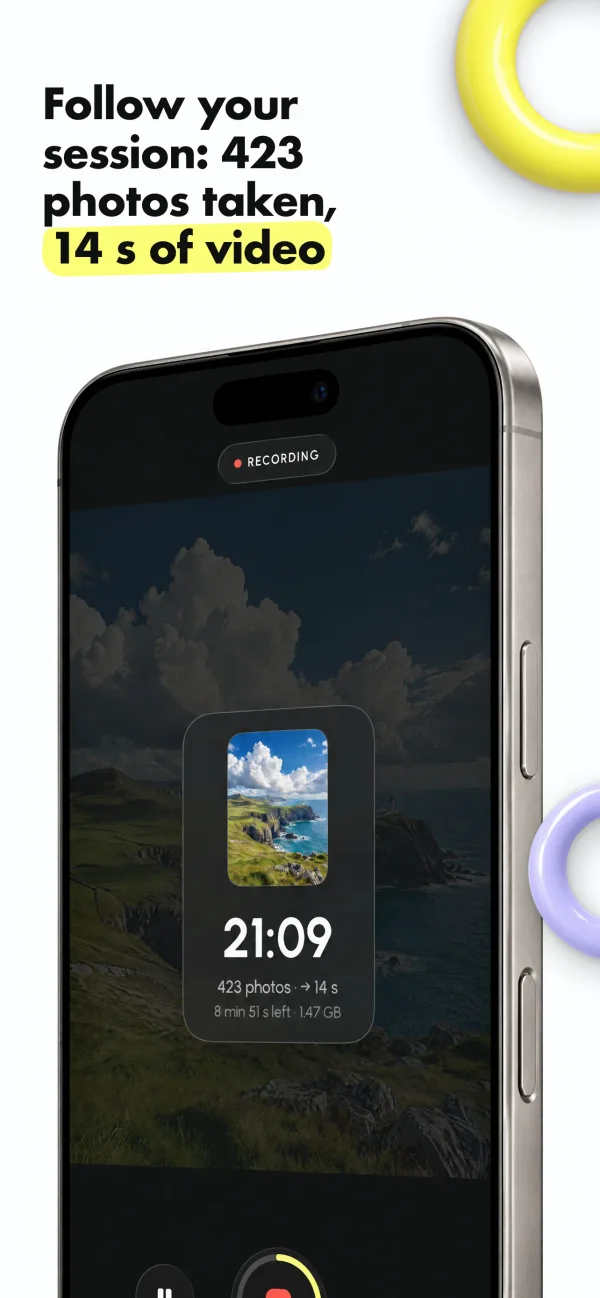
Give it the length of your event, the video length you want and the frame rate: Interval computes the interval and tells you the photo count, the storage and the battery you need before you even start. No more session ruined by poor planning.
STABILIZED HYPERLAPSE
Set a target point on your subject, walk, realign the ghost frame of the previous photo, shoot. At export, the analysis aligns every photo and smooths the path. Fluid results, no rig, no tripod.
BUILT FOR LONG SESSIONS
The screen genuinely lowers its brightness while capturing to save battery. The app pauses by itself if the iPhone gets too hot, then resumes. An incoming call no longer ruins anything: the session picks up exactly where it stopped, locked settings included.
PRECISE FRAMING
Native 4:3, 16:9, 3:2 or square, with a guide showing exactly what the video will contain. Rule of thirds mapped to your chosen frame, and a horizon line to set the phone up straight.
YOUR PHOTOS STAY YOURS
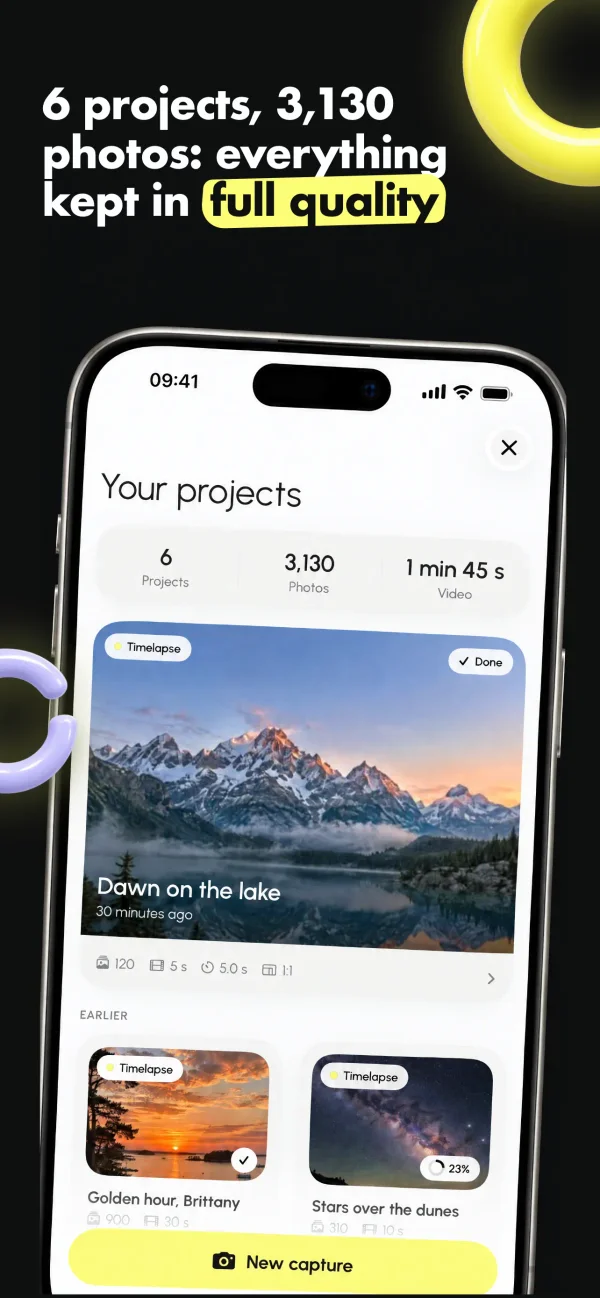
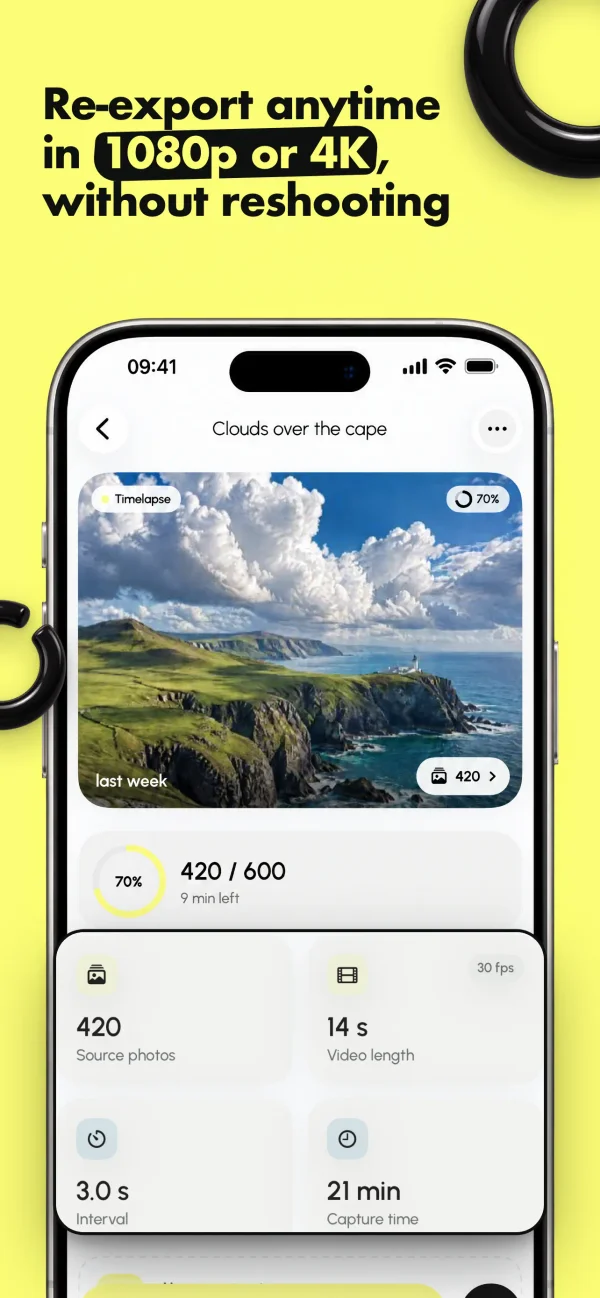
Every session keeps its full-quality HEIC photos. Re-export in 1080p or 4K, at 24, 25, 30 or 60 frames per second, as many times as you like. Nothing is thrown away.
NO DATA COLLECTED
No account, no server, no trackers. Your photos and videos never leave your iPhone. That is not a marketing promise: the app has nowhere to send anything.
ONE PRICE, EVERYTHING, FOREVER
The app is free with all manual controls, 1080p export and three full-quality exports to try everything. A one-time purchase unlocks 4K, removes the watermark and lifts the export limit. For good. Never a subscription.
Built by a photographer who actually uses it in the field.
What’s new
Version 1.2 · Oct 17, 2026
Export your original photos.
• New: export every photo of a project in one tap, as full-resolution HEIC files, exactly as the camera captured them. Nothing is recompressed.
• Save them to Photos with their capture date, or share them to Files, AirDrop or your Mac.
• Share a single photo straight from the viewer.
• Your projects now also show up in the Files app (On My iPhone › Interval).
Free for everyone: they're your photos.
App privacy
What Teddy Verneuil declares on the App Store about how this app handles data.
-
Data not collected
The developer does not collect any data from this app.
Privacy practices may vary, for example with the features you use or your age.
Information
- Seller
- Teddy Verneuil
- Category
- Photo & Video
- Version
- 1.2
- Updated
- Oct 17, 2026
- Released
- Aug 19, 2026
- Size
- 5.6 MB
- Requires
- iOS 17.0 or later
- Age rating
- 4+
- Price
- Free
- In-app purchases
- Yes
- Languages
- English, French, German, Spanish
- Copyright
- © 2026 Teddy Verneuil
You might also like
-
 PrimeLapse - 4K TimelapseIntervalometer & RAW Camera
-
 TimerShot - Interval CameraAuto Photos & Self Timer
-
 Timelapse maker: Speed ChangerVideo Speed Editor & Lapse it
-
 Interval - Stop Motion CameraClaymation, Time Lapse & GIF
-
 ラプス帳 - タイムラプス・定点観測カメラPhoto & Video
-
 Intervalo – Interval CameraTime-lapse intervalometer
-
 StarlapseLong-exposure night sky camera
-
 Saku-Cam – Quick CameraFast Launch. Easy Shooting.
-
 Photo Timer Camera: PoseSelf Photographer Photo Booth
-
 DragSelfie: Self Timer CameraHands-free timer camera