- 対象年齢4+
- カテゴリ写真/ビデオ
- 開発元Teddy Verneuil
- 言語英語ほか3言語
- サイズ5.6 MB
App Storeの公式ページにリンクしています
Download.orgはInterval Pro: Timelapse Cameraのファイルを一切ホストしていません。ボタンを押すと、Teddy Verneuilが公開しているApp Storeのアプリページが開きます。ページの最終確認:2026/11/15。
スクリーンショット


概要
開発元はこのテキストをお使いの言語で提供していません。
The iPhone's timelapse mode controls nothing. DSLR workflows control everything, but weigh a ton. Interval puts full control in a simple app.
LOCKABLE MANUAL CONTROLS
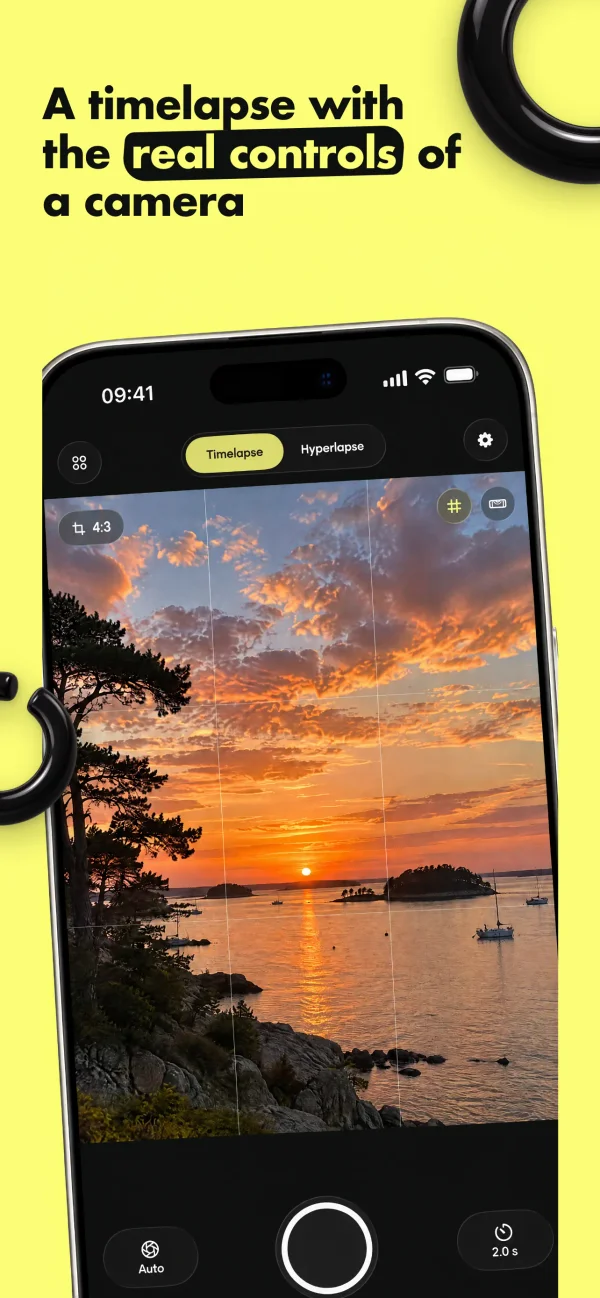
ISO, shutter speed, white balance and focus: leave each setting on auto, dial it in by hand, or lock it on the current reading. That lock is what removes flicker, the flaw that gives away amateur timelapses.
THE INTERVAL CALCULATOR
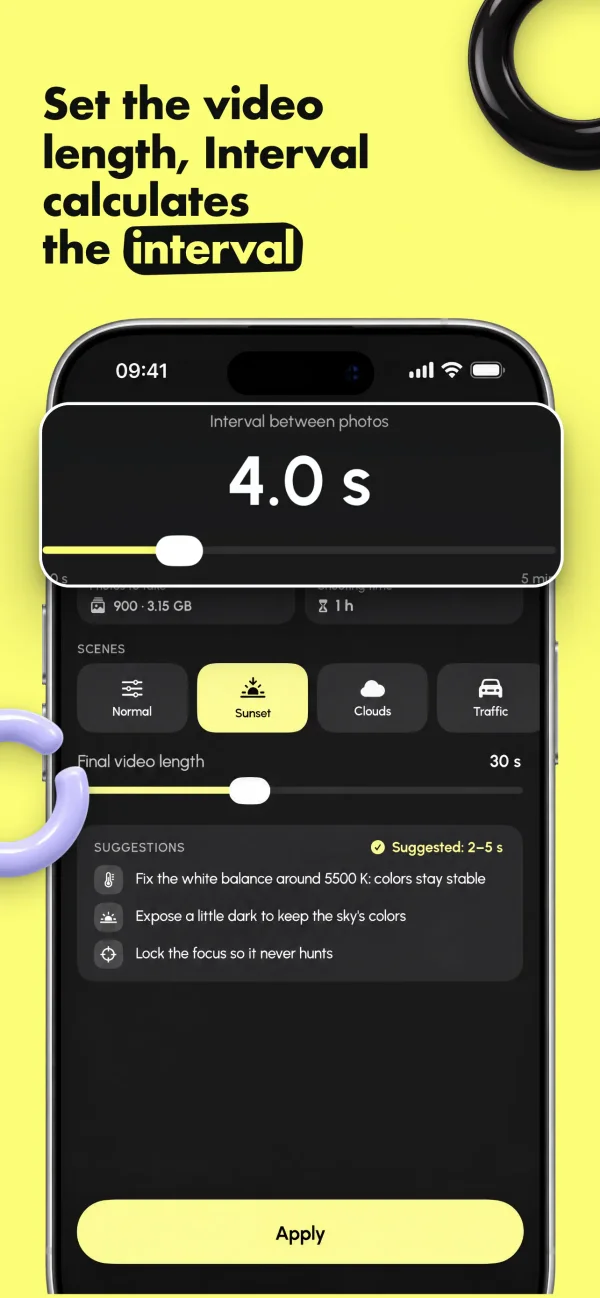
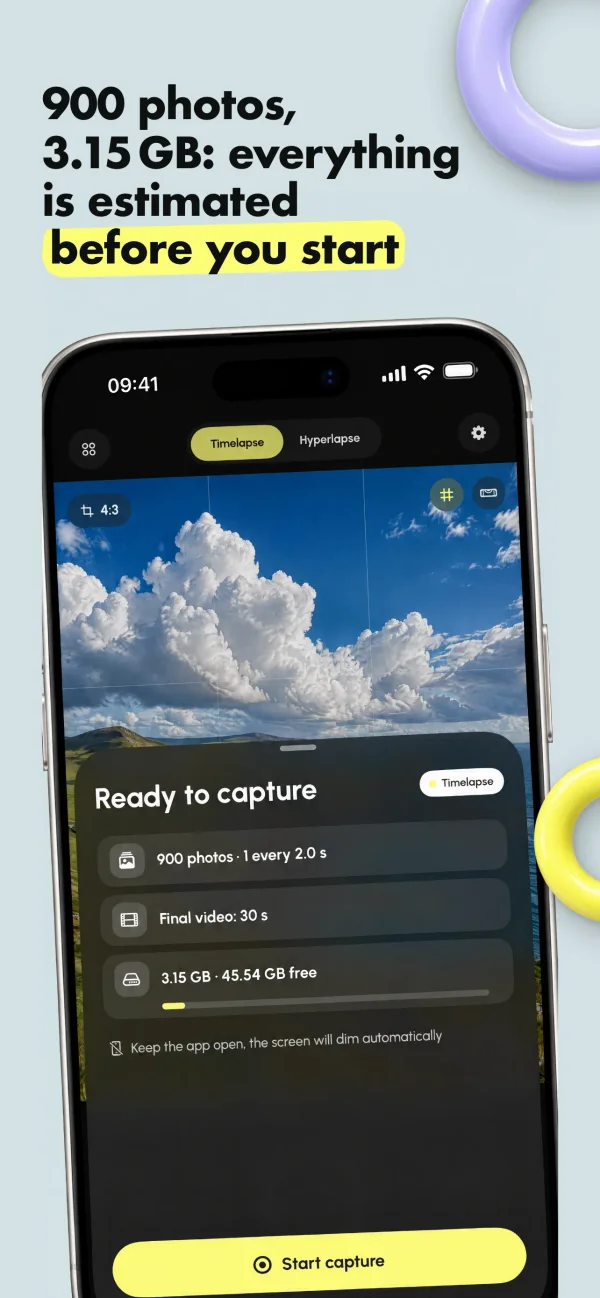
Give it the length of your event, the video length you want and the frame rate: Interval computes the interval and tells you the photo count, the storage and the battery you need before you even start. No more session ruined by poor planning.
STABILIZED HYPERLAPSE
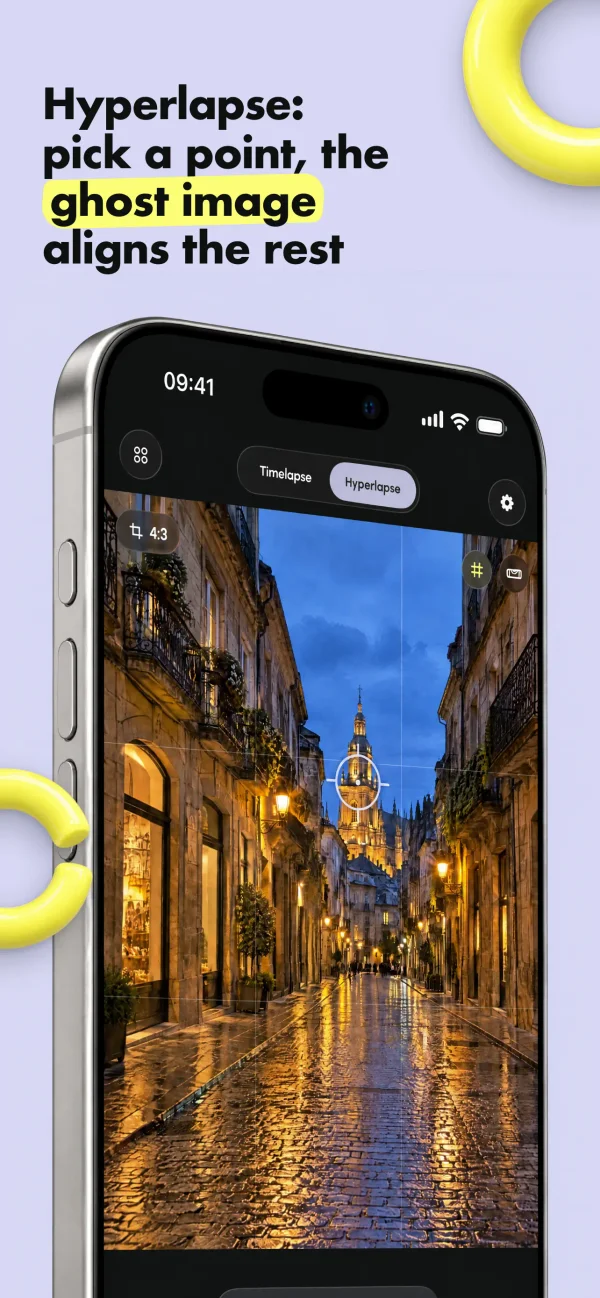
Set a target point on your subject, walk, realign the ghost frame of the previous photo, shoot. At export, the analysis aligns every photo and smooths the path. Fluid results, no rig, no tripod.
BUILT FOR LONG SESSIONS
The screen genuinely lowers its brightness while capturing to save battery. The app pauses by itself if the iPhone gets too hot, then resumes. An incoming call no longer ruins anything: the session picks up exactly where it stopped, locked settings included.
PRECISE FRAMING
Native 4:3, 16:9, 3:2 or square, with a guide showing exactly what the video will contain. Rule of thirds mapped to your chosen frame, and a horizon line to set the phone up straight.
YOUR PHOTOS STAY YOURS
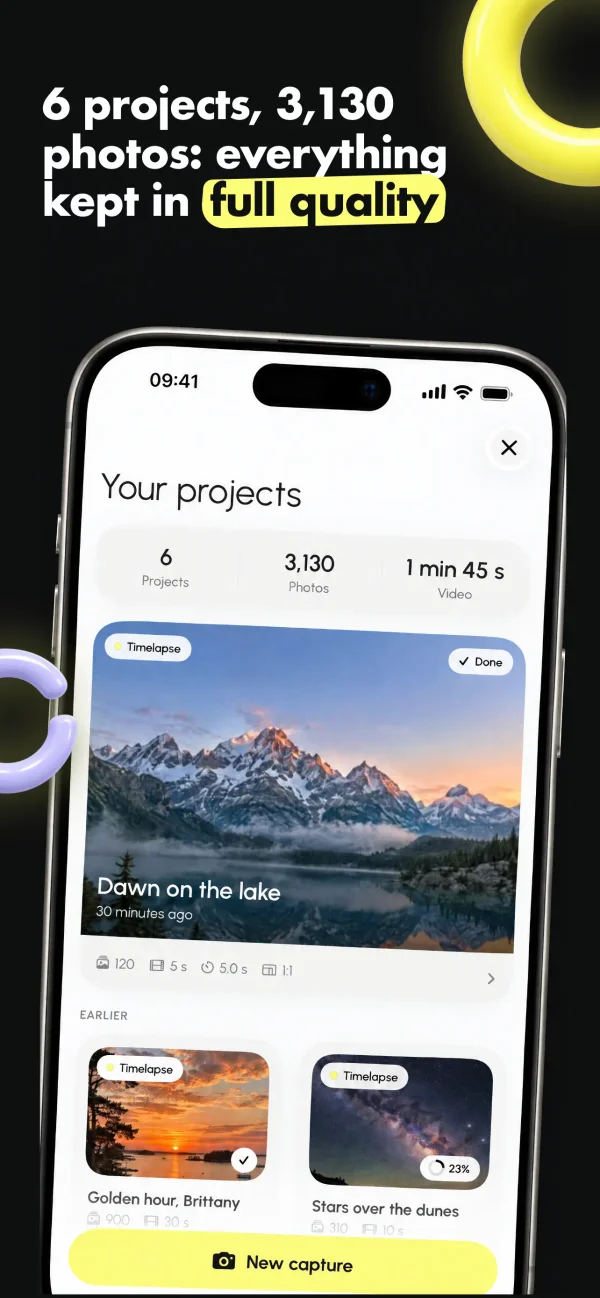
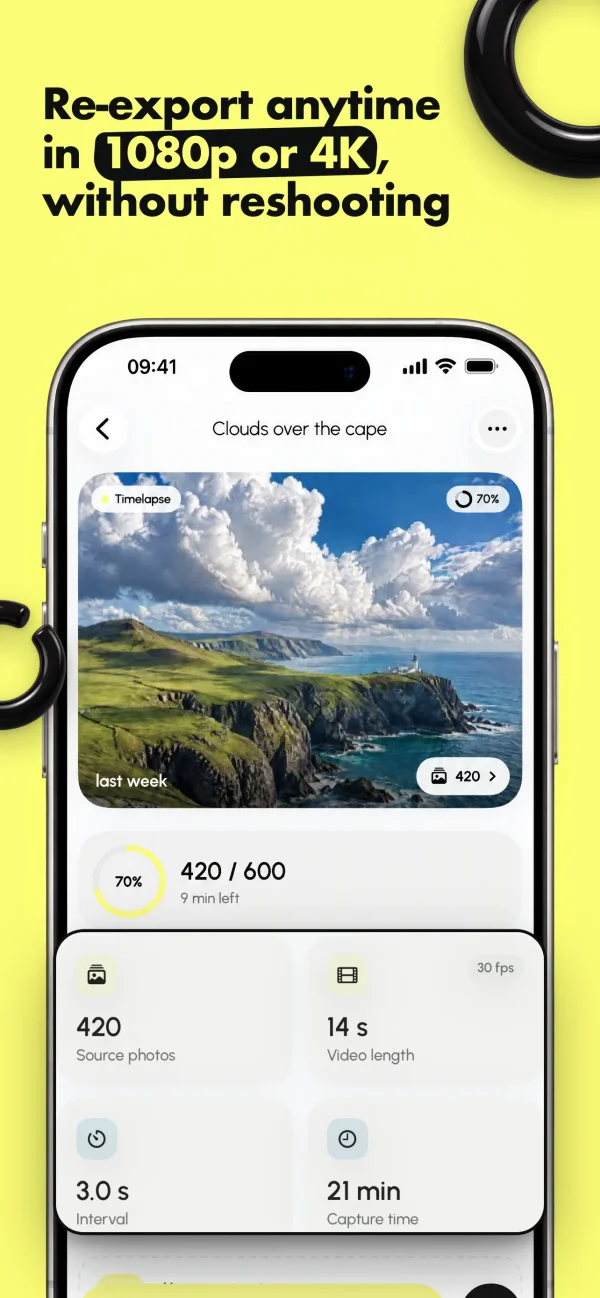
Every session keeps its full-quality HEIC photos. Re-export in 1080p or 4K, at 24, 25, 30 or 60 frames per second, as many times as you like. Nothing is thrown away.
NO DATA COLLECTED
No account, no server, no trackers. Your photos and videos never leave your iPhone. That is not a marketing promise: the app has nowhere to send anything.
ONE PRICE, EVERYTHING, FOREVER
The app is free with all manual controls, 1080p export and three full-quality exports to try everything. A one-time purchase unlocks 4K, removes the watermark and lifts the export limit. For good. Never a subscription.
Built by a photographer who actually uses it in the field.
新機能
バージョン 1.2 · 2026/10/17
Export your original photos.
• New: export every photo of a project in one tap, as full-resolution HEIC files, exactly as the camera captured them. Nothing is recompressed.
• Save them to Photos with their capture date, or share them to Files, AirDrop or your Mac.
• Share a single photo straight from the viewer.
• Your projects now also show up in the Files app (On My iPhone › Interval).
Free for everyone: they're your photos.
アプリのプライバシー
このアプリのデータの取り扱いについて、Teddy VerneuilがApp Storeで申告している内容です。
-
データの収集なし
開発元はこのアプリからデータを収集しません。
プライバシーの取り扱いは、ご利用の機能やお客様の年齢などに応じて異なる場合があります。
情報
- 販売元
- Teddy Verneuil
- カテゴリ
- 写真/ビデオ
- バージョン
- 1.2
- 更新日
- 2026/10/17
- リリース
- 2026/8/19
- サイズ
- 5.6 MB
- 必要条件
- iOS 17.0以降
- 対象年齢
- 4+
- 価格
- 無料
- アプリ内課金
- あり
- 言語
- 英語, フランス語, ドイツ語, スペイン語
- 著作権
- © 2026 Teddy Verneuil
こちらもおすすめ
-
 PrimeLapse - 4K Timelapse写真/ビデオ
-
 TimerShot - タイマーカメラ・連続撮影自動撮影・セルフタイマー連写
-
 Timelapse maker: Speed Changer写真/ビデオ
-
 Interval - コマ撮り・タイムラプスクレイアニメ・GIF・インターバル撮影
-
 ラプス帳 - タイムラプス・定点観測カメラ定点観測と連続タイムラプス
-
 Intervalo – Interval Camera写真/ビデオ
-
 Starlapse夜空の長時間露光カメラ
-
 サクカメ Saku-Camすばやく起動、シンプルに撮影
-
 Photo Timer Camera: Pose写真/ビデオ
-
 DragSelfie: セルフタイマーカメラセルフタイマーカメラ