
InwardFocus: App Blocker
Limit Screen Time on Schedule
Designed for iPhone, iPad
Free
- Age rating4+
- CategoryProductivity
- DeveloperNattha Warapasakul
- LanguagesEnglish
- Size29.1 MB
Links to the official App Store page
Download.org hosts no file of InwardFocus: App Blocker. The button opens its official App Store page, published by Nattha Warapasakul. Listing last checked on Nov 27, 2026.
Screenshots
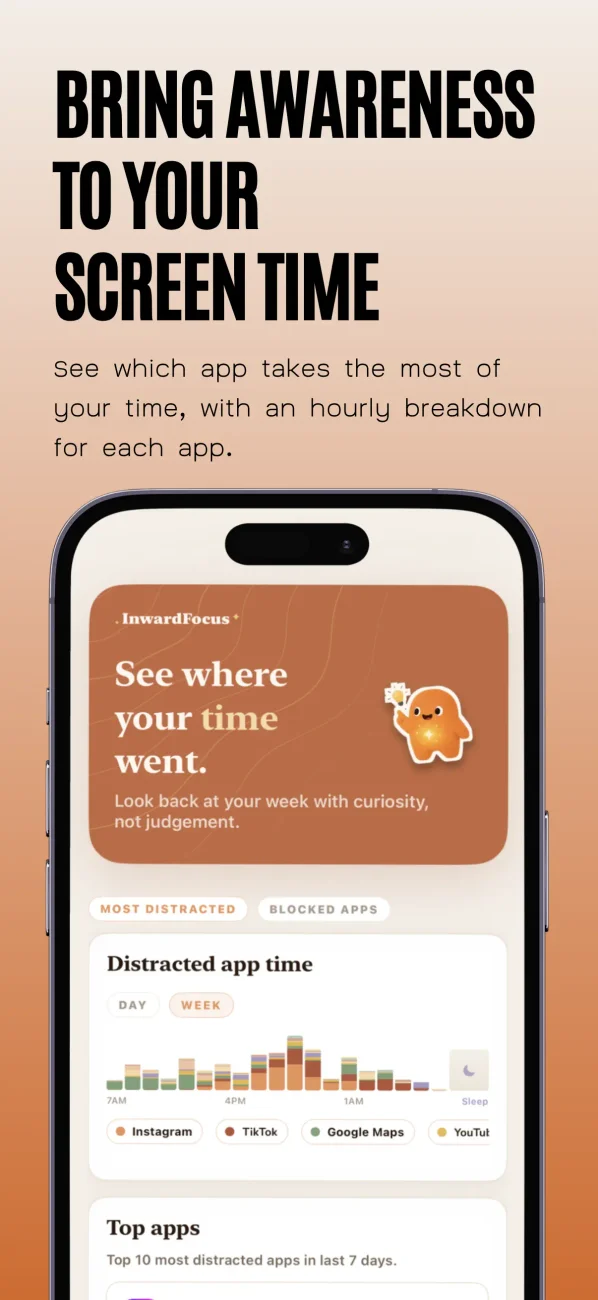
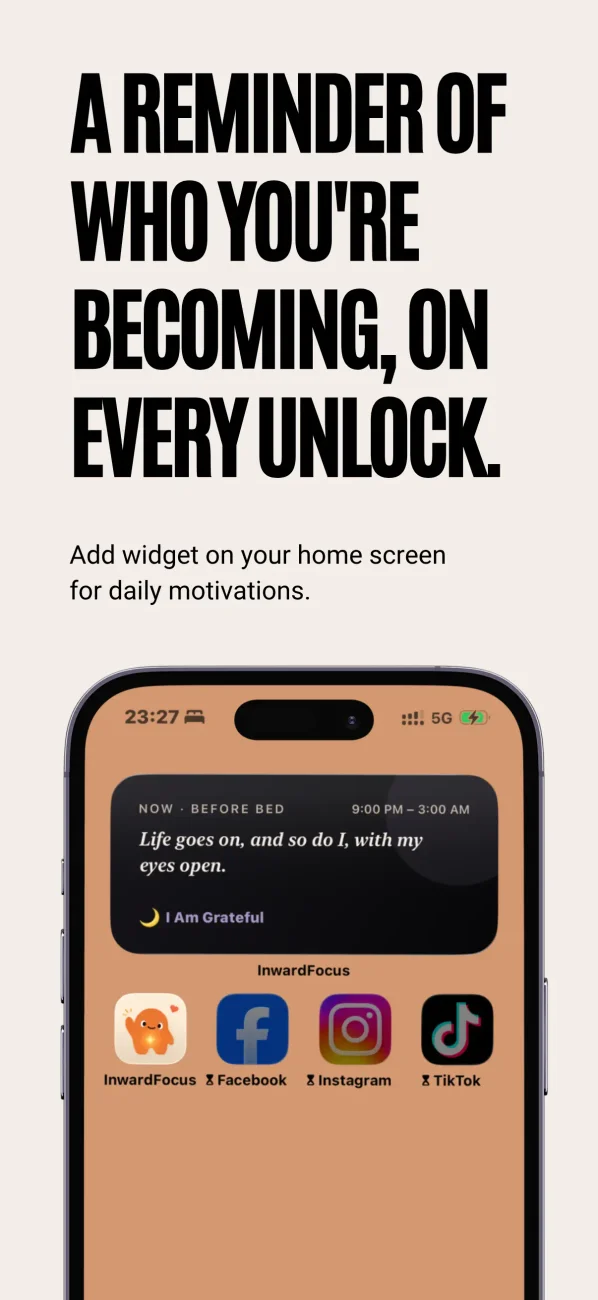
About
Focus app blocker free.
You don't have a discipline problem. You have a phone designed to steal your attention.
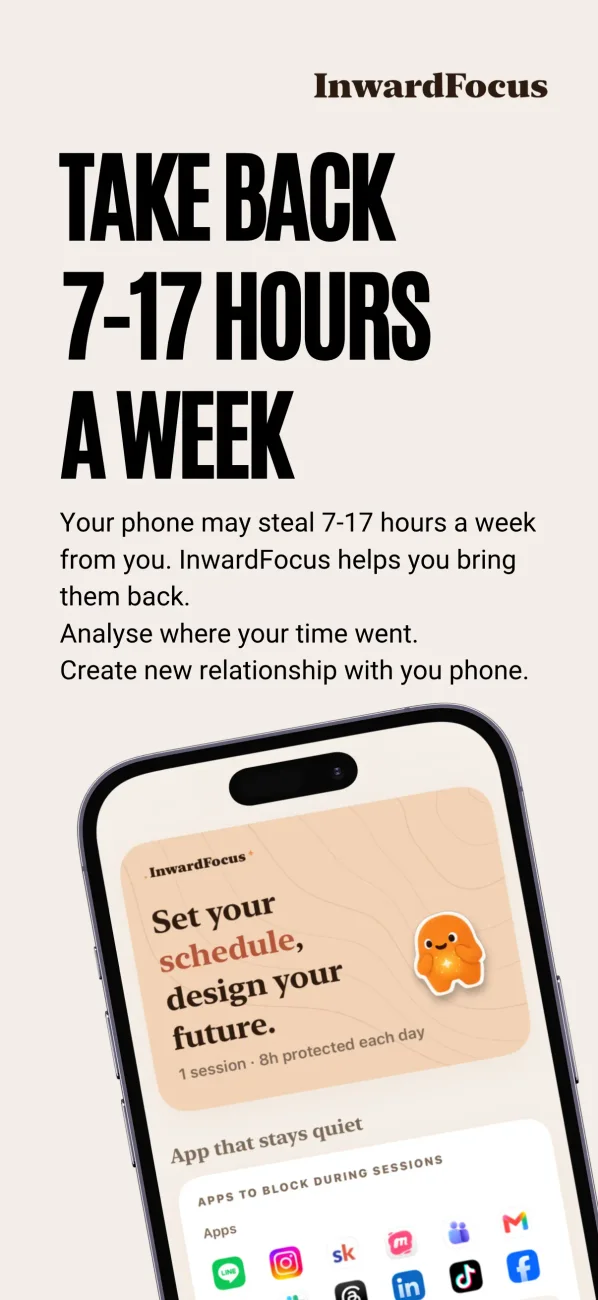
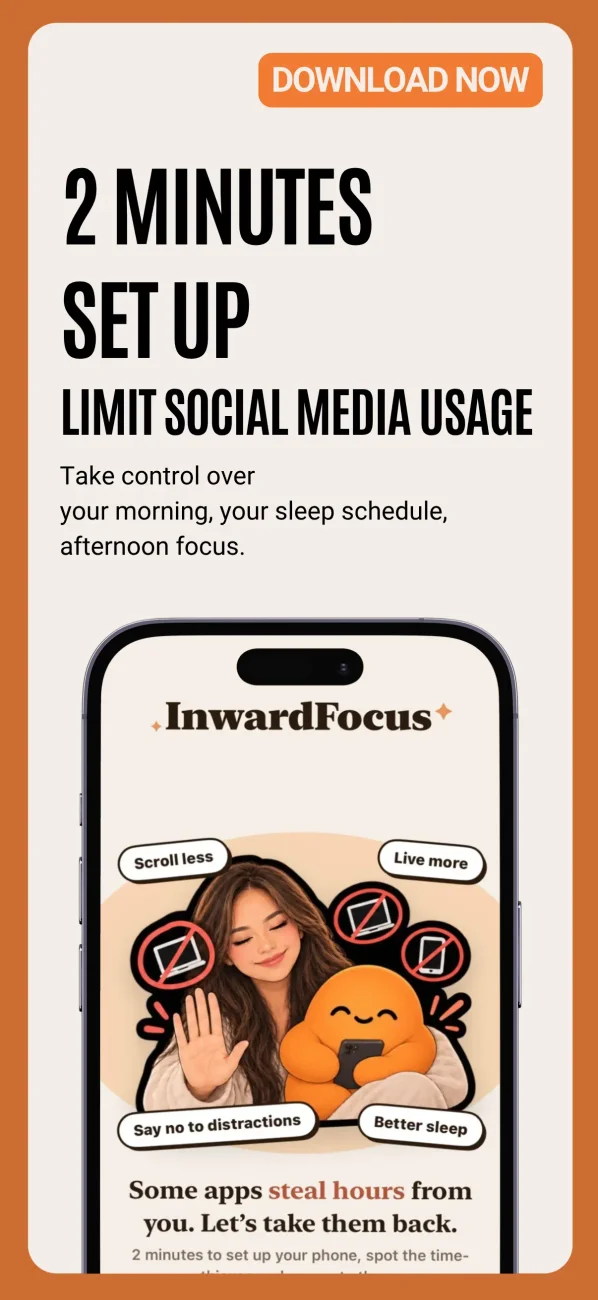
InwardFocus blocks distracting apps on iphone with a schedule you set.
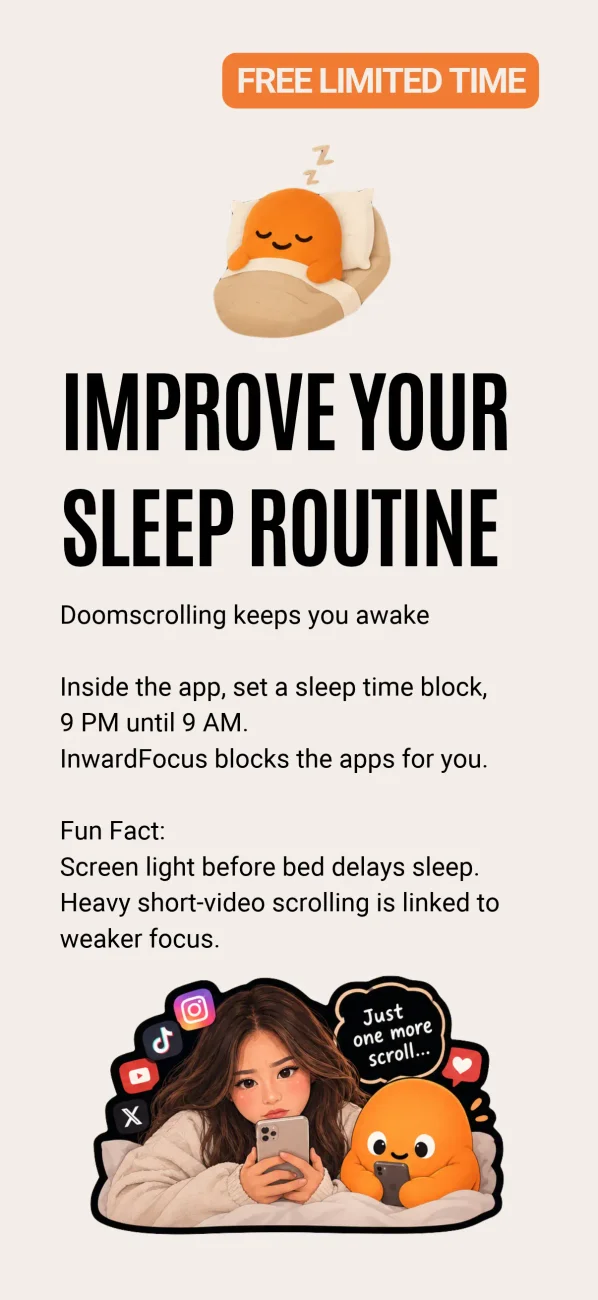
Protect your morning, before bed time and after work from your distracted apps. every time you reach for a blocked app out of habit, it pauses you from accessing the apps.
Come with widget that shows you a daily affirmation instead of your feed. You don't just block the scroll. You replace it with who you're becoming.
HOW IT WORKS
1. Create a focus schedule e.g. mornings, work hours, evenings, or all day
2. Choose which apps to block (social media, work related apps)
3. When the schedule starts, those apps are locked behind a shield screen. No more notifications, no messages from those apps during the schedule
4. Open a blocked app by habit? You see an affirmation, not a feed
Blocking is enforced by Apple's Screen Time technology, the same system behind iOS parental controls. No willpower needed, the apps simply won't open.
NEED A REAL BREAK?
Life happens. Tap "Request 15 Minutes" on the block screen for a short window, then blocking resumes automatically. Enough flexibility to stay realistic, not enough to relapse into a two-hour scroll.
AFFIRMATIONS THAT REWIRE THE HABIT
Choose from 10 identity themes — I Am Disciplined, I Am Present, I Am Creator, I Am Enough, I Trust Myself, and more. Affirmations rotate throughout the day, so every pickup becomes a small moment of intention instead of a lost half hour.
HOME SCREEN WIDGET
Put your current affirmation right on your home screen, so the first thing you see is a reminder of who you are — not a notification badge.
PRIVATE BY DESIGN
Your schedules and blocked-app choices never leave your iPhone. All blocking happens on-device through Apple's Screen Time framework. We can't see which apps you block, and we don't want to.
WHO IT'S FOR
• You lose hours to social media, short videos, or mobile games without meaning to
• You're tried of notifications and messaging from work related apps when it reach out side of office hours.
• You've tried Screen Time limits but always tap "Ignore Limit"
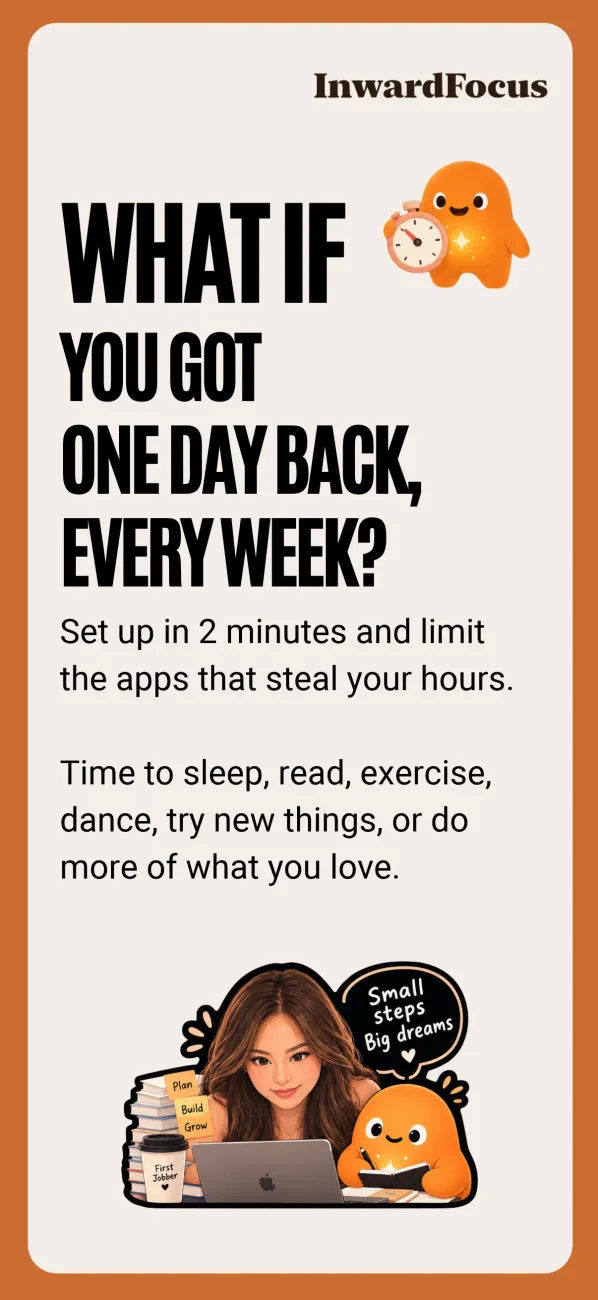
• You want your mornings and evenings back
• You believe changing your habits starts with changing your identity
InwardFocus is free. Take your time and power back.
—
InwardFocus requires iOS 18 or later and Screen Time permission (used only to block the apps you choose, on your device).
Questions or ideas? support@inwardfocus.app
What’s new
Version 2.2 · Nov 16, 2026
Small improvements behind the scenes to keep InwardFocus running smoothly and help more people find their way to calmer, more focused days.
App privacy
What Nattha Warapasakul declares on the App Store about how this app handles data.
-
Data not linked to you
May be collected but is not linked to your identity.
- Identifiers
- Usage data
Privacy practices may vary, for example with the features you use or your age.
Information
- Seller
- Nattha Warapasakul
- Category
- Productivity
- Version
- 2.2
- Updated
- Nov 16, 2026
- Released
- Jul 4, 2026
- Size
- 29.1 MB
- Requires
- iOS 17.0 or later
- Age rating
- 4+
- Price
- Free
- Languages
- English
- Copyright
- © 2026 InwardFocus
You might also like
-
 App Blocker & Detox - Hold UpLimit screen time, focus lock
-
 Arc Lock – App BlockerOpen source, no account needed
-
 ScrollCop: Block Apps & FocusScreen Time Limit & Control
-
 Lerf: Screen Time App BlockerLimit Distractions & Focus
-
 Focus: Simple App BlockerFewer distractions. More time.
-
 Escape Matrix - App BlockerBlock Apps & Build Focus
-
 Cloister: App & Site BlockerFocus & Stop Doomscrolling
-
 LionBlock: App BlockerScreen Time Limit & Focus
-
 Endless – Focus & App BlockerFocus & Productivity Control
-
 Focus Bee: Productivity TimerGrow flowers by focusing