iPDF local: PDF Editor
Edit, Scan, Sign & Organize
Designed for iPhone, iPad, Mac
Free · In-app purchases
- Age rating4+
- CategoryProductivity
- DeveloperThomas Rhode
- LanguagesEnglish+ 1 more
- Size28.4 MB
Links to the official App Store page
Download.org hosts no file of iPDF local: PDF Editor. The button opens its official App Store page, published by Thomas Rhode. Listing last checked on Nov 20, 2026.
Screenshots
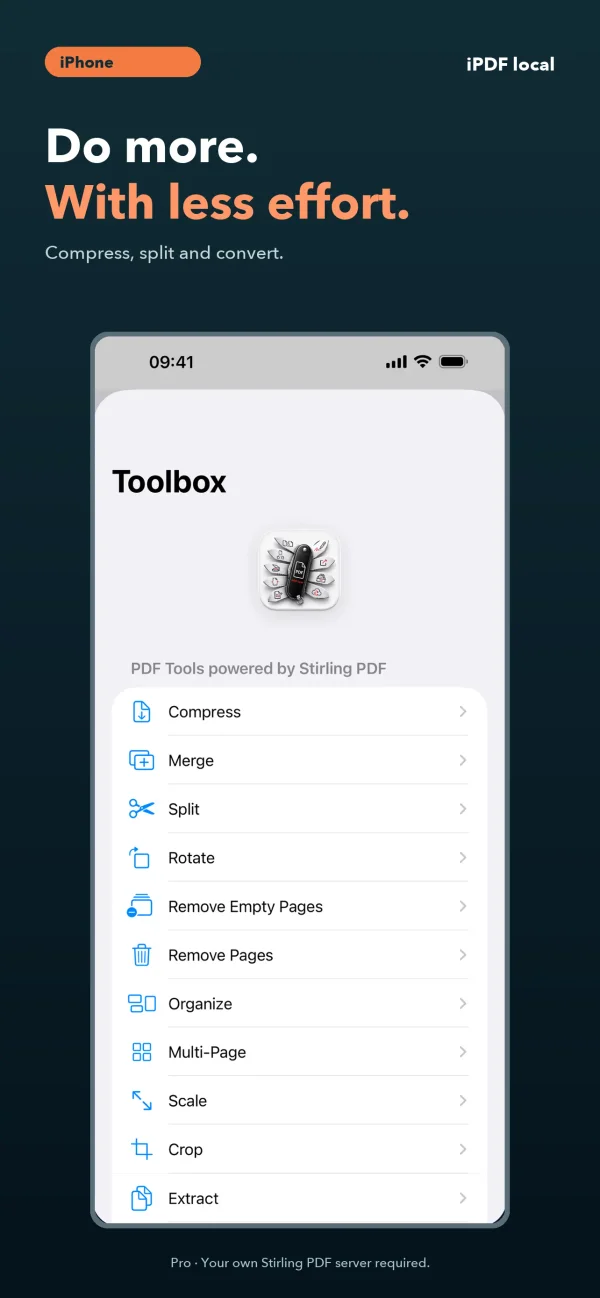

About
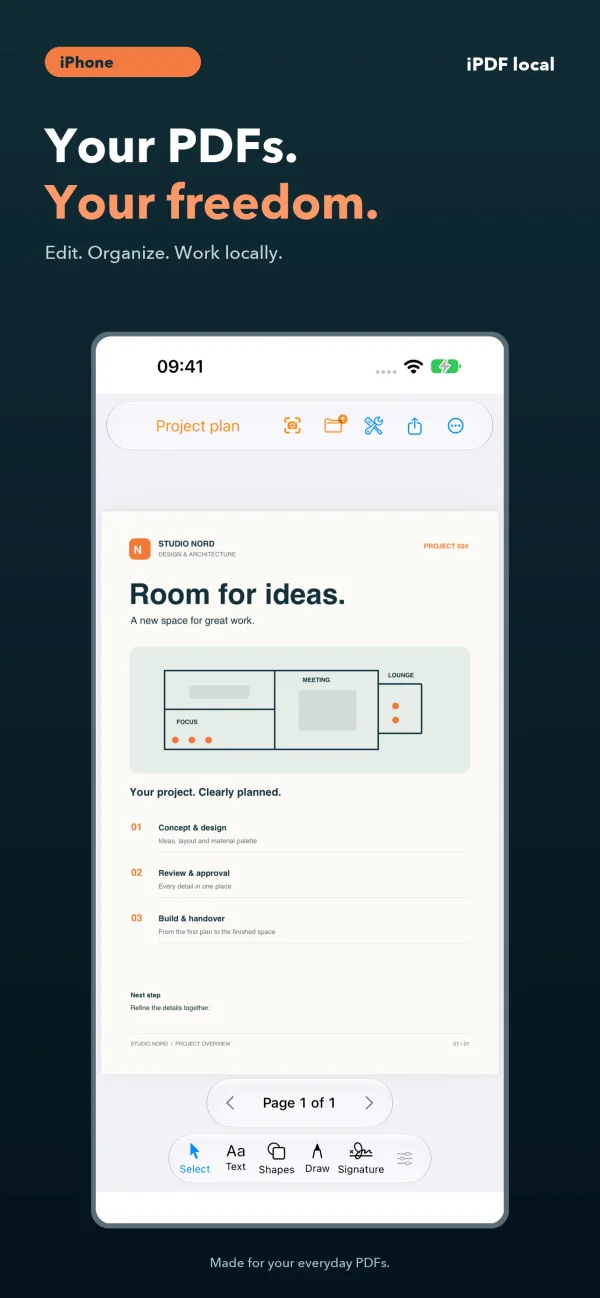
Edit and sign PDFs directly on your iPhone, iPad or Mac with Apple silicon. Scan documents using the camera on your iPhone or iPad.
iPDF local is your private PDF workspace for everyday document tasks. Open PDFs, add text, highlight content, draw, manage pages or scan documents with a modern interface and without unnecessary cloud dependency.
EDIT PDFs WITH EASE
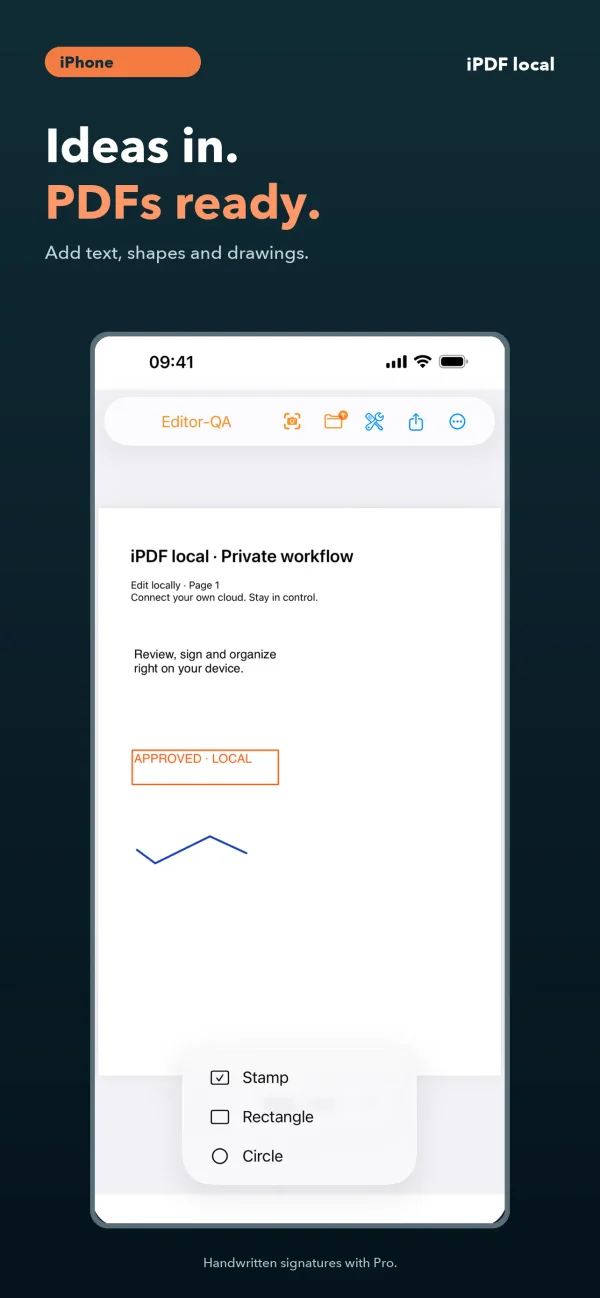
• Add text and edit your own text objects
• Draw with a pen or highlight content
• Add circles, rectangles and stamps
• Adjust color, opacity, background and line width
• Move, rotate, resize or delete objects
• Rotate, reorder, add and remove PDF pages
• Create new PDFs
• Scan documents with the camera on supported iPhones and iPads
• Export and share PDFs
PRIVATE AND LOCAL
The local PDF editor does not require an account with us.
Documents and drafts are stored locally. You decide when to export them or process them with a server you configured yourself.
No unnecessary cloud.
No data collection by iPDF local.
Your documents stay under your control.
PRO FOR POWERFUL WORKFLOWS
With Pro, iPDF local also becomes a powerful frontend for your own document infrastructure.
STIRLING PDF
Connect your own Stirling PDF server for advanced tools including:
• Merge and split PDFs
• Compress files
• OCR
• Crop and rotate pages
• Protect PDFs
• Add watermarks
• Convert documents
• Sanitize PDFs
• And more Stirling PDF tools
NEXTCLOUD
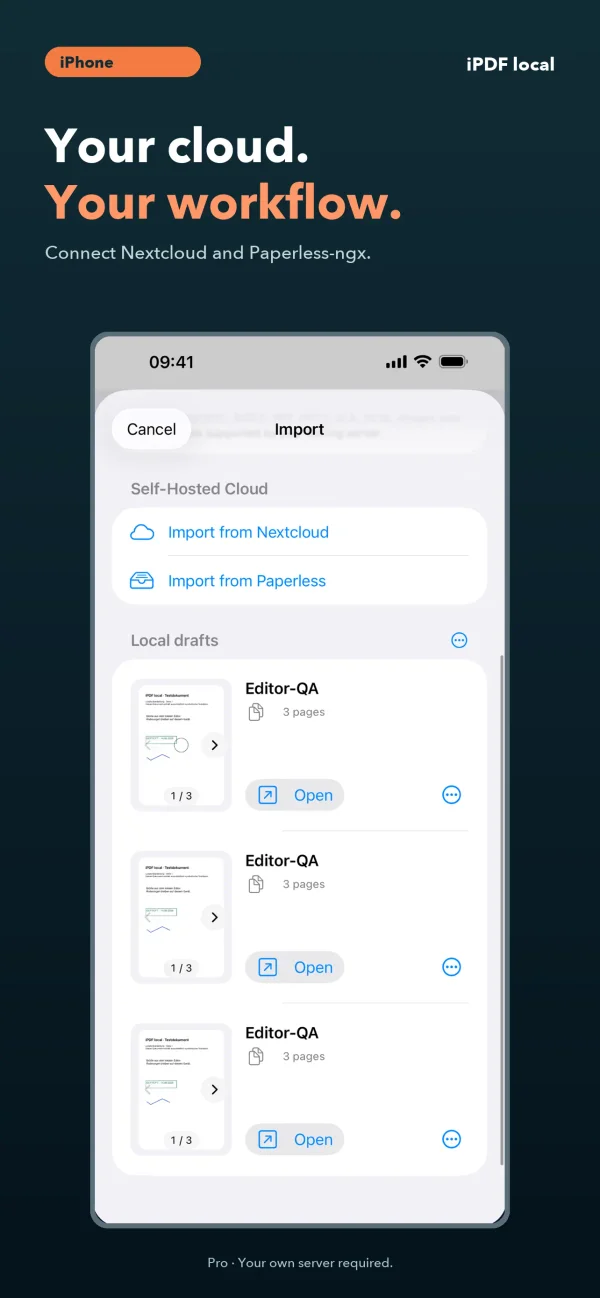
Browse files in your private Nextcloud, open documents directly in iPDF local and return finished files to your own workflow.
PAPERLESS-NGX
Search your Paperless-ngx archive, open documents in iPDF local and send finished documents back to your document system.
FOR EVERYONE — AND POWER USERS
You do not need your own server to use iPDF local as a PDF editor.
But if you already use Stirling PDF, Nextcloud or Paperless-ngx, iPDF local grows into an exceptionally powerful mobile document workflow.
Start for free.
Basic includes local editing, page controls and single-page scans. Pro adds handwritten signatures, editable sharing, multi-page scans, non-PDF imports and server integrations. Conversions and server tools require the corresponding service you configure.
Unlock Pro Lifetime once — no new subscription required. The current price for your region is shown before purchase.
The editor adds PDF content; it does not reconstruct existing PDF body text. Handwritten signatures are not qualified digital signatures.
iPDF local is an independent app and is not affiliated with Stirling PDF, Nextcloud or Paperless-ngx.
What’s new
Version 2.2 · Nov 12, 2026
iPDF local is now available as a native Mac app. A single Pro purchase unlocks Pro on iPhone, iPad, and Mac. If you already own Pro, you can restore it on your other devices with the same Apple Account.
App privacy
What Thomas Rhode declares on the App Store about how this app handles data.
-
Data not collected
The developer does not collect any data from this app.
Privacy practices may vary, for example with the features you use or your age.
Information
- Seller
- Thomas Rhode
- Category
- Productivity
- Version
- 2.2
- Updated
- Nov 12, 2026
- Released
- Apr 1, 2025
- Size
- 28.4 MB
- Requires
- iOS 17.6 or later
- Age rating
- 4+
- Price
- Free
- In-app purchases
- Yes
- Languages
- English, German
- Copyright
- © Thomas Rhode
You might also like
-
 PaperparrotA native Paperless-ngx client
-
 Swift PaperlessNative document managament
-
 Nextcloud NotesProductivity
-
 Nextcloud TalkChat and meet on your terms
-
 Collabora OfficeProductivity
-
 Notesnook: Private notepadEncrypted notes & secure vault
-
 NextcloudPrivate cloud storage
-
 ONLYOFFICE DocumentsA complete mobile office suite
-
 Bitwarden AuthenticatorGenerate 2FA on your device
-
 KDE ConnectCommunication Between Devices