KDE Connect
Communication Between Devices
Designed for iPhone, iPad, Mac, iPod touch
Free
- Age rating4+
- CategoryProductivity
- DeveloperKDE e.V.
- LanguagesEnglish+ 19 more
- Size8.3 MB
Links to the official App Store page
Download.org hosts no file of KDE Connect. The button opens its official App Store page, published by KDE e.V. Listing last checked on Nov 24, 2026.
Screenshots



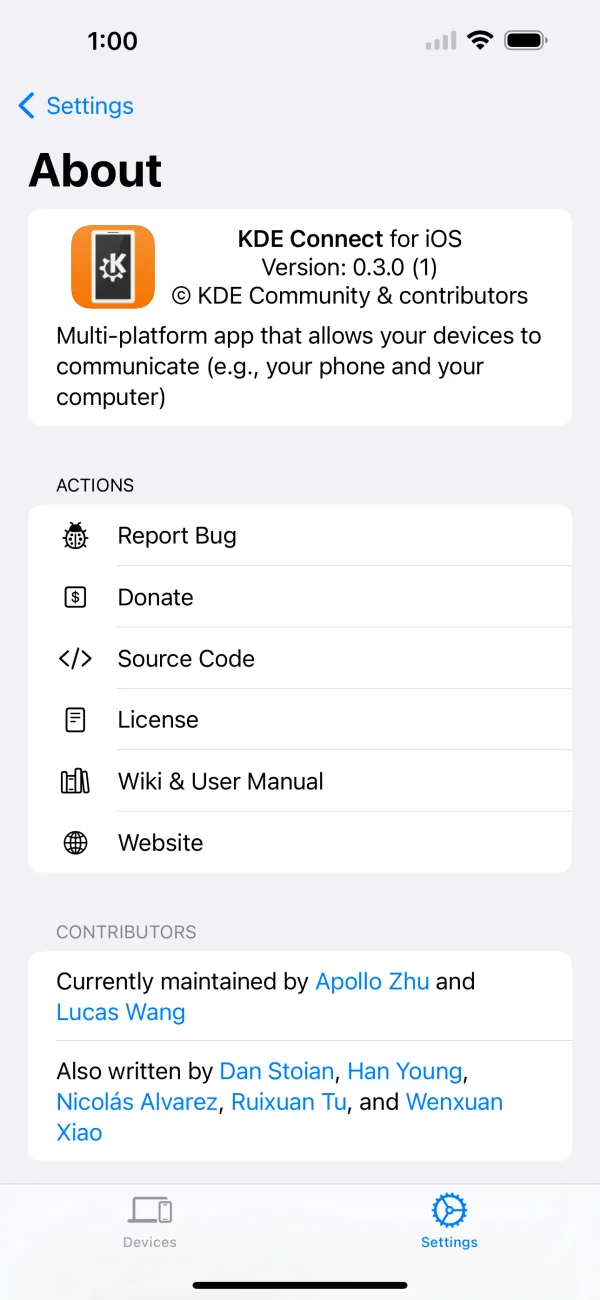
About
KDE Connect provides a set of features to integrate your workflow across devices:
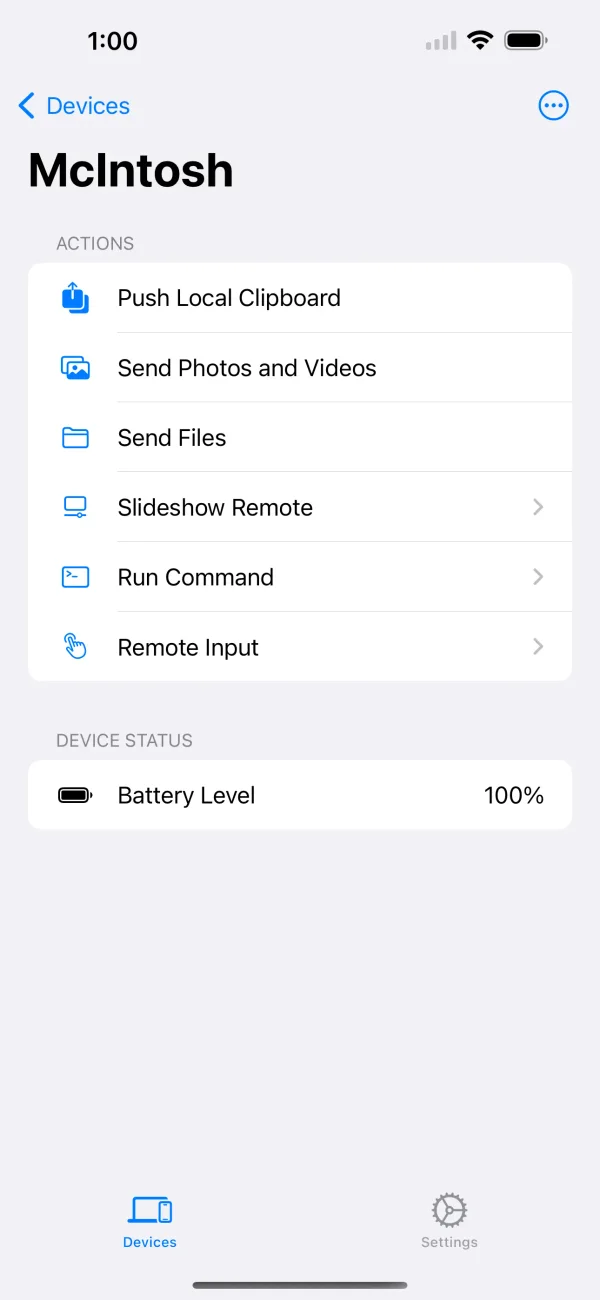
- Shared clipboard: copy and paste between your devices.
- Share files and URLs to your computer from any app.
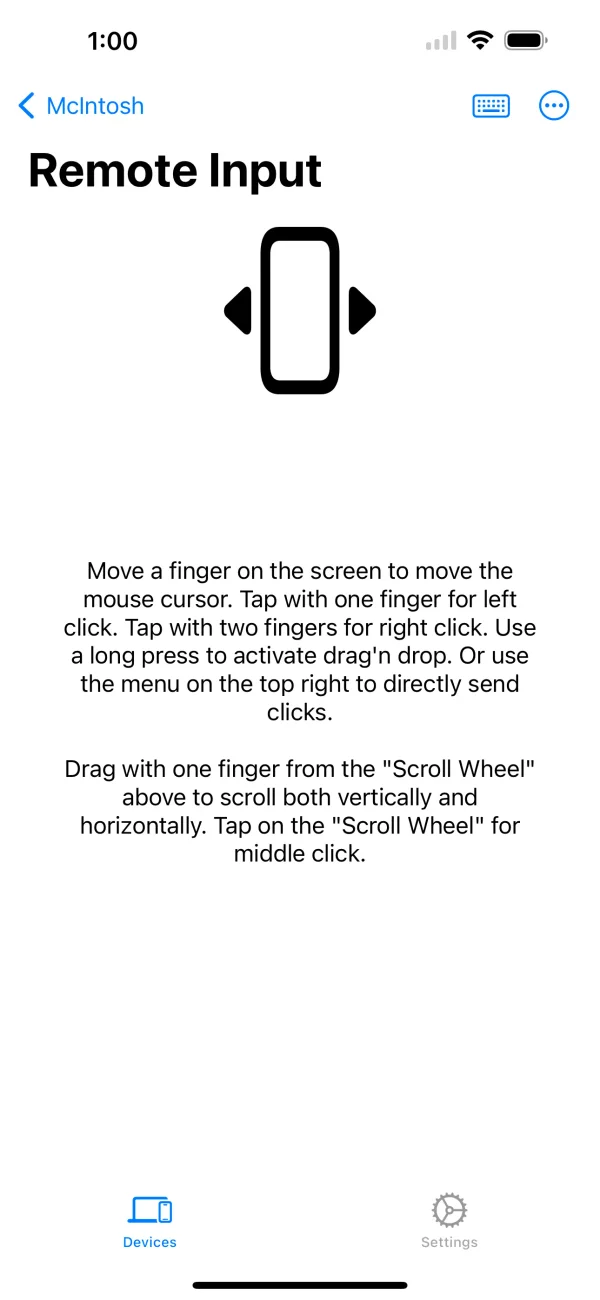
- Virtual touchpad and keyboard: Use your phone screen as your computer's touchpad or keyboard
- Remote presentation remote: control a laser pointer on the screen of your computer by moving your phone around.
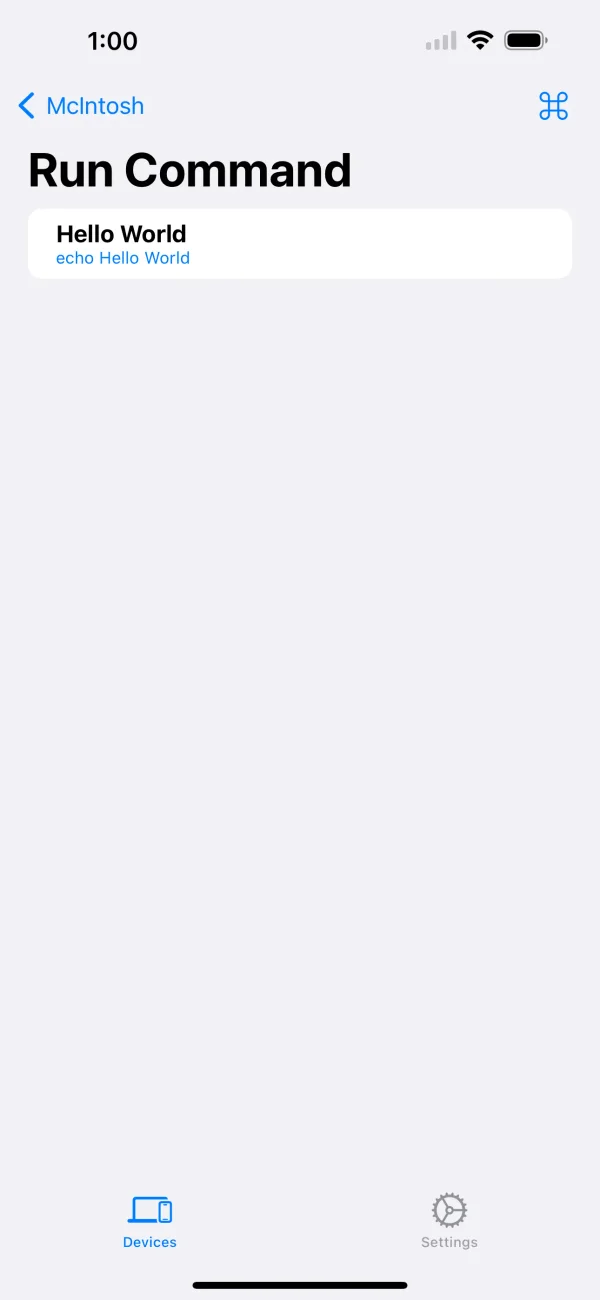
- Remote commands: run commands on your computer from your phone.
- End-to-end TLS encryption: your information is safe.
Please note you will need to install KDE Connect on your other computers/phones/tablets and keep the version up-to-date for the latest features to work.
This app is part of an open source project and it exists thanks to all the people who contributed to it. Please visit the KDE Connect website to grab the source code.
What’s new
Version 0.5.8 · Nov 23, 2026
- Fixed missing English language
- Fixed some features not being loaded
- New translations added
App privacy
What KDE e.V. declares on the App Store about how this app handles data.
-
Data not collected
The developer does not collect any data from this app.
Privacy practices may vary, for example with the features you use or your age.
Information
- Seller
- K Desktop Environment e.V.
- Category
- Productivity
- Version
- 0.5.8
- Updated
- Nov 23, 2026
- Released
- May 10, 2022
- Size
- 8.3 MB
- Requires
- iOS 15.0 or later
- Age rating
- 4+
- Price
- Free
- Languages
- English, Arabic, Basque, Catalan, Dutch, Finnish, French, German, Hebrew, Italian, Korean, Portuguese + 8 more
- Copyright
- © 2014-2025 KDE Community
You might also like
-
 NextcloudPrivate cloud storage
-
 RealVNC Viewer: Remote DesktopProductivity
-
 Proton Authenticator & 2FASecure verification, MFA & OTP
-
 Locally AI by LM StudioLocal & Private AI Assistant
-
 Proton Pass - Password ManagerPasskeys, 2FA & secure vault
-
 Möbius SyncFile sync with Syncthing
-
 Proton Calendar: Secure EventsKeep your schedule private
-
 Proton Drive: Cloud StorageDocs, photos & file manager
-
 Bitwarden AuthenticatorGenerate 2FA on your device
-
 Obsidian - Connected NotesYour second brain on the go