iPlan: Weekly Planner
Calendar, Tasks & Goals
Designed for iPhone, iPad
Free · In-app purchases
- Age rating4+
- CategoryProductivity
- Developer滴水 王
- LanguagesEnglish+ 9 more
- Size129.7 MB
Links to the official App Store page
Download.org hosts no file of iPlan: Weekly Planner. The button opens its official App Store page, published by 滴水 王. Listing last checked on Nov 23, 2026.
Screenshots

About
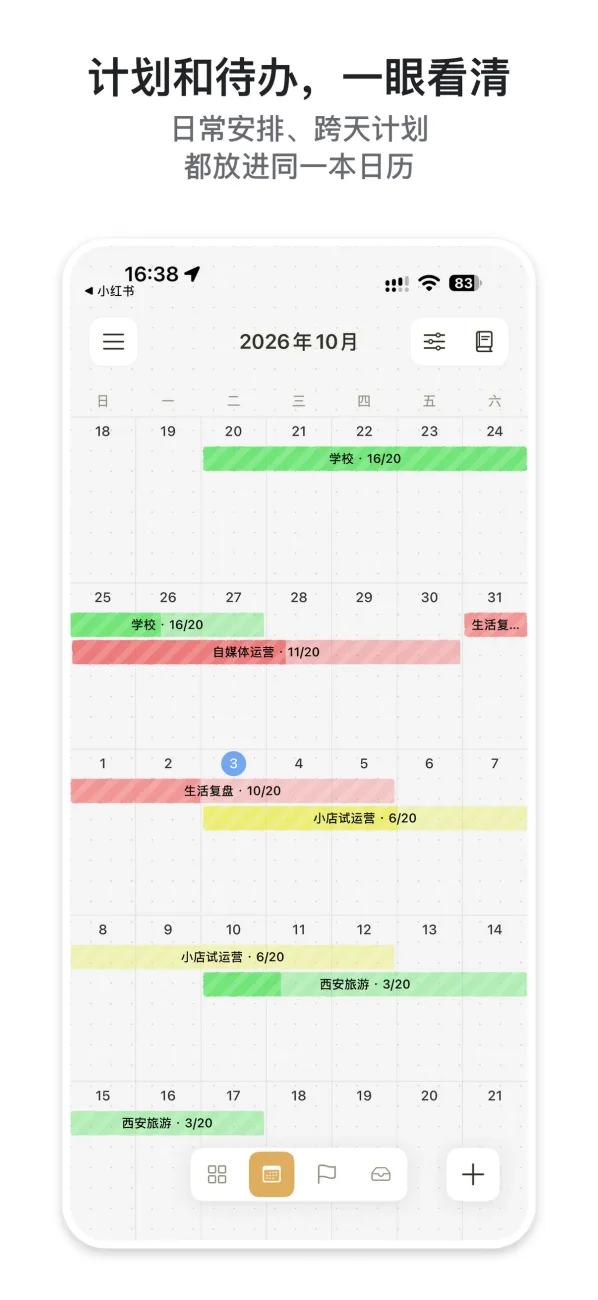
Plan your week with a clear view of what matters. iPlan brings daily tasks and multi-day plans together in one calendar, so you can see what’s coming, adjust your schedule, and follow your progress.
Whether you’re planning a study week, working toward a personal goal, or making room for everyday life, start with the week ahead.
MAKE A PLAN FOR YOUR WEEK
See your tasks in a weekly view and decide what to work on each day. Drag tasks to another date when your schedule changes, and keep your week organized as you go.
TURN BIGGER GOALS INTO DAILY STEPS
Give a longer-term goal its own plan and keep related tasks together. Add subtasks to break work into smaller steps, set priorities, and schedule the next action. Use the calendar to see how your plans fit across days and weeks.
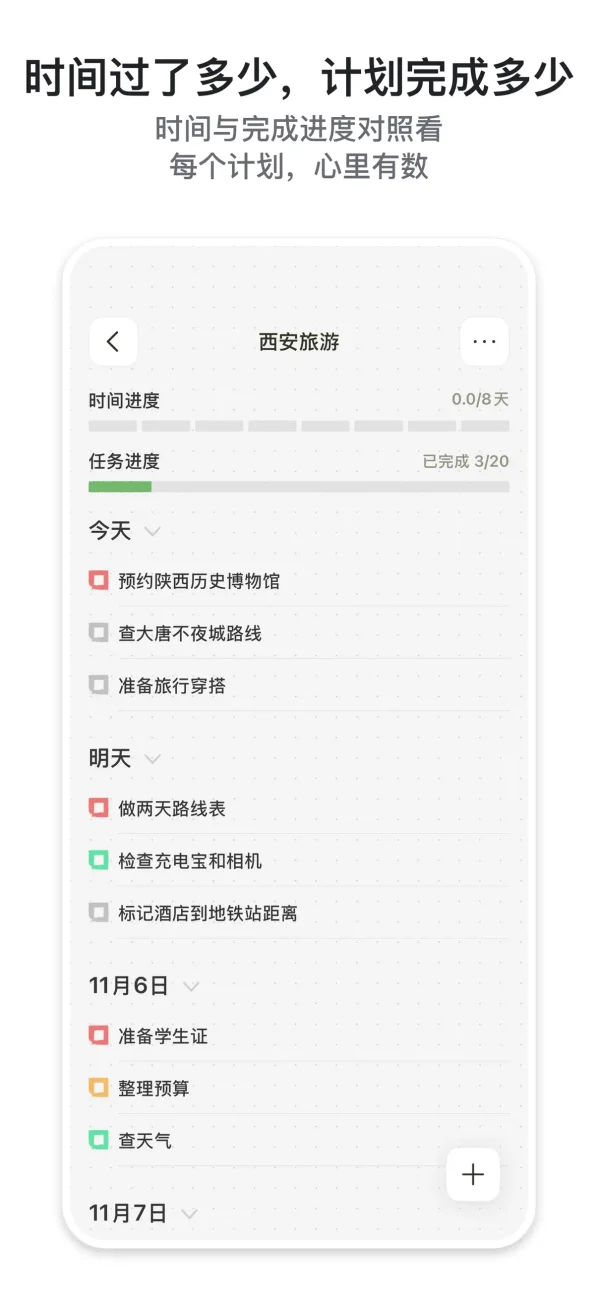
SEE TIME AND PROGRESS TOGETHER
Compare how much of a plan’s time has passed with how much you’ve completed. Get a clearer sense of where you stand and decide what needs your attention next.
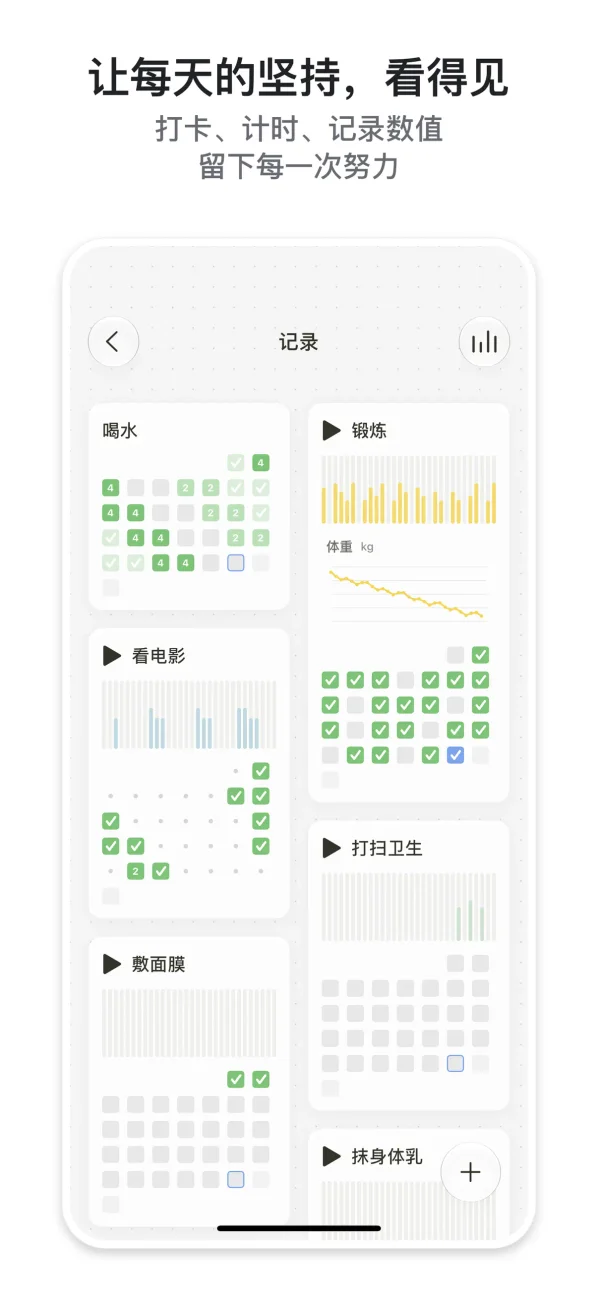
KEEP A RECORD OF YOUR EFFORT
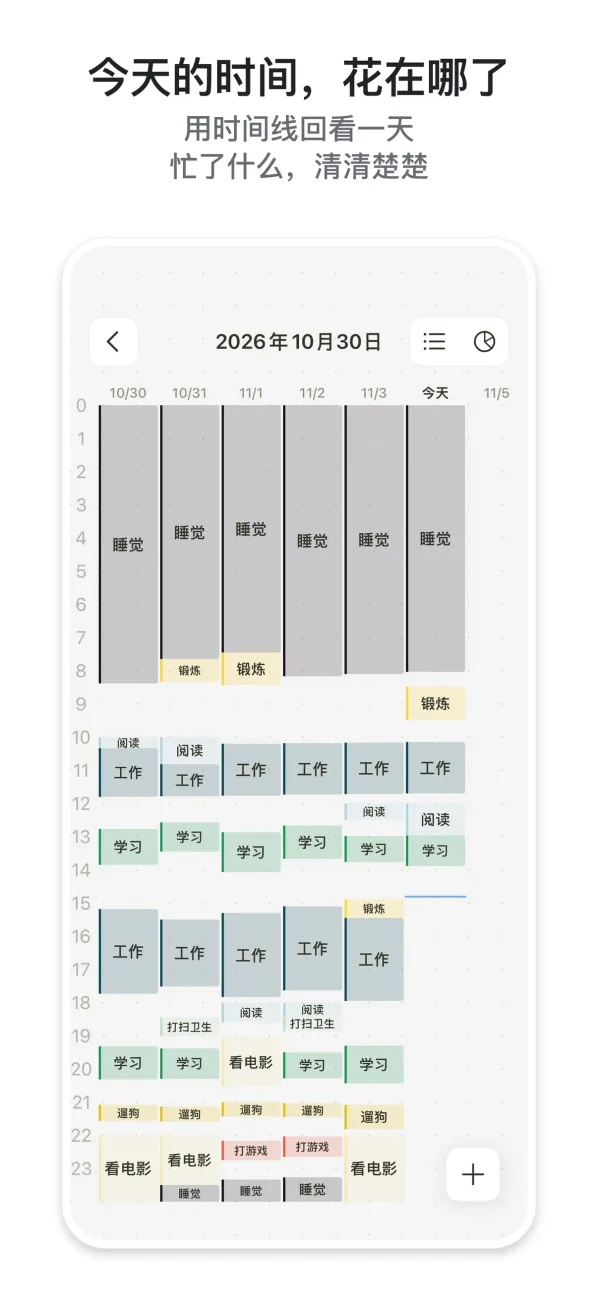
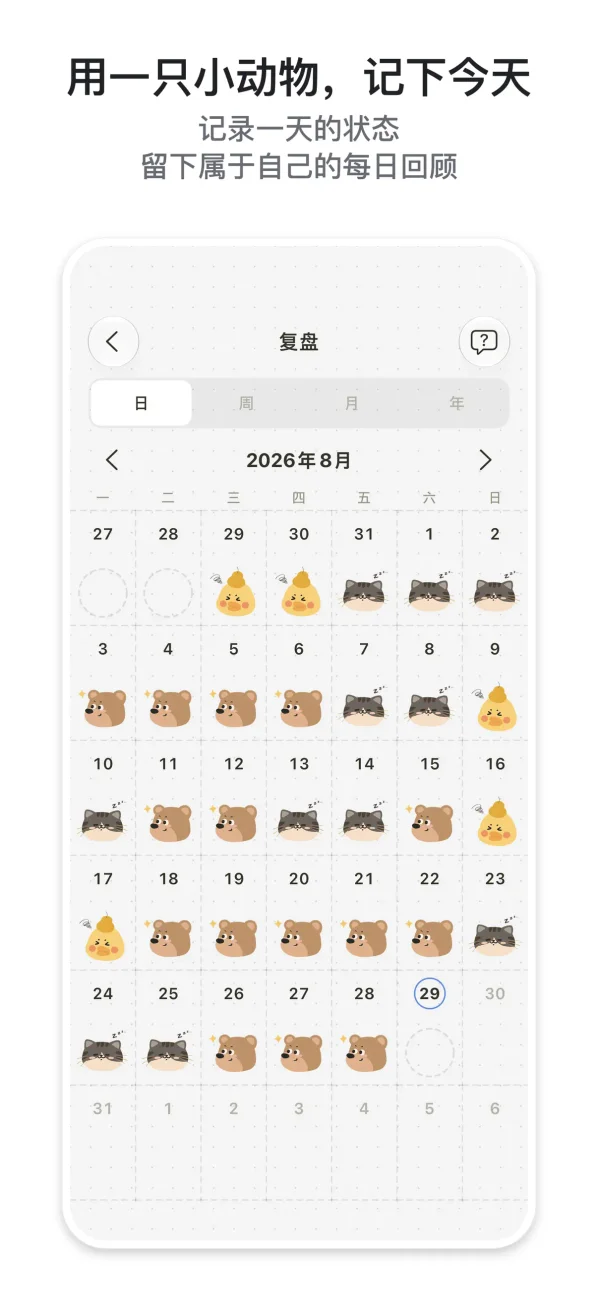
Track time spent on activities, check in on habits, and log values that matter to you. Look back at your daily timeline to see where your time went.
CAPTURE IDEAS ALONG THE WAY
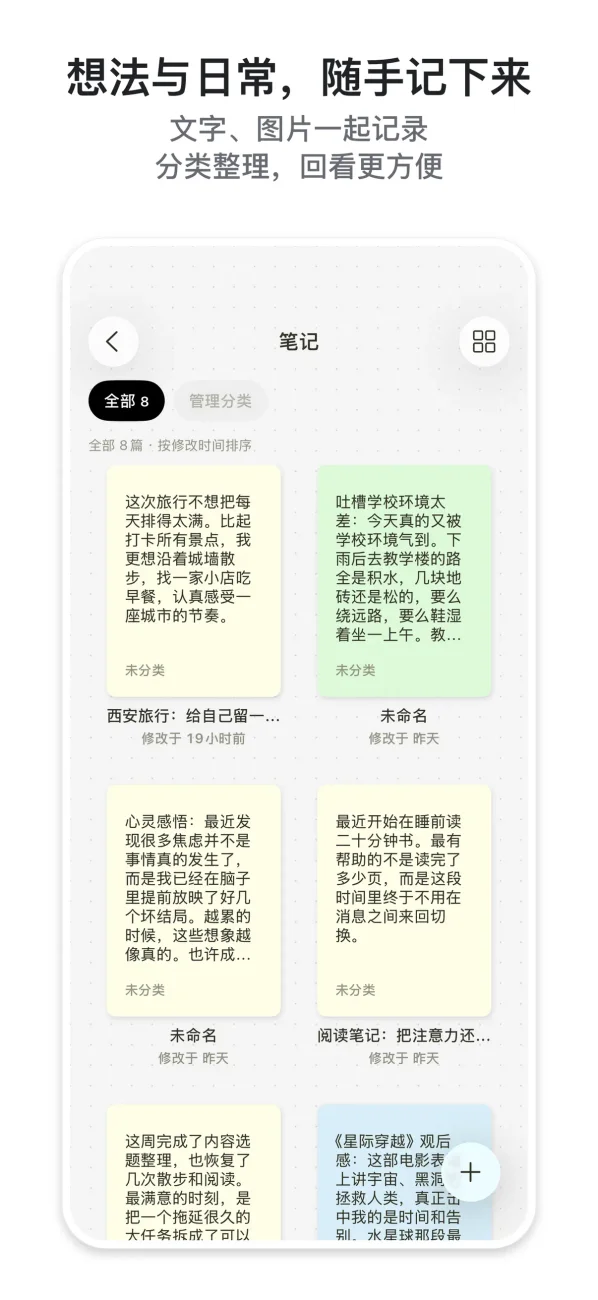
Save notes with text and photos, then organize them by category. Keep ideas, useful details, and everyday moments close at hand.
Start with one plan. Add the next few tasks. Make this week a step toward what matters to you.
Privacy Policy
https://mokkaiox.com/en/stepia/privacy/
Terms of Use
https://mokkaiox.com/en/stepia/terms/
What’s new
Version 5.8 · Nov 21, 2026
- Improved subtask alignment in task details
- Completed tasks and subtasks now appear with a strikethrough in task details
- Completed subtasks now appear with a strikethrough in the task list
- Swipe left or right in the notes list to switch categories
- Create an event while adding a past entry to the timeline
- Tap an event on the timeline to delete it
- New notes now have a white background by default
- Added three video tutorials for the timeline
App privacy
What 滴水 王 declares on the App Store about how this app handles data.
-
Data not linked to you
May be collected but is not linked to your identity.
- Identifiers
- Usage data
- Diagnostics
Privacy practices may vary, for example with the features you use or your age.
Information
- Seller
- 滴水 王
- Category
- Productivity
- Version
- 5.8
- Updated
- Nov 21, 2026
- Released
- May 13, 2026
- Size
- 129.7 MB
- Requires
- iOS 18.0 or later
- Age rating
- 4+
- Price
- Free
- In-app purchases
- Yes
- Languages
- English, French, German, Italian, Japanese, Korean, Portuguese, Simplified Chinese, Spanish, Traditional Chinese
- Copyright
- © Mokkaiox 2026
You might also like
-
 TidyDay - AI每日计划清单·周计划表·时间管理Productivity
-
 DayPilot: AI Tasks & CalendarSay It: Alarms & Countdowns
-
 Planbook - Plans, Tasks, NotesCalendar, Focus, Tags & Habits
-
 计划清单·ontodo-日程安排打卡日历Productivity
-
 时间流-高效记录时间Productivity
-
 TapHabit - Daily Habit TrackerSimple Habits, Daily Streaks
-
 ToReach: Goals & Life PlannerGoals, Tasks, Habits & Journal
-
 人生看板:向理想生活一点点靠近Productivity
-
 橙子计划:计划清单 自律打卡 todo番茄钟 提醒备忘录Productivity
-
 倍刻ListProductivity