iPlan: Weekly Planner
Calendar, Tasks & Goals
Được thiết kế cho iPhone, iPad
Miễn phí · Mua hàng trong ứng dụng
- Độ tuổi4+
- Danh mụcHiệu Suất
- Nhà phát triển滴水 王
- Ngôn ngữTiếng Anh+ 9 ngôn ngữ khác
- Kích thước129,7 MB
Liên kết đến trang App Store chính thức
Download.org không lưu trữ tệp nào của iPlan: Weekly Planner. Nút này mở trang ứng dụng trên App Store, nơi 滴水 王 phát hành ứng dụng. Trang được kiểm tra lần cuối: 23/11/2026.
Ảnh chụp màn hình

Giới thiệu
Nhà phát triển chưa cung cấp nội dung này bằng ngôn ngữ của bạn.
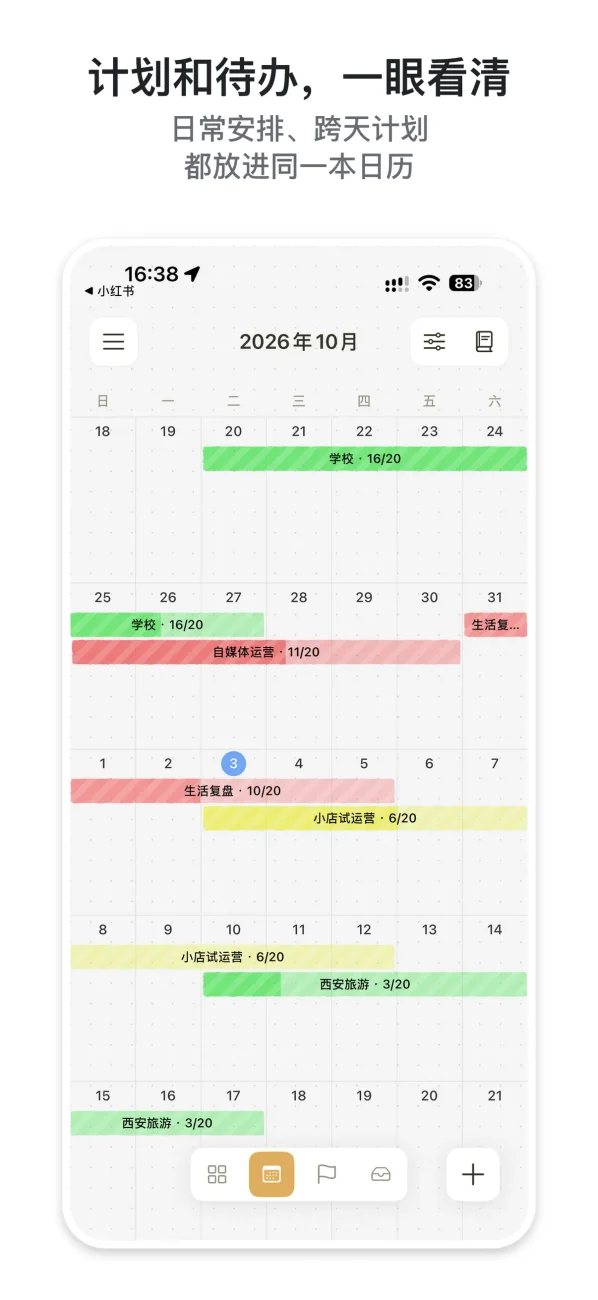
Plan your week with a clear view of what matters. iPlan brings daily tasks and multi-day plans together in one calendar, so you can see what’s coming, adjust your schedule, and follow your progress.
Whether you’re planning a study week, working toward a personal goal, or making room for everyday life, start with the week ahead.
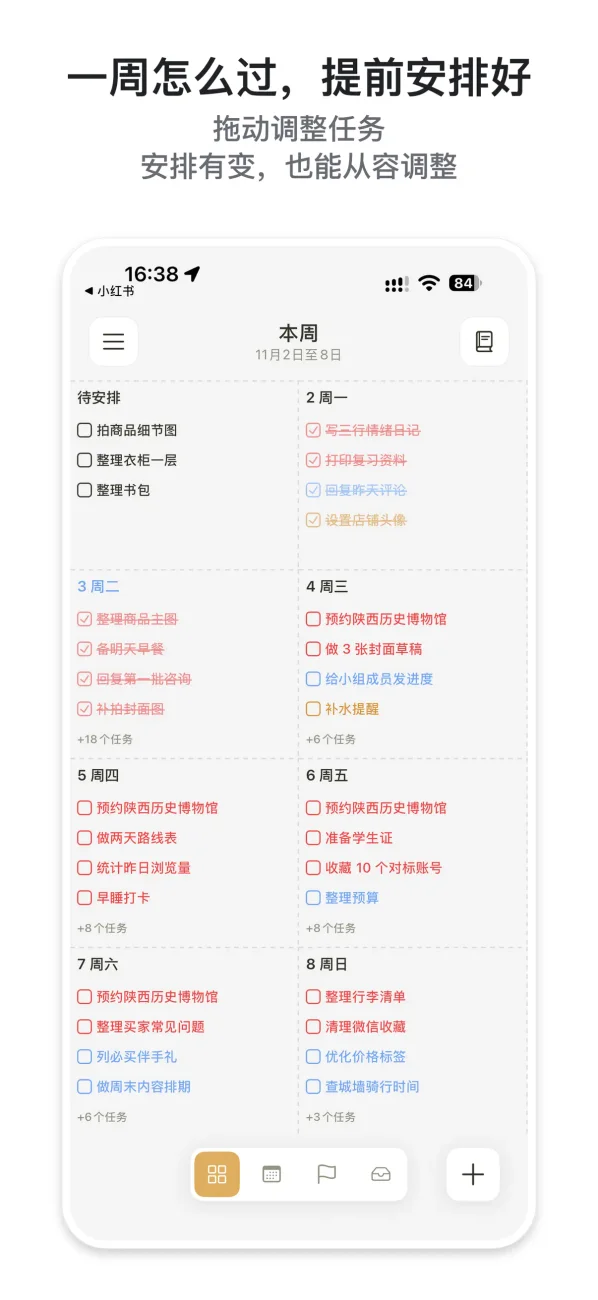
MAKE A PLAN FOR YOUR WEEK
See your tasks in a weekly view and decide what to work on each day. Drag tasks to another date when your schedule changes, and keep your week organized as you go.
TURN BIGGER GOALS INTO DAILY STEPS
Give a longer-term goal its own plan and keep related tasks together. Add subtasks to break work into smaller steps, set priorities, and schedule the next action. Use the calendar to see how your plans fit across days and weeks.
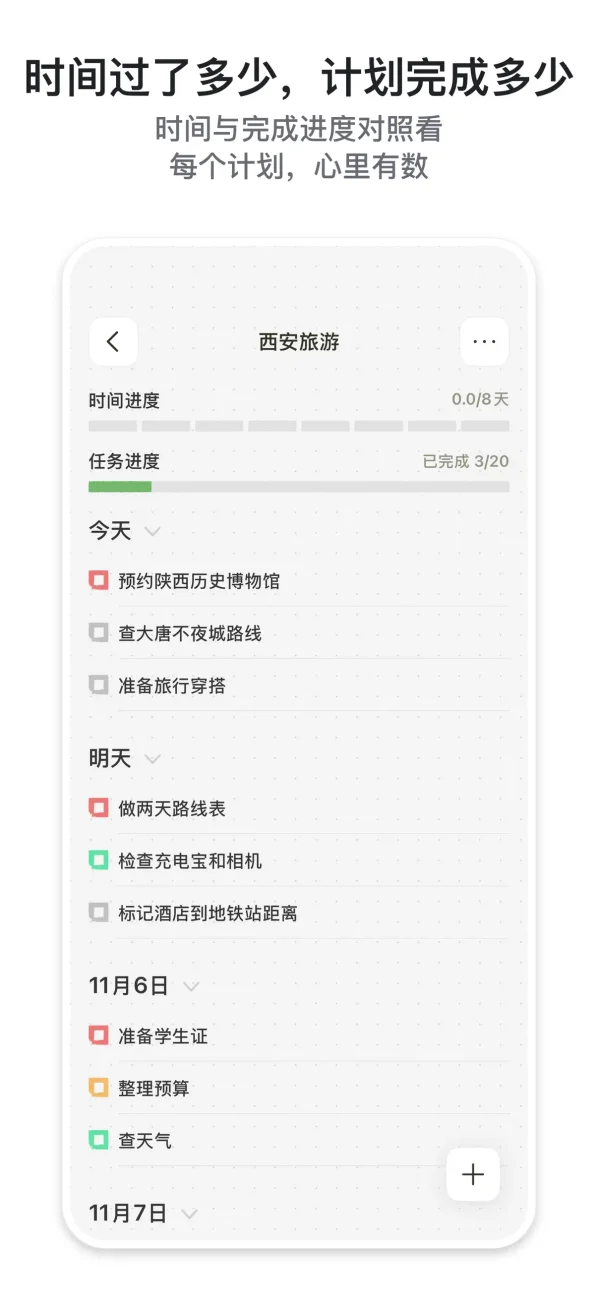
SEE TIME AND PROGRESS TOGETHER
Compare how much of a plan’s time has passed with how much you’ve completed. Get a clearer sense of where you stand and decide what needs your attention next.
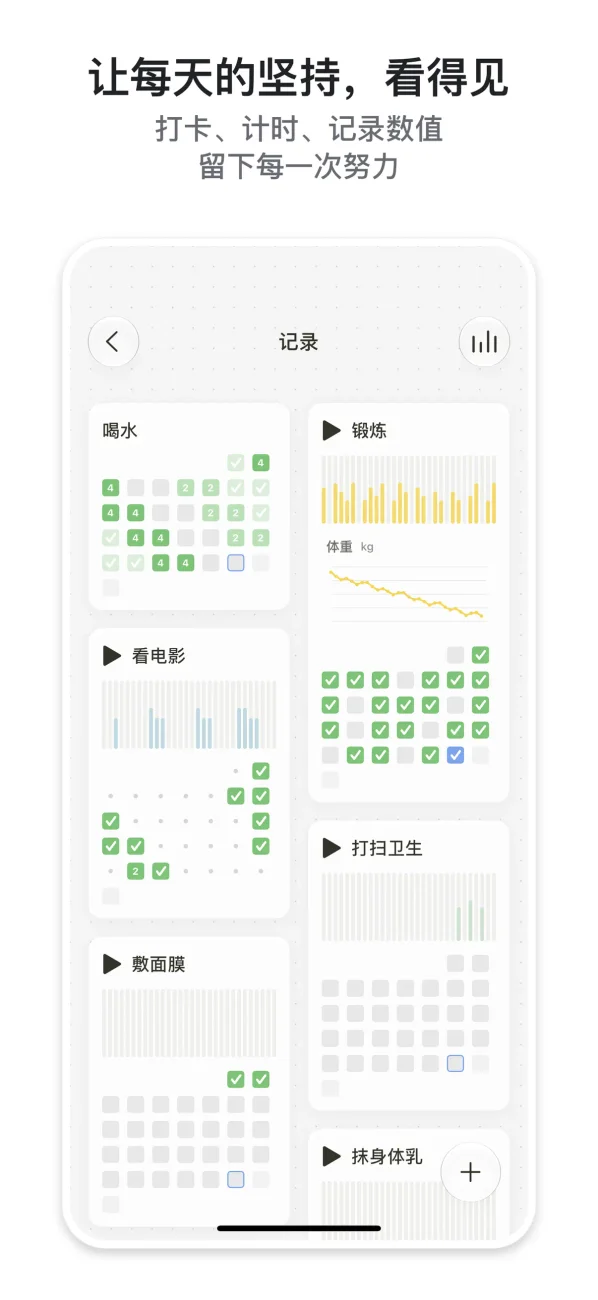
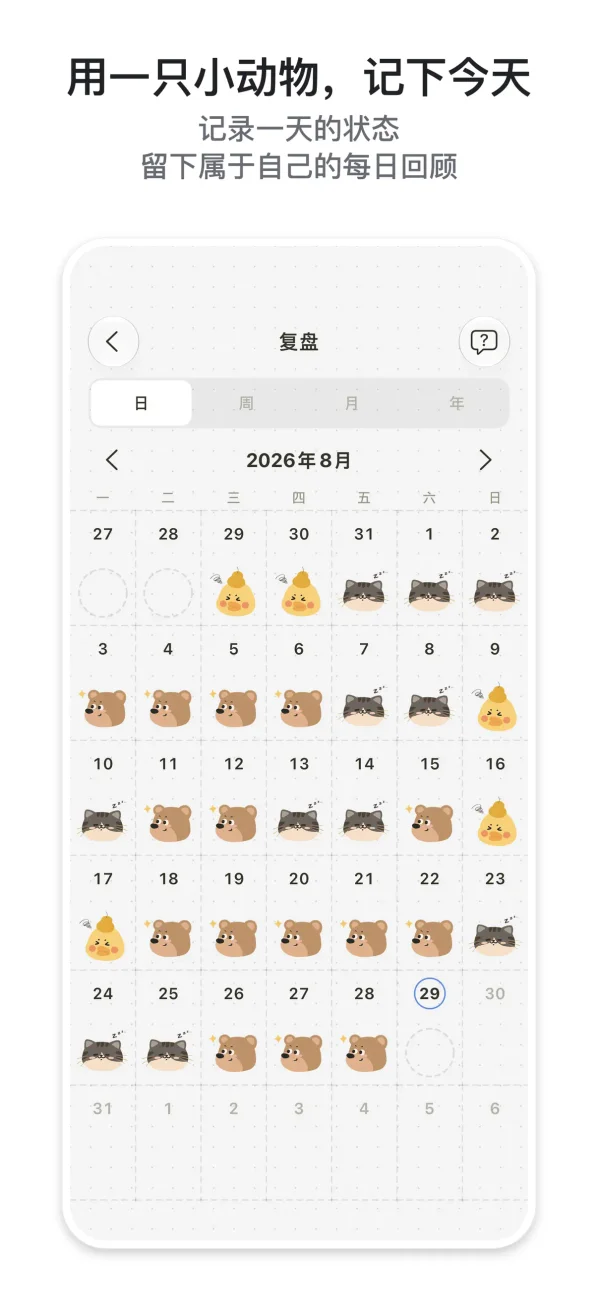
KEEP A RECORD OF YOUR EFFORT
Track time spent on activities, check in on habits, and log values that matter to you. Look back at your daily timeline to see where your time went.
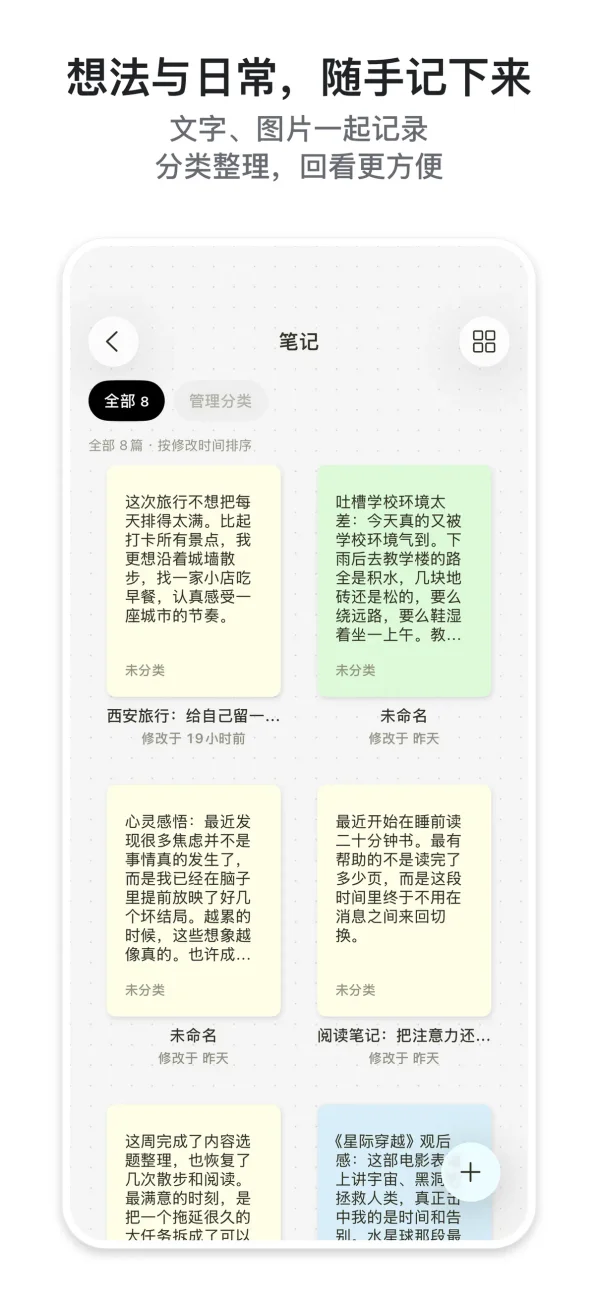
CAPTURE IDEAS ALONG THE WAY
Save notes with text and photos, then organize them by category. Keep ideas, useful details, and everyday moments close at hand.
Start with one plan. Add the next few tasks. Make this week a step toward what matters to you.
Privacy Policy
https://mokkaiox.com/en/stepia/privacy/
Terms of Use
https://mokkaiox.com/en/stepia/terms/
Có gì mới
Phiên bản 5.8 · 21/11/2026
- Improved subtask alignment in task details
- Completed tasks and subtasks now appear with a strikethrough in task details
- Completed subtasks now appear with a strikethrough in the task list
- Swipe left or right in the notes list to switch categories
- Create an event while adding a past entry to the timeline
- Tap an event on the timeline to delete it
- New notes now have a white background by default
- Added three video tutorials for the timeline
Quyền riêng tư của ứng dụng
Những gì 滴水 王 khai báo trên App Store về cách ứng dụng này xử lý dữ liệu.
-
Dữ liệu không liên kết với bạn
Có thể được thu thập nhưng không liên kết với danh tính của bạn.
- Mã định danh
- Dữ liệu sử dụng
- Chẩn đoán
Phương thức đảm bảo quyền riêng tư có thể khác nhau, chẳng hạn như tuỳ theo các tính năng bạn sử dụng hoặc độ tuổi của bạn.
Thông tin
- Người bán
- 滴水 王
- Danh mục
- Hiệu Suất
- Phiên bản
- 5.8
- Cập nhật
- 21/11/2026
- Phát hành
- 13/05/2026
- Kích thước
- 129,7 MB
- Yêu cầu
- iOS 18.0 trở lên
- Độ tuổi
- 4+
- Giá
- Miễn phí
- Mua hàng trong ứng dụng
- Có
- Ngôn ngữ
- Tiếng Anh, Tiếng Pháp, Tiếng Đức, Tiếng Ý, Tiếng Nhật, Tiếng Hàn, Tiếng Bồ Đào Nha, Tiếng Trung Giản thể, Tiếng Tây Ban Nha, Tiếng Trung Phồn thể
- Bản quyền
- © Mokkaiox 2026
Có thể bạn cũng thích
-
 TidyDay - AI每日计划清单·周计划表·时间管理Hiệu Suất
-
 DayPilot: AI Tasks & CalendarHiệu Suất
-
 Planbook - Plans, Tasks, NotesHiệu Suất
-
 计划清单·ontodo-日程安排打卡日历Hiệu Suất
-
 时间流-高效记录时间Hiệu Suất
-
 TapHabit - Daily Habit TrackerHiệu Suất
-
 ToReach: Goals & Life PlannerHiệu Suất
-
 人生看板:向理想生活一点点靠近Hiệu Suất
-
 橙子计划:计划清单 自律打卡 todo番茄钟 提醒备忘录Hiệu Suất
-
 倍刻ListHiệu Suất