
- Age rating4+
- CategoryProductivity
- DeveloperiQuest, inc.
- LanguagesEnglish
- Size61.1 MB
Links to the official App Store page
Download.org hosts no file of iQagent for iPhone. The button opens its official App Store page, published by iQuest, inc. Listing last checked on Nov 14, 2026.
Screenshots
About
iQagent recognizes equipment on the plant floor and displays relevant live data, schematics and other resources about it on your iPhone or iPad.
The iQagent for iPhone app delivers live process data and access to relevant resources (such as Reference manuals, schematics, Preventative Maintenance schedules, Vendor Contacts, etc) for all of your process equipment, instantly to your iPhone.
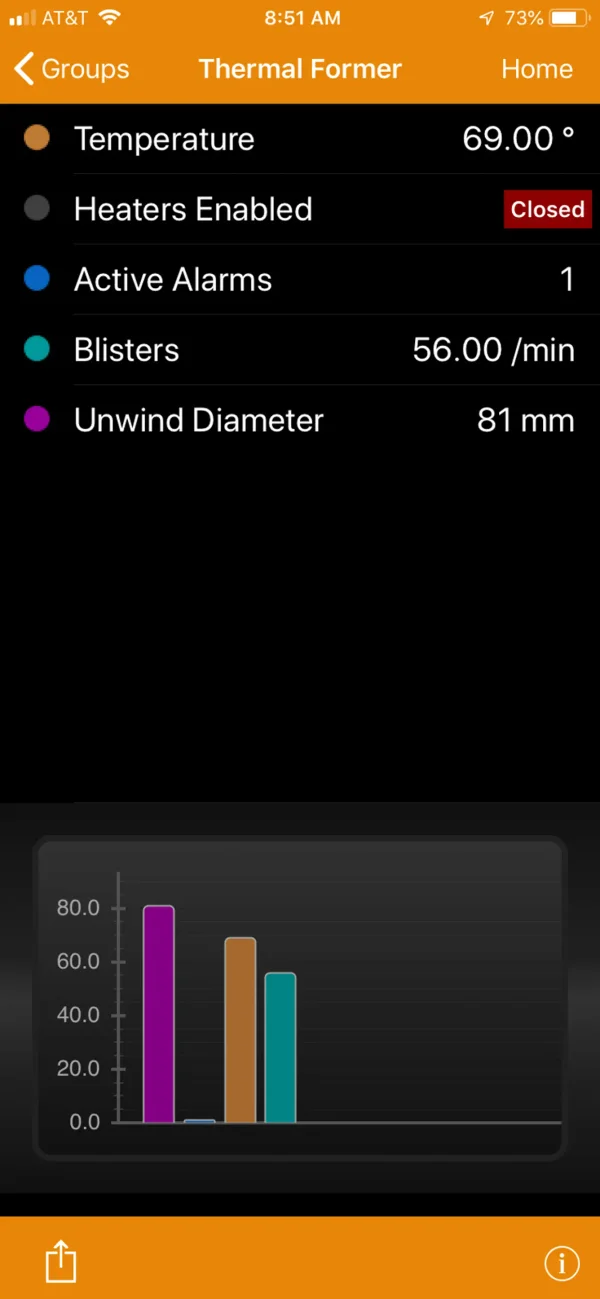
For instance, you could walk up to a assembly line, scan a QR code with your iPhone or iPad, and show the number of units produced, production rate, and number of rejects, all live data from your HMI, SCADA, PLC or Database. You can also view preventative maintenance actions and trouble reports from your local systems, or call up production schedules from a database, or email or call a vendor or supervisor.
You don't have to be near the equipment to see the data; our on-screen browser lets you call up process information anywhere you have access to the Plant Network, even over cellular! Call up live process data in a meeting, from your desk, or during a quick hallway conversation.
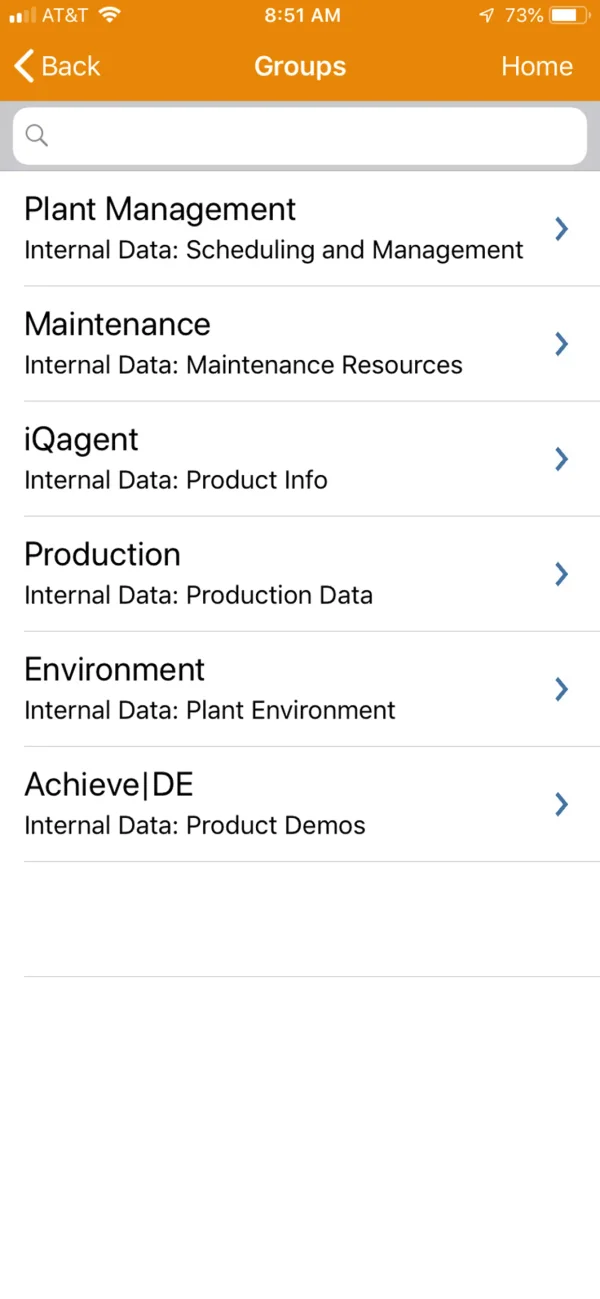
iQagent comes with a fully functional Demo Server onboard so you can see how it works in seconds! Just download the app, then visit our support URL Below to scan one of the sample QR Codes to see it in action! You can also just select items from the on-screen browser.
iQagent works with our iQagent server application (available through iQuest, inc) which is installed in your plant. First, Points Of Interest (POIs) are configured for any equipment, process or machine on your plant floor using the iQagent Server and Configuration utility. Each POI is linked with process data points from your HMI or PLC via OPCDA, OPCUA or ODBC, as well as reference data including parts lists, equipment manuals, vendor contact info, and links to internal work order entry and trouble reporting applications. A unique QR Code is then generated which uniquely identifies the POI to the iQagent application.
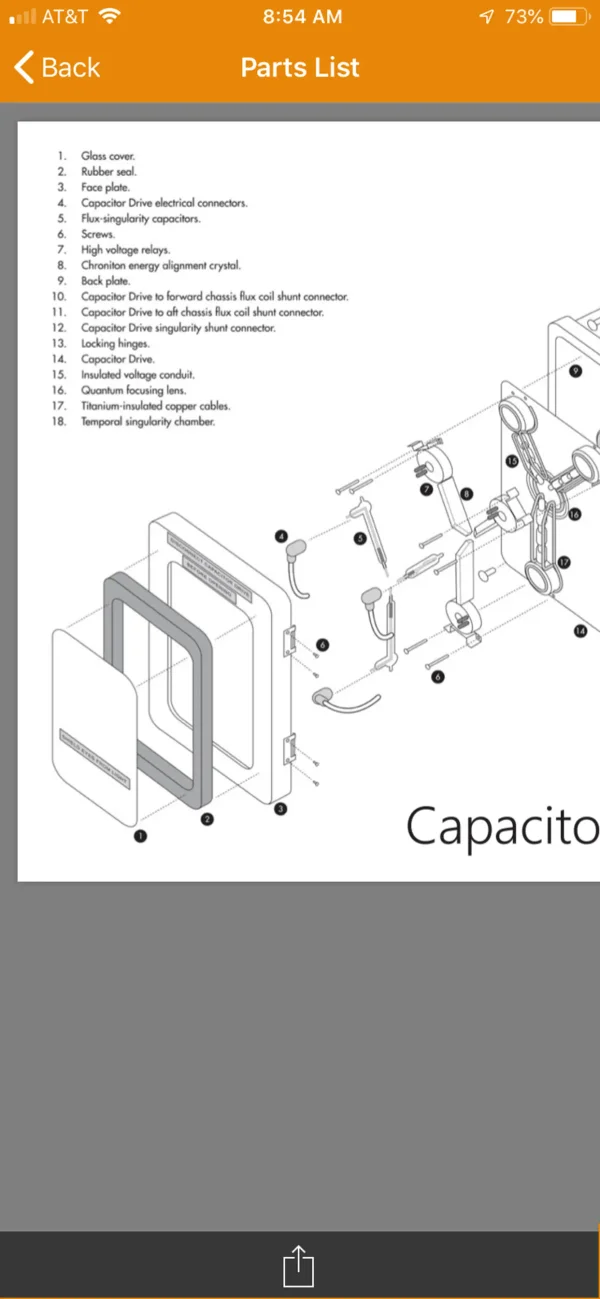
iPad and iPhone users can then use iQAgent to scan the POI’s QR Code to display a data view containing the configured process data as live values, trends, pie charts, or bar graphs. The Info view allows direct access to relevant equipment manuals, parts lists, and work order entry systems with a single tap.
Having unplanned downtime? The iPad version contains a holistic recording feature to capture the problem, including live video and audio, overlaid with process data, info links and on-screen annotations. The resulting MP4 video can be analyzed by offsite resources for a quicker resolution, many times alleviating the need for a costly onsite visit.
What’s new
Version 5.8 · Jul 15, 2025
We’ve updated the app to make sure everything continues to work great for you.
App privacy
What iQuest, inc. declares on the App Store about how this app handles data.
-
Data not collected
The developer does not collect any data from this app.
Privacy practices may vary, for example with the features you use or your age.
Information
- Seller
- iQuest, Inc.
- Category
- Productivity
- Version
- 5.8
- Updated
- Jul 15, 2025
- Released
- Jun 10, 2012
- Size
- 61.1 MB
- Requires
- iOS 12.0 or later
- Age rating
- 4+
- Price
- Free
- Languages
- English
- Copyright
- © 2015, iQuest, Inc.
You might also like
-
 TaskVibePilotWork and task manager
-
 MyTasqsDaily Tasks Made Simple
-
 Report Management SystemProductivity
-
 Link Drawer: Save LinksAI link saver & read later
-
 NetbookNetbook - Book for Networks
-
 PolyWorks|DataLoopProductivity
-
 IDrive360Productivity
-
 InspectNTrack: Fire InspectionFire Safety Inspection
-
 Quantum Programming CompilerLearn & execute quantum codes
-
 Remote PLCCLICK PLC monitor and control