- Age rating4+
- CategoryProductivity
- DeveloperAutomationdirect.com
- Size92.1 MB
Links to the official App Store page
Download.org hosts no file of Remote PLC. The button opens its official App Store page, published by Automationdirect.com. Listing last checked on Nov 15, 2026.
Screenshots

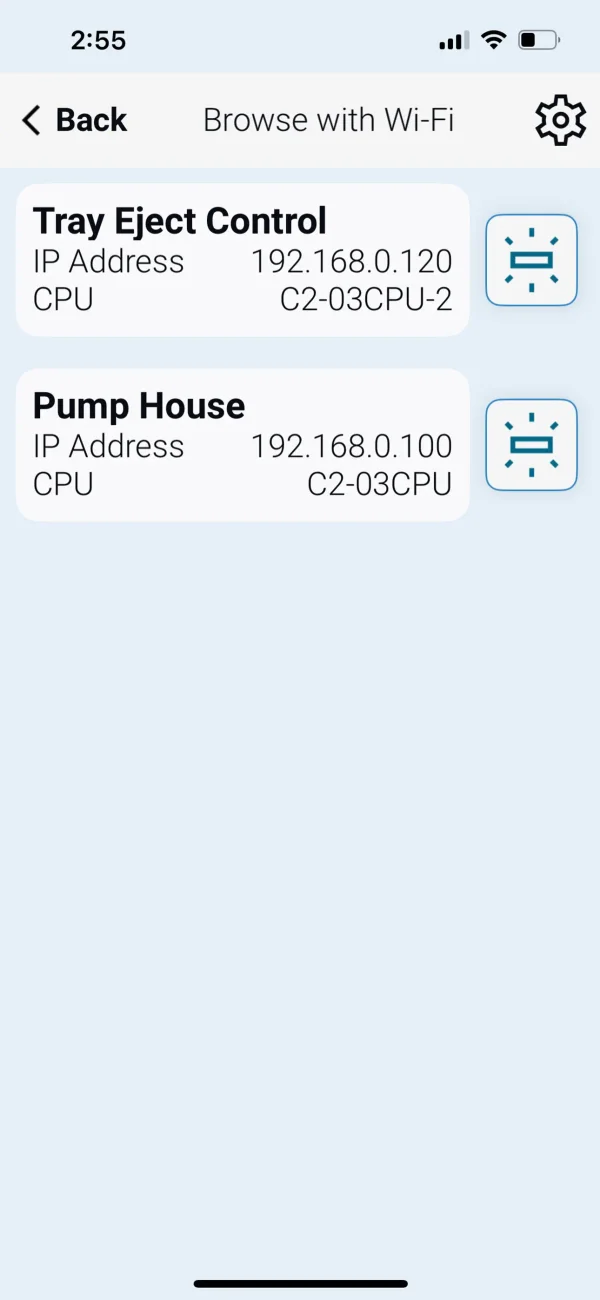
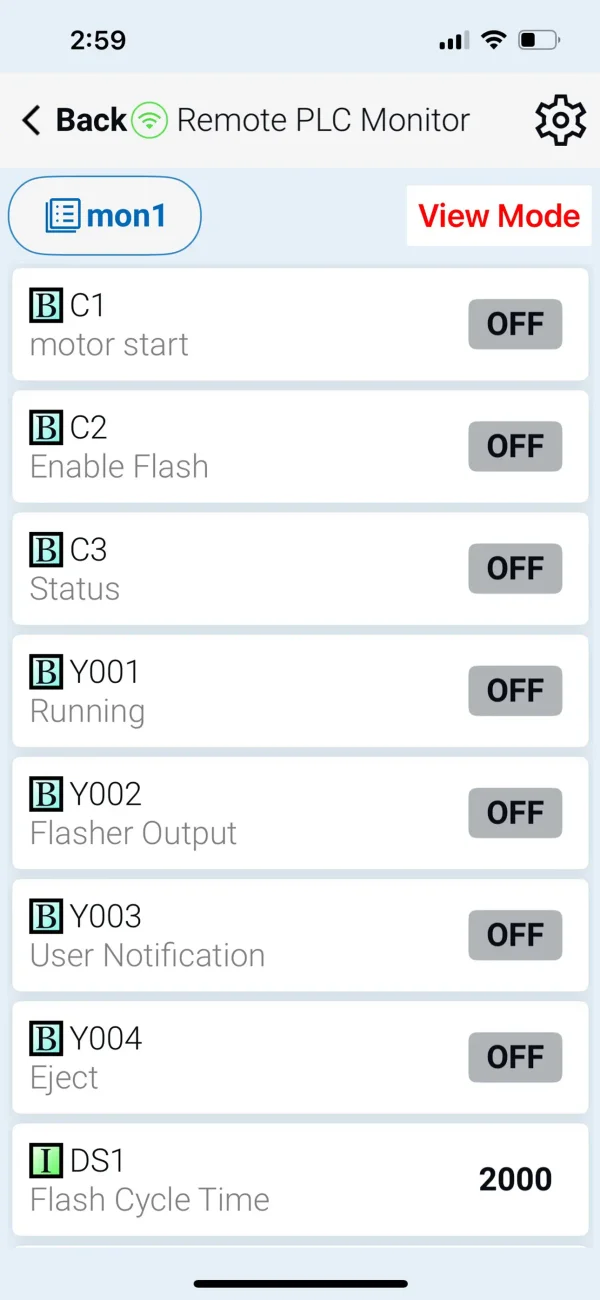
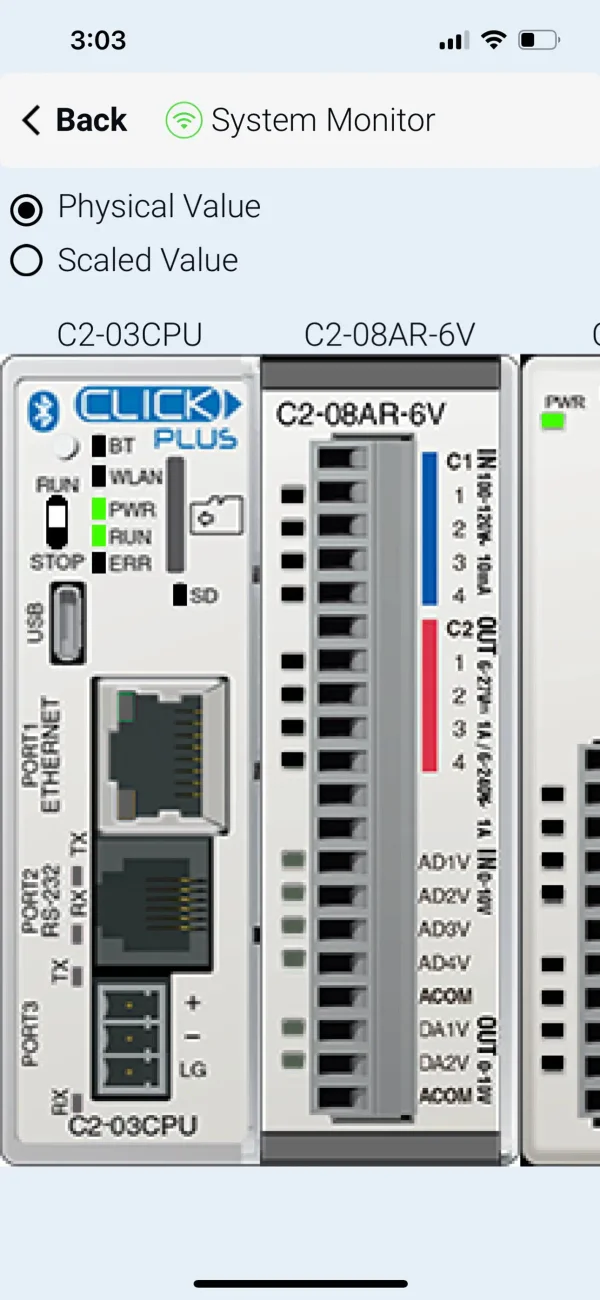
About
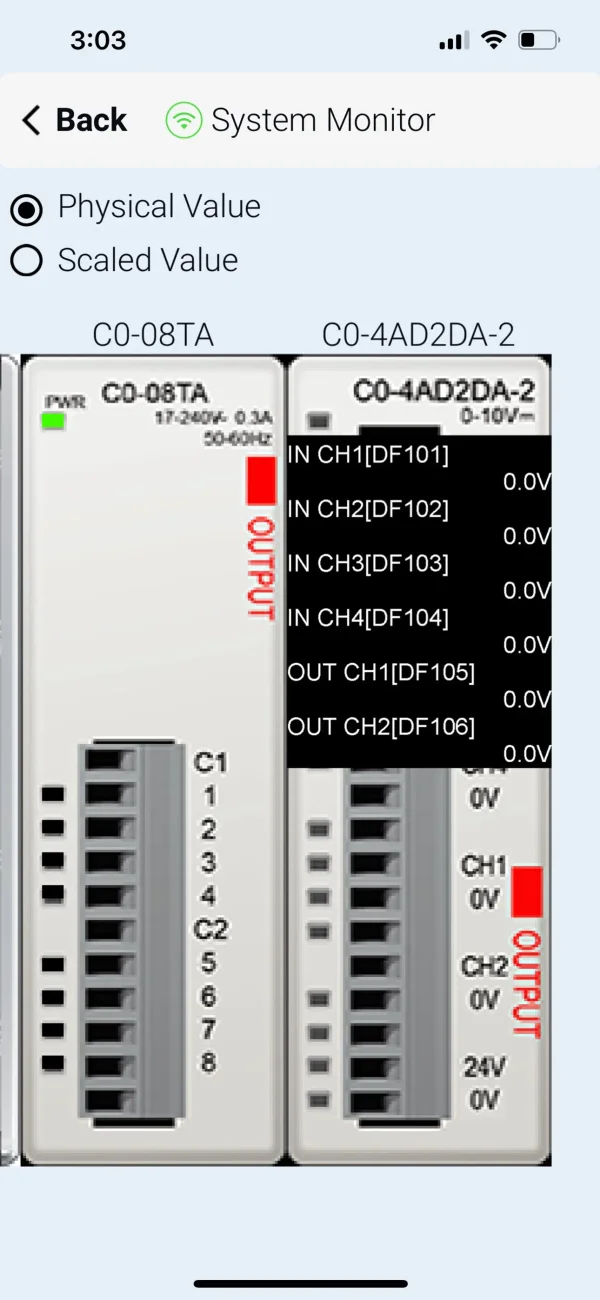
Remote PLC is an application for real time monitoring and control for the CLICK and CLICK PLUS Programmable Control product lines offered by Automationdirect.com. For this app to function as designed, a CLICK PLC with ethernet or Bluetooth support is required.
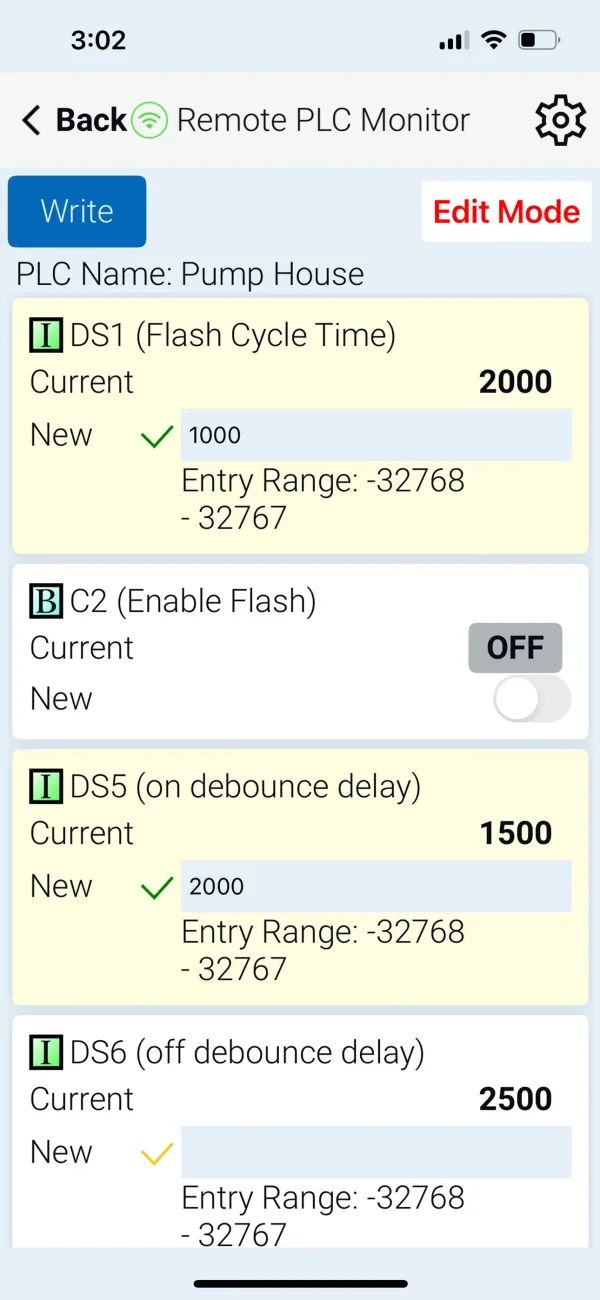
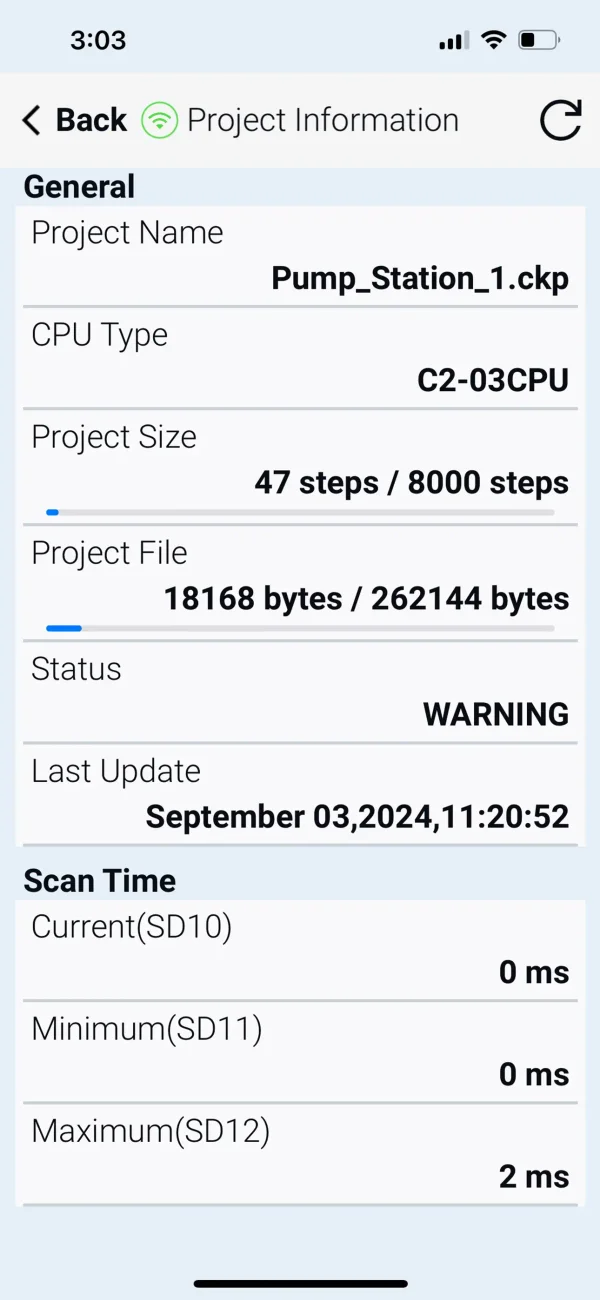
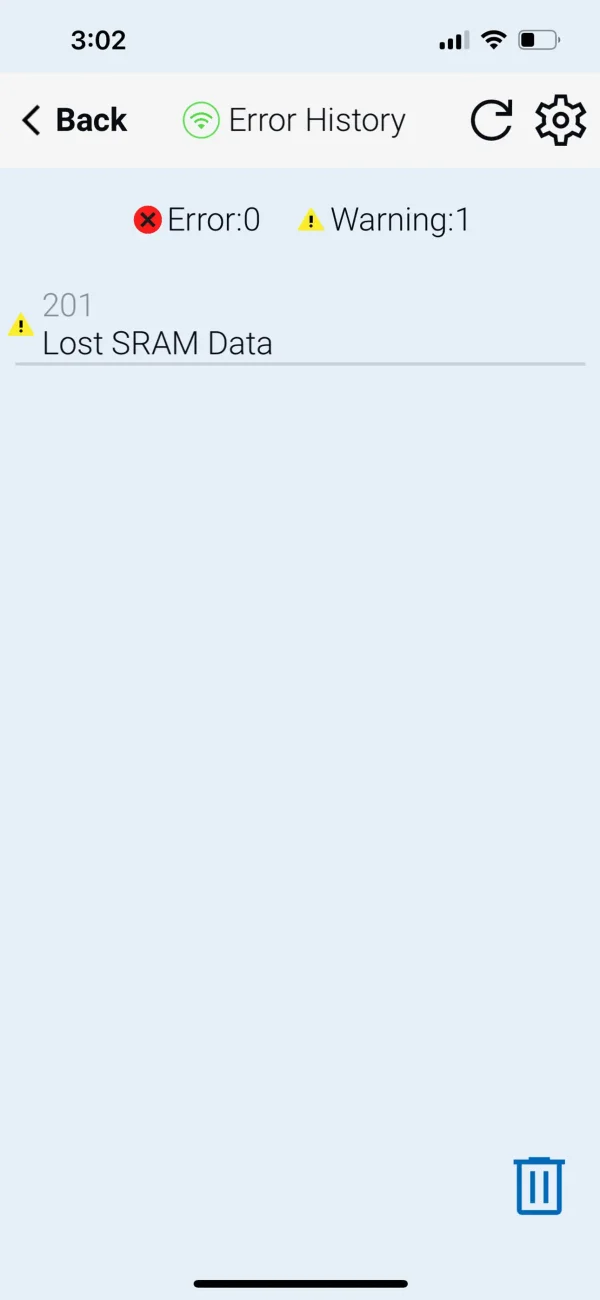
The Remote PLC app offers a quick method of connecting to a PLC to view and edit values in the PLC registers, as well as check the PLC project information, including the Error logs.
Main Features:
-Multiple Level User Accounts. Once connected, the authorized users can view and edit Monitor Windows based on their permission levels setup in the project file.
-Custom Monitor windows can be created and stored to the PLC using the CLICK Programming software version 3.60 or later. Monitor Window access can be based on the user permissions.
- Monitor and edit designated discrete and integer values within the PLC. Timer / Counter values can easily be viewed and edited.
- PLC type and status, such as PLC Error Logs, scan times (Min and Max), as well as Project file information.
Requirements:
• All current CLICK and CLICK PLUS PLCs with ethernet/Bluetooth support the Remote PLC app.
• The PLC must be using firmware Version 3.60 or later.
• CLICK Programming Software Version 3.60 or later is required to program and configure the PLC to support the Remote PLC App.
• The CPU must have compatible network settings with the device running the Remote PLC App.
What’s new
Version 1.5 · Jun 18, 2026
-Added support for Biometric Authentication sign-in.
-Updated app to run on iOS 26.
-Fixed garbled values displayed when typing in TXT1–TXT128.
-Fixed entered value disappearing after writing in Edit Mode (BLE/Wi-Fi).
-Fixed app getting stuck on "Reconnecting" when minimized and resumed repeatedly.
-Fixed app crash when pressing Refresh repeatedly on Browse with BLE screen.
App privacy
What Automationdirect.com declares on the App Store about how this app handles data.
-
Data not collected
The developer does not collect any data from this app.
Privacy practices may vary, for example with the features you use or your age.
Information
- Seller
- Automationdirect.com
- Category
- Productivity
- Version
- 1.5
- Updated
- Jun 18, 2026
- Released
- Sep 10, 2024
- Size
- 92.1 MB
- Requires
- iOS 16.1 or later
- Age rating
- 4+
- Price
- Free
- Copyright
- © Copyright (C) 2024 - 2026 JTEKT ELECTRONICS CORPORATION
You might also like
-
 PLC AssistanceAI for PLC Engineers
-
 Unitronics' Remote OperatorProductivity
-
 TDLogix PortalProductivity
-
 EasyAccess 2.0Remote Access to Your Machines
-
 SMART KeypadProductivity
-
 irPanel LiteSimple touch panels for PLC
-
 SIMATIC S7-1200 G2 NFCProductivity
-
 cMT ViewerProductivity
-
 Sm@rtClientProductivity
-
 Honeywell EasySetProductivity