
Ivy To Do - Task Checklist
What matters most, first
Designed for iPhone, iPad
Free · In-app purchases
- Age rating4+
- CategoryProductivity
- Developermongdaewon
- LanguagesEnglish+ 8 more
- Size7.0 MB
Links to the official App Store page
Download.org hosts no file of Ivy To Do - Task Checklist. The button opens its official App Store page, published by mongdaewon. Listing last checked on Nov 25, 2026.
Screenshots

About
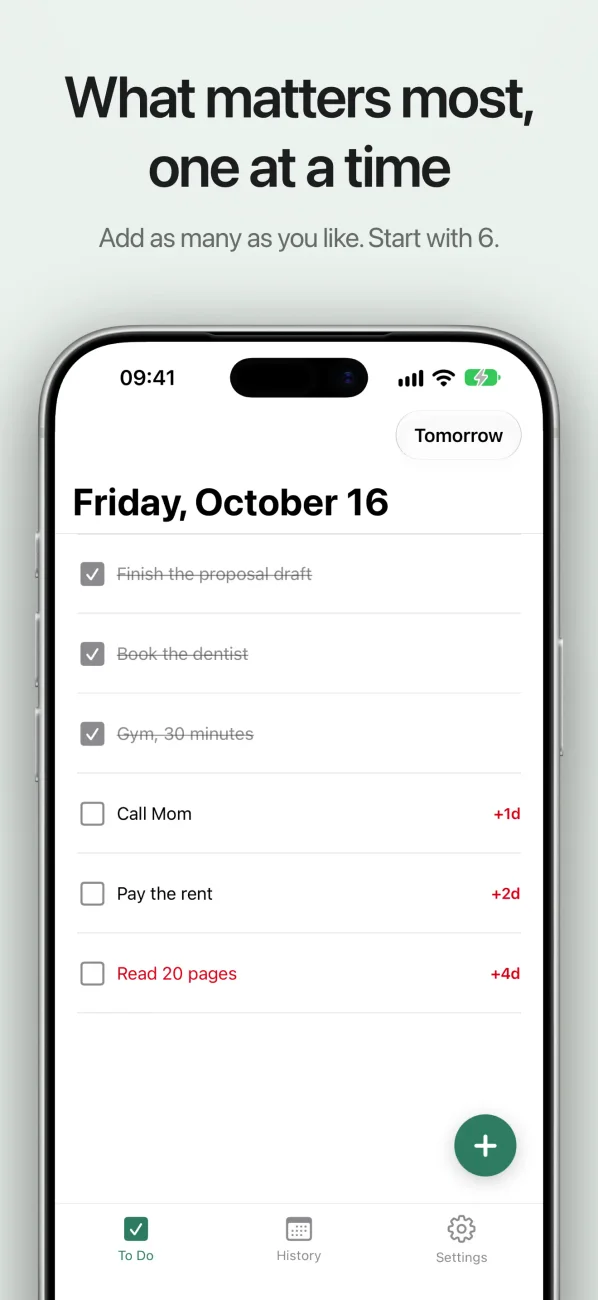
What matters most, one at a time.
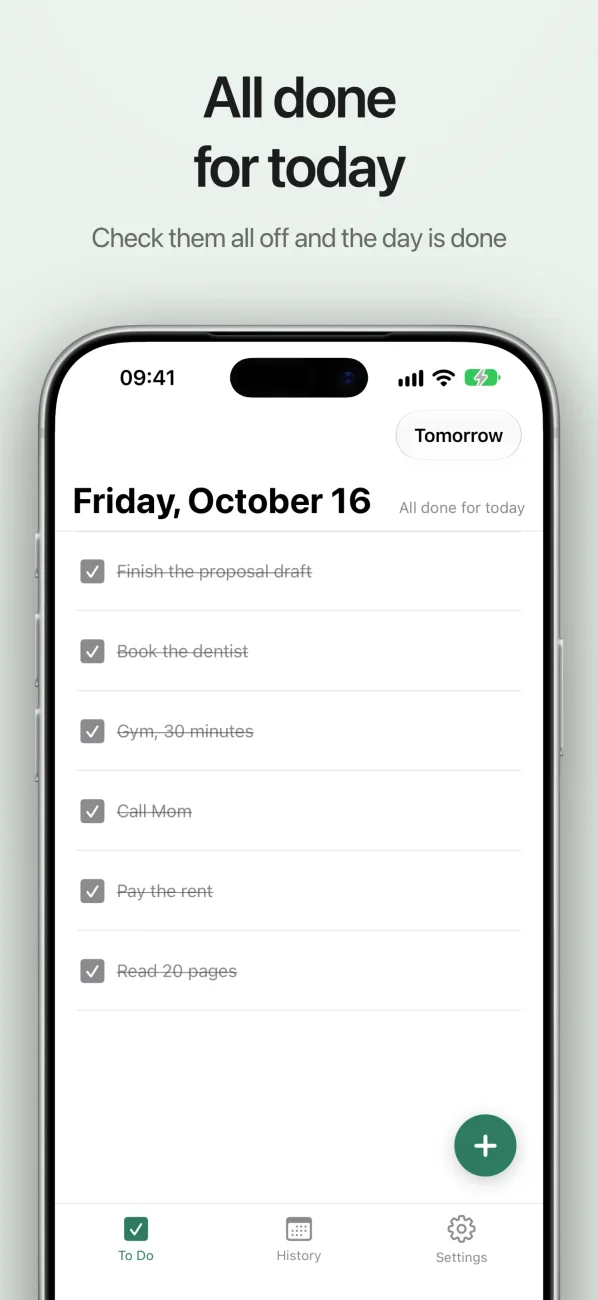
Ivy To Do is a to-do list inspired by the Ivy Lee Method: every evening, write down the most important things for tomorrow, put them in order, and start with the first one. Add as many tasks as you like.
HOW IT WORKS
• Following the Ivy Lee Method, we suggest starting with your 6 most important. No tags, no due dates, no folders.
• Drag to put the most important task first.
• Unfinished tasks carry over to tomorrow on their own, with a +1d badge so you can see how long they have waited.
• Plan tomorrow tonight on the Tomorrow tab.
WIDGETS
• Home Screen widgets from small to extra large. Check tasks off right on the widget.
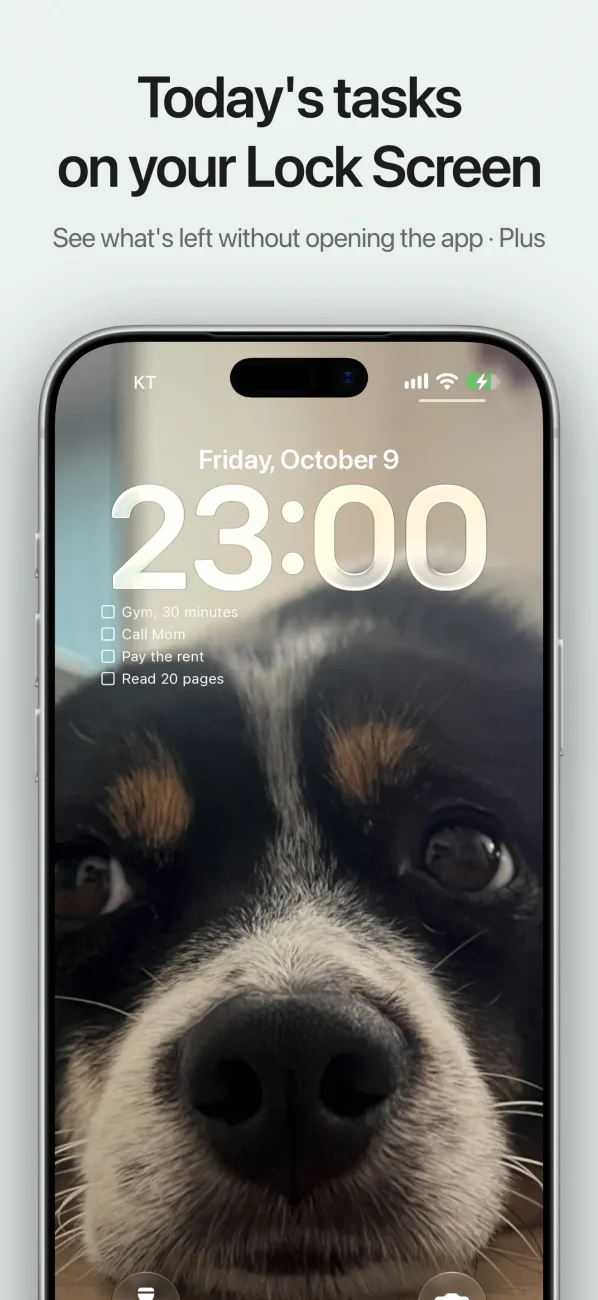
• Lock Screen widgets: what's left as a list, or a progress ring (Plus).
• Apple Watch: check off today's tasks, swipe to see tomorrow, and keep what's left on your watch face (Plus).
REMINDERS
• Set up to 6 reminders, each with its own name and time. Each one tells you what's first today, or how many tasks are still left.
• The app icon badge shows how many tasks remain.
HISTORY
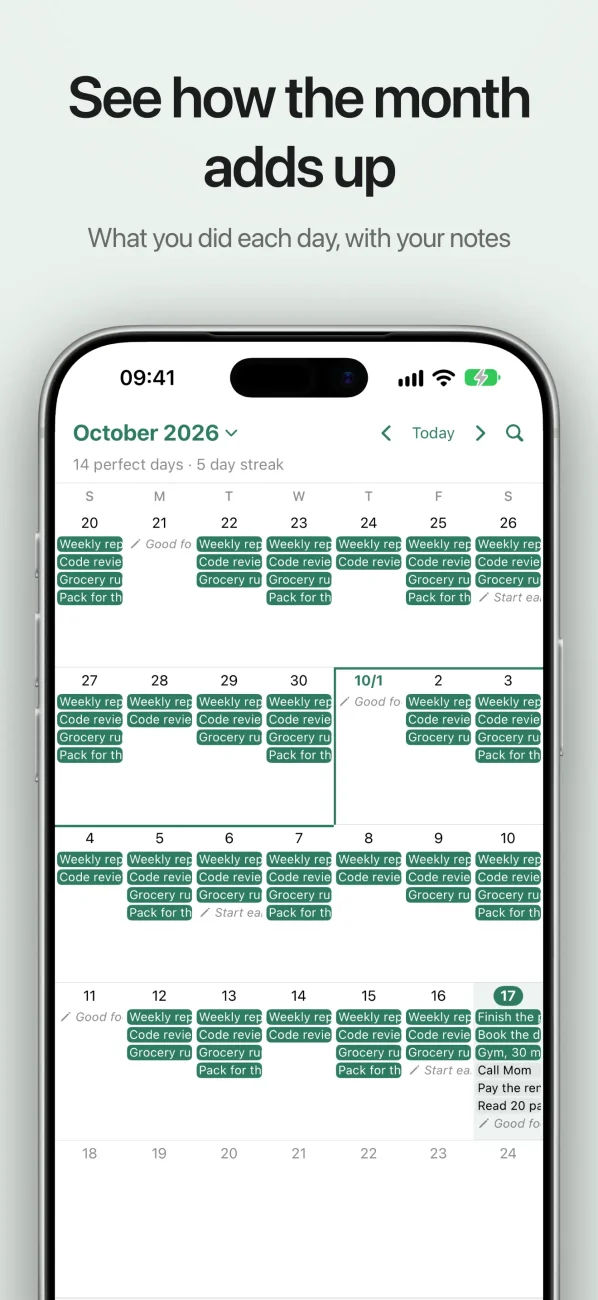
• A calendar of every day, with a monthly summary: tasks done, perfect days, current streak.
• A one-line memo for each day, and search across tasks and memos.
MORE
• Add a task with Siri or Shortcuts.
• Keyboard shortcuts on iPad and Mac.
• Works on iPhone, iPad and Apple silicon Mac. No ads, no account.
ALWAYS FREE
Tasks, reminders, history and Home Screen widgets are free.
IVY TO DO PLUS (one-time purchase)
• Lock Screen widgets
• iCloud sync between iPhone, iPad and Mac
• Apple Watch app
• App icon choices
Family Sharing included.
THE IVY LEE METHOD
In 1918, Charles Schwab, president of Bethlehem Steel, asked consultant Ivy Lee how his team could get more done. Lee's advice: each evening, write down the six most important things for tomorrow, number them, start with the first, don't move on until it's done, carry the rest over, and repeat. Three months later, Schwab sent him a check for $25,000. A century on, it still works.
What’s new
Version 20261124.1.0 · Nov 24, 2026
Change the app icon to dark or one of several colors in Settings (Plus).
The default icon now fits the dark and tinted Home Screen.
App privacy
What mongdaewon declares on the App Store about how this app handles data.
-
Data not linked to you
May be collected but is not linked to your identity.
- Purchases
- Identifiers
- Usage data
Privacy practices may vary, for example with the features you use or your age.
Information
- Seller
- mongdaewon
- Category
- Productivity
- Version
- 20261124.1.0
- Updated
- Nov 24, 2026
- Released
- Mar 15, 2026
- Size
- 7.0 MB
- Requires
- iOS 17.0 or later
- Age rating
- 4+
- Price
- Free
- In-app purchases
- Yes
- Languages
- English, French, German, Japanese, Korean, Portuguese, Simplified Chinese, Spanish, Traditional Chinese
- Copyright
- © 2026 Mongdaewon
You might also like
-
 Memo PaperProductivity
-
 Runn: To-Do List & WidgetSimple Tasks, Checklist & Sync
-
 LOG Todo - To Do List, PlannerDaily checklist & routines
-
 Claridy - Ivy Lee Method6 Tasks a Day, Done Right
-
 DreamTodo - 할 일 일정관리To-do list, calendar & habits
-
 Gridpaper: To-Do & DiaryTo-dos, events, goals, diary
-
 Focus 6: Daily to doSimple Task & Priority Planner
-
 Ivy: Plan. Do. Reflect.Daily commitment and reminders
-
 Focus Six: Daily Task PlannerTo-Do List, Timer & Streaks